

Artificial Intelligence (AI) isn’t just a buzzword anymore; it’s transforming how we work, making us more efficient and creative. In 2024, AI productivity tools have evolved into indispensable assets for professionals across various fields. Here’s our curated list of the top 10 AI tools that can revolutionize your workflow:
Table of Contents
AI Writing Assistants
Jasper
Jasper is a versatile AI writing tool that helps you create various types of content, from blog posts to marketing copy. Its user-friendly interface and diverse templates make it suitable for both beginners and experienced writers.
Key Features: Content generation, templates, long-form writing assistant, multiple languages.
Pros: User-friendly, versatile, and good for SEO optimization.
Cons: Can be repetitive, and requires fact-checking.
Grammarly Business
Grammarly Business goes beyond basic grammar and spelling checks. It offers advanced features like tone adjustments, style guides, and plagiarism detection, making it a valuable tool for professional writing.
Key Features: Grammar and spelling checks, style suggestions, tone adjustments, plagiarism detection.
Pros: Comprehensive writing assistance, integrates with various platforms.
Cons: It can be expensive for individual users.
Writesonic
Writesonic focuses on AI-powered copywriting and content generation. It can help you brainstorm ideas, write product descriptions, social media posts, and even full articles.
Key Features: Copywriting templates, content generation, paraphrasing, AI article writer.
Pros: Wide range of templates, affordable.
Cons: Quality of output can vary.
AI Meeting Assistants
Otter.ai
Otter.ai is a powerful meeting assistant that transcribes and summarizes meetings in real time. It can also highlight action items and key points, making it easier to follow up and stay on track.
Key Features: Real-time transcription, meeting summaries, action item tracking, speaker identification.
Pros: Accurate transcription, user-friendly interface.
Cons: The free plan has limitations, and can be expensive for large teams.
Fireflies.ai
Fireflies.ai is another excellent meeting assistant that offers features like note-taking, transcription, and even AI-powered conversation analysis. It integrates seamlessly with popular video conferencing platforms.
Key Features: Meeting transcription, note-taking, conversation analytics, integrations with Zoom, Google Meet, etc.
Pros: Robust features, good for teams.
Cons: Learning curve for some features.
AI Email Management
Superhuman
Superhuman is an email client designed to help you blaze through your inbox. It uses AI to prioritize emails, schedule follow-ups, and automate repetitive tasks.
Key Features: AI-powered email prioritization, scheduling, and automation.
Pros: Significantly speeds up email management, and the interface is clean and intuitive.
Cons: Expensive, limited to Gmail users.
AI Project Management
ClickUp AI
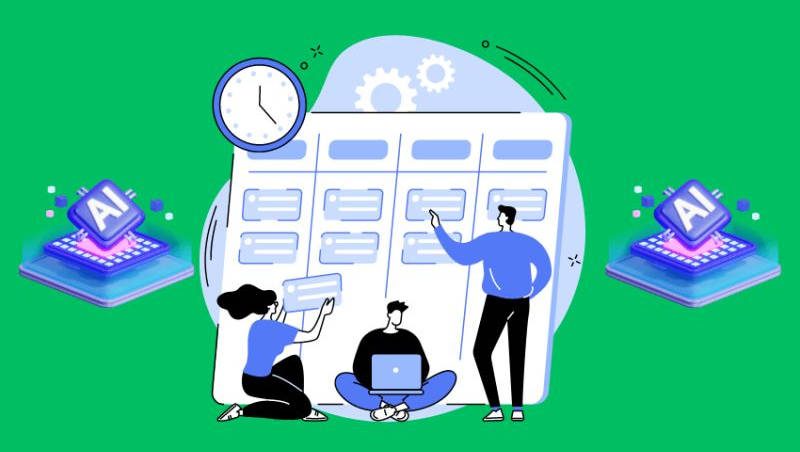
ClickUp AI brings the power of AI to project management, automating tasks, generating reports, and summarizing documents. It can help teams save time and focus on the most important aspects of their projects.
Key Features: AI task automation, reporting, document summaries, and goal tracking.
Pros: Comprehensive project management features and AI enhance productivity.
Cons: Steep learning curve, and AI features can be expensive.
AI Design & Creative

Beautiful.ai
Beautiful.ai makes it easy to create professional-looking presentations, even if you’re not a designer. It offers AI-powered design suggestions and smart templates that adapt to your content.
Key Features: AI design suggestions, smart templates, customizable designs, and collaboration features.
Pros: User-friendly, create visually appealing presentations.
Cons: Limited customization compared to professional design software.
Also read: Jasper vs. Copy.ai: Detailed Comparison of AI Writing Generators
AI Customer Service
Intercom
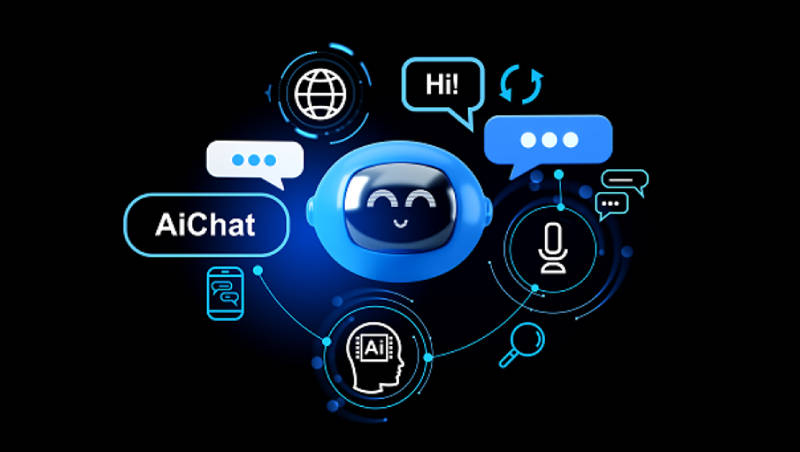
Intercom uses AI to automate customer support, answer common questions, and resolve issues quickly. It can also help you personalize your customer interactions for a better experience.
Key Features: AI chatbots, automated customer support, personalized messaging.
Pros: Improves customer satisfaction, and reduces support workload.
Cons: It can be expensive for small businesses.
AI Note-Taking
Mem
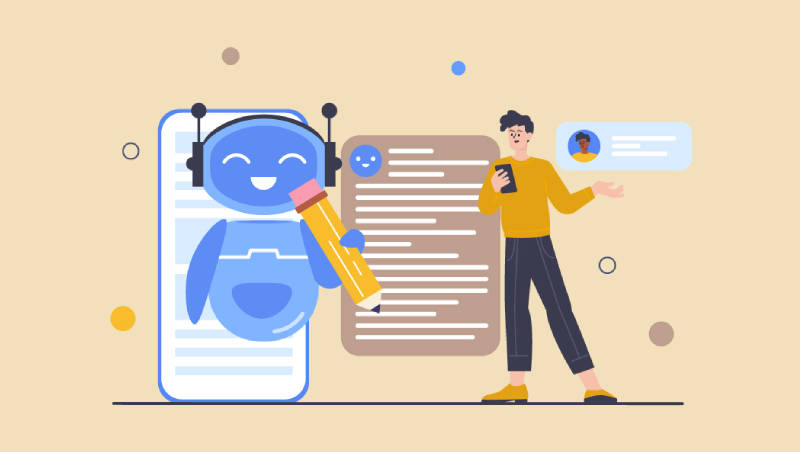
Mem is an AI-powered note-taking app that helps you capture, organize, and connect ideas effortlessly. It uses natural language processing to understand your notes and surface relevant information when you need it.
Key Features: Smart note-taking, AI-powered search, concept linking, integrations with other tools.
Pros: Intuitive interface, powerful search, helps you make connections between ideas.
Cons: Relatively new, some features still in development.
Best AI Productivity Tools
| Tool Name | Website | Pricing | Best For |
| Jasper | https://www.jasper.ai/ | Free trial, paid plans start at $29/month | AI writing assistant, content generation |
| Grammarly Business | https://www.grammarly.com/business | Contact for pricing | Professional writing assistance |
| Writesonic | https://writesonic.com/ | Free trial, paid plans start at $15/month | AI copywriting, content generation |
| Otter.ai | https://otter.ai/ | Free plan, paid plans start at $8.33/month | Meeting transcription and summaries |
| Fireflies.ai | https://fireflies.ai/ | Free plan, paid plans start at $10/month | Meeting assistant, note-taking |
| Superhuman | https://superhuman.com/ | $30/month | Email management (Gmail only) |
| ClickUp AI | https://clickup.com/ | Free plan, paid plans start at $5/user/month | Project management, AI automation |
| Beautiful.ai | https://www.beautiful.ai/ | Free plan, paid plans start at $12/month | AI-powered presentations |
| Intercom | https://www.intercom.com/ | Contact for pricing | AI customer support |
| Mem | https://get.mem.ai/ | Free plan, paid plans start at $10/month | AI note-taking |
Frequently Asked Questions (FAQs)
1. Are AI productivity tools safe to use?
Yes, reputable AI productivity tools are generally safe to use. However, be mindful of the data you share and read the privacy policies of each tool to ensure your information is protected.
2. How do you get the most out of AI productivity tools?
Experimenting with different tools to find the ones that best suit your needs is crucial. One has to take advantage of free trials and tutorials to learn how to use the tools effectively.
3. What are the ethical considerations of using AI tools?
As AI tools become more powerful, it’s important to consider their ethical implications. Be mindful of potential biases in the data used to train AI models and ensure that the tools you use are transparent and explainable.
