

Want to draw amazing pictures on your computer but don’t want to spend money? We have just the right software list for you! These best free drawing software programs are like having a whole art studio on your device, perfect for beginners or anyone who loves to get creative. From painting like a pro to sketching silly doodles, these tools will unleash your inner artist without costing a dime. Let’s explore some of the best!
Table of Contents
Top 10 Free Drawing Software in 2024
| S.No. | Software Name | Best Suited For |
| 1. | GIMP | Photo retouching and image editing |
| 2. | Inkscape | Artwork such as Logos and Icons for illustrations and diagrams |
| 3. | My Paint | Beginner-level users for basics |
| 4. | Paint 3D | Beginner-level users for 3D rendering |
| 5. | Artweaver Free | Both Beginner and Advanced users |
| 6. | Clip Studio | Comic and Manga |
| 7. | Painter | Beginner-level users for basics |
| 8. | YouiDraw Drawing | Graphic Designing |
| 9. | Twisted Brush Pro | More advanced and professional users |
| 10. | Krita | Creating digital pixel art and adding 3D texture in images |
GIMP
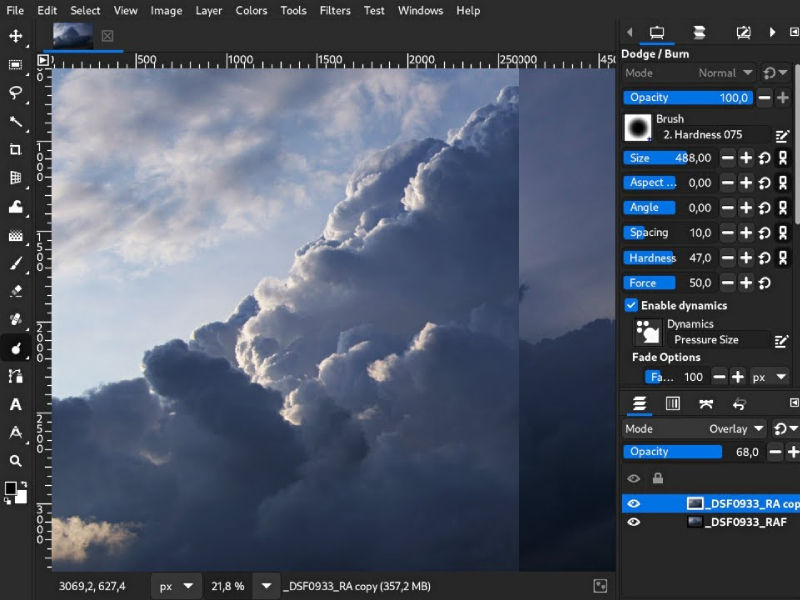
GIMP is a cross-platform program for modifying images that lets you work with the source code. The software’s performance is enhanced by the division of the user interface into three sections: the editing area, toolbox, and channels. Advanced editing tools including digital retouching, scribus, and channel modification are also available. Furthermore, it includes an open-as-layer feature that lets you map one image onto another’s layer. Productivity can be increased with the help of this customizable software that is expandable.
Key Features
- Built-in Templates
- Premium Icons to use
- Image Editor
- Transparency Tool
Pros
- Cross-platform image editor
- Color management and many customization options
- Integration with many programming languages including Scheme, Python, Perl, and more.
Cons
- Limited CMYK support
- Steep Learning Curve
- Plugin Dependency
- Limited Community Support
Compatibility
GIMP is a cross-platform image editor available for GNU/Linux, macOS, Windows and more operating systems
Pricing
GIMP offers a Freemium plan and users can even change its source code and redistribute their changes.
Inkscape

Inkscape is a versatile open-source vector graphics editor suitable for creating a variety of artwork such as logos and icons for illustrations and diagrams. It comes with a user-friendly interface with tools for drawing, shaping, text manipulation, and color management. Inkscape also supports scalable vector graphics (SVG) format, allowing for seamless integration with web design and other applications. Its features include bezier curves, node editing, layers, and gradients.
Key Features
- Flexible drawing tools
- Broad file format compatibility
- Powerful text tool
- Bezier and spiro curves
Pros
- Free and Open Source
- SVG Support
- Wide range of tools and features to work with
Cons
- Limited CMYK Support, Problem for print-oriented projects
Compatibility
Inkscape is a cross-platform image editor available for GNU/Linux, macOS, and Windows operating systems.
Pricing
Inkscape comes as a free open source software, making it accessible to everyone with different budget constraints.
My Paint
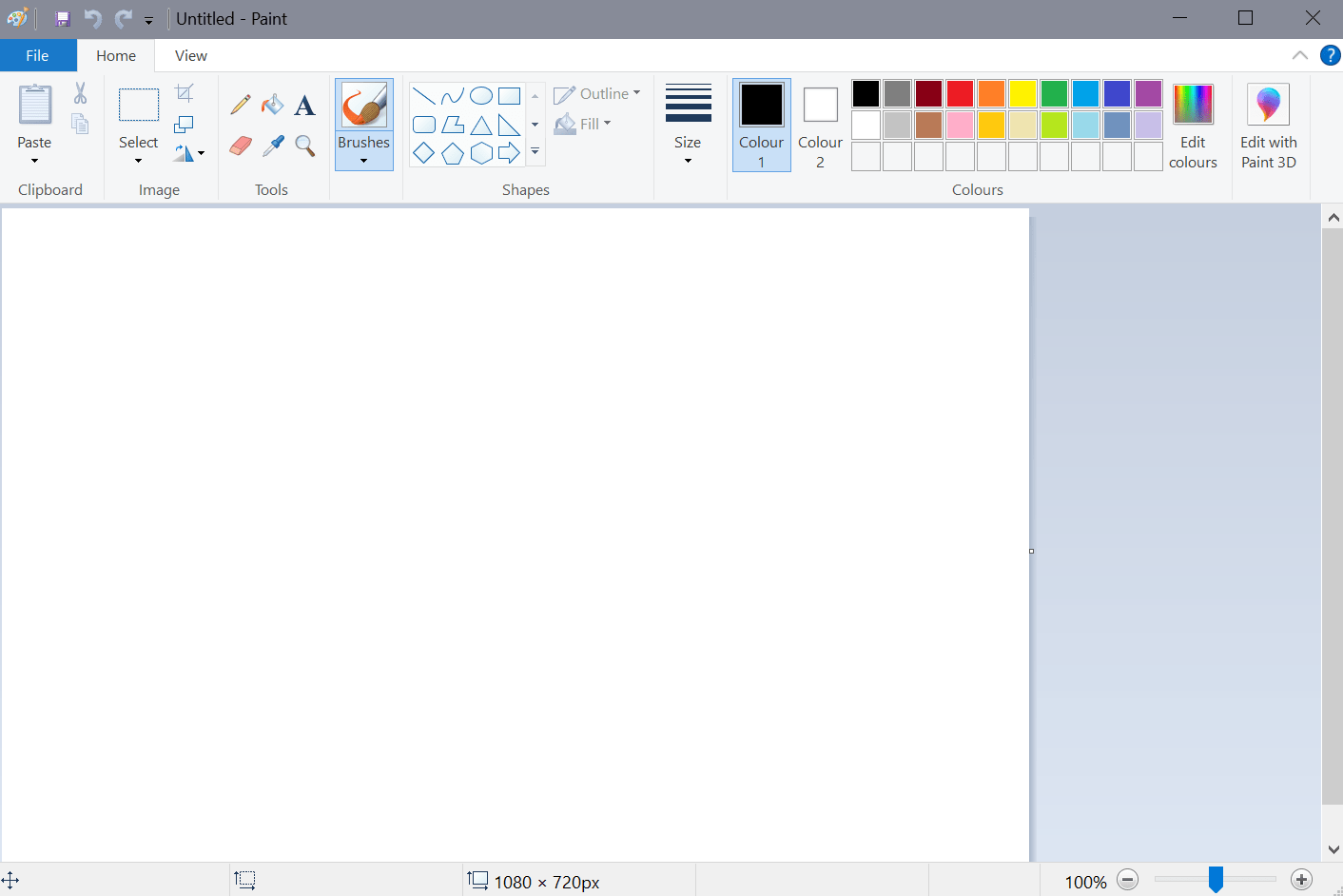
MyPaint is a free and open-source graphics editor designed primarily for digital painting and illustration. Initially launched in 2006, from then it has evolved into a powerful tool for artists of almost all skill levels. MyPaint provides a distraction-free environment with a minimalistic interface, allowing users to focus solely on their artwork. It offers a wide array of customizable brushes, including even pressure-sensitive brushes that mimic traditional media, enabling artists to create expressive strokes and textures.
Key Features
- Customizable and Dynamic Brush Settings
- Canvas Textures
- Pen Pressure Sensitivity
- Color Blending Modes
Pros
- Minimalistic Interface, Less Distraction.
- Extensible with plugins
- Free and Open Source
Cons
- Limited text and vector support
- Limited Community Support
- Performance Issues.
Compatibility
MyPaint is available for Windows operating systems.
Pricing
My Paint is a free and open-source software.
Also read: Top 10 AI Tools for Graphic Design: Redefining Visual Creativity
Paint 3D
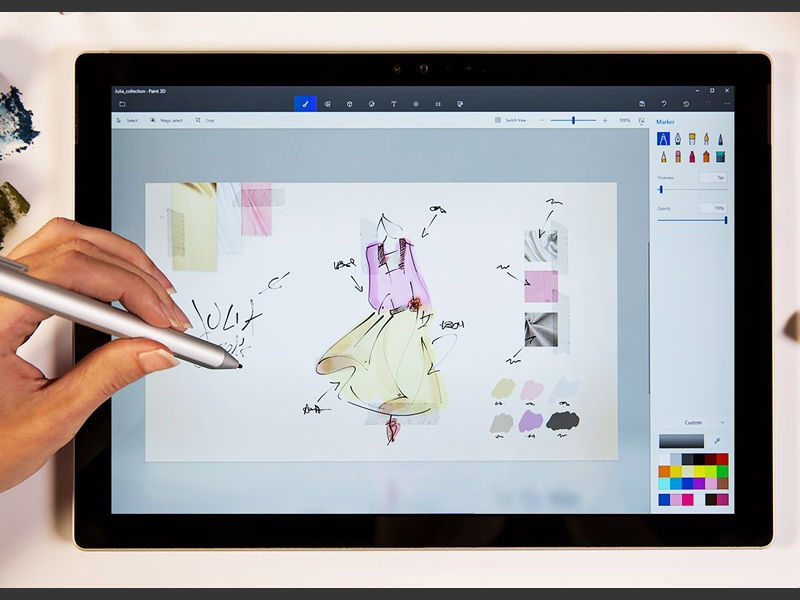
Paint 3D is a versatile graphics program developed by Microsoft, serving as an upgraded version of the classic MyPaint application. Launched in 2017, it introduced 3D modeling capabilities alongside traditional 2D drawing tools, making it suitable for both amateur and experienced individuals and organizations for varied designing and drawing purposes. With an intuitive interface and accessible features, Paint 3D allows users to easily create, manipulate, and customize 3D objects, as well as edit 2D images.
Key Features
- 3D Modelling
- 2D Drawing Tools
- Intuitive Interface
- Texture and Sticker Library
- Integration with Windows10
Pros
- Ease of Use with Intuitive Interface
- Accessible Platform for digital creation without the need for additional software
- Explore Various forms of digital art and design
Cons
- File Export Limitations
- Learning Curve Limitations
- Limited Features
- Learning Curve Issues
- Performance Issues
Compatibility
Developed by Microsoft, Paint3D is an application compatible with Windows Operating Systems.
Pricing
It is a free-of-cost pre-integrated Windows Application, so it doesn’t require any payment whatsoever for usage.
Artweaver Free
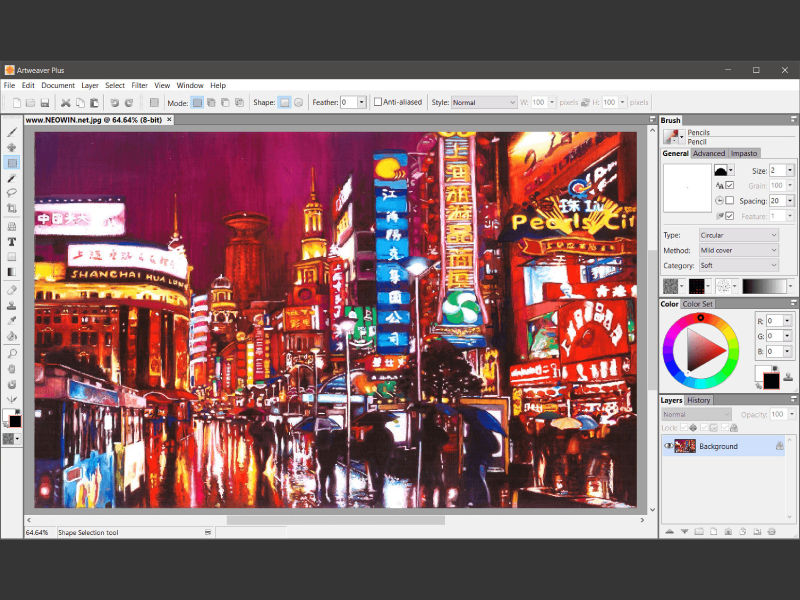
A robust and user-friendly painting tool for digital painters, illustrators, and enthusiasts is Artweaver Free. With a large selection of brushes, textures, and adjustable choices, it offers an authentic painting experience together with a full suite of tools and functions. Layers, mixing modes, and a variety of brush presets allow users to effortlessly create complex artwork. Essential editing capabilities for modifying colors, forms, and compositions are also included in Artweaver Free.
Key Features
- Wide Range of brushes
- Layer Support
- Customizable Interface
- Can be used by individuals with different skill levels
- Essential editing tools
Pros
- Free to use
- Realistic Painting Experience
Cons
- Lack of Community Support
- File format compatibility issues
- Learning Curve Issues
- Performance Issues
Compatibility
Artweaver Free is primarily designed for newer Windows operating systems, including Windows 7, 8, 8.1, 10, and 11
Pricing
As the name suggests Artweaver Free is a free-to-use tool for Windows users.
Clip Studio Paint
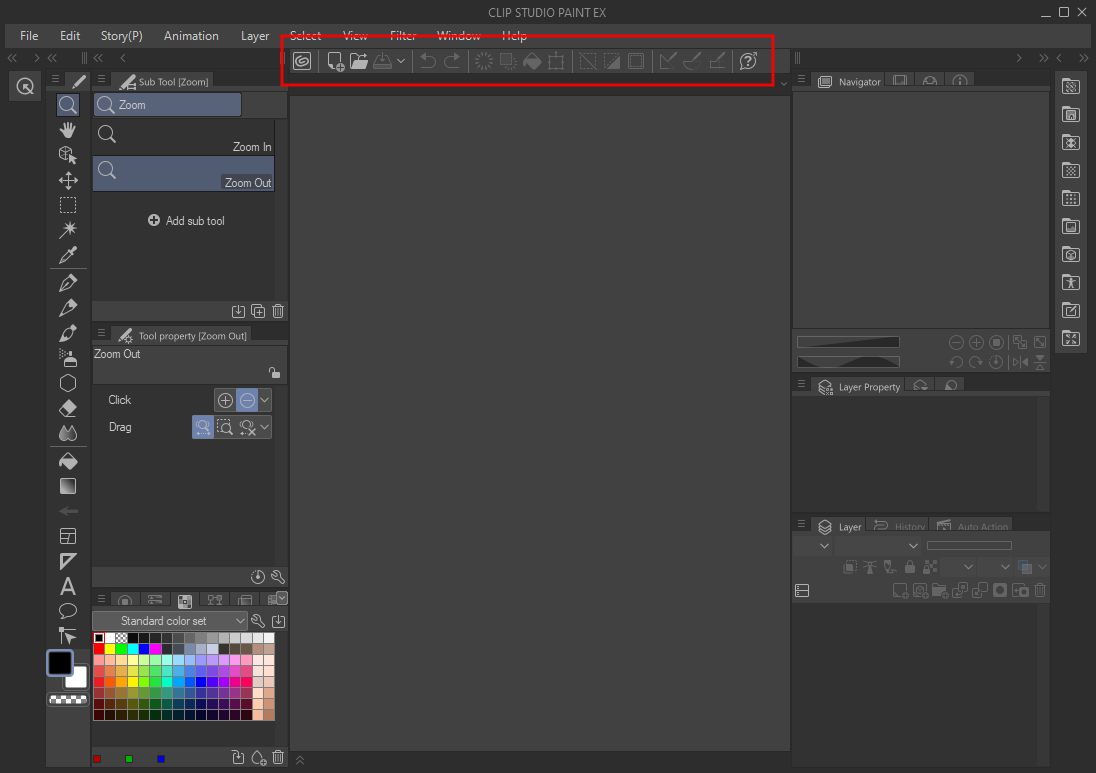
Clip Studio Paint, developed by Celsys, is a versatile digital art software trusted by professionals and aspiring artists worldwide. Designed for illustrators, manga artists, and comic creators, it offers a wide range of powerful tools for drawing, painting, and comic creation. With a user-friendly interface and extensive customization options, Clip Studio Paint provides an intuitive environment for unleashing creativity.
Key Features
- Comic and Manga tools
- Vector and Raster Support
- Animation Support
- Customizable Interface
- Versatile Brushes
Pros
- Frequent Updates
- Active Community Support
- Professional-grade digital art software
Cons
- Steep Learning Curve
- Resource Intensive Performance
Compatibility
While Clip Studio Paint is available for both Windows and macOS, there exists no native version for Linux, which may be a limitation for Linux users.
Pricing
Clip Studio Paint comes in three price plans first one being $24.99/year, $49.99 for Clip Studio Paint Pro, and $219.00 for Clip Studio EX, and the latter two being single-time purchases.
Painter
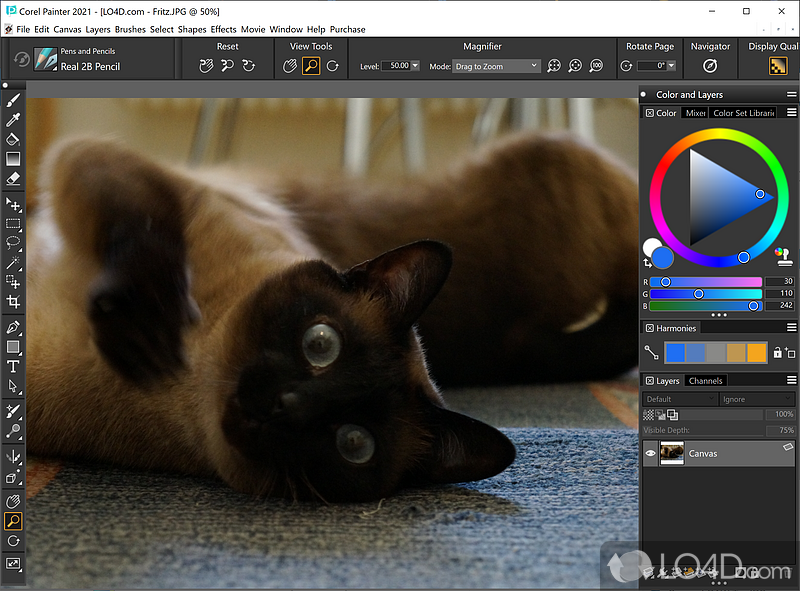
Painter is a professional digital art software developed by Corel, renowned for its advanced painting tools and realistic rendering capabilities. Tailored for artists, illustrators, and designers, Painter offers a vast array of brushes, textures, and effects to emulate traditional media such as oils, watercolors, and pastels. With its intuitive interface and customizable workspace, artists can seamlessly transition from traditional to digital techniques. Painter supports both raster and vector graphics, providing versatility for various artistic styles and projects.
Key Features
- Extensive Brush Library
- Customizable Workspace
- Layer Support
- Advanced Tools
Pros
- Realistic Rendering
- Stability and Performance
- Professional Grade digital art software
Cons
- Steep Learning Curve
- Resource Intensive Performance
Compatibility
Painter is available for both Windows and macOS but there is no native version for Linux.
Also read: How Canva is Changing the Game for Graphic Designers
Youidraw Drawing
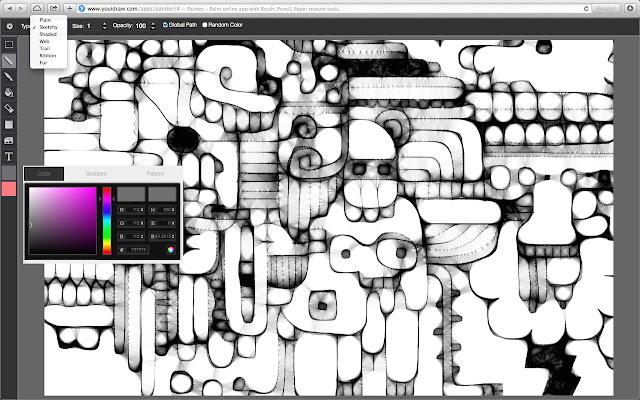
YouiDraw is a web-based intuitive vector graphic design platform, offering a range of tools and features for creating illustrations, logos, icons, and more. Accessible directly through a web browser, it eliminates the need for complex software installations, making it convenient for users to create stunning artwork anytime, anywhere. With its user-friendly interface and customizable options, YouiDraw caters to both beginners and experienced designers, empowering them to unleash their creativity without the need for extensive design expertise.
Key Features
- Web Based
- Vector Graphic Design
- Customizable Options
- Extensive File Format Support
Pros
- User Convenience
- User Friendly interface
- Cost Effective
Cons
- Internet dependency
- Limited Features
Compatibility
Coming in a web version it is compatible with all operating system devices.
Pricing
Youidraw drawing comes in two different plans first one being free of cost for users and the other one at $9.99/month.
Twisted Brush Pro
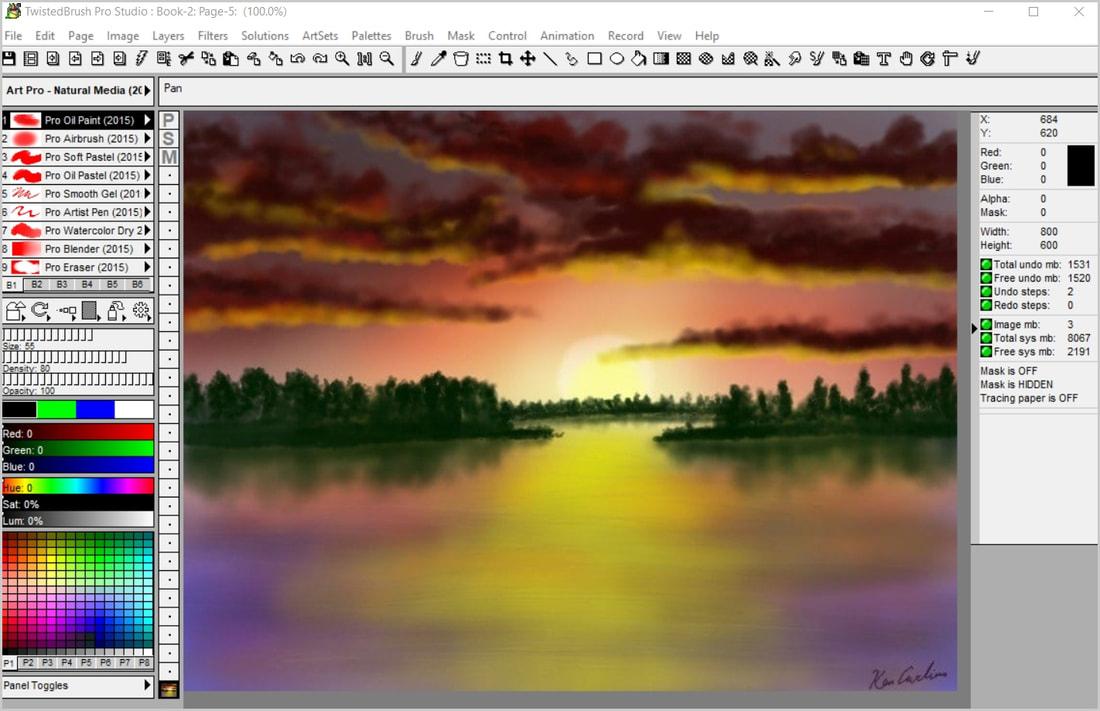
TwistedBrush Pro Studio is a digital art software developed by Pixarra, consisting a wide range of tools and features for artists, illustrators, and designers. With its extensive brush library and customizable options, TwistedBrush Pro Studio equips artists to create intricate and expressive digital artwork. The software provides a user-friendly interface with intuitive controls, making it accessible to artists of different skill levels. From painting and sketching to photo editing and animation, TwistedBrush Pro Studio caters to various creative needs.
Key Features
- Wide Variety of Brushes
- Layer Support
- Drawing Guides
- File Format Compatibility
- Scripting Support with Lua
Pros
- Image Editing
- Regular Updates
- User-Friendly Interface
- Extensive Toolset
Cons
- Learning Curve
- Resource Intensive Performance
- Limited 3D Support
- Stability issues
Compatibility
Twisted Brush Pro is compatible with Windows OS including Windows 7,8, and 10. Moreover, it is also available for macOS users.
Pricing
No pricing found
Krita
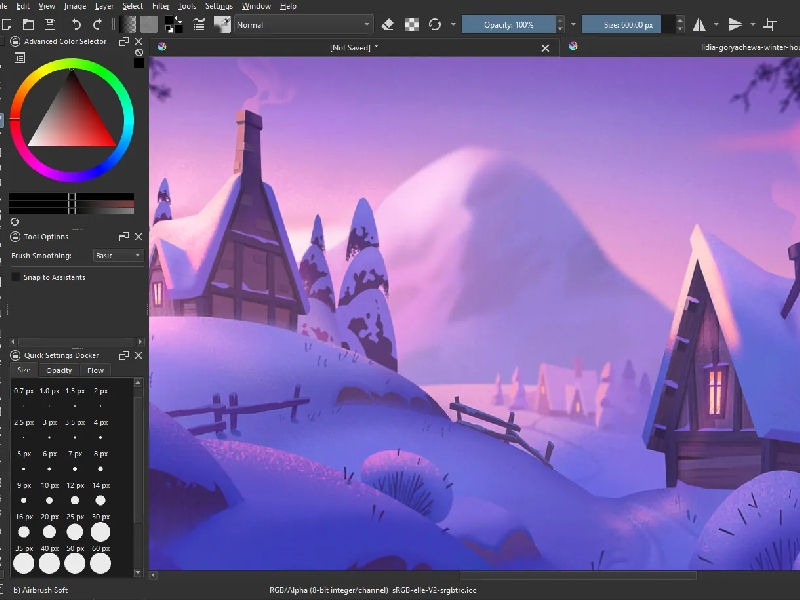
Krita is a free and open-source digital painting software designed for artists, illustrators, and graphic designers. With a user-friendly interface and a wide range of powerful tools, Krita offers a versatile platform for creating stunning artwork. It boasts an extensive collection of brushes, including pencils, inks, charcoal, and more, allowing artists to achieve various styles and effects. Its robust layer system enables users to work with complex compositions and non-destructive editing techniques.
Key Features
- Brush Engines
- Layer Support
- Resource Management
- Vector tools
Pros
- HDR Painting
- Brush Stabilizers
- Regular Updates
- Cross-platform comparability
Cons
- Learning Curve Issues
- Performance Issues
- Animation Limitations
- File format Issues
Compatibility
Krita is compatible with Windows, macOS, and Linux Operating Systems, providing flexibility and convenience to users regardless of their preferred platform.
Pricing
Krita is a free and open-source application.
FAQs
What are the differences between vector and raster drawing software?
Utilizing mathematical calculations, vector drawing tools such as Adobe Illustrator and Inkscape produce scalable images perfect for illustrations and logos. Editing objects is simple and doesn’t compromise their quality. Software for raster graphics, like Adobe Photoshop and GIMP, uses pixel grids, therefore it’s appropriate for detailed pictures like digital paintings and photos.
Are there any drawing software programs specifically tailored for comic or manga creation?
Indeed, there are drawing software packages designed especially for creating comics or manga. A well-liked choice is Clip Studio Paint, which provides a plethora of features and tools specifically designed for comic and manga artists. It has tools for creating panels, perspective rulers, pre-made screen tones, and specialized brushes for coloring and inking.
Can I use drawing software for 3D modelling and animation?
Yes, a lot of drawing software packages come with 3D modelling and animation features. Users can build basic 3D objects and scenarios with software such as Adobe Photoshop and Clip Studio Paint, however, these programs have limited 3D capabilities.
