


Since photo printing is a widely performed activity, be it for professional or personal reasons, it is not surprising to see so many photos printing software available in the market today. As someone who is new to the photo printing, you may be overwhelmed with all the choices available. Hence, we have curated this list of top 12 best free photo printing software suitable for Windows 10 and 11 users. The software listed below have been included in this list because they meet one or more of the below features/functionalities.
- The photo printing is compatible with various printers and offers features that are suitable for printing photos from your respective printers.
- For professional photo printing purposes, the software offers key features like soft-proofing, color management, intelligent sharpening, etc.
- The software offers basic photo printing features like cropping, color correction, etc., as well as some advanced features like photo editing, RAW processing, layers, etc.
- The photo printing software supports different types of image file formats.
- The software offers a robust support team to address all your concerns and queries as quickly as possible.
Table of Contents
1. Adobe Photoshop Express
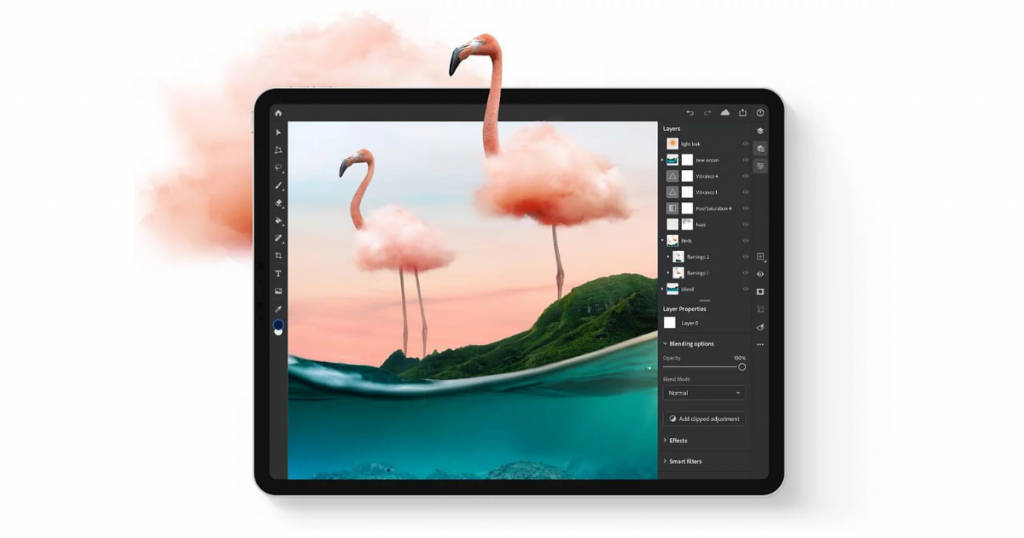
The brand promises “One touch transformation” that translates to excellent images via a simple click. The expressive interface and simple-to-use features make Adobe Photoshop Express one of the best photo printing tools worldwide.
Key features
- Intelligent photoshop tool, known as Adobe AI to take you two-step ahead with every single change that you make in the photo
- Collaborations from Dropbox, Facebook, Instagram, and Creative cloud
- Noise reduction, dehaze, custom stickers, template playbooks are easily available features
- HSL sliders
- Allows layering of images
- Auto-fix, rearranges exposure, brightness, and shadow settings as per the image specifications
- No need for any special graphics or RAM; it easily works on simple systems
- Effortless navigation between different interfaces
Availability
Different versions of Adobe Photoshop Express are available depending on the type of operating systems, such as Android, macOS, Windows. It can be freely downloaded from the play store or apple store and used for free with certain limitations.
For premium features, there are three subscription plans as listed below.
- The annual plan: $20.99/month (Payment done monthly)
- Annual plan: $239.88/year (Prepaid plan)
- Monthly plan: $31.49/month
Besides access to the software, the paid plans offer 100GB of cloud storage, Adobe Portfolio, Adobe Fresco, Adobe Fonts, Adobe Spark, and many other features that are launched in the meantime.
2. PhotoLightning
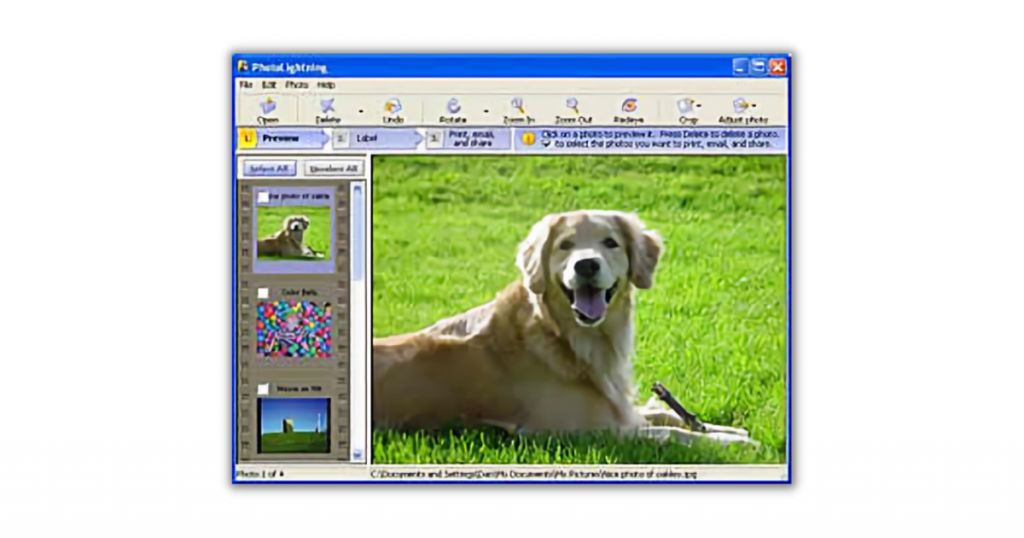
This is one of the best free photo printing software, widely famous for the instant effects that enhance the beauty of the image and user-friendly UI.
Key features
- Intuitive interface
- A single click is sufficient to print the whole album with similar effects
- Automation features like rotate, save and fit save on space and time
- Has some of the features of photography management studio software
- Allows quick transfer from camera to system
Availability
It is compatible with Windows Vista, XP, 7, 8, 9, and 10. A 30-day free trial is also available, followed by a paid plan for $39.95.
No mobile app available.
3. Arcsoft Print Creations
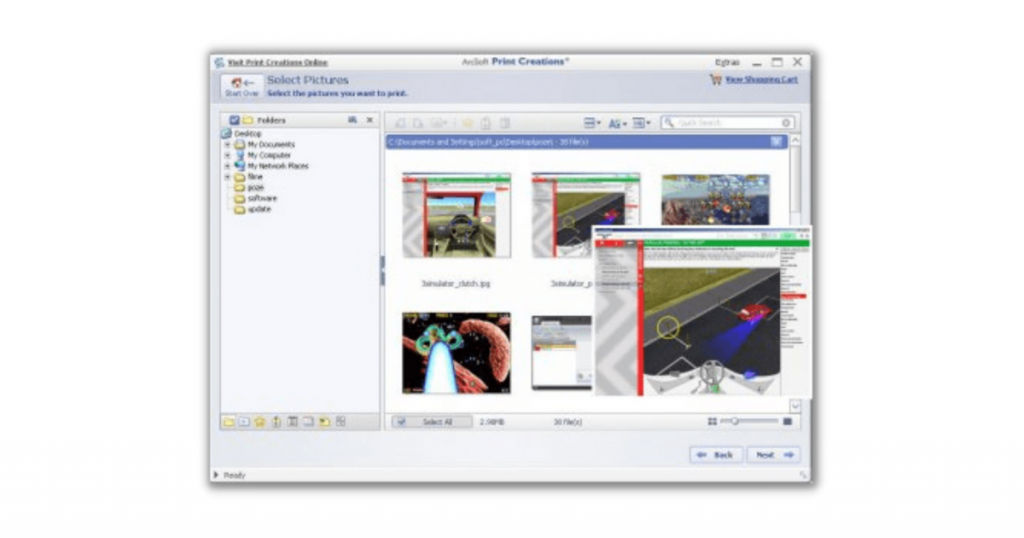
This is a multi-tasking platform that lets you design photos, scrapbooks, calendars, brochures, and playbooks in just a few clicks.
Key features
- Multiple editing tools to improve image quality, add clipart, stickers of humans on animals, and may such fun features
- Standard templates and custom layouts for instant edit
- Conventional configurations like passport size, wallet size, or frame size photographs for professional use
Availability
This is the best photo printing software, available free of cost. It does not have a mobile application but runs effectively on Windows XP, Vista, 2000, and 7.
No mobile app available.
4. Snapfish
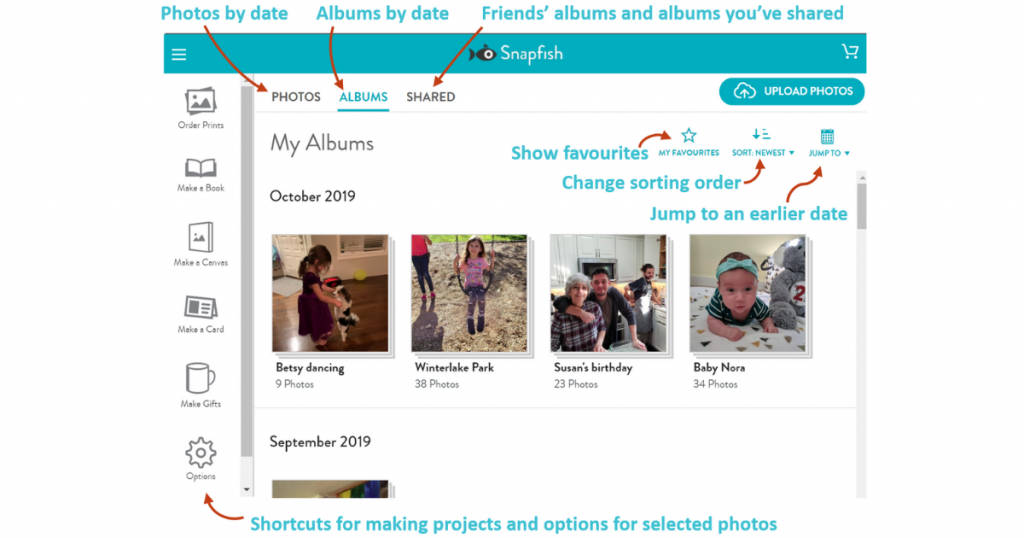
Launched in 2000, Snapfish still carries the most convenient user interface, even in 2021. Not just for teenagers, it can be used by people of all ages and professionals of any field.
Key features
- Offers printing on cups, cards, pillows, and other similar objects
- Personalized results with efficient editing options
- Create postcards, decks, puzzles, scrapbooks, photo calendars, photo tiles, text foils, and canvas
- Free home delivery of prints, only shipping charges are requested
Availability
You can visit SnapFish’s official website for placing orders or download its mobile application from the PlayStore.
5. PhotoScape

This interactive tool lets you edit photos in a matter of seconds. It is one of the most recommended tools for beginners because of its game-like interface that has a smooth workflow.
Key features
- Ability to edit multiple images simultaneously in a batch
- Equipped with interesting tools like face search that lets you search for a face on the entire internet
- Merge and make collages
- Built-in screenshot taking tool
- Animated GIF creator tool
- Editing features include mosaic mode, brightness and contrast management, red-eye management, paintbrush, and many more
- Printing options include lined graphs, calendars, etc.
Availability
It is available free of cost and is compatible with Windows NT, XP, 2000, 7, 8, 9, and 10.
6. Paint.Net
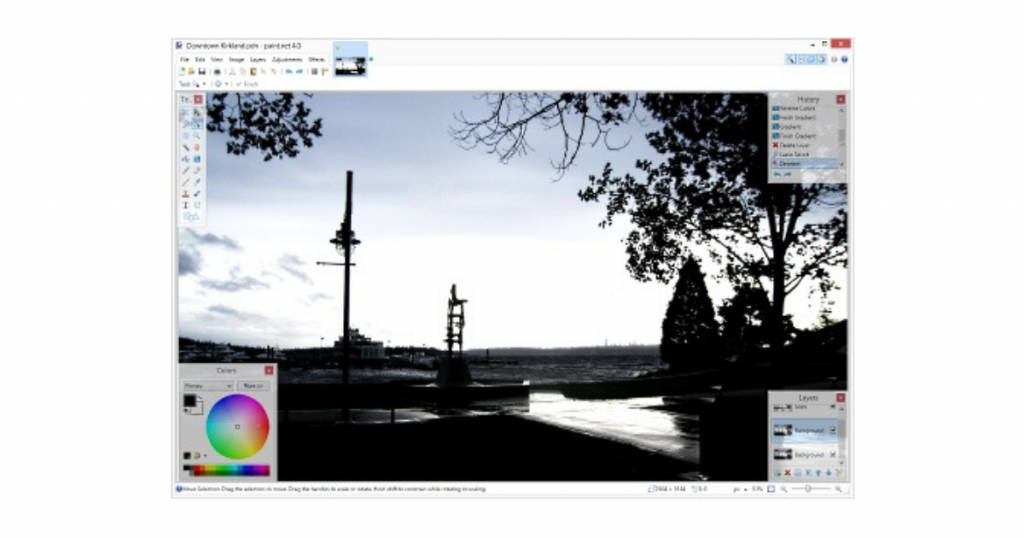
Launched as a substitute to MS paint in 2004 by a student in Washington, Paint.Net is famous for its innovative interface and community support offered by its developers.
Key features
- Unlimited undo options
- Layering effect available
- Exclusive plug-ins and interactive features
- Tutorials to guide the beginners
Availability
It can be downloaded free of cost in more than 10 languages.
No mobile app available.
7. GIMP
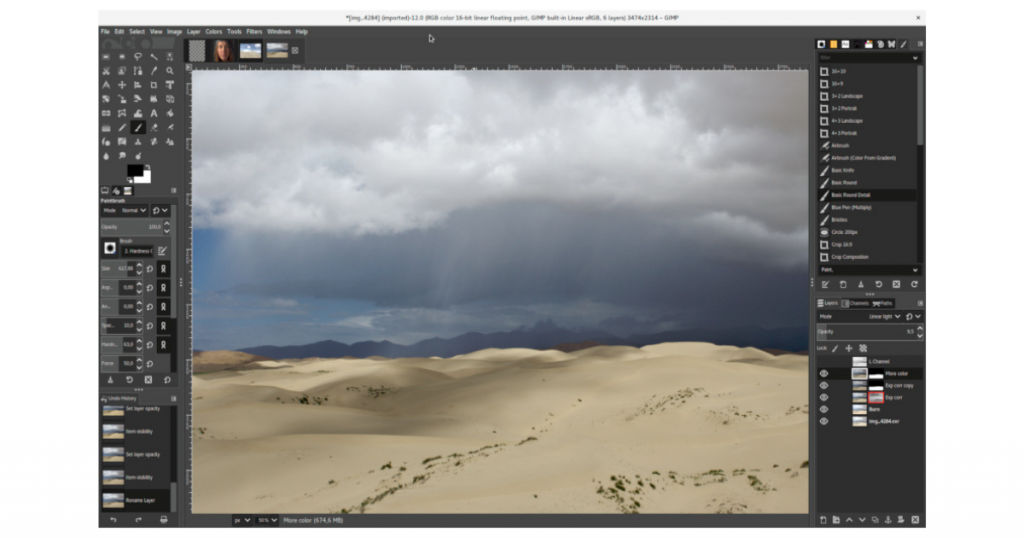
Developed as a college assignment, GIMP (Graphics Image Manipulation Program) is more of a DIY tool, an open-source program where computer experts can make as many chances as they want as per their needs and likings. On the other hand, it is the best photo printing software for laymen.
Key features
- Single-click image enhancement features with a plethora of filters to improve image quality
- Layering features
- Tailor-made brush options
Availability
Supported by Linux, Windows, and Mac, it can be downloaded free of cost from BitTorrent in several languages.
8. Google Photos
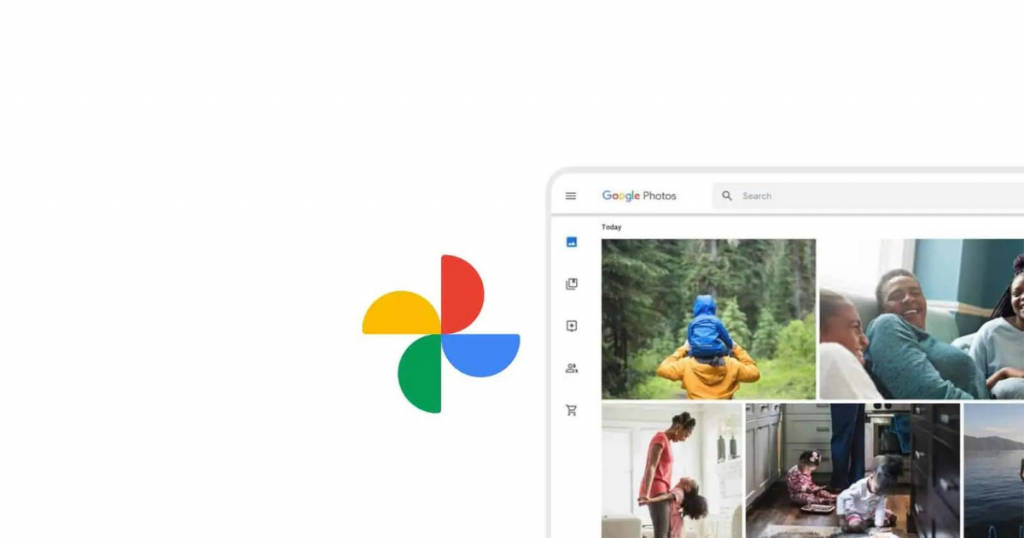
Developed by the legends of the internet, Google conceptualized its Google Photos as a store bank of all the phones clicked by a phone. Free backup and its organizational option gave it a lot of traction among mobile phone users and made it the best photo printing software.
Key features
- Face detection feature
- Constant decluttering to eliminate photos that are no longer needed, such as screenshots
- Tailor-made curation of albums based on theme and date of a group of photos
- Google lens identifies an object by simply scanning it by the camera or translates a text by the image of it
- Group sharing with professionals and loved ones
- Editing tools to brighten, crop, resize, contrast or apply filters to beautify an image
- High-end privacy features to hide personal albums and pictures
Availability
It is available as a mobile application, supported by Android, iOS, and Windows. Initially, the app was free, and it is now with certain memory limitations.
9. HP smart
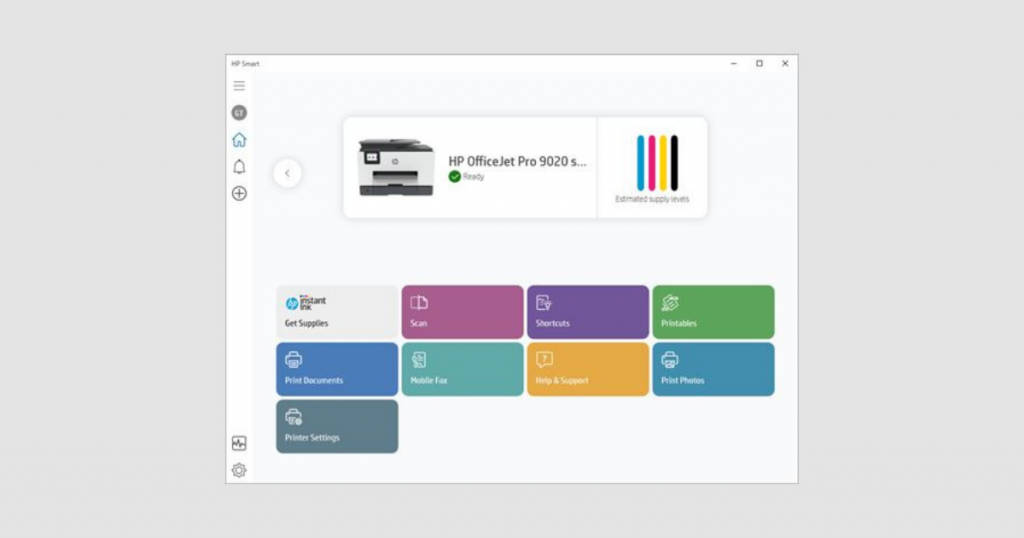
Originally HP Photo Creations, HP smart is the most preferred tool for formatting project libraries.
Key features
- Customize your photos with 1800 superior-quality art designs and 1300 graphics
- ‘Ship to home’ feature allows you to order a hardcopy of images that you have placed on coasters, T-shirts, calendars, cards, flyers, etc.
- Editing tools like grid space control, 3D effects, filters, custom fonts, graphics, and enhancement features
- Matte print option is also available
Availability
The HP smart app is supported by Android and iOS platforms. It is also compatible with Windows 7, 8, 10, and macOS. Its efficiency is best when used with an HP printer.
10. Adobe Lightroom
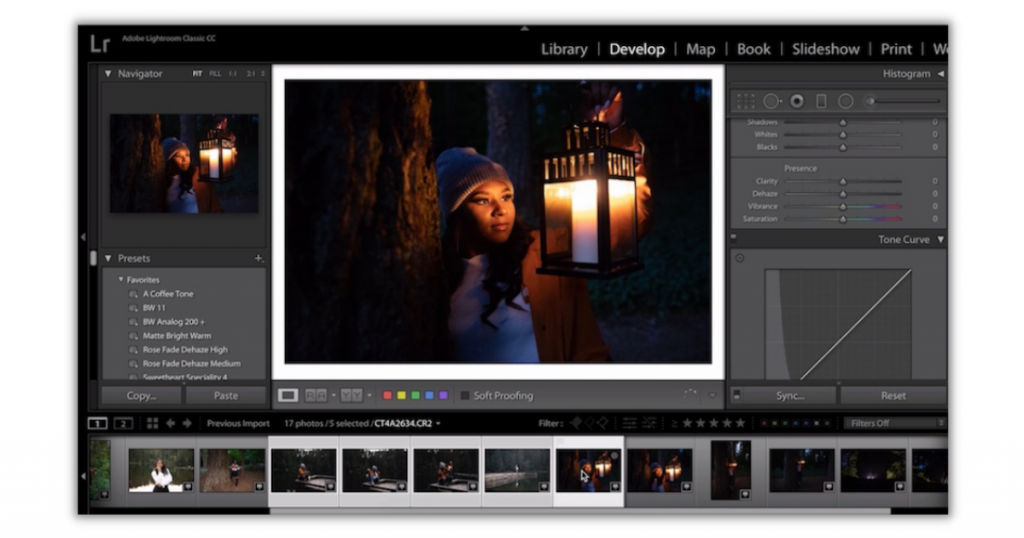
One of the most powerful and best photo printing software, Adobe Lightroom produces non-destructible images and enhances the beauty of a photo to 100x.
Key features
- Allows cross-platform editing
- Adobe cloud services are used for storage; thus, reducing the burden of the system’s memory
- Offers social media plug-ins
- Healing brush, designs, and geometry tools are some of the amazing editing tools
- Adobe Sensei automates the process of categorizing images as per the keywords used to search them
- Web-linked to share edited photos to other platforms
Availability
Similar to others, Adobe Lightroom is supported by all Android and iOS devices and works smoothly with Windows and Mac. Besides the free version, it is also available as a paid application for INR 33,432 for a lifetime and INR 37,991 for team collaborations with lifetime validity.
11. Canon Easy-PhotoPrint Editor

Users who have Canon inkjet printers can opt for the Canon Easy-PhotoPrint Editor to print high-quality photos. The user-friendly software offers a wide range of features and functionalities which makes it really easy for the users to use this software even for their everyday purposes.
Key features
- It offers an intuitive interface and has a simple design making it easy for the users to navigate and create their desired projects.
- You can create different types of prints, such as collages, photo layouts, calendars, cards, etc.
- It has an extensive library of templates that users can use to create different photo projects like greeting cards, photo albums, etc.
- You can design and print custom labels for CDs and DVDs.
- Create visually appealing custom posters for events with text and images.
- You can use the software for creating professional items like business cards and also for personal items like personalized stickers.
- You can perform basic editing tasks on the photos before you print them. These include the ability to crop and resize, add texts, stamps, and borders on the photos, etc.
Availability
The Canon Easy-PhotoPrint Editor is available for free. It is compatible with Windows and is also available on Android and iOS.
12. Fotor Photo Editor

Fotor Photo Editor is considered as one of the best photo printing software because of its in-built high quality editing tools. This software is ideal for use by amateurs as well as professionals to create and print stunning photos. It has a wide range of features which makes it easy for the users to not only design their photo projects but also edit them beautifully.
Key features
- It has a web-based interface which means that you can access it from any computer as long as you have internet connection, thus, eliminating the need to download and install the software.
- It offers various photo retouching features like beauty filters, teeth whitening, blemish removal, and more.
- You can easily create designs by browsing through their library of templates for posters, social media graphics, invitations, business cards, flyers, etc.
- You can create stunning collages with this software and take advantage of their customization and layout options to create unique photo collages.
- Whether you wish to adjust the size, color, or light of the images or improve the picture by adding radiance, highlights, or try out different styles like black and white, vintage, kaleidoscope – you can do it all with this software.
Availability
Fotor Photo Editor is compatible with Windows and is also available for Android and iOS. It offers a free basic plan as well two paid plans – Fotor Pro and Fotor
Conclusion
To summarize it all, photo printing software gives you an opportunity to convert simple clicks into photo engravings, which promises permanence for life.
Be it for professional use or personal gifts, editing images by the aforementioned best free photo printing software elevates the rawness of a picture and makes it eye-pleasing and attention-catching. So, select any software that suits your need and edit images endlessly.
