


In this age of technological development and greater capitalization, we require software that can assist us in the process of purchasing and selling products and services. Whether you are a freelancer or own a huge corporation, having an effective invoicing software can help you generate more money and complete more payments.
However, with a multitude of billing and invoicing software available in the market, picking one software can be challenging. Hence, we at SaaSworthy have put together a list of the top 9 billing and invoicing software to select from in 2021.
Table of Contents
What is billing and invoicing software?
Billing and invoicing software is software that is meant to handle billable items and manage client invoices. It can be an online/offline software for creating bills/invoices, tracking payments, bookkeeping, and other tasks in a simplified manner. It aids in the management of many stores as well as multiple corporate billing systems.
The importance of billing and invoicing software
The conventional billing procedure is anything from simple: generating the invoice, issuing it, and following up on late payments. In addition, employees at the billing counter would struggle to deliver invoices for consumers if billing software was unavailable. Therefore, you will undoubtedly want billing/invoicing software in order to satisfy your consumers while also reducing your workload.
It automatically calculates and applies a tax on taxable items, so you don’t have to worry about it every time you bill. It aids in the automation of time-consuming processes like product tracking, invoice preparation, other accounting documents, etc.
9 best billing and invoicing software
Here’s the list of the 9 best billing and invoicing software in 2021 –
1. Invoice2go
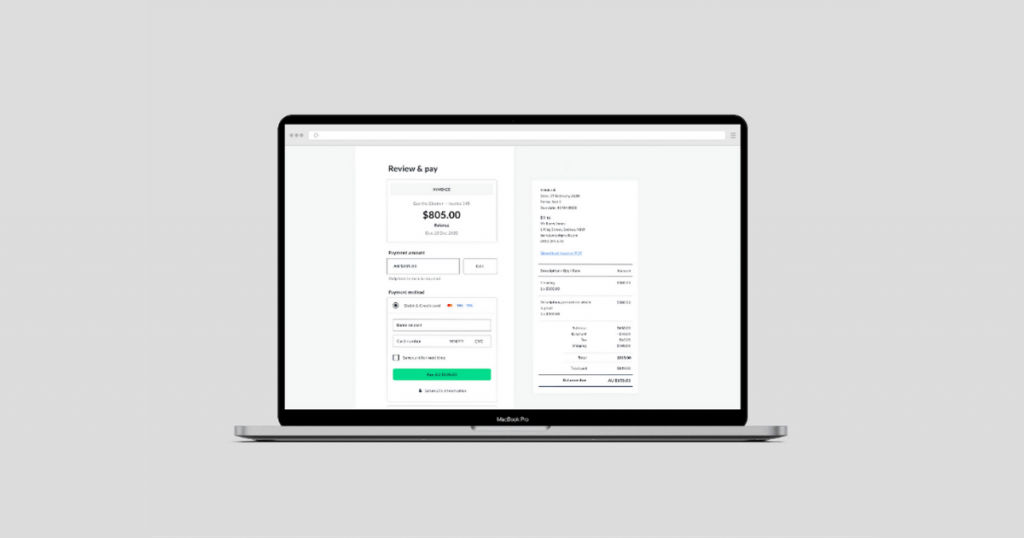
Invoice2go is a simple and easy-to-use invoicing software that allows users to make payments with the touch of a button. It assists businesses in tracking all of their costs and payments throughout the month or year. It is also SaaSworthy’s top choice.
The various features of Invoice2go include –
- You can generate an invoice link and distribute it over several platforms such as WhatsApp, Facebook Messenger, email, etc.
- It enables you to bill additional hours by automatically tracking your time and adding billable hours to your invoice.
- It allows you to create and track invoices and receive notifications when your clients look at the invoice.
- You can conveniently track the progress of your company with simple charts and realistic infographics that Invoice2go provides.
The limitations of Invoice2go are –
- It does not have many advanced features that some companies might want.
- Very few template options are available, and they are expensive.
2. Invoicera
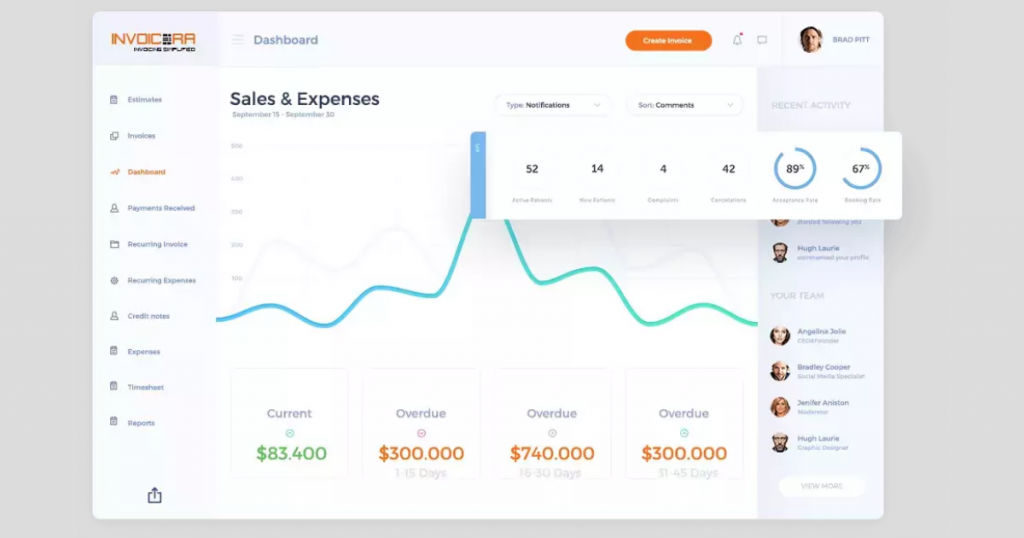
Invoicera is an online invoicing software that helps users produce professional-looking invoices that are synced on the cloud and accessible from anywhere. Invoicera is compatible with CRM and ERP software, as well as more than 25 payment gateways globally. It caters to online invoicing and recurring billing requirements while also automating the workflow.
The various features of Invoicera include –
- It simplifies and accelerates the billing process by automating business operations in order to improve performance and efficiency.
- It has various other features such as online invoicing, finance management, custom workflow management, time tracking, and recurring subscription billing.
- With precise time monitoring, you can simply measure productivity and generate reports.
- You can set up a hierarchy of invoice approvals and personalize your invoices as you see fit.
The limitations of Invoicera are –
- The user interface can be improved further and made user-friendly.
- Its integration with other software has flaws.
3. Hiveage
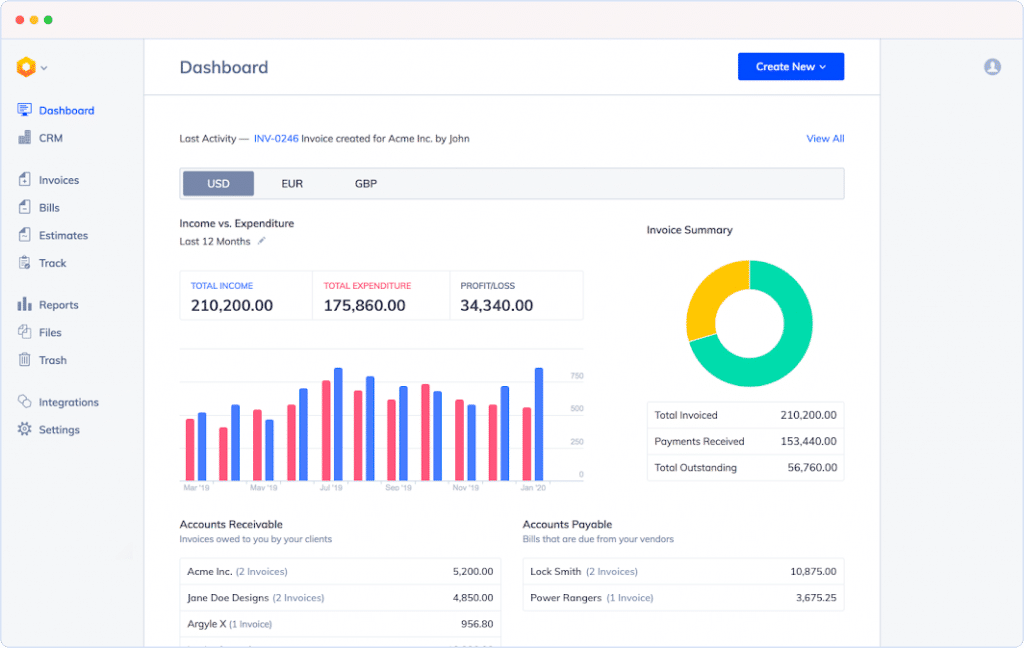
Hiveage is an invoicing software that allows you to produce professional and attractive invoices and accept and authorize online invoice payments. Hiveage operates in 140 countries and has a user base of more than 50,000 people. It is best suited for small companies and independent contractors.
The various features of Hiveage include –
- To keep track of your financial activity, it provides basic reports as well as comprehensive graphs on payables and receivables.
- To make your invoice seem more professional, you can seamlessly include your logo, name, contact information, and other company details.
- You can quickly generate quotations for clients and collect payment on the same quote by converting them into invoices.
- It makes it simple to charge subscribers via recurring invoices that are automated, manual, or auto-billing.
The limitations of Hiveage are –
- The default payment button is hard to locate.
- It has unresponsive customer support.
4. Zoho Invoice
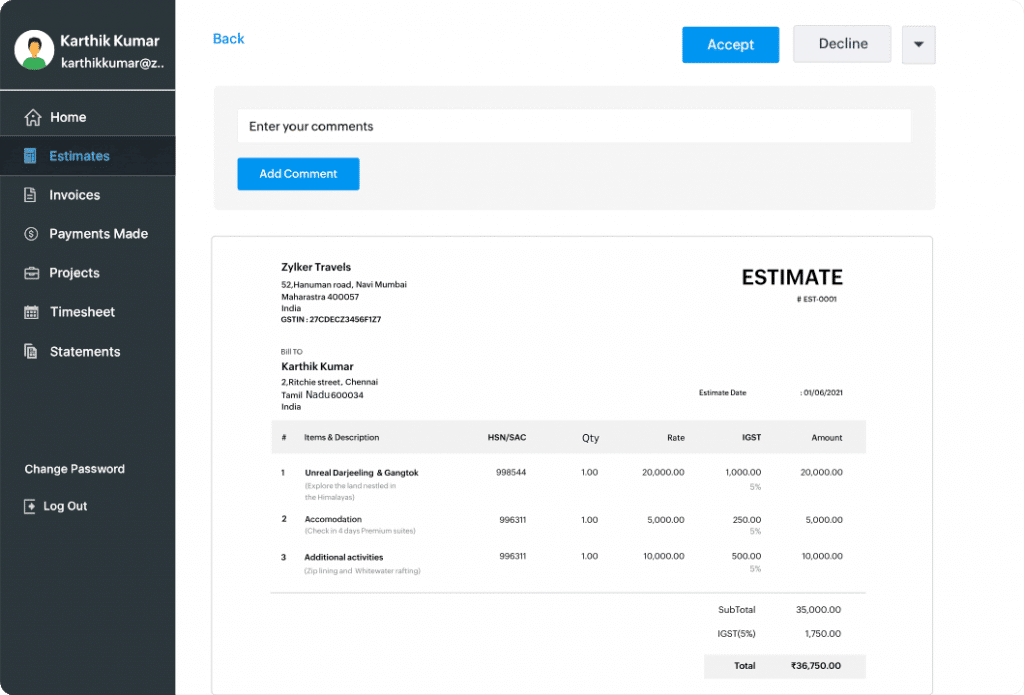
Zoho Invoice is a user-friendly invoicing software for small organizations. It supports invoicing in various countries and the delivery of recurring invoices with appropriate branding. It provides a platform for businesses to produce invoices easily and email them to their clients in minutes.
The various features of Zoho Invoice include –
- You can handle all of your data and store it on your local or external server, and you can retrieve it at any moment.
- It can record foreign currency invoices with decimal accuracy, and therefore, clients can make online payments through invoices.
- Using interactive graphs, you can easily track spending and time to follow up payments and track expenditures.
- You can view all company information at a glance, like the sale of items and services or clients that consistently make payments.
The limitations of Zoho Invoice are –
- Compatibility with third-party apps might be difficult.
- The mobile app doesn’t have all of the functionalities of the website.
5. Stripe Billing

Stripe Billing is an invoicing software that provides secure invoicing solutions and can accept wire transfer payments without disclosing your bank information. It is a safe platform for making payments in over 135 currencies. In addition, its recovery solutions assist you in reducing payments while increasing income.
The various features of Stripe Billing include –
- Its single API enables it to accept any mode of payment without the need for separate contracts for one-time interactions.
- You can generate virtual bank account numbers to receive money from anyone without disclosing your crucial bank account information.
- It allows you to add an infinite number of team members to manage different roles and responsibilities.
- You can automatically charge your customers on a recurrent basis and send automated payment reminders via completely customizable emails.
The limitations of Stripe Billing are –
- In its haste to block fraudulent transactions, it occasionally blocks genuine transactions as well.
- The UI is in need of revamping.
6. Square Invoices
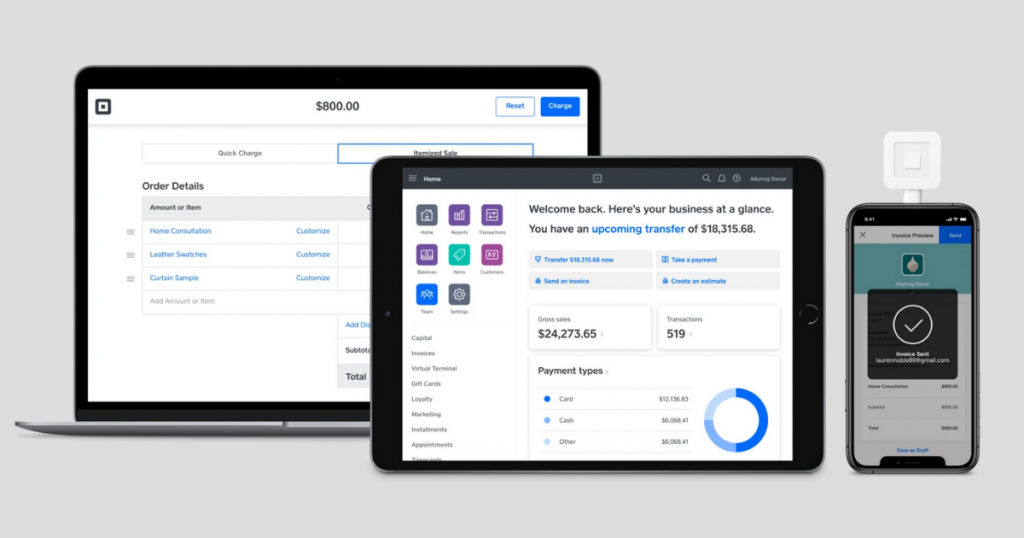
Square Invoices is an invoicing software for creating invoices for businesses. Square Invoice accepts any method of payment without additional fees. Square Invoices protects against potential fraud by safeguarding critical data and giving only authorized access. This software is free and simple to install, with no hidden fees or recurring fees.
The various features of Square Invoices include –
- It lets you send invoices, establish recurring payments, link with an existing third-party e-commerce site, and book appointments.
- It’s compatible with other software like Quickbooks, and it comes with extras like chargeback protection, payment dispute support, and PCI compliance.
- You will get your payments within one to two days, and you can also make an instant deposit.
- With its mobile option, you can instantly get payments on the spot using either credit or debit cards.
The limitations of Square Invoices are –
- It charges per transaction instead of monthly.
- The backend is not intuitive to use.
7. FreshBooks
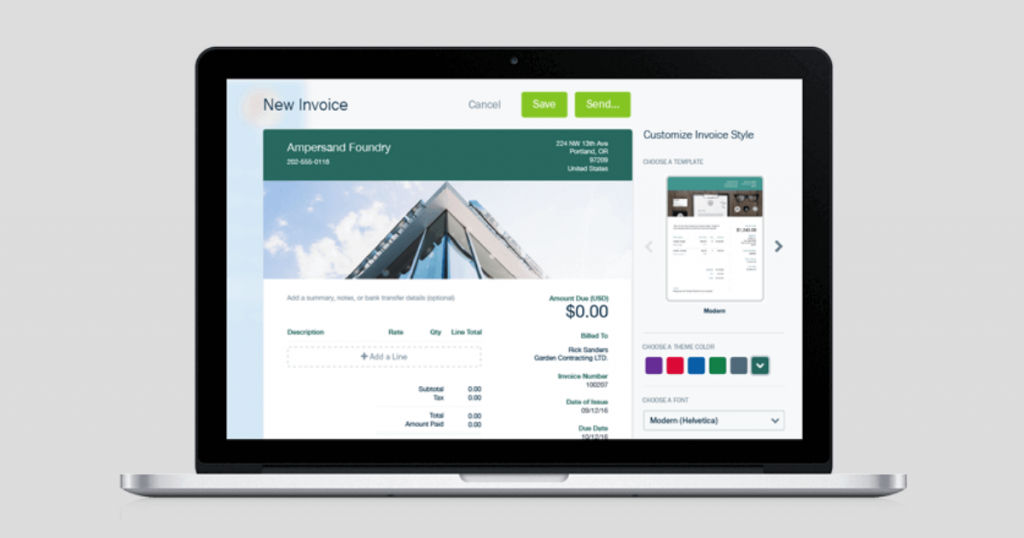
FreshBooks is a well-known invoicing software for small-scale businesses. It can do a variety of automatic activities, such as invoice reminders and payment collection. FreshBooks has a user base of more than 24 million users.
The various features of FreshBooks include –
- It has a contemporary user interface that encourages easy communication among team members and provides outstanding customization options.
- It includes a highly functioning mobile application that allows you to keep in touch with clients and distant teams at all times.
- It helps you to develop business proposals and estimates conveniently and allows clients to accept them with a single tap.
- It allows you to easily view all of Freshbooks’ critical financial data from your dashboard.
The limitations of FreshBooks are –
- You cannot view reports when on the go.
- It is not ideal for complex or bigger organizations.
8. Wave
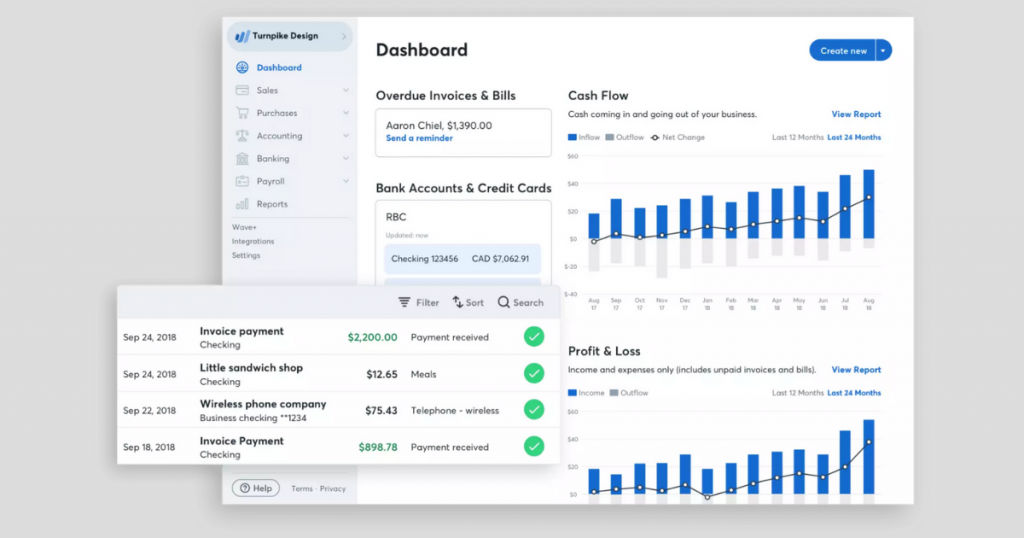
Wave Invoicing is a leading invoicing software that aids clients in producing professional, customized invoices for free. It also allows you to follow the progress of invoices while you’re on the road using its iOS and Android mobile apps.
The various features of Wave include –
- With its automated billing software, you can save a lot of time and send automatic reminders to your clients.
- You can effortlessly scan invoices or link Wave to your bank account to track your spending on a daily basis.
- You can easily receive notifications anytime your invoice is seen by a customer and information on outstanding bills and finished payments.
- You can pay your staff from anywhere using online pay stubs, and it can establish tax rules and regulations at the same time.
The limitations of Wave are –
- The credit notes feature is not available.
- Instant electronic payments incur additional charges.
9. Blinksale
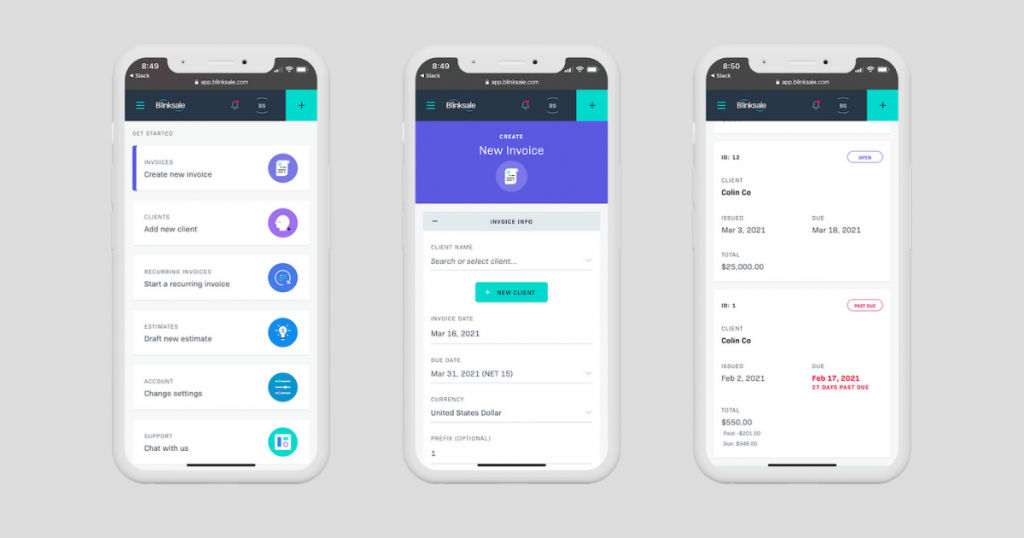
Blinksale is the simplest and most effective invoicing software for creators and small companies to issue invoices online. It enables you to produce visually appealing invoices that you can modify as per your need. In addition, Blinksale is linked with Stripe, making it easy for your customers to make payments.
The various features of Blinksale include –
- Every Blinksale account includes free email and phone assistance for account problems, billing questions, and how-to inquiries.
- The user interface of Blinksale, which you interact with all the time, is meant to make invoicing quick and easy to read.
- Blinksale makes it simple for businesses to charge their clients while also giving simple payment alternatives for customers.
- It supports multiple currencies and provides invoice history, payment reminders, quotes, tax calculator, customizable invoices, and recurring subscriptions.
The limitations of Blinksale are –
- The customer service is not knowledgeable.
- It has occasional lags and glitches.
Conclusion
We hope that we were able to give you an insight into the different billing and invoicing software available in 2021. You can now make an informed decision before choosing a billing and invoicing software best tailored to your needs.
If you are looking for accounting software, scroll through SaaSworthy’s list of accounting software.
