

With the introduction of digitization and other technological advancements, the online world has evolved drastically. As a result, online security has become one of the top concerns for individuals as well as businesses. This is where a Virtual Private Network (VPN) comes into the picture. It is software that can protect your online privacy, encrypt the data you send via the internet, and block malicious trackers, websites, pop-ups, etc.
Currently, there are more than 50 VPN options that you can choose from, so to make your job easier, we have researched and curated the five best VPN software that you can use in 2025. These software have been compared based on their feature set, user experience, speed, pricing, and performance factors.
| Software Name | Pricing | Best For | URL |
| LetsVPN | Free trial and custom-based subscription plans | SMEs and enterprises | LetsVPN |
| ExpressVPN | 30-day moneyback guarantee and paid subscription plans | Encryption | ExpressVPN |
| Surfshark | 30-day moneyback guarantee and paid subscription plans | Security | Surfshark |
| NordVPN | 7-day free trial (Android), 30-day moneyback guarantee, and paid subscription plans | Privacy | NordVPN |
| CyberGhost | 24-hour free trial (macOS and Windows), paid subscription plans | Mac | CyberGhost |
Table of Contents
LetsVPN
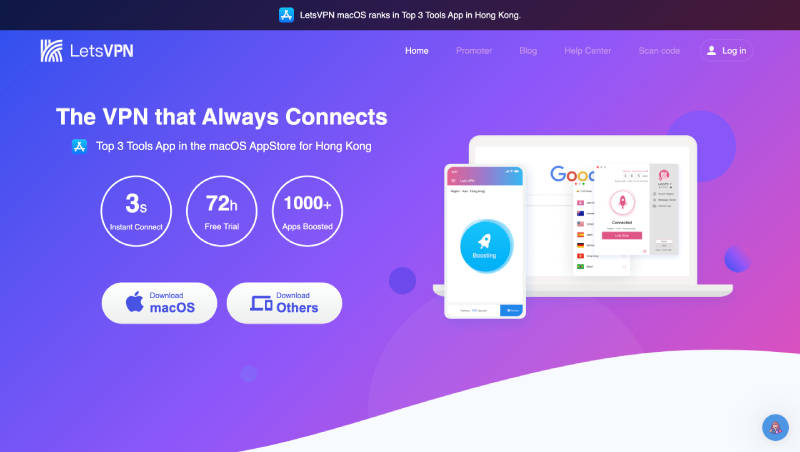
LetsVPN is one of the most advanced VPNs available in the market today. You can use this software whenever and wherever and it offers a wide range of features that allows you a smooth surfing experience as well as protects your online privacy. LetsVPN adopts an intelligent AI connection that enables users to connect automatically to the fastest network node. This software supports all mainstream devices and supports multiple devices online at the same time. Apart from its robust features set, LetsVPN is also one of the most preferred VPN software because of its strong and reliable 24-hour online customer service.
Top Features
- Multi-language Browsing: Users can browse the web privately in their preferred language.
- Peer-to-Peer: LetsVPN supports peer-to-peer traffic and torrenting.
- Kill Switch: With LetsVPN you can avoid transferring data over an unsecured connection as the software will shut down the user’s internet connection as soon as their VPN service drops.
- Policy Management: The software helps in designing, maintaining, updating, and reporting compliance rules.
- Multi-Protocol: Supports more than one network protocol that defines and governs network communication.
Pros
- One of the key advantages of LetsVPN is its user interface. It is very easy for users to navigate and use the software.
- LetsVPN offers weekly subscription plans which makes it ideal for users who are looking for VPN software for a short-term duration.
- LetsVPN’s range of server locations is excellent, and it ensures a reliable and speedy connection every time.
Cons
- LetsVPN’s performance lacks consistency when it comes to bypassing geo-restrictions.
- Some of the terminology used in the software can be confusing for the users. It would be ideal to have an information icon within the software itself explaining these terminologies.
Pricing
LetsVPN offers a free trial with all the key features as well as custom-priced subscription plans.
ExpressVPN
ExpressVPN is an all-round VPN best known for its encryption functionality. With more than 3,000 server locations in 90+ countries, this is one of the best VPN software to use for safeguarding your online privacy. Whether you are browsing the internet, playing games, or using the internet for any other purpose, ExpressVPN will ensure that you have a fast and reliable connection. Compatible with almost every device, this software is also known for its excellent customer support. ExpressVPN is also part of a top group of VPN software that offers RAM-based servers.
Top Features
- Multi-device Support: Once you install ExpressVPN on all your devices, you can connect up to eight devices at the same time.
- Password Manager: ExpressVPN keys allow users to store and access their logins with just one primary password.
- Tracker Blocker: The Threat Manager feature prohibits your device from communicating with malicious sites and trackers.
- Kill Switch: The Network Lock feature ensures that your data is safe in case your VPN connection drops off. It will block off all online traffic until the protection is restored.
- Customer Support: ExpressVPN offers 24-hour live chat support to help users set up the software and troubleshoot.
Pros
- Top-notch security and encryption features that help in protecting your privacy.
- Easy setup process and user-friendly interface.
- You can easily remove geo-restricted content with the help of ExpressVPN.
Cons
- ExpressVPN does not offer any free trial except for a 30-day money-back guarantee.
- Compared to some of the other VPN software, ExpressVPN can be slightly costlier.
Pricing
ExpressVPN allows the users to try the software ‘risk-free’ for 30 days and if you are not satisfied, you can get your money refunded. It also offers three paid plans: 1 Month Plan ($12.95/month), 6 Months Plan ($9.99/month), and 12 Months Plan ($6.67/month).
Also read: Top Small Business Project Management Software in 2025
Surfshark
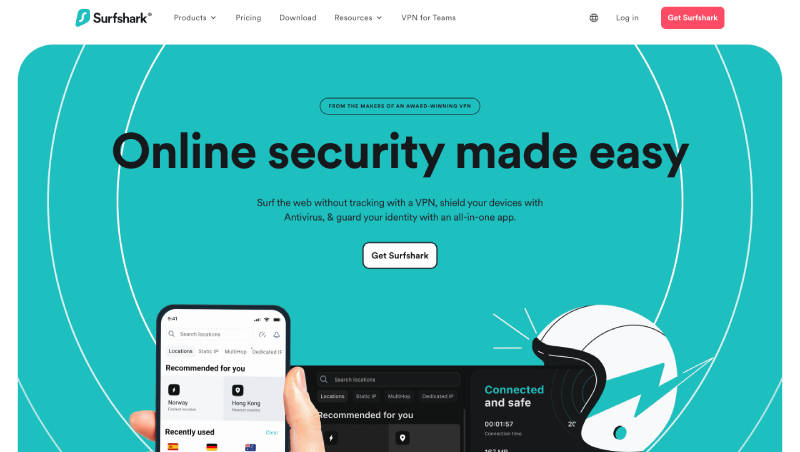
Surfshark was established in 2018 and though it is relatively one of the youngest software in the industry, it has emerged to be one of the top contenders, thanks to its performance in speed, privacy, and security. This feature-rich VPN software is best known for its security features, such as the Camouflage Mode which allows the users to keep their VPN use hidden. It also has a user-friendly interface where all the features are neatly organized, thus, making it easier for the users to navigate through the software.
Top Features
- Streaming: Surfshark is one of the best VPN software for streaming content on Netflix, Hulu, Disney+, etc.
- Camouflage Mode: The Camouflage Mode feature is extremely useful in countries where VPNs are illegal or highly monitored. This mode makes your VPN traffic look like regular traffic so that the government does not get to know that you are using a VPN.
- Kill Switch: The in-built Kill Switch ensures your data stays protected whenever the VPN service drops off. It will stop your internet connection until the VPN software is back and running.
- Split Tunneling: Surfshark includes a feature called Whitelister wherein you can configure specific apps and websites to bypass the software’s VPN tunnel. So, rather than turning off the VPN, you can just whitelist the website or app.
- MultiHop: Surfshark offers a dynamic multihop feature which means that it connects you through two VPN servers which in turn means double privacy and double data encryption.
Pros
- It offers top-notch security features like 256-bit encryption, AES256GCM protocols, and OpenVPN, IKEv2, and WireGuard support.
- User-friendly interface which makes it easy for the users to easily connect and use the software.
- It offers support for unlimited devices simultaneously.
Cons
- The kill switch feature has to be set up manually on Windows.
- It does not offer dedicated IP addresses.
Pricing
Surfshark offers a 30-day money-back guarantee trial plan. It also offers premium paid plans based on monthly subscriptions. The 1 Month Plan is priced at $15.45/month, the 12 Month Plan is priced at $41.85 ($2.79 per month + 3 months free), and the 24 Month Plan is priced at $59.13 ($2.19 per month + 3 months free).
NordVPN
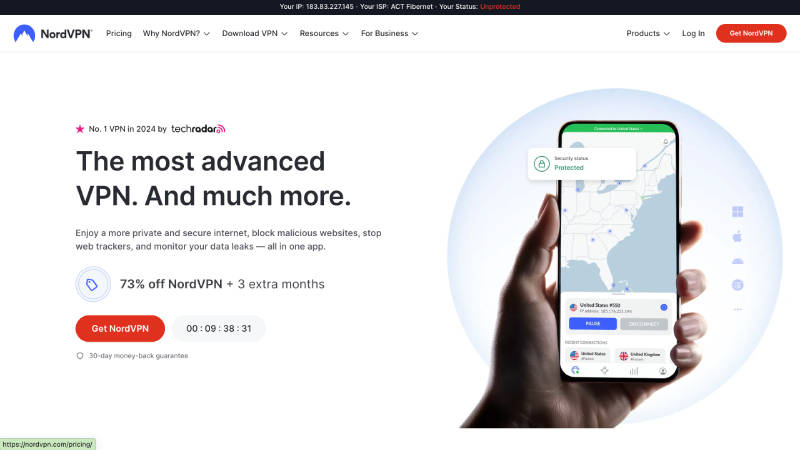
When it comes to top VPN software, NordVPN is one of the most popular choices. This software claims to be the ‘world’s most advanced VPN’ and based on its performance so far, they are definitely living up to this claim. NordVPN is known for its ease of use, high reliability, and privacy-focused approach. It has a strong set of features and functionalities ensuring all your online activities remain private and safe. This software is also preferred for its fast speeds which is one of the top must-haves in a VPN software.
Top Features
- Kill Switch: NordVPN comes with an automatic kill switch that pauses your internet connection anytime you drop off the VPN services.
- Security Protocols: NordVPN offers a wide range of security protocols, such as IKEv2, OpenVPN, WireGuard, and a free SOCKS5 proxy for app-level security.
- Multi-device Support: This software offers a VPN for all your devices and supports various platforms like macOS, Windows, Linux, iOS, and Android.
- Customer Service: NordVPN provides a 24/7 live chat option as well as non-English chat support to address any technical and non-technical questions that users may have.
- Privacy Features: This software offers various features to protect your online privacy, such as Threat Protection to block malicious websites and ads, Meshnet for secure file-sharing, and Dark Web Monitor checks to find out if there is any personal information leak on the dark web.
Pros
- NordVPN maintains a strict ‘no logs’ policy which means that they never log your online activities.
- The software maintains up-to-date VPN and encryption protocols.
- You can take advantage of their multi-hop/double-hop feature for extra privacy.
Cons
- Compared to its competitors, NordVPN has limited customization options.
- Occasionally, you may face some connection issues, especially during peak usage times.
Pricing
NordVPN offers a 7-day free trial on Android and also a 30-day money-back guarantee subscription. Apart from this, they also have various paid plans, such as the 1 Month Plans (starting from $12.99/month), 1 Year Plans (starting from $4.99/month), and 2 Year Plans (starting from $3.09/month).
CyberGhost
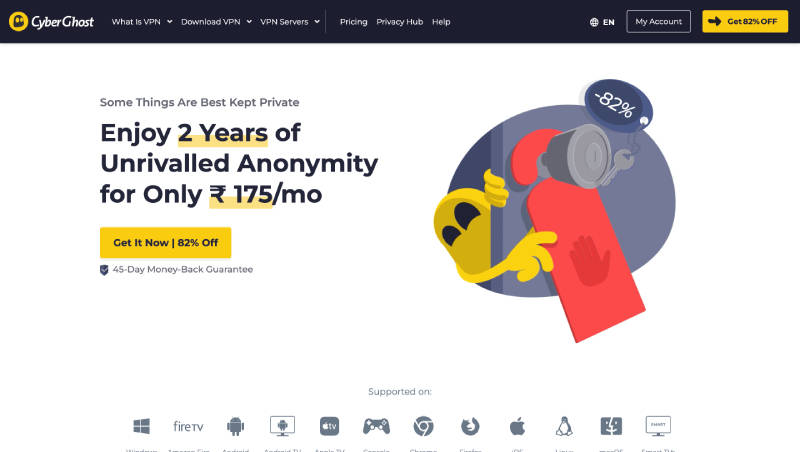
CyberGhost is one of the best VPN software for Mac. With almost 10,000 servers in 100+ countries, it has one of the largest networks that can provide you secure connections irrespective of where you are. Similar to most of the other top VPN software, CyberGhost is also excellent in terms of its privacy features, security protocols, speed, reliability, etc. It is also compatible with various platforms including Android, iOS, Windows, and Mac. In terms of customer support also, this software is a top contender with its extensive knowledge base, troubleshooting, and FAQ features.
Top Features
- Split Tunneling: With the split tunneling feature, users can choose which apps need access to the internet and which of them can be run on local IP addresses.
- Leak Protection: If a user’s email address has been compromised, the software’s leak monitor feature will alert the user about it and inform them to change their login details.
- Kill Switch: If your VPN connection drops off, CyberGhost’s kill switch feature immediately disconnect you from the internet, thus ensuring your data privacy and security.
- Multi-device Support: Users can install CyberGhost on multiple devices and use seven devices simultaneously.
- Streaming Capabilities: CyberGhost’s servers are optimized for specific streaming platforms from different parts of the world, and they offer a vast selection of international streaming.
Pros
- CyberGhost has strong security and privacy protocols in place that ensure their user’s data protection and privacy.
- It follows a strict ‘no logs’ policy which ensures that the user’s online activities remain confidential.
- CyberGhost allows its users to customize their browsing without compromising on their online privacy.
Cons
- Compared to some of the other VPN software, CyberGhost’s performance is relatively slower on Windows.
- Connection issues during peak usage times may affect the performance of the software.
Pricing
CyberGhost offers Windows and macOS users a free trial for 24 hours. Their paid plans include 1 Month Plan ($12.99), 6 Months Plan ($41.94), and 2 Year Plan ($56.97 + 2 months free).
How to Choose the Best VPN Software?
Since there is no dearth of options when it comes to choosing a VPN software, you need to make sure that you are choosing the right one by comparing some of the key factors, such as:
- Internet Speed Loss: Typically, VPNs will reduce your internet speed since the traffic is routed through an encrypted server. You need to check the percentage of speed loss because there is no point in choosing a VPN software that reduces the internet speed too much.
- Privacy: Privacy is one of the key concerns when you are online, so you need to look for a VPN software that offers high-level of privacy protocols, such as a 256-bit encryption, strict no-logging policy, leak protection, etc.
- Server Network: When comparing the server networks of different VPN software, you need to look at not only the total number of servers but also the individual country locations.
- Device Support: You need to think of all the devices on which you want to install the VPN software and also focus on how many devices you can use simultaneously. Some software allow 7-10 devices whereas some allow unlimited devices.
- Cost: Pricing of the software is also another key factor, and you should compare between the various pricing plans of the VPN software to choose the one that best matches your budget.
FAQs
What is a VPN?
A VPN is a software that creates an encrypted internet connection between the websites or apps you are accessing and your device. This ensures that your online privacy remains secure, and all your data remains confidential.
Why should you use a VPN software?
Some of the key benefits of using a VPN software include:
- Secures your network
- Hides all your private information
- Allows you to access geo-blocked services and content
- Provides network scalability
- Avoid bandwidth and data throttling
Should you install a VPN software on all your devices?
Yes, you should install a VPN software on every device that you want to connect to the VPN while browsing online.
