

Furniture design has entered a new era thanks to the wonders of science and technology. Imagine having software that lets you design furniture in 3D and 2D formats, making planning a breeze. These tools come packed with features that allow users to play around with various styles and configurations. Whether you’re a seasoned pro or just starting, if you’re searching for top-notch furniture design software that won’t break the bank, you’re in luck! Stick around as we explore the best free furniture design software in 2024. Read on!
Table of Contents
SketchUp
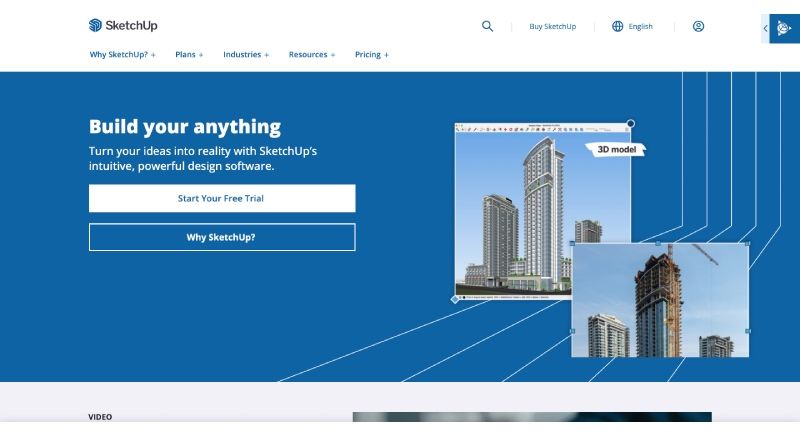
SketchUp is a powerful 3D modeling software known for its intuitive interface and versatility, ideal for architects, designers, and hobbyists alike. Create stunning designs, visualize concepts, and bring your ideas to life with ease.
Suitable for: For Both Mac and Windows users.
Top Features : Some of the top features of SketchUp are:
- Scene search
- Standard views
- Freehand tool
- Clipping
- Eraser tool
- Lasso tool
- Tag tool
- Tangent inference lock
- Circle tool
Pros:
- It has a user-friendly interface.
- The overall features and tools of the software are easy to learn.
Cons:
- There are limited modeling tools.
- At times, the software can be a lot time-consuming.
Pricing: It is available for free
Sweet Home 3D
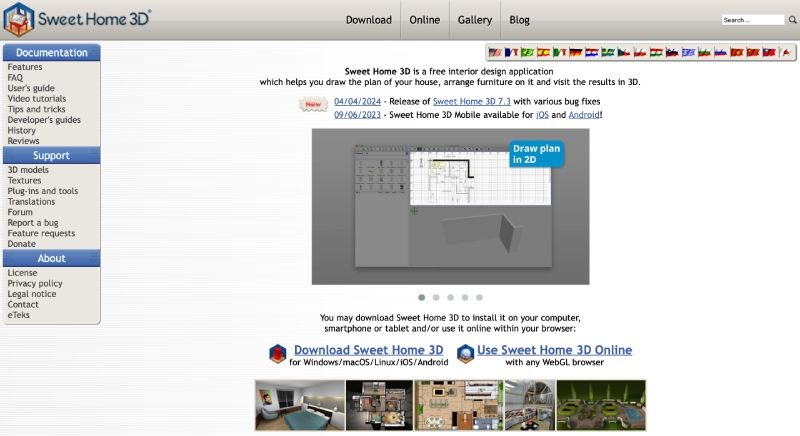
Sweet Home 3D is a user-friendly interior design software that allows you to plan and visualize your home layout in 3D. With its intuitive interface and extensive library of furniture and decor items, designing your dream space has never been easier.
Suitable for: For Both Mac and Windows users.
Top Feature: Some of the top features of Sweet Home 3D include:
- User’s guide
- Video tutorials
- Intuitive Interface
- Developer’s guides
- 2D and 3D Views
- Furniture Library
- 3D models
- Textures
- Tips and tricks
- Real-time Rendering
- Lighting and Shadows
- History
- Export and Sharing
- Cross-Platform Compatibility
- Reviews
- Customization Options
- Support
Pros:
- The software runs on modest hardware.
- It comes equipped with a bunch of easy and handy tools.
Cons:
- The software supports limited customization options.
- It has limited rendering options and updated features.
Pricing: The software is available for free as well as paid subscription models.
Also read: User Experience UX design in Project Management SaaS
SmartDraw
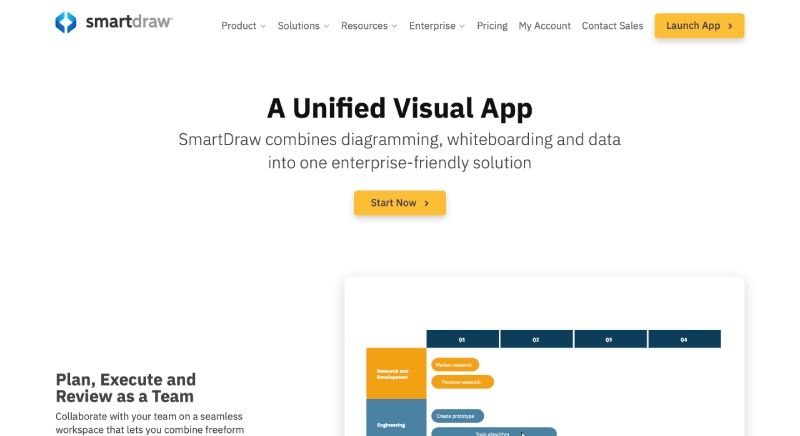
SmartDraw is a versatile diagramming software that streamlines the creation of professional-looking diagrams, charts, and visualizations. With its intuitive interface and extensive library of templates, SmartDraw empowers users to efficiently communicate complex ideas and concepts.
Suitable for: For Both Mac and Windows users.
Top Feature: The top features of Smart Draw are:
- 2D Drawing.
- API.
- Automatic Adjustments.
- Automatic Formatting.
- Appointment Scheduling.
- Architectural Symbol Library.
- Brainstorming.
- CAD Tools.
Pros:
- The software works really well for the users who work on PowerPoint.
- A lot of good tools including some interesting templates are available.
Cons:
- There is a restrain on the customization option and the overall working is dependent on the templates.
- There are limited advanced features.
Pricing: It is available for free and subscription-based models.
SketchList3D
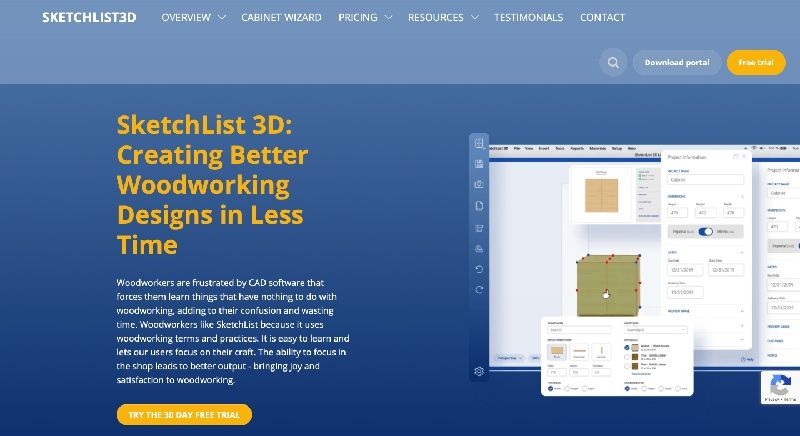
SketchList3D is a powerful woodworking design software that simplifies the creation of detailed 3D furniture and cabinetry designs. With its intuitive interface and advanced features, SketchList3D enables woodworkers to visualize, plan, and optimize their projects with precision.
Suitable for: For Both Mac and Windows users.
Top Feature: The top features of SketchList 3D are:
- Simple app navigation.
- Enormous template library.
- Drag as well as snap objects.
- Optimization Tools
- Customization Options
- 3D Modeling
- Sizing, copying, separation, and mirroring.
- Tools for contours, gaps, and joints.
- Design Flexibility
- Export Options
- Materials, textures, scale, and opacity are all precisely measured.
- Cutting guides for CNC machine tools.
- Integration options.
- User Support
- Realistic project renderings.
Pros:
- The project planning features facilitate an easy working environment.
- The user interface is quite easy to manage and use.
Cons:
- It has a learning curve that be quite problematic for some users.
- The limitations imposed on integration.
Pricing: It is available for free as well as paid subscription models.
Also read: Top 10 AI Tools for Graphic Design: Redefining Visual Creativity
HomeByMe
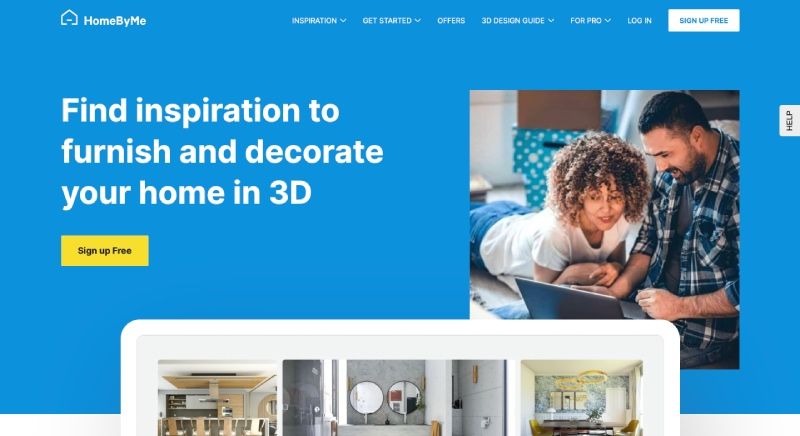
HomeByMe is a user-friendly online interior design tool that allows you to create and visualize your dream home in 3D. With its extensive library of furniture and decor items, HomeByMe helps you bring your design ideas to life with ease.
Suitable for: For both Mac and Windows users.
Top Feature: The top features of HomeByMe are:
- 3D Home Design
- Room Planning
- 4K images
- Read-only projects
- Furniture Library
- Material Selection
- Design Collaboration
- Reviews section
- Customer support
- Floor Plan Creation
- Integration
- Realistic Rendering
- Measurement Tools
- Mobile Compatibility
Pros:
- The software also supports mobile compatibility options.
- The cost-based plans are also pocket-friendly.
Cons:
- The options for customization and tools are limited.
- The software runs on the Internet.
Pricing: It is available for both free and paid subscription plans.
Planner 5D
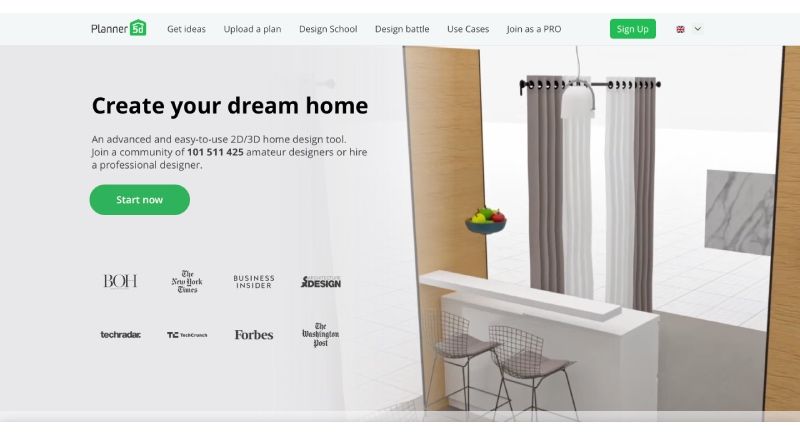
Planner 5D is a versatile home design tool that empowers users to create stunning interior and exterior designs in 2D and 3D. With its intuitive interface and vast library of furniture and decor items, Planner 5D makes designing your dream space both easy and enjoyable.
Suitable for: For both Mac and Windows users.
Top Feature: The top features include:
- 2D Drawing.
- User-Friendly Interface
- 3D Home Design
- Room Planning
- 3D Imaging.
- Activity Dashboard.
- Building Information Model.
- Realistic Rendering
- Measurement Tools
- Collaboration Features
- Customizable Templates.
- Data Visualization.
- Mobile Compatibility
- Integration
- Offline Mode
- Export Options
- Furniture and Decor Catalog
- Design Management.
Pros:
- There are collaboration tools that make it easy to use.
- There are rendering and other available options.
Cons:
- The software is internet dependent which makes it not so compatible to be used at all times.
- There might be some occasional bugs and errors in the working plan of the software.
Pricing: Planner 5D is available for both free and paid subscription plans.
Solidworks
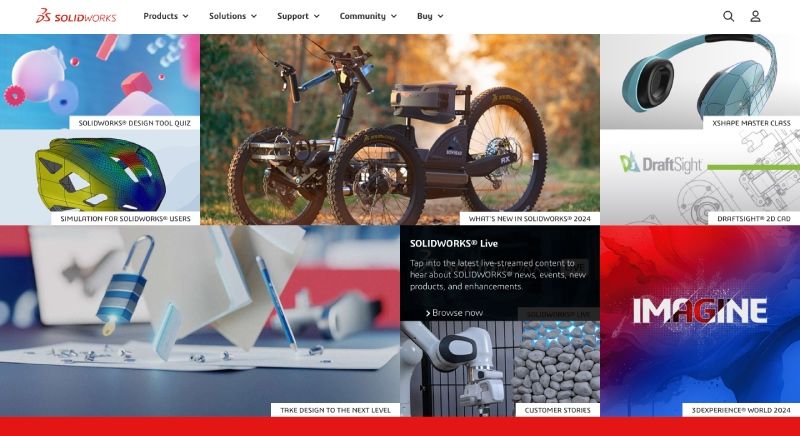
SolidWorks is a leading CAD software known for its robust modeling capabilities and intuitive design interface. Trusted by engineers and designers worldwide, SolidWorks streamlines the product development process, from concept to production, with precision and efficiency.
Suitable for: For both Mac and Windows users.
Top Feature: The top features of the software are:
- Parametric Modeling
- Assembly Modeling
- Electrical Design
- Visualization and Rendering
- Cloud Collaboration
- Surface Modeling
- Drawing and Detailing
- Simulation and Analysis
- CAM Integration
- Part Design
- Sheet Metal Design
- Product Data Management (PDM)
- Support
- Reviews
- Additive Manufacturing (3D Printing)
- CAD Libraries and Standards
Pros:
- It has a user-friendly interface.
- The technical support system is impressive.
Cons:
- There is limited cloud integration.
- The pricing of the paid plans is not pocket-friendly.
Pricing: It is available for both free and paid subscription plans.
Foyr Neo
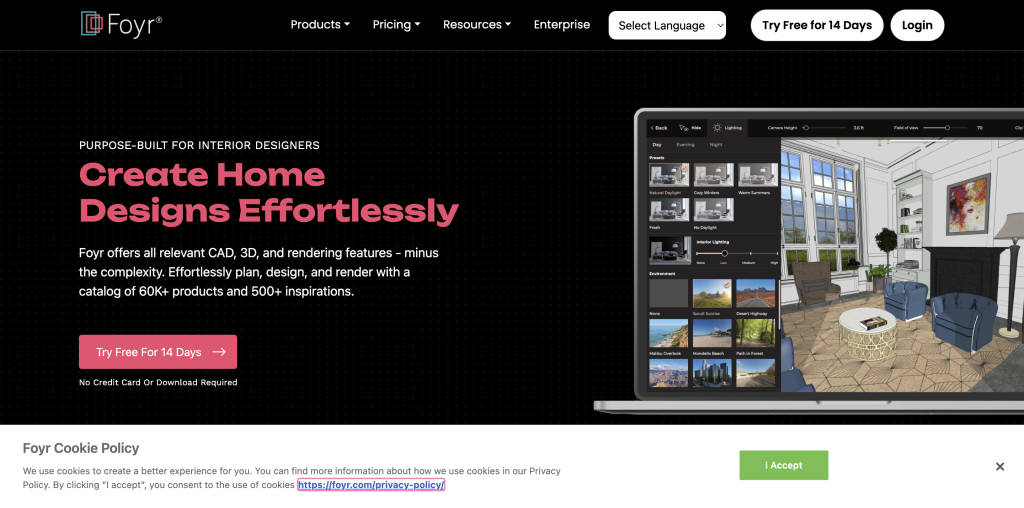
Foyr Neo is one of the best furniture design software available in the market today. Wither you wish to design furniture or design home interiors this software can help you create stunning designs within no time. You can use Foyr Neo to create 2D and 3D plans, create a virtual reality experience for your customers, import your own textures and models, and perform various other tasks. This feature-rich software is ideal for use by beginners as well as experienced professionals.
Suitable for: Foyr Neo is a cloud-based platform which is compatible with Windows and Mac OS.
Top Features: Some of the top features of Foyr Neo are:
- 2D and 3D floor plans
- 3D renderings
- 4K video walkthroughs
- Multiple unique modeling tools and services
- 10,000+ customizable templates
- Intuitive user interface
- 60,000+ prebuilt 3D models
- Measurement scale
- AI-assisted planner
- Design management
- Data visualization
- Collaboration tools
- Drag and drop
Pros:
- Foyr Neo can be easily mastered by anyone as it is powered by AI which means that you can automate most of the tasks to create your stunning designs.
- You can create your furniture designs within minutes thanks to Foyr Neo’s extensive library of design elements comprising of 60,000+ prebuilt 3D models and more than 10,000 design templates.
Cons:
- The trial version offers limited features which means that you will have to buy their paid version to experience and use all their features.
- Taking pictures for renders can be troublesome sometimes because the camera moves easily. Also, there is no keyboard shortcut to level the camera automatically.
Pricing: Foyr Neo offers a free 14-day trial version. The paid plans include:
- Basic – $22 per month billed annually.
- Standard – $55 per month billed annually.
- Premium – $99 per month billed annually.
Download Link: Foyr Neo
Master Design Art-Shop X-Lite
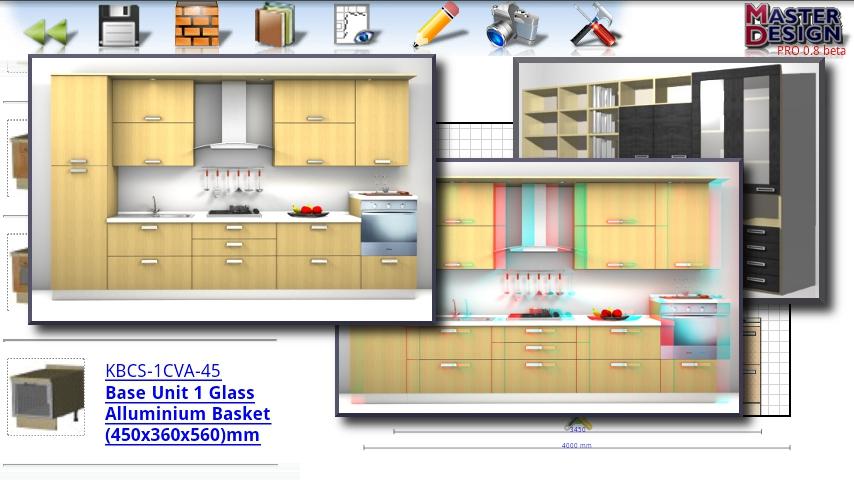
Master Design Art-Shop X-Lite is another popular 3D design software that can be used for creating different designs suitable for kitchen, bathroom, office, cabinets, and more. This furniture deign software has an intuitive interface with easy navigation. This enables the users to perform a wide range of functions like modeling, sketching, rendering, etc. One of the USPs of this software is that users can position the camera angles to see a 360-degree view of their designs.
Suitable for: Master Design Art-Shop X-Lite is suitable for users with Windows operating system.
Top Features: Some of the top features of Master Design Art-Shop X-Lite include:
- 2D sketching
- 3D modeling
- 3D rendering
- 3D glasses, showrooms and virtual 3D viewer
- No pixel limit
- Ability to apply different graphic filters
- Library of materials for furniture designs
- Textures library
- Export designs in different formats like OBJ, STL, and FBX
- Advanced editing
Pros:
- It provides a wide range of tools to make the user’s design process easier, such as the dimensioning tools allows the users to measure and add dimensions as accurately as possible to their 2D plans.
- The software offers pre-defined room templates and other templates for quick design options.
Cons:
- The software’s performance may lag when working on large and complex designs.
- The 3D visualization feature is basic and doesn’t have advanced editing options.
Pricing: Master Design Art-Shop X-Lite is available for free with limited features. For advanced features, you will have to opt for the paid versions.
Download Link: Master Design Art-Shop X-Lite
PRO100
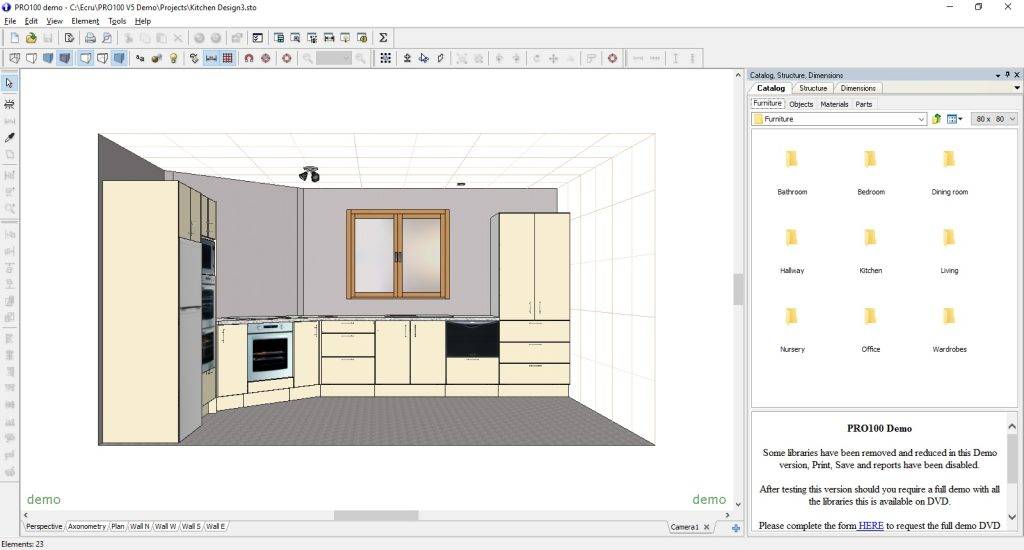
Next, we have PRO100, another popular furniture design software that enables users to design visually appealing designs and projects. Users can try this software for woodworking, interior design, furniture design, and cabinetry. One of the key USPs of PRO100 is its GUI that allows users to design images in high quality and render them while ensuring that all the details are kept intact. This design is mostly suitable for professionals rather than beginners.
Suitable for: PRO100 is compatible with Microsoft Windows.
Top Features: Some of the key features of PRO100 include:
- Create custom closets and cabinets
- 2D and 3D modeling
- 3D rendering
- Collaboration tools
- Efficient project management tools that allow users to create project plans, track progress, assign tasks, etc.
- Import 3D objects
- Photo realism and Panaroma
- Cabinet cut lists
- Shape editor
- Ability to upload your furniture designs on different platforms like websites, mobile phones, Virtual reality facilitators, etc.
Pros:
- You can easily add and customize various design elements, such as drawers, shelves, handles, etc.
- PRO100 allows users to import 3D textures and objects from external sources.
Cons:
- PRO100 does not support 3D images in various formats.
- It has a steep learning curve and is not suitable for beginners.
Pricing: PRO100 offers a free trial version as well as different paid plans.
Download Link: PRO100
Top Free Furniture Design Software
| Software Name | Pricing | Download Links | Compatible with |
|---|---|---|---|
| SketchUp | Free | SketchUp | Windows, macOS |
| Sweet Home 3D | Free | Sweet Home 3D | Windows, macOS, Linux |
| SmartDraw | Free and subscription-based models | SmartDraw | Windows, macOS |
| SketchList3D | Free and subscription-based models | SketchList3D | Windows, macOS |
| HomeByMe | Free and subscription-based models | HomeByMe | Windows, macOS, Web browsers |
| Planner 5D | Free and subscription-based models | Planner 5D | Windows, macOS, Web browsers |
| SolidWorks | Free and subscription-based models | SolidWorks | Windows, macOS |
FAQs
What is the best software for furniture design?
The best software for furniture designs is WOODEXPERT and SOLIDWORKS.
Is AutoCAD good for furniture?
AutoCAD is considered to be a good and efficient furniture software for design and other related tools.
What are furniture design software?
Furniture design software is typically built to enhance and streamline the overall process of furniture designing and they come equipped with several tools and features that can help in making the overall process quite easy and simple.
Is furniture design software an efficient step for small businesses?
Yes, furniture design software is considered to be quite suitable and efficient for small businesses as well.
