


With a plethora of free and open-source flowchart software available in the market, choosing the best one can be challenging. That is why we at SaaSworthy have put together a list of the top 5 free and open-source flowchart software.
Table of Contents
What is free and open-source flowchart software?
A flowchart is a graphical depiction of processes, steps, plans, sequences, and activities that must be completed in order to reach a given goal. These processes are represented by geometric symbols such as circles, boxes, and diamonds, while arrows illustrate the link between the phases.
Flowchart software automatically creates such diagrammatic representations. It is also used to detect faults, bottlenecks, and other less visible characteristics inside it. A free and open-source flowchart software is available at no cost with a publicly accessible source code. You can obtain and modify the source codes of these flowchart software without restrictions.
Top 5 free and open-source flowchart software in 2021
The following are our top picks for best free and open-source flowchart software –
1. Lucidchart
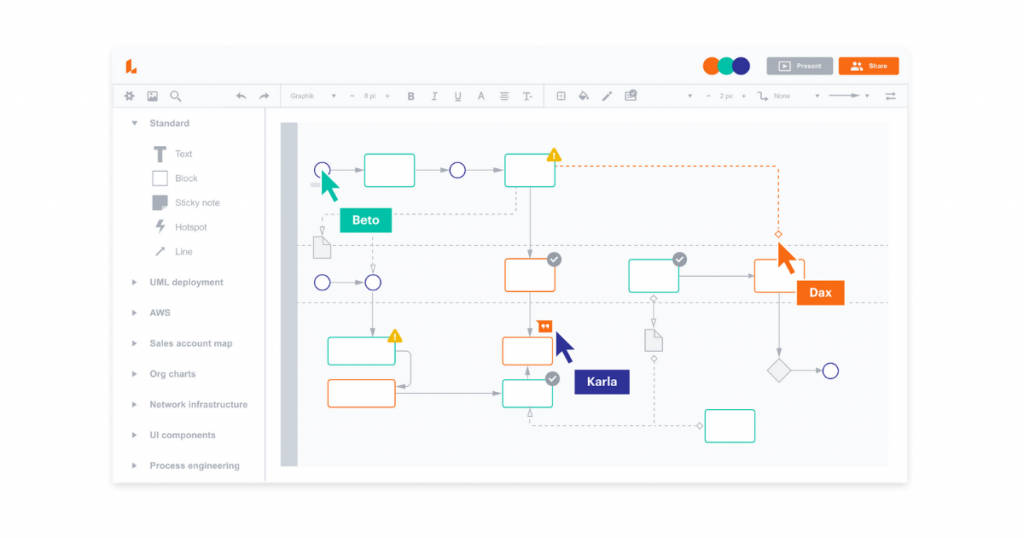
Lucidchart is a reliable and easy-to-use free and open-source flowchart software. This software greatly simplifies the creation of flowcharts, UML, org charts, mind maps, and wireframes. Lucidchart is used by over 30 million people in over 180 countries. Therefore, Lucidchart is SaaSworthy’s top choice for free and open-source flowchart software.
The various features of Lucidchart include –
- As you begin working, you can access over 500 free templates and a vast shapes library by dragging and dropping pieces to the screen.
- The intuitive admin interface of Lucidchart makes it simple to manage permissions and auto-provision new users.
- It enables many users to collaborate on documents and work on them at the same time. The entire team can think visually, which boosts productivity.
- It gives administrators the ability to limit sharing by domain. It also needs an SSO login, so they do not have to worry about security.
The limitations of Lucidchart are –
- It can lag at times while dealing with a large number of graphical components.
- Changing charts can disrupt the entire original chart, and hence it can be a challenging process.
2. Creately
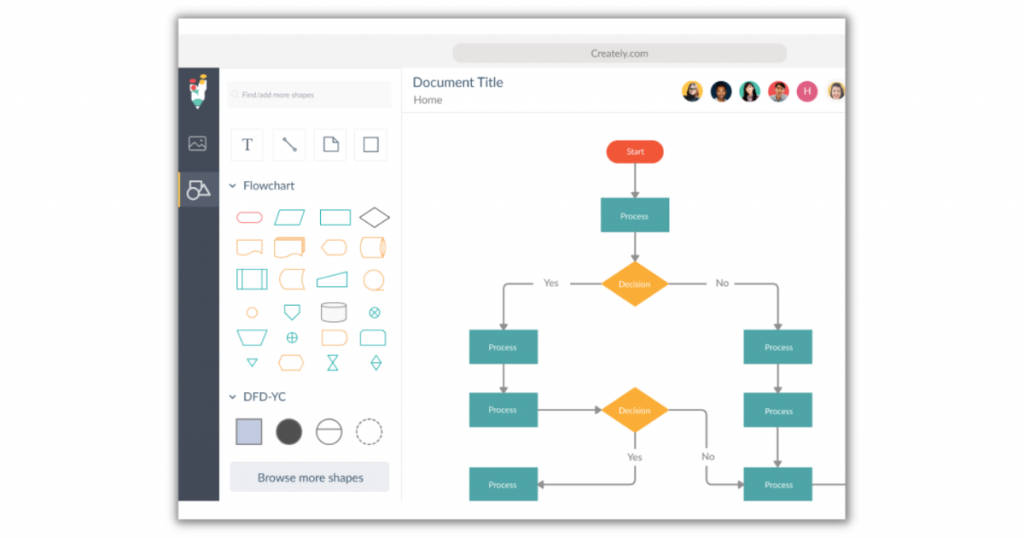
Creately is a web-based and cloud-hosted free and open-source flowchart software. It is a robust flowchart software and is compatible with Windows, macOS, Android, and iOS. It has a user base of more than 5 million from all over the world. It is, therefore, the best flowchart software for creating an open-source flowchart online.
The various features of Creately include –
- It blends the intuitiveness of drawing tools with hundreds of thousands of publicly available shapes and templates. This provides you with the ability to build the best flowcharts.
- As this software facilitates diagramming, you can obtain the required size by clicking on the shape and moving it over the screen.
- Using in-app video conferencing, real-time mouse tracking, synchronized change previews, and comment conversation threads, it enables simultaneous and asynchronous collaboration.
- It increases productivity and creates a single source of truth for better decision-making by allowing teams to centralize documents, resources, tasks, and communication.
The limitations of Creately are –
- The software can crash occasionally, so it is important that you save every change you make.
- Linking the flowchart is a challenging task.
3. SmartDraw
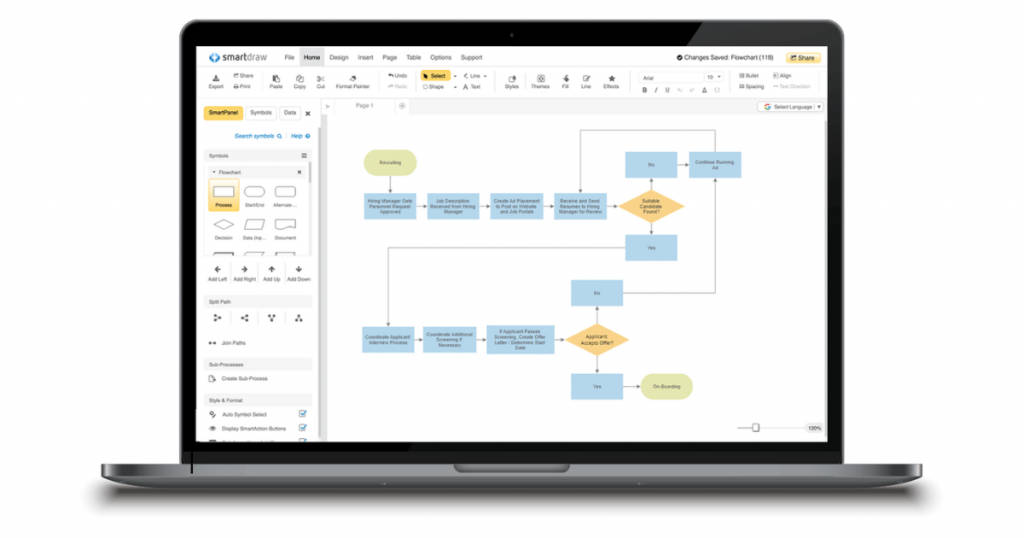
SmartDraw is a free and open-source flowchart software that is simple and quick. SmartDraw is available to use both online and on mobile devices. It is an industry leader with over 28 years of experience. It is safe to say that SmartDraw is one of the best open-source diagram software available in the market.
The various features of SmartDraw include –
- SmartDraw allows users to add shapes, automatically place them, and add connecting lines using easy commands and keyboard shortcuts.
- SmartDraw allows you to generate flowcharts with over 4000 free templates, almost 35000 symbols, and more than 70 diagram choices with quick-start options.
- The only diagramming software with an intelligent formatting engine is SmartDraw. When you add, delete, or move shapes, your diagram will automatically update and retain its layout.
- SmartDraw helps your whole team stay on the same page. You can simply distribute diagrams by creating shared folders or sending a link through email to anyone.
The limitations of SmartDraw are –
- It can crash often when there is an overload of graphics components.
- The web version of SmartDraw is glitchy with bugs.
4. Inkscape
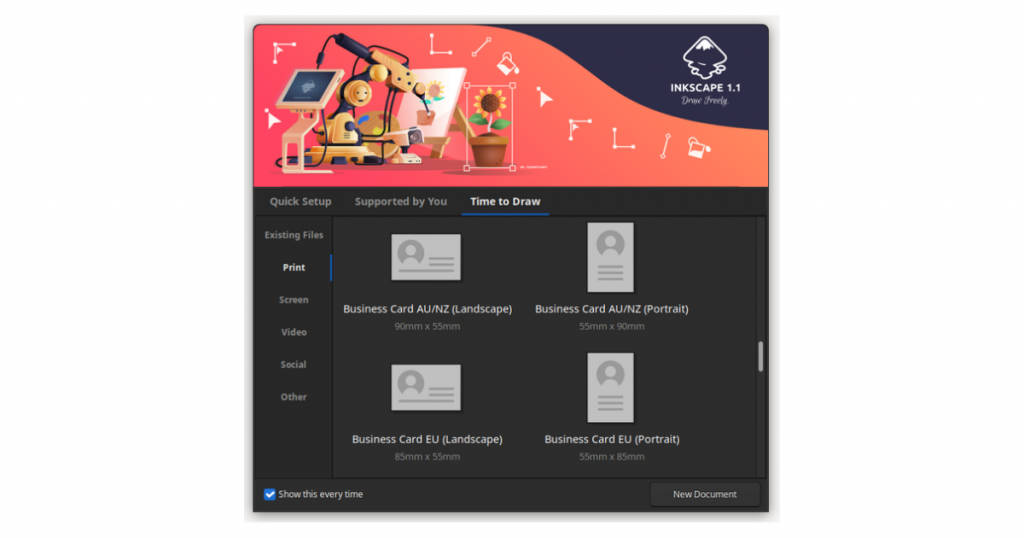
Inkscape is a vector graphics software that also doubles as a free and open-source flowchart software. It has cross-platform support and can be run on Windows, Linux, macOS, etc. Inkscape is unique in the sense that it is a community-built flowchart software free download for Windows.
The various features of Inkscape include –
- It allows you to create and modify SVG files that are perfectly compatible. It also includes live document tree viewing and editing in the XML editor.
- It includes a number of drawing, calligraphy, shapes, pencil, and pen tools. This software’s 3D boxes tool enables fast drawing.
- The node editing feature allows you to move nodes, insert nodes between segments, delete nodes, connect or break the route of chosen nodes and end nodes.
- This flowchart software allows you to modify objects such as transformations, group objects, creating layers, alignments, and distribution channels.
The limitations of Inkscape are –
- It has a steep learning curve, and hence it is not suitable for beginners.
- The user interface is not refined and is in need of a revamp.
5. diagrams.net
diagrams.net is a free and open-source flowchart software that simplifies the process of drawing flowcharts with its various helpful tools. It is suitable for everyone ranging from individual to large-scale companies and was established in 2005. It can be used both online and on desktops.
The various features of diagrams.net include –
- The software enables you to easily upload even outdated diagram files as old as 2005 and share them with everyone.
- The flowchart tool features an extensive shape library that includes flowcharts, mind maps, trees, and diagrams.
- You can move shapes backwards and forwards when they overlap one another, in addition to bringing them to the rear or to the front.
- You can locate and embed diagrams on servers and the confluence cloud by using the built-in search tools.
- It allows you to create free unlimited flowcharts. By aligning CSV data and formatting information, you can generate a diagram automatically.
The limitations of diagrams.net are –
- The variety of templates available for use is limited.
- Some of the drawing and editing features in the online version of this software are clumsy.
Conclusion
When you are attempting to show a series of events or brainstorm ideas, finding the ideal flowchart software is really essential. These free and open-source flowchart software will assist you in creating a wide range of diagrams and flowcharts. You can now choose a free and open-source flowchart software best suited to your needs after weighing its pros and cons.
If you want to know about more such top free and open-source software, check out SaaSworthy’s list of top free and open-source software.
Also read:
• Best WhatsApp Marketing Software to Level up Your Marketing Game in 2021
