

At present, almost all contemporary workplaces need to store a large number of documents. However, having a bulky scanner is very old-school and not very flexible. So, digital scanners are the new way to go. Digital documents not only save papers but are also accessible in no time, if stored and handled properly. Moreover, it can be shared instantly, which helps keep up the spontaneity of work. And since the world is embracing the remote work culture, document scanning software become more important than ever.
Here we have enlisted some of the leading free scanning software, along with their features. Some scanning software mentioned here offer a free trial version that helps the users to check if they work properly, and discontinue using them if they are facing any issues. So without any more delay, here are the best document scanning software out there.
Table of Contents
1. VueScan
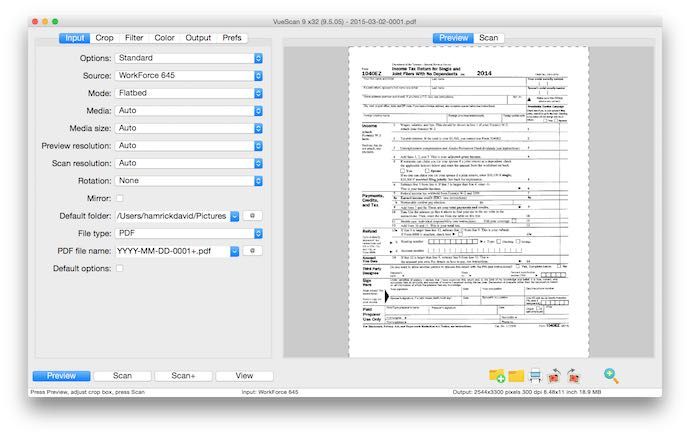
VueScan is one of the most reliable scanning software that has a handful of outstanding features and a free trial version. It is compatible with major operating systems like Windows, Mac OS, and Linux.
Photoshop integration makes VueScan convenient as a photo scanning software too. Apart from this, VueScan helps the users scan documents in PDF, JPEG, RAW, OCR, and TIFF formats. It can also virtually support the slide and film scanners. Users can easily customize the software as per their requirements. If your scanner does not have a proprietary driver, VueScan can still support it.
2. PaperScan
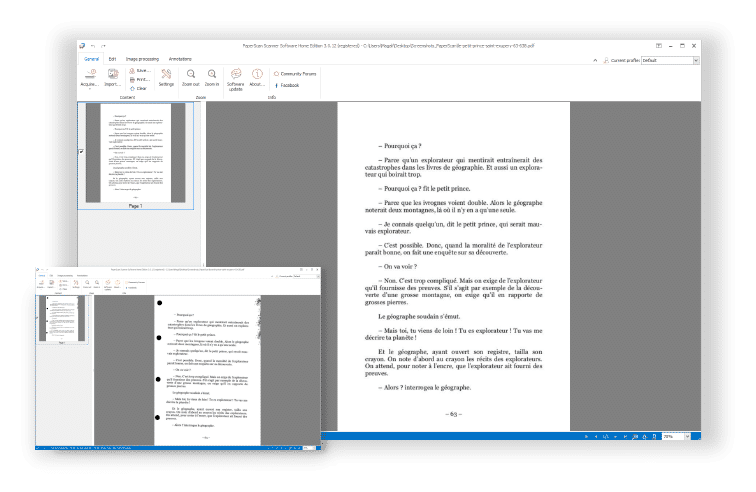
The best thing about PaperScan scanning software is that you can carry out the basic scanning facilities for free. However, this software does display ads in the free version, which might affect the continuity of work. The paid version gets rid of that, and can act as photo document scanning software too. Moreover, the paid version even supports OCR with the PDF compressions and annotations.
With PaperScan, PDF encryption can be done with ease. You can save the file in TIFF, PDF, JPEG, PNG, and some more formats. One of the crucial advantages of PaperScan is its user-friendliness. Finding pages and correcting them to the right alignment is fully automatic, which enhances the user experience.
3. CamScanner
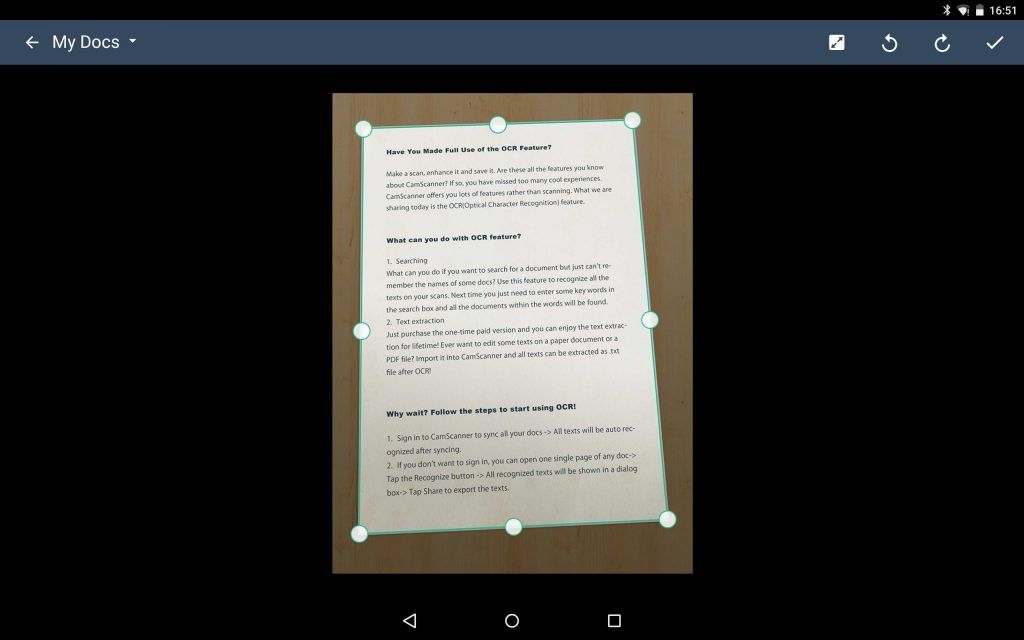
CamScanner is among the most popular document scanning software. It has both the free and a paid version. It’s a receipt scanning software that can be used on both PC and mobile. Affordability is the key advantage of using CamScanner, as its paid version is available for just $4.99 per month.
CamScanner also has a dedicated web app to help you to easily manage the scanned documents. As a free document scanning software, CamScanner can be a considerable option for home users or those having small enterprises. On the other hand, large enterprises can consider the paid version as it provides the feature of cloud storage and OCR support.
4. Readiris 17
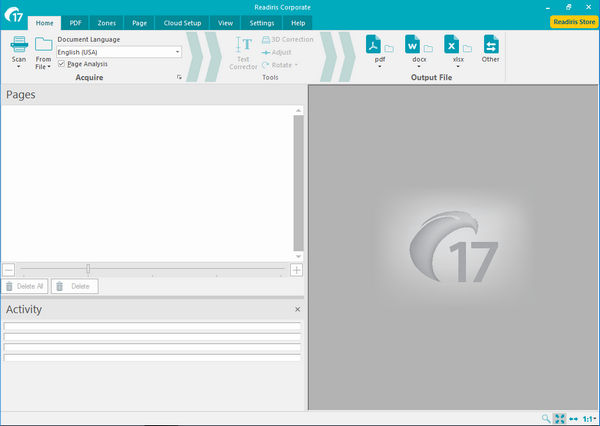
Readiris 17 is one of the best scanning software, albeit a completely paid tool. You can find all the latest tariffs on its official website. There are several exciting features for Readiris 17, such as OCR support, verbal recognition, and user-friendly interface.
With Readiris, it is easy to scan photos and various kinds of documents, such as PDF, Excel, Word, and PowerPoint. A unique feature of the software is that it can change a document to an audio file in the WAV or MP3 format.
5. Adobe Acrobat DC
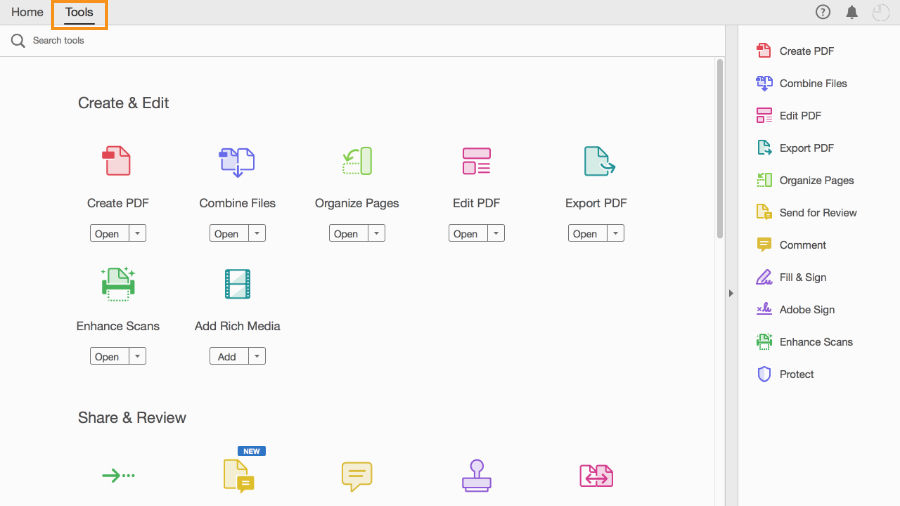
If you are looking for professional scanning software, the Adobe Acrobat Direct Cloud can be your pick. There are many features of Adobe Acrobat DC like Dropbox and OneDrive. As the Acrobat is from Adobe’s stable, you can expect it to provide efficient graphics integration.
Available for PCs and smartphones, the Adobe Acrobat DC makes it one of the best scanning software in terms of storage. However, Adobe Acrobat DC does not have a free version and the charges for subscription remain quite high, making it suitable only for big profit-making enterprises and not individuals. The only drawback for the Adobe Acrobat is that it does not have the OCR tool.
6. FileCenter
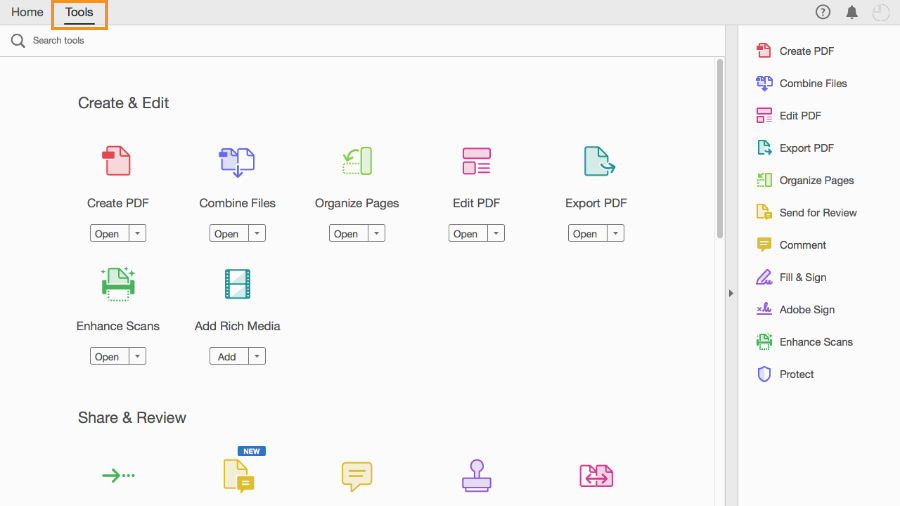
FileCenter is an HP scanning software that can be the best for you if your scanner and other gears are from HP. However, offerings of other manufacturers are also compatible with the scanner software.
FileCenter ensures you carry out several types of document scanning in bulk. As a user, you can easily customize the software according to your preferences. Another convenience is its affordable costs. It proves to be the best for home use. You can even get access to its free trial version from the official website. The file cabinet interface present for FileCenter eases proper organization for each document that has been scanned.
7. RevvSales
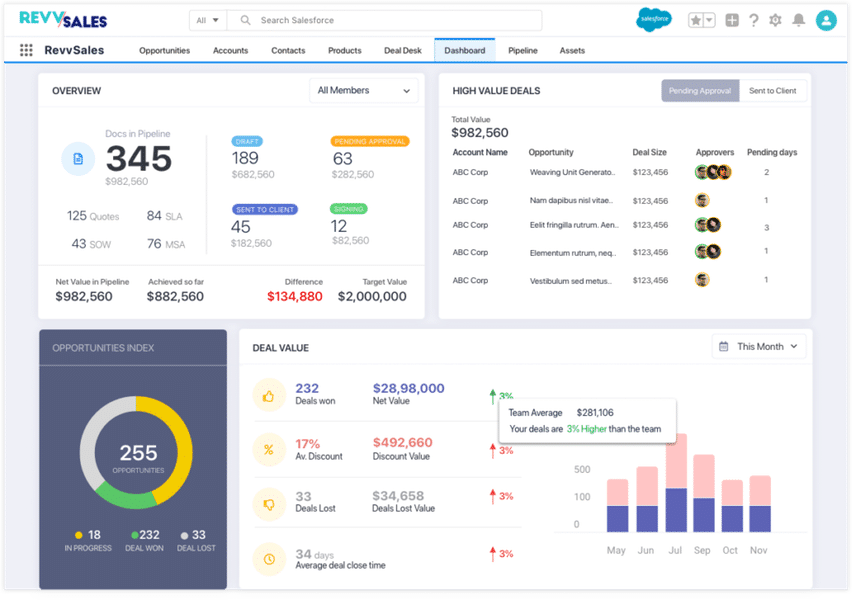
RevvSales is a prominent scanning software based in the US. It can also be accessed for a free trial version. It is a cloud-based software and hence there’s no need to install it on PCs or smartphones
The working style of RevvSales is majorly like Google Docs. However, it contains templates that are more convenient to use. RevvSales proves to be convenient for enterprises that deal with reviewing various systems related to records such as accounting, payroll, and CRM. With the help of this document scanning software, it will become easier for you to run your business where dealing with a large amount of data is common.
The paid version of RevvSales is available at a minimum cost of $15 monthly for a single user. Addition of features results in more monthly charges. Moreover, the CPQ features present in the RevvSales software make it a convenient option to run e-commerce websites with ease. Easy quoting and proposal management can also be done with the help of this software.
8. Abbyy FineReader
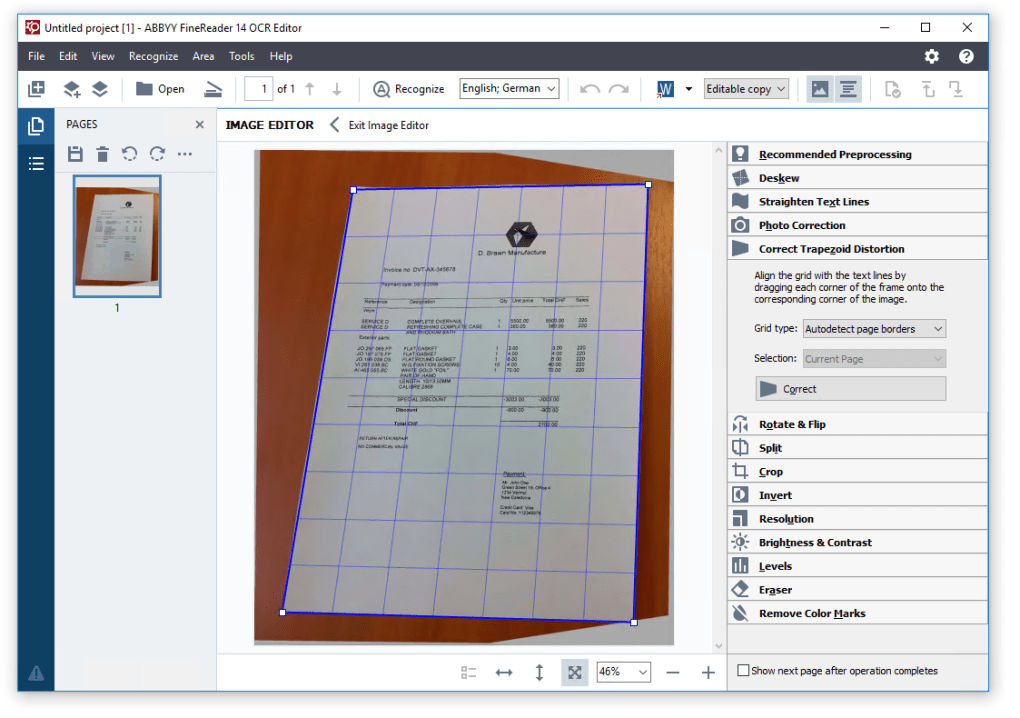
Abby FineReader is among the best scanning software for enterprises that need OCR frequently. It can also prove itself to be the top best photo scanning software due to its compatibility with Photoshop.
Abby FineReader can run on both PCs and smartphones. It is best for official use as it has an office-friendly interface. However, due to its expenses after the expiry of the free-trial period, it might be unfit for home use. Easy editing, processing, and viewing make Abbey FineReader a top pick for the offices all over the world. Document converting options of the app are outstanding, and it also supports over 190 languages.
Conclusion
As technology is developing fast, the office environment is changing rapidly. Document scanning software plays a crucial role in making the office go paperless and remote too. Add to it the benefit of minimizing the costs of using paper and the fact that it’s easy to search for things digitally.
If you are still confused about the best scanning software present in the market, then the table below shows how these products differ from each other.
| Software Features | VueScan | PaperScan | CamScanner | Readiris | Adobe Acrobat DC | FileCenter | Revv Sales | Abby FineReader |
| OCR | Yes | Yes (Only in Paid Version) | Yes | Yes | No | Yes | No | Yes |
| Supporting Multiple Languages and Gears | Yes | Yes | Yes | Yes | No | Yes | Yes | Yes |
| Free trial version | Yes | Yes (With only basic scanning features) | Yes | No | Yes | Yes | Yes | Yes |
| Photoshop Integration | Yes | Yes | Yes | No | Yes | Yes | No | Yes |
You must always consider the type of documents you need to deal with in your regular workflow before choosing a scanning tool. While you can opt for the paid software, you can also find the best free scanning software from the list above.
Which software caught your attention? Drop the comments below to let us know.
Also read:
