

Of all the marketing solutions, digital signage holds a prime place of importance because it can attract footfalls immediately to your shop. A well-written and eye-catching digital signage board can bring in customers who might never have heard of your brand before. Statistics show that digital signage can capture the attention of a significant majority of people passing through the streets.
Yes, digital signage boards are essential to advertising, but what you write on it matters more than anything else. Therefore digital signage software has a critical role to play. We shall go through the features of what a digital display should consist of before discussing some of the best digital signage software free solutions available today.
Table of Contents
What is digital signage software?
When you look at any digital signboard, you notice a combination of static and interactive digital displays. The digital signage software solution manages these displays and helps to create, schedule, monitor, store, and display advertisements on projectors, televisions, and other digital display advertising devices.
Digital signage systems
Today, convenient all-in-one digital signage systems are available, but they include three distinct components. These components are integral to every digital signage solution.
- Content Management
A content management system is the backbone of a digital signage system. Digital advertising solutions offer CMS to enable users to upload video content and original images or even modify the templates provided to deliver the results they seek. - Digital Signage Player
The digital signage player is the device that connects to your TV or digital signage screen. It looks similar to the Amazon Fire TV Stick. This device enables the content stored in the cloud, network server, or a hard drive to display on the screen. - Digital Display
In simple words, the digital display device is the one that is visible to the world outside. Usually, you have flat-screen televisions of varying sizes depending on the needs and budget of the business. Nowadays, you get touchscreen interactive digital screens to make it more attractive to the customer.
We shall now look at the points to ask when selecting the right digital signage software for your advertising needs.
- Nature of content – The quality of content will depend on your requirements. Do you want static images with subtitles or a full-fledged video along with dialogues? Depending on your requirements, you have to ensure that your digital signage system supports it.
- Touchscreen display – Going for a touchscreen display entails that your digital signage software should support interactive content. This requirement can change all three components of your digital signage system.
- Cloud-Based system – Though there are many computer network-based signage systems around, the cloud-based ones are becoming popular. One can control, edit, and update content from remote locations when you opt for cloud-based signage systems.
Let us look at some digital signage software solutions before proceeding to discuss them in detail.
| Digital Signage Software | Cloud-Based and On-Premise | Mac, Windows, Linux Platforms |
Free/Paid |
| Yodeck |
Yes |
Yes |
Paid |
| TruDigital Signage |
Yes |
Yes |
Paid |
| NoviSign |
Yes |
Yes |
Paid |
| Arreya |
Yes |
Yes |
Paid |
| The TV Sign |
Yes |
Yes |
Paid |
| Enplug |
Yes |
Yes |
Paid |
| UPshow |
Yes |
Yes |
Paid |
| CommandcenterHD |
Yes |
Yes |
Paid |
| Skykit |
Yes |
Yes |
Paid |
| UCView |
Yes |
Yes |
Paid |
1. Yodeck
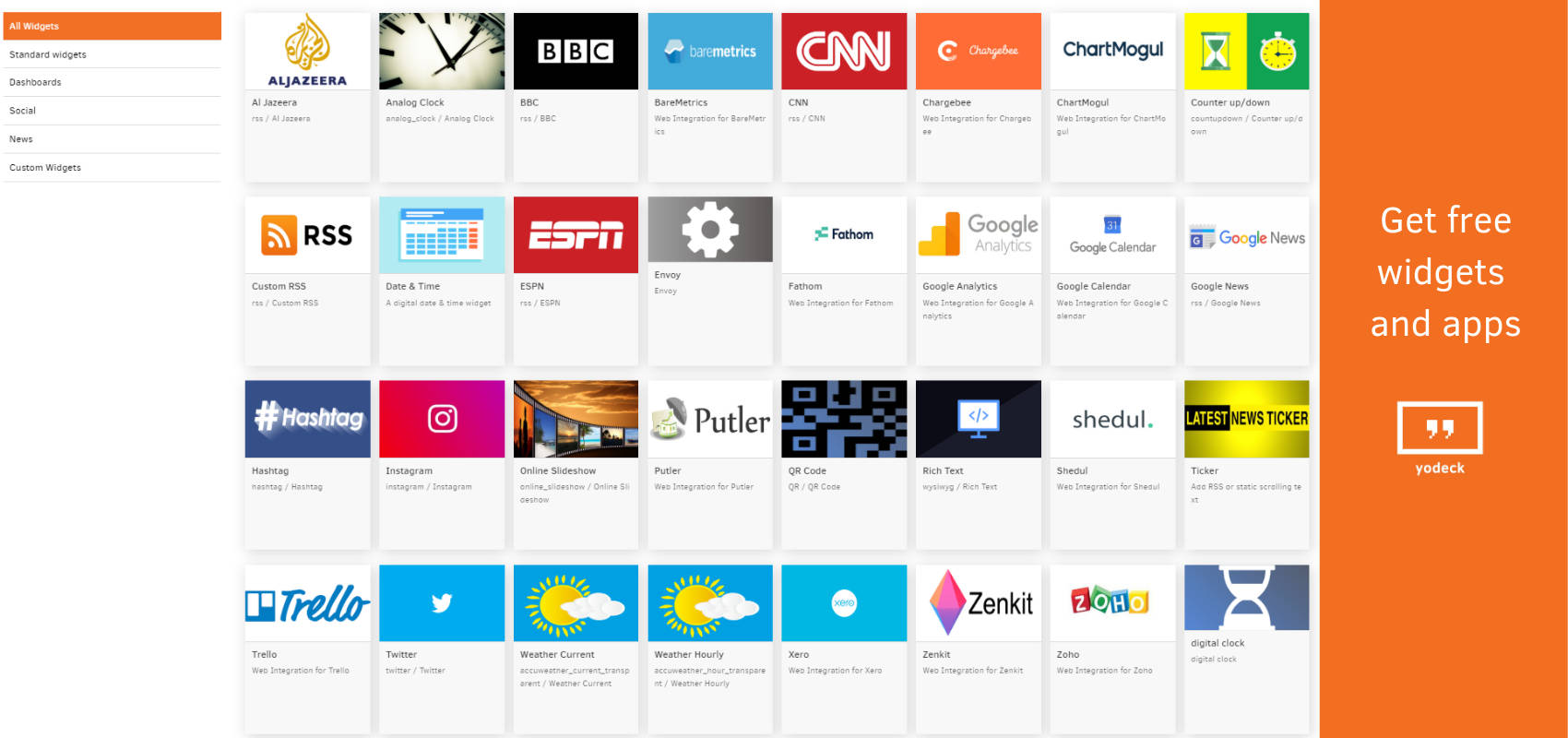
Yodeck is a cloud-based digital signage software open source that caters to the small and medium-sized businesses. It enables businesses to create content and monitor them through the web. This software is compatible with the prominent OS like Mac, Windows, and Linux. Users can upload PDF files, images, videos, and even Excel files to display screens. Some of the primary features include content scheduling, SSL security, media library, layout management, digital signage, digital menu boards, and media RSS. This software solution can integrate with 3rd party applications like Google Calendar, Xero, Instagram, and Twitter, among others. The pricing of the product depends on the number of screens you want the display to have. This solution provides online support through email, documentation, phone, and online help desk.
2. TruDigital Signage

TruDigital Signage is an ideal software solution to help with digital communication. Users can upload files, documents, video content, and images to the Cloud from where they can add them to the display screen. As it is a cloud-based solution, it enables users to manage their content from a centralized dashboard. This software solution allows users to send content to groups and individual locations with a facility to download various reports. TruDigital Signage monitors ads and other content to help users identify the content that the audience prefers to have. Users can also make changes accordingly. Other notable features of this software solution include photo-editing, search functionalities, file import/export options, and so on from a single dashboard. This software targets all kinds of business organizations, including financial services, healthcare, retail, Government business, automotive, and education. Furthermore, it is compatible with the prominent OS like Windows, Mac, and Linux.
3. NoviSign
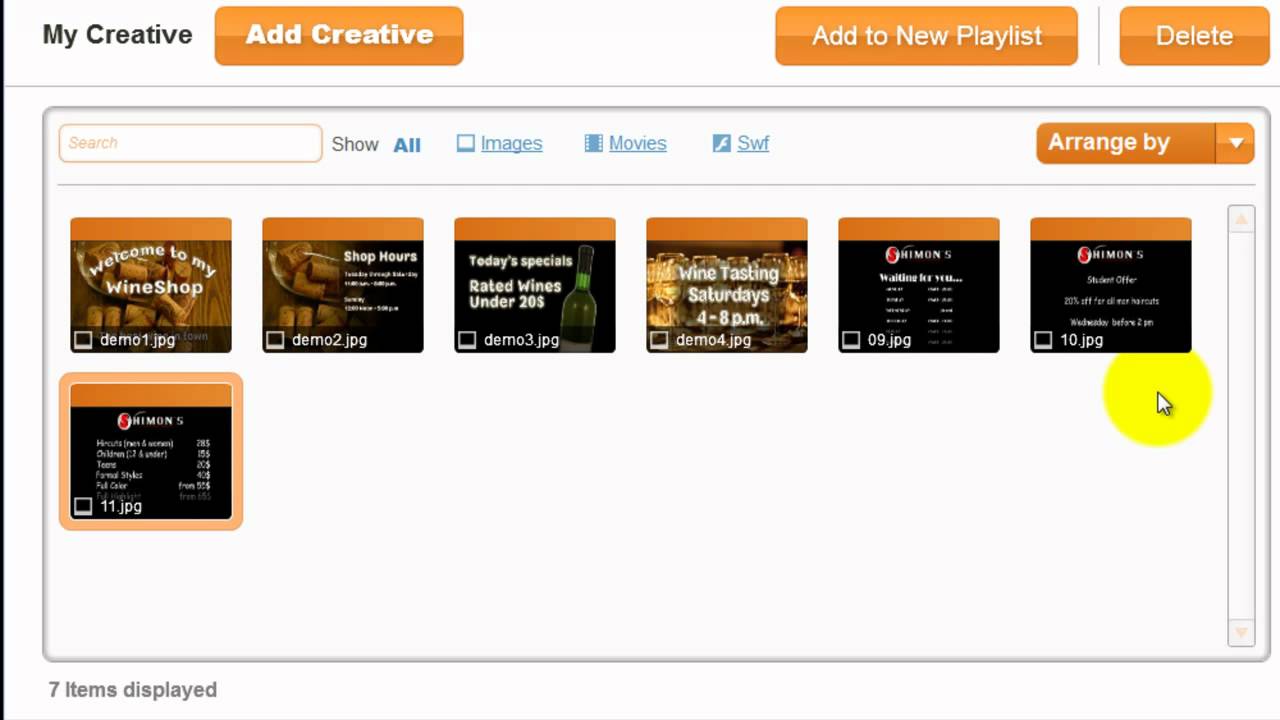
NoviSign is the ideal software solution for businesses that manage advertisements through interactive kiosk devices across multiple locations. Some of the critical features of this digital signage software are secure browsing, virtual keyboard, digital signature, and onsite printing. Usually, small to midsize businesses opt for NoviSign. It allows the users to manage content according to the requirements of the advertising campaigns. The software comes with a player application to enable business entities to install it on remote hardware devices. It is also possible to download content from a centralized database. Generating reports on machine health and user activities is possible. Another exciting feature of NoviSign is that it comes with an IoT module to let the system respond to various events through sensors. This software comes with a monthly subscription offer that is extendable. It is compatible with Mac, Linux, and Windows.
4. Arreya
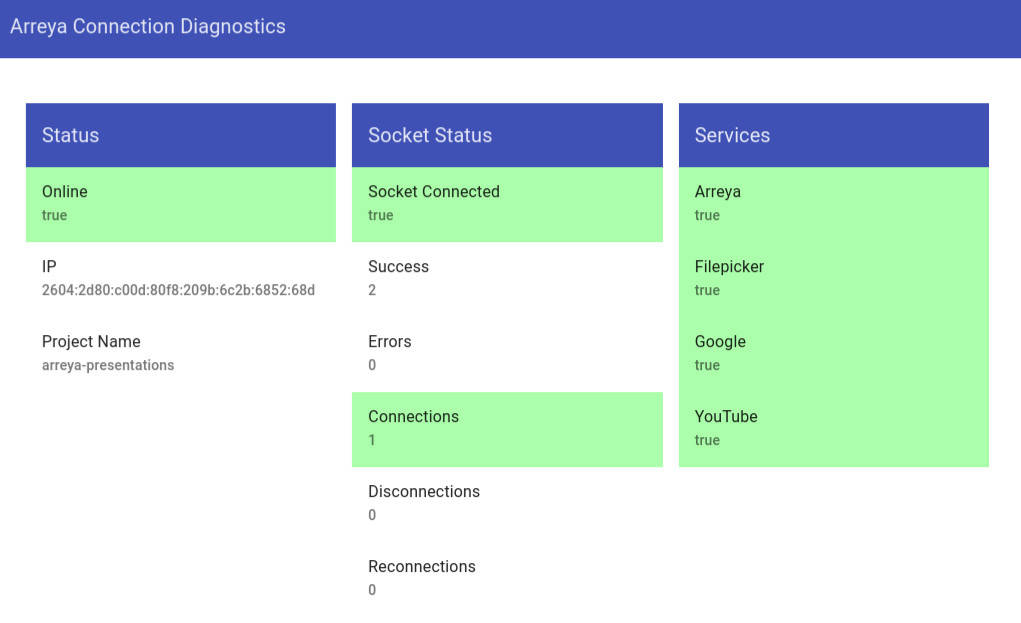
Arreya is a cloud-based and customizable digital signage software solution that caters to businesses of all sizes. Users can create, manage, monitor, and deploy their content across the web. The best aspect of this software solution is that it comes with a built-in free-form editor. WYSIWYG allows users to customize and design content using pre-defined templates. Some of its exciting features include, drop and drag facility, lockdown kiosk mode, integration widgets, ability to store photos/videos, and remote access. The scheduling module allows businesses to build multiple presentations and set different display hours, even weeks in advance. Monitoring the device through smartphones is also possible. As it allows integration with Google, YouTube, and Twitter, it is possible to broadcast live events to digital displays. Monthly pricing options are available. Support for this software is available through email, phone, documentation, and video tutorials.
5. The TV Sign
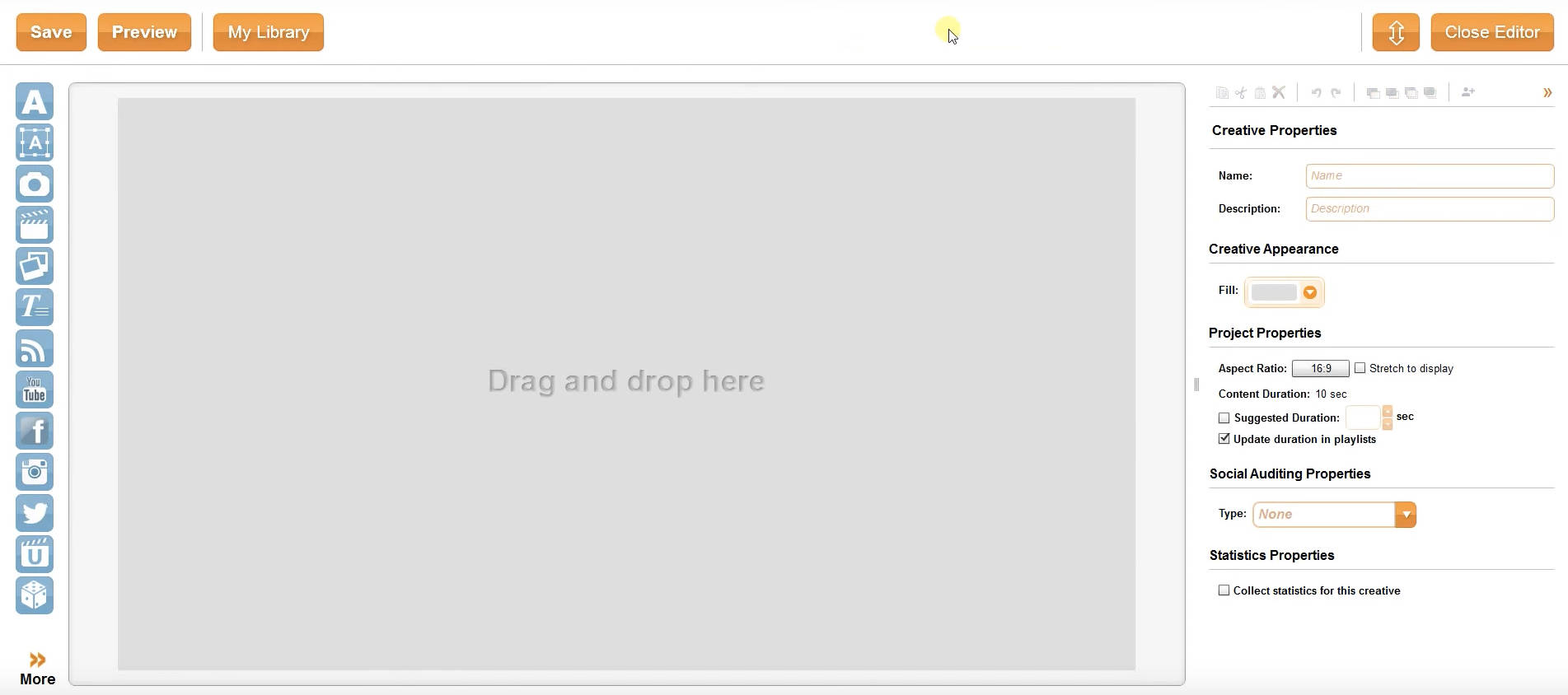
The TV Sign is a cloud-based digital signage software that can be managed from anywhere. Users can display their advertisements on television screens. Hence, this digital signage software is popular among hotels, restaurants, bars, clubs, schools, universities, employee break rooms, retail stores, and even waiting rooms at stations and airport lounges. Some of the salient features include drag and drop editing technology that allows users to create, manage, and schedule multiple displays simultaneously. This device can be plugged into any TV having an HDMI port. It provides options for deleting digital content or even sharing of content with team members across different departments. Proof-of-play reports, player hardware, and connectivity dashboard are other notable features of this software solution. Multiple signage widgets are available. They include RSS feeds, live streams, Twitter, Facebook, and Instagram, among others.
Some of the solutions listed out have digital signage software free trial options that enable users to test the software before finalizing it. These software solutions are open-source solutions that will allow users to customize them according to their requirements. The times have changed over the years. Businesses have to be proactive in their advertising campaigns to be ahead of their peers in the race. The right digital signage software solution can play a vital role in these aspects. It can lift up the fortunes of the business and take it to high levels. As mentioned earlier, digital signage advertisement can attract visitors out of nowhere. Therefore, investing in a proper digital signage software solution is imperative for any business.
