

Office tasks have vastly changed over the past decade. It is no more logs, ledgers, and dusty books but laptops, computers, and software. With such changes, working has become easier, efficient, and more productivity inducing. Thanks to technological advancements, there are some excellent business tools out there in the market that makes office work easier and help grow businesses.
One such popular business tool is Project Management Software. It is the ideal software to help a business manage and organize projects, achieve goals, and flourish. It also provides several features and facilities that help a business become efficient and improve.
However, to get the best out of Project Management Software, it is not enough to simply own one. A business and its teams should also be able to master it properly to make the best out of it. To do that, one needs to know the basics and all the elements that Project Management Software comprises.
Therefore, in this article, we will focus on Gantt Charts, one of the main reasons through which Project Management Software can make work easier the way it does. If you are ready to learn more, let us begin right away!
Table of Contents
Gantt Chart— What is it?

When in school, we were taught about charts and tables. If you ever wondered how these charts and tables are of help to us in real life— here is the answer. Gantt Chart is like a typical chart but comes loaded with a lot of features and facilities that help plan, manage, and control projects. To be exact, it is a type of bar chart that can help you provide a visual view of all scheduled tasks that you need to take care of over a project life cycle.
Despite the size of the project, Gantt Chart is useful for planning and efficiently organizing all matters related to a project for smooth execution. It helps you keep a tab of all tasks, daily task distribution, start date and end date of the project, and so on. All of these are presented in a simple chart format for easy understanding. To understand what you can see on a Gantt Chart, take a look at the following:
- Project start date
- Project end date
- List of project tasks
- Members assigned to each task
- Deadline for each task
- Time required for each task completion
- Task overlap, link, and groups
Now to understand the physical attributes of the Gantt Chart a bit better— its vertical axis represents those tasks, and the horizontal axis stands for time. As you keep on including more tasks, all these will be accumulated in one chart format for you to see, forming bars. These bars show task duration. This action is something that happens when you use a Gantt Chart Software.
As we mentioned before, Gantt Charts can be created with Project Management Software or with Excel Sheets. Project Management Software is alternatively termed as Gantt Chart Software, and we will be learning more about them later.
With Gantt Chart Software, your scope broadens by multifold, allowing you to create complex workflow structures, assign tasks to members, track work progress, and easily update your real-time timelines.
Exploring Gantt Chart Software

We have already talked about the Project Management Software, and now we also know that they are alternatively referred to as Gantt Chart Software in the Gantt Chart context. To shed a little more light on Gantt Chart Software, it is a highly functional software that allows one to make specific updates to a Gantt Chart to automate the project procedures while saving and increasing productivity and efficiency.
With Gantt Chart Software’s introduction, managing projects has taken a step forward, making the whole ordeal more controllable and bearing better results. Even though some individuals and enterprises still use traditional tools, Gantt Chart Software is slowly but rapidly gaining popularity, as more and more people are able to recognize its potential and benefits.
What are the benefits of Gantt Chart Software?

People are still intimidated by the idea of computers and advanced technology. Therefore, people need to know the kind of benefits they will get once they adopt the new methods. This is precisely why we will now discuss the benefits of Gantt Charts.
While it is completely alright to stick by the traditional methods, new tools like Gantt Chart Software provide a lot more benefits that can help flourish the business. Therefore, let us take a look at what exactly does Gantt Chart Software has to offer to its users:
- It can help you meticulously plan and schedule tasks for a project
- It helps you manage more than one project simultaneously
- Helps you review existing tasks
- Ease in team collaborations
- Schedule ahead for team tasks
- Helps you keep track of tasks, progress, and target achievement
- Helps you in creating analysis and reports that can later be used for reference for future cases
All these benefits accumulate to give you projects finished with perfection and with first-class results. It also helps your team improve their performance and adds to their experience. All in all, adapting Gantt Chart Software comes with a bundle of benefits that is hard to ignore.
Things to look for in Gantt Charts Software
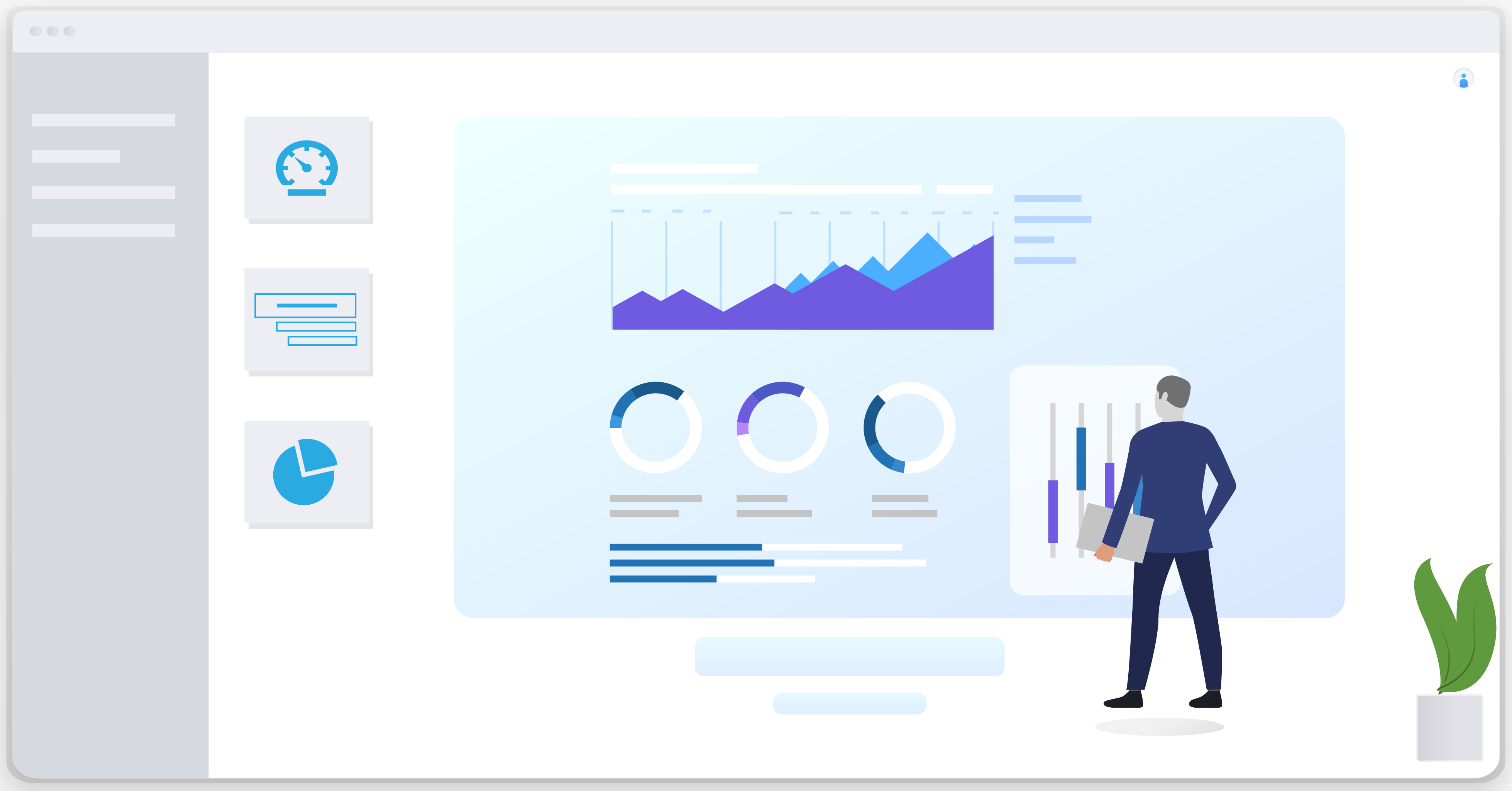
The magic of the Gantt Chart is that no two charts are the same. They will differ, depending on your needs and project specifications. However, if you are planning to get your company Gantt Chart Software, there are a few common specifications that you must acquire. Below, we have made a list of all these features that you need be on the lookout for:
- Collaboration features
Not all projects are the same, and some projects require more than one team to complete them. Gantt Chart Software is a strong tool known for its features that make collaborations easy. Therefore, this is one of the features that you should never miss out on. Features like common notifications, communication options, transparency with information, and so on should be checked before the purchase.
- Analytical tools
This tool will help you understand and compare how long it took you to complete a task versus how long you initially estimated for it. This tool is particularly beneficial for creating reports and analysis for project review and evaluating the team. These reports can further be used in the future as a reference for new projects.
- Document sharing
As you are collaborating, it becomes necessary for you to share information, files, and documents with your team members. Gantt Chart Software should make it easier for you to do so by offering convenient file-sharing options within the system.
- Dependencies
These features are perfect for linking interrelate tasks together for better understanding and execution. These links are shown with lines in the chart for anyone to understand the interlinked tasks. Marked arrows are there to indicate the next action in the course.
- Milestones
Milestones are important, especially when you have strict deadlines. With this feature, you can mark up important dates, deadlines, meetings, and so on on the Gantt Chart so that you never miss out on an important date again. Also, these milestones are a constant reminder of the need to get a job done within the set time.
- Summary Tasks
- When you are working on a particular phase in a project, Summary tasks become incredibly handy. With the help of this feature, you can group various tasks under one category for ease of understanding. You may roll it up or hide it under a common visible summary task. It also shows you the progress of the task with shading, without you having to check each task separately to know their progress.
Who is likely to use Gantt Chart Software?
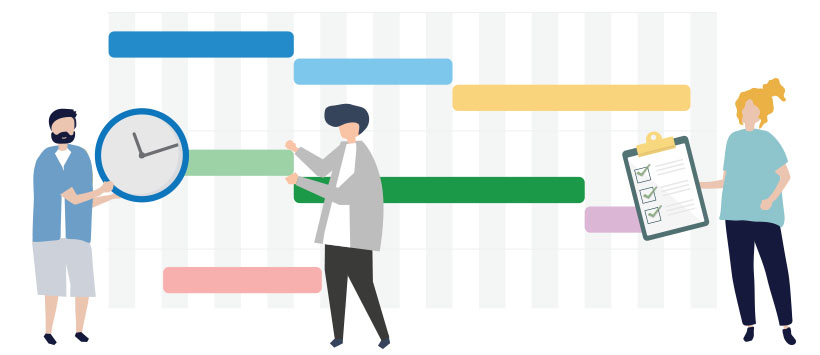
As we mentioned earlier, the use of Gantt Chart Software is slowly but rapidly rising as more and more people recognize its potential. That said, there is no limit to who can use Gantt Charts. Given their flexibility and versatility, these charts can be used to easily chart tasks and projects for one’s ease and benefit.
These are easy to use as they have user-friendly interfaces. This implies that you need not know coding or high-level programming languages to use Gantt Charts or Gantt Chart Software. A little formal training and regular use should be more than enough for one to get habituated to it. Here is a list of individuals who are likely to use Gantt Charts and Gantt Chart Software:
- General managers
- Project managers
- Operations managers
- Work managers
- Scheduling managers
- Marketing managers
- Team leaders
- CEOs
Gantt Chart Software is also not limited to any particular industry as it can be made to fit the needs of a project. Therefore, you will see it being used by many industries, including construction, manufacturing, IT, infrastructure, engineering, digital marketing, etc.
To wrap it up

Technology keeps evolving and, in the process, keeps providing us with amazing tools that make our job infinitely easier. Gantt Chart Software is one such tool that is slowly being adopted by major industries as it provides visible results. Gantt Charts have been around for years, but Gantt Chart Software makes it a hundred percent more powerful.
With reliable tools such as Gantt Charts, Gantt Chart Software – Project Management Software, businesses are set to flourish and reach new heights. Check out SaaSworthy.com to explore more such software.
