


Furniture is a mandatory part of our houses. However, have you ever wondered what goes on in the background of making such minuscule details of a sofa, dining table, kitchen cabinet, or study table?
About 30-40 years down the lane, this would have been considered a herculean task, but in the present digital era, it’s a matter of a few minutes and expertise. Here’s a brief review of some of the best furniture design software currently in the trend.
Table of Contents
1. SketchUp
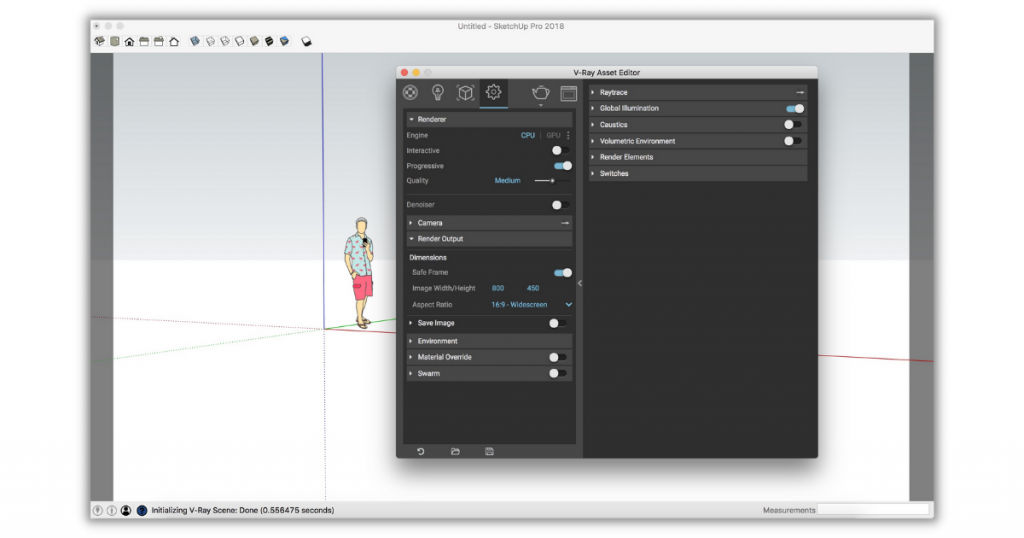
One of the best 3D furniture software available today, SketchUp aims to convert the documented two-dimensional design into a three-dimensional object of concern, be it a bookshelf or a kitchen island.
This software was launched 20 years ago; still, its relevance to beginners and professionals is at equal levels. It is user-friendly and allows previewing designs on mobiles.
Key features
- An active community of experts, students, and amateurs who help in improvising the designs and clear the doubts concerning the technicalities of the model.
- Features like lightning effects, layer management, animation, and texture control.
- No need to download; it runs efficiently on a web browser like Google Chrome.
- Availability of free version which doesn’t require credit card credentials.
- Free add-on 10GB memory on a cloud storage service.
The tier 1 paid version costs about $120/year, giving unlimited cloud storage and access to some premium offers. Tier 2 costs $299/year, includes a desktop application with an integrated user interface. Last but not least, SketchUp Studio is used by professionals, is available at $700/year, and offers some extraordinary features.
It is supported by both Windows operating systems and Mac.
2. Sweet Home 3D
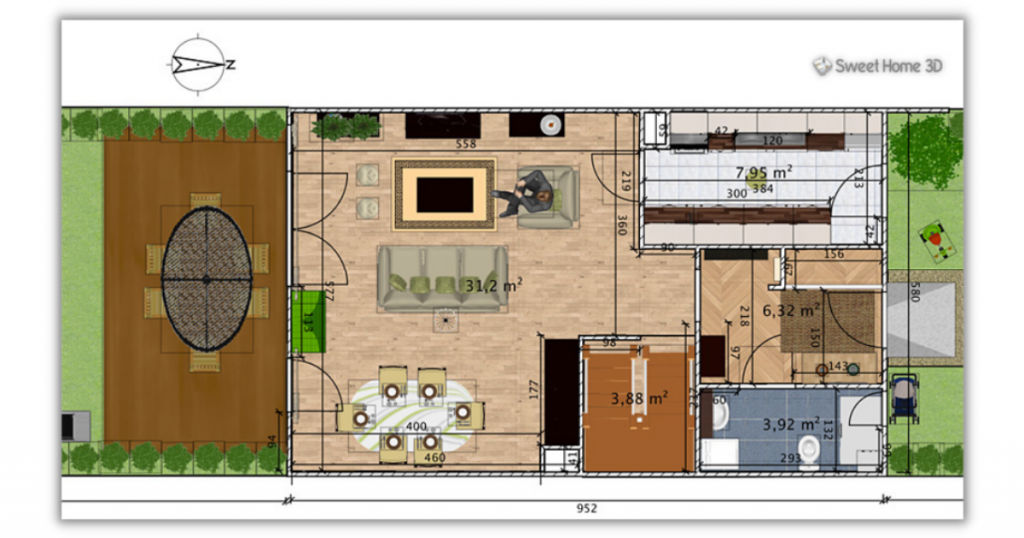
An open-source three-dimensional platform that is considered one of the best free furniture design software, Sweet Home 3D allows furniture management as per the house plan.
Key features
- It offers dual customization, both of house and furniture, to establish a seamless equilibrium between them. You can add windows and lanes to identify necessitated changes in the house as per the arrangement of the furniture or vice-versa.
- Experiment with different types of furniture from the catalog of brands and select the best piece that syncs with the architecture of the building.
- See real-time results with realistic images and videos of the proposed plans.
It can be easily downloaded on a computer or used online, available free of cost in multiple languages.
3. SOLIDWORKS
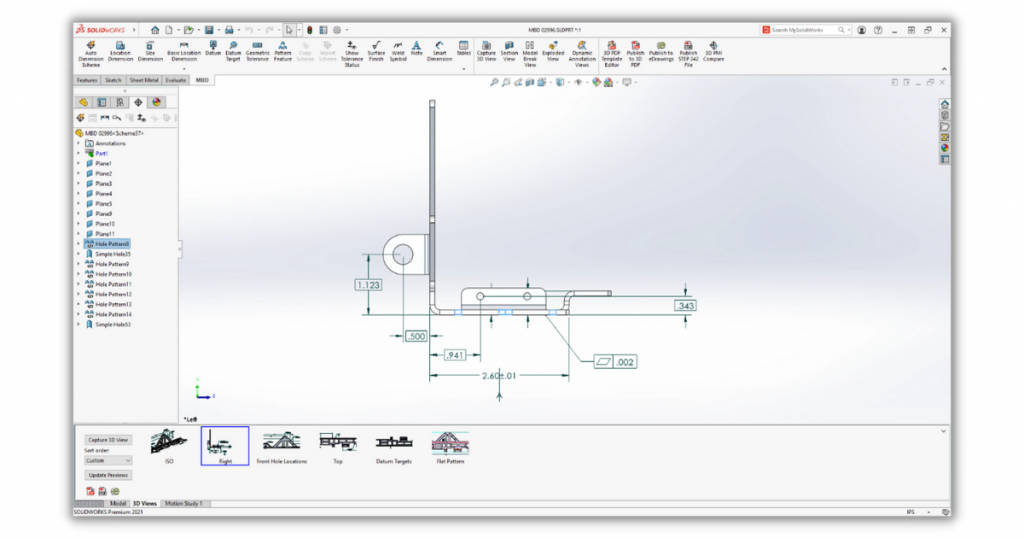
One of the most versatile furniture design software, SOLIDWORKS works beyond shapes and furniture. It can design associated structures like stairs, handles, or frames.
Key features
- Real-time improvisations are made; thus, guaranteeing hassle-free update of drawing and its automatic conversion in the 3D model.
- The flexible setup offers tailor-made features allowing for extra resources, plug-ins, and API.
- Visualization properties include realistic images, animations, and video to get an accurate idea of the expected output. This saves time on designing a prototype.
- Materials required for the furniture of choice are also generated as bills of supplies.
SOLIDWORKS is a little complicated platform, not suggested for beginners and laymen as per the reviews received. It is not 100\% compatible with Mac OS. The pricing plans are revealed via personal emails on request.
4. CADPro Furniture Design Software
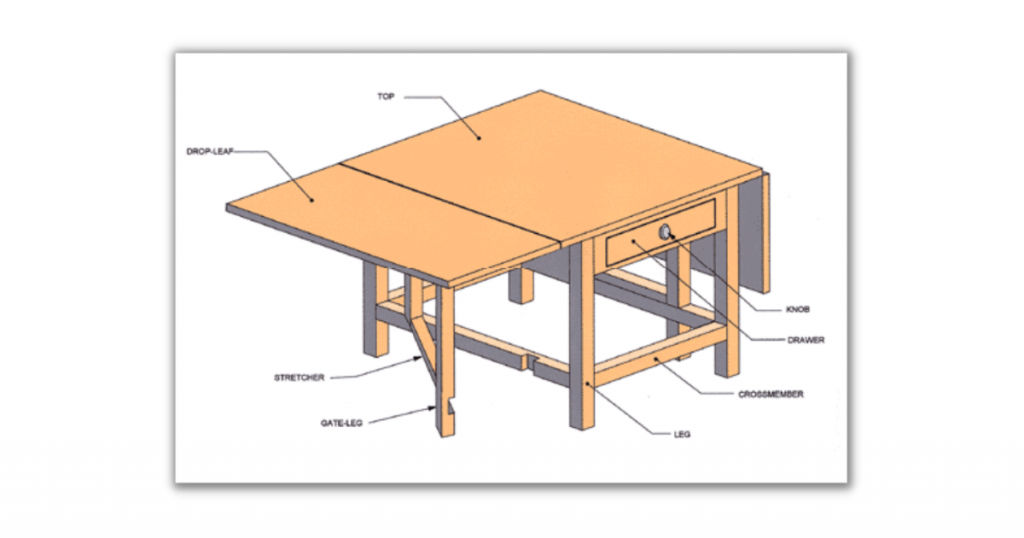
This is one of the most advanced software in this niche, used for designing furniture from scratch. It is also used by interior designers. This computer-aided design software reduces human effort via its minimalist features.
Key features
- Sketch Tracing converts a simple drawing on paper into a traceable template after scanning by the CADPro. It can further be converted into a blueprint; thus, instantaneously converting an idea into furniture.
- Save design as image or PDF and share as email to share the idea with other counterparts.
- It also allows the conversion of voice commands into a blueprint, adding instructions, comments, and additional images to the idea that you just converted to a blueprint.
- CAD symbols, clipart, and auto shape feature supplement the idea with the best of possibilities.
As per the previous records, CADPro is the go-to-go software by members of the United States Patent and Trademark Office and aligns with the regulations of the American Design Drafting Association (ADDA). This reflects its reach and the amount of success it has received over time.
It is compatible with Windows and Mac and is available at a very cheap price.
5. HomeByMe
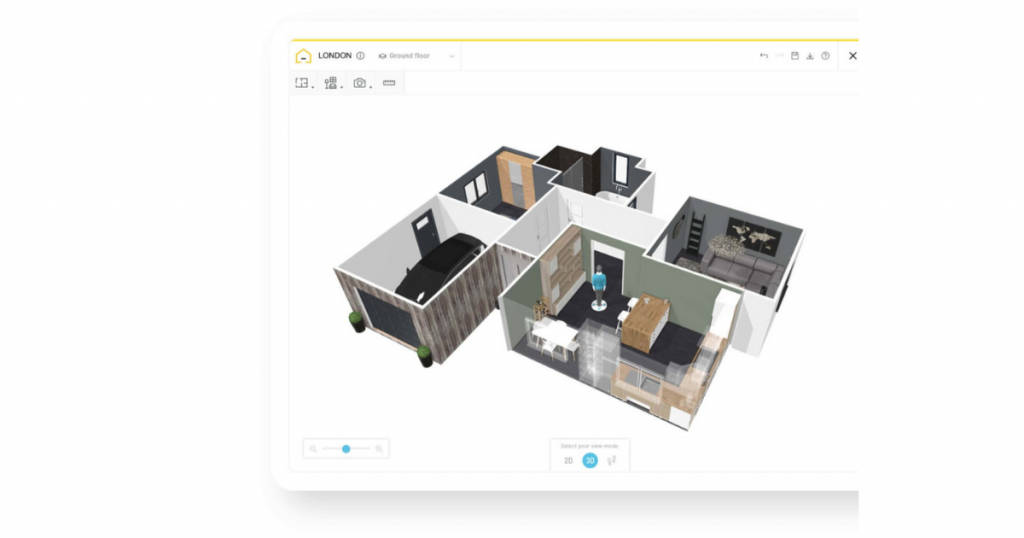
This is a cost-effective tool that helps ideate the furniture and the interior design of the place where that furniture has to be placed.
Key features
- Users can create a layout of their room or the entire plan in 2D, furnish it in 3D with the furniture of their choice, and experiment with multiple designs, colors, and themes.
- THe HomeByMe community fosters cooperation and inputs from people of different walks of life; thus, adding rawness to the designs.
- Count every corner and space of your house with the HomeByMe’s plans which provide a bird’s eye view idea.
- It can transform a simple DIY idea into a full-fledged architecture; all you need is to document it in the software.
- Availability of add-on furniture from the catalog of different brands
- Supports virtual reality experience
The software is accessible from the mobile app and browser with zero pricing. A premium package costs about $30 for a yearly plan that offers unlimited supplementary services and professional copyrights to the idea.
6. SketchList 3D
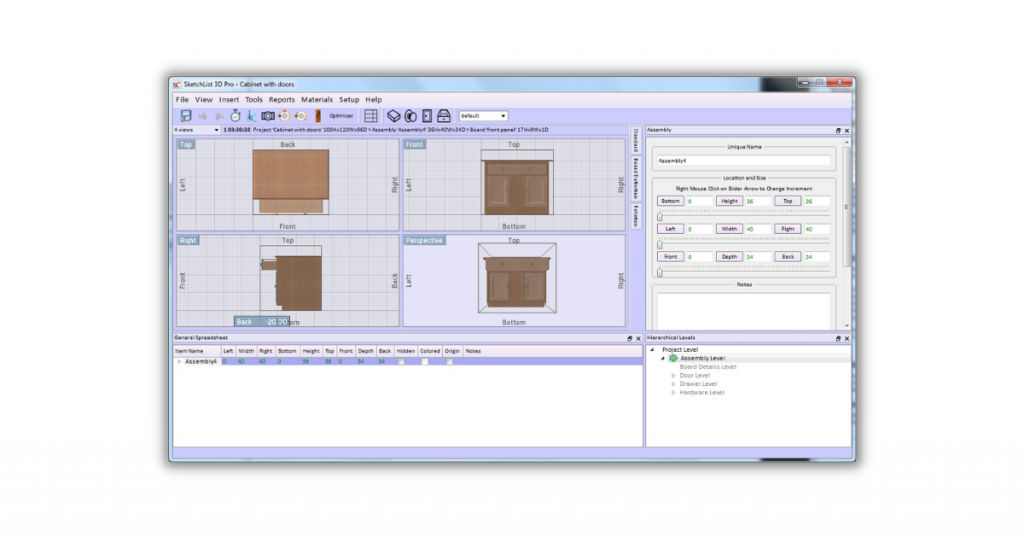
A specific tool dedicated to the art of woodworking, SketchList 3D designs life-like ideas on woods, work is on the bill of materials and cuts pieces as per the design finalized.
Key features
- A vast library of previous projects, wood materials, and ideas that received appreciation aid in giving life to bussing ideas.
- Accurate cuts with precise control over every angle and hole. It fosters vision before giving any major change in the design; thus, saving time on edits.
- Predefined templates, productivity tools, and data catalogs help in instant improvisation of the design; hence, minimizing any kind of waste due to unplanned cuts or wrong moves.
- Network among the community members to find potential clients by displaying your work on the same platform and live updates about it.
- Dynamic resizing and photorealistic background to have a 360-degree idea of the output.
The software is compatible with Windows and Mac, available with a 30-days free trial followed by a life-long subscription of $200, which offers customizable services and allows the import of data into files of any format.
7. Woodwork for Inventor
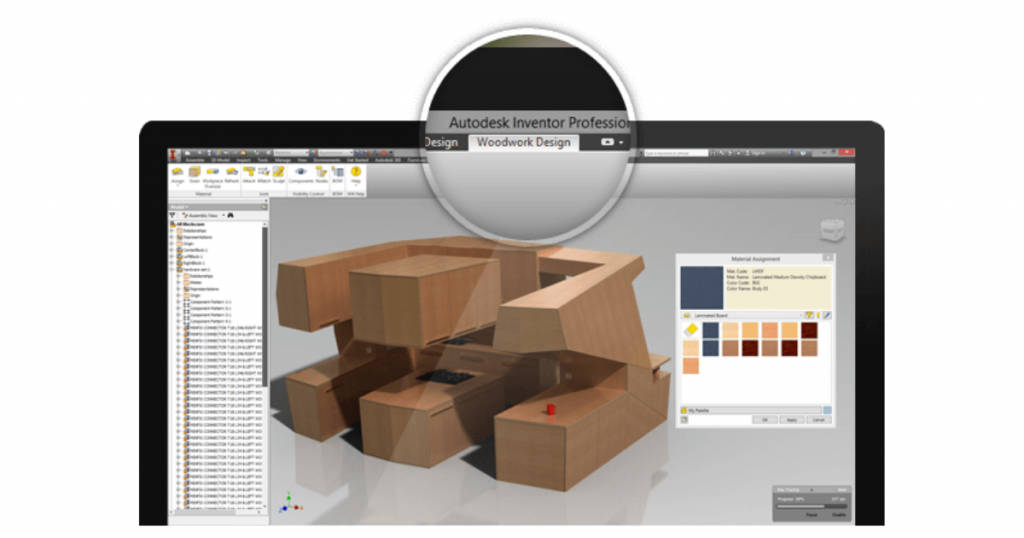
Based on the Skeleton modeling approach, Woodwork for Inventor is one of the best furniture design software. An ideal solution for residential kitchen setups, bedroom designs, and commercial shop front fitters, boutique designers, a whole lot more!
Key features
- iBOX functionality to implement standard designs in a personalized project.
- Material management with various wood materials, assembled as per the design and durability required.
- Hardware library that includes a plethora of automated component placement, sculpt, and idea of hole and joints along with size calculator.
- Automatic BOM generator, as per the design of the woodwork.
- Automatic drawing generator to project, annotate and scale the design.
- Available in more than 7 languages.
This software easily runs on Windows 7, 8, 8.1, and 10. Initially, it can be used with 45-days free trial services followed by a yearly subscription.
Conclusion
Experts recommend analyzing the cost of software to the degree of usage and compatibility with the technicalities involved. So, what are you waiting for? It doesn’t matter if you’re trying to pursue furniture designing as a hobby or as a career, the aforementioned list of software is the best to begin with.
If you are looking for more such software, you can check SaaSworthy’s list of interior design software and choose the one that best suits your needs.
Also read:
• Top 7 Free and Open-Source Floor Plan Software to Use in 2021
• 10 Best Embroidery Software for Digitized Embroidery Designs
