


Nowadays we consume a lot of online content for learning and entertainment purposes. The content market has massively developed in this regard over the last few years. Everything including a website, personal blog, and even an Instagram page falls under this category.
However, with increasing competition, it becomes difficult to stand out and make an impression. There are several tools now available that can help even non-writers in creating quality content. Creators are taking advantage of such tools including online proofing software for building their digital or online image. If you are looking for quality content tools, you can choose from the top online proofing software mentioned in this article. But first, let’s start with knowing what online proofing software is.
Table of Contents
What is online proofing software?
Creative content writing has always played a major role in establishing an organic audience for a brand. It does so by driving active engagements and encouraging user interactions. This has pushed writers to create the best version of their content. A study has shown that writers today take 65\% more time to draft a blog than in 2014 because of the same reason.
Online proofing software is a tool that provides web-based solutions for marketing and publishing projects. It allows reviewing, editing, sharing, and uploading of the documents. In short, it helps creators produce their best work.
As the name suggests, online proofing software proofreads the documents. It is used for customer verification and ensures content accuracy. It also allows simultaneous collaborations for creating designs and publishing projects.
In creative teams, online proofing tool also helps in error-free project management and delivery. It allows the users to make real-time edits to the file which can be accessed by multiple users simultaneously. This saves a lot of time and avoids ambiguity caused by sharing multiple edited files.
Why do we need online proofing software?

Even professional writers will agree that proofreading one’s work can be challenging as we tend to read what we want to say instead of what’s written. Proofreading services can be availed but it often requires extra time and budget. Online proofing tools can thus come in handy for quick spelling and grammar checks, in-depth analysis of sentence structure, and other writing mistakes. These are available as desktop apps and on the web.
Online proofing tools are useful for professional as well as non-professional writers in day-to-day work. It proofreads spelling errors, grammatical mistakes, and readability mistakes. Hence, it stands relevant for everyone whether they are professional writers, lawyers, students, entrepreneurs, or housewives.
Which are the top online proofing software for content creators?
There are several online proofing tools currently available on the web. In addition, there are free proofing software options also available for public use with limited access. Discussed below are the top 5 online proofing software suitable for all professions –
1. Grammarly: A complete proofreading software
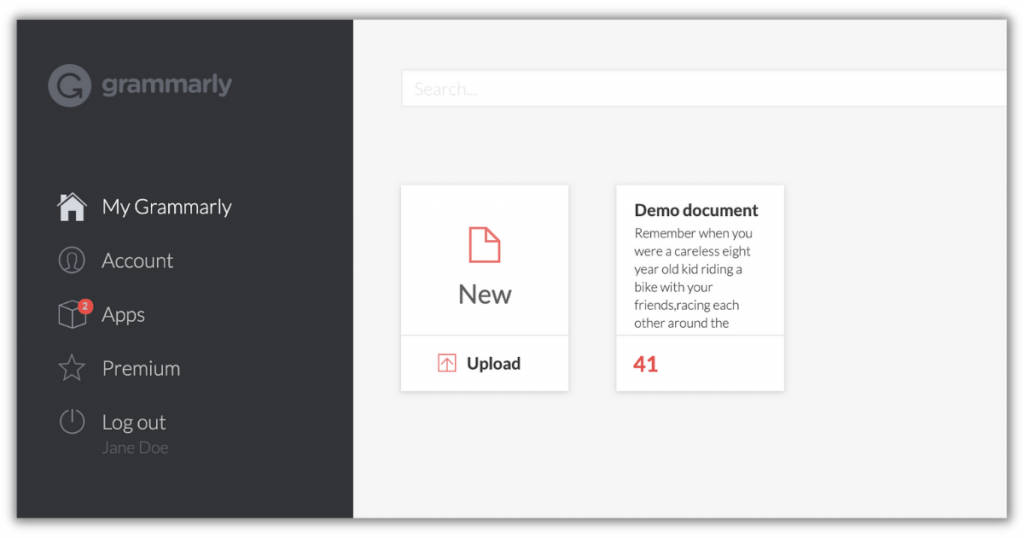
Grammarly is one of the top online proofing software because of its user-friendly application and extensive adaptability. Grammarly is available on all devices and platforms. It can also be accessed on WhatsApp.
It has a user-friendly interface that helps users to maintain a consistent writing style. It upgrades the content quality by providing suggestions for tone adjustments, fluency, clarity, and word choice. It can also be used to rewrite the sentences to make the content more appealing. It automatically detects spelling mistakes and punctuation errors in a document.
It works well in integration with Google docs, MS Word, Gmail, Microsoft Outlook, Google Chrome, WordPress, Facebook, Twitter, Linked In, etc. It also offers an extensive range of products including Google Chrome extensions, desktop apps, and phone keyboard functions. And for the platforms that do not support Grammarly, the document or selected section of the document can simply be copy-pasted into the web application for grammar and spelling check.
Grammarly offers a free version of the software that does an excellent job in proofreading documents. Its AI proofreader supports American, British, Australian, or Canadian English formats which are extremely useful for professionals with global clients. The preferred English dialect can be selected from the language setting which automatically applies across apps and chrome extensions.
Pros
Some of the major advantages of using Grammarly are –
- Convenience of use
- Availability on all devices
- Built-in plagiarism detector
- Compatible with different English dialects
Cons
Acclimatization to a new document or text can sometimes take time. It can cause huge lags while editing larger chunks of content.
Pricing
Business subscription starts at $12.50/user/month.
2. GoVisually: Intuitive proofing software
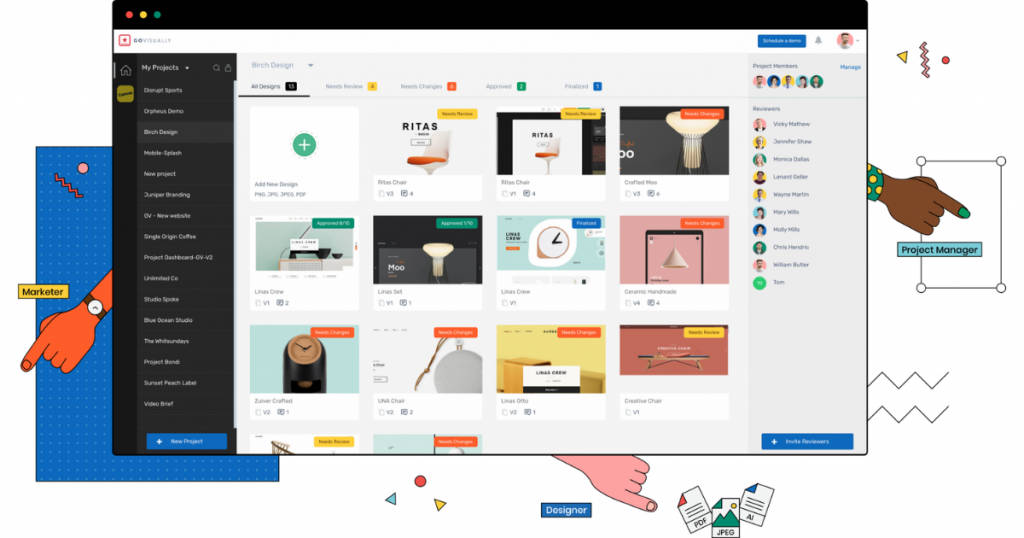
GoVisually is another top online proofing software best-suited for creative teams, enterprise companies, and freelancers. Marketing teams and design agencies use GoVisually for fast workflow review, production speed-up, easy accessibility, real-time edits, and client feedback.
GoVisually allows users to invite reviewers and team members. All the collaborating participants have simultaneous access to the content where they are allowed to highlight errors, include corrections, review projects, track versions, and make updates. Some of the major GoVisually clients include Coca-Cola, Mazda, Dolby Digital, and FujiFilm.
GoVisually allows integration with multiple apps via Zapier. It makes project management a straightforward process. It stores all the edited versions of the document thereby enabling direct access to the proofs on the client’s demand. This reduces the time required in backtracking edits made in the document and overall comprehensive proofing functionality. It also allows clients to access projects without signing up for the software. Its customer service is one of the best in the market.
Pros
Some of the major advantages of using GoVisually are –
- Easy sign-up process
- Real-time listing of all changes with respective dates for better tracking of version history
- Video reviews and approvals with exact timestamps
- Stores all the versions of a document and allows the download of the original document
- Attachments can be uploaded in the comments
- Slack integration
- Offers secured password-protected projects
- Allows file annotation
- Mark-up tools
Cons
- 512MB is the size limit of the file that can be uploaded on GoVisually.
- It renders PDF files as images. Hence, it does not support the PDF format for editing.
Pricing
Solo subscription plans start at $12/month with a free trial option.
3. GoProof: Online proofing software with centralized media collaboration
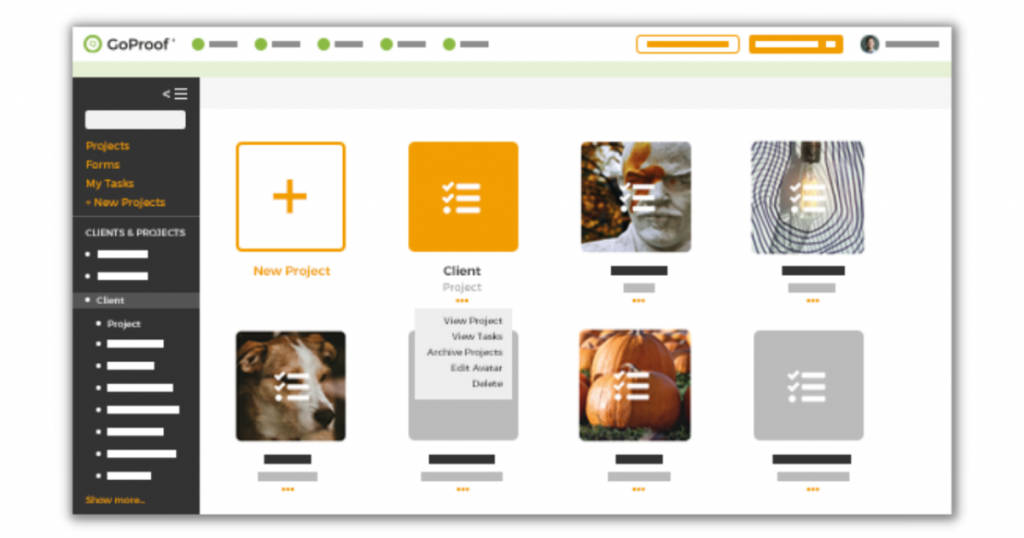
GoProof is one of the top online proofing software that allows unlimited collaborations for viewing, commenting, and accessibility to version changes. It incorporates more than ten mark-up tools for file annotation. It offers extensive productivity benefits for enterprises that use Adobe CC or Adobe Creative Cloud.
GoProof also provides workflow options that allow users to directly submit the document to Adobe CC. This way the team managers can approve work by forwarding it to their clients. This process overcomes the requirement of multiple emails and streamlines the proofing and editing process. It also makes it easy to track the project progress.
GoProof software offers a collaborative ecosystem with a user-friendly proof dashboard and better control over the project review process.
Pros
It offers the following advantages that make it stand out –
- Plug-in proofing extensions
- Unlimited role-based collaborations
- iOS and Android compatibility
- Multiple workflow options
- Support for PDFs, BMPs, PNGs, TIFFs, JPGs, GIFs, and MP4s format for proofing
- Version history management
- Powerful integration with Adobe programs
- Version proofs for backtracking
Cons
Real-time edits in the document are not allowed directly. They are instead added through comments or by making change requests.
Pricing
A quotation has to be requested for the pricing of subscription plans. They also offer a free trial before implementation.
4. ReviewStudio: Top online proofing software for visual content
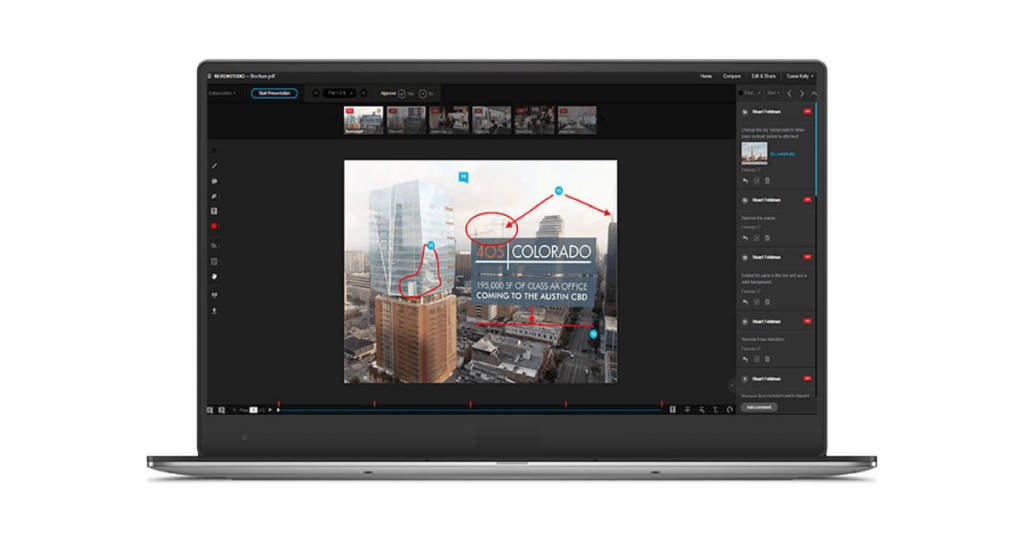
The ReviewStudio software collects and centralizes creative feedback. It supports various file formats like PDF, video, images, web pages, HTML, etc. that make the review and approval process easier. It allows side-by-side comparisons to track real-time changes in every revision cycle.
ReviewStudio offers a high-visibility review feature to reduce communication time. It also allows unlimited collaborations in a single interface which displays all the changes in a single frame. This ensures that all the collaborators are on the same page through the reviewing process.
ReviewStudio is integrated with mark-up tools that make the software intuitive and straightforward for both users and their clients. It offers an ideal solution for video production, CGI and VFX production, advertising and marketing teams, publishing, photography, and education.
Pros
Following are the major advantages of using the ReviewStudio proofing tool –
- Project management
- Real-time status tracking
- Version control
- File sharing
- Due date tracking
- Role-based permissions
- Markup tools
Cons
It can be difficult for new users to figure out software operations. Hence, training may be required for its efficient use.
Pricing
The subscription package starts at $15/month with a free trial option.
5. ProofHub: Online proofing software with workflow integration
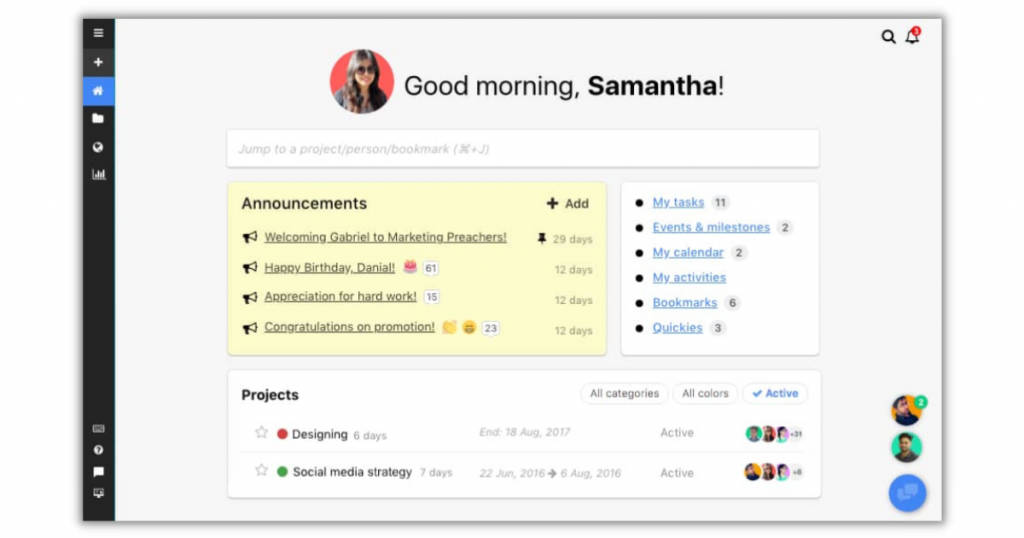
ProofHub enables teams to collaborate and communicate projects through a common interface. It is predominantly a SaaS-based project management software. It provides integrated features like project Workflow management, Group chat, and project reports.
ProofHub is compatible with Android and iOS operating systems and hence, it is suitable for remote teams to stay connected. The tool is extremely user-friendly with simple operating procedures that can be easily incorporated into daily workflow. It offers a centralized platform for freelancers, businesses, and remote teams to schedule, track, and deliver work.
Users can also use ProofHub for preparing Gantt charts, view user roles, perform bulk uploads, design templates, and manage projects. Overall, ProofHub offers an intuitive platform with powerful functionalities.
Pros
The major advantages of ProofHub are listed below –
- Supports agile methodologies
- Enables milestone tracking
- Resource management
- Efficient time & expense tracking
- Effective collaboration tools
- Client portal
- Offers customizable templates
- Project workflow management
Cons
ProofHub may not be fit for large organizations with complex workflows.
Pricing
The starting subscription package starts at $45/month along with a free trial option.
Conclusion
Online proofing software can serve multiple purposes in an organization’s workflow. Apart from its main feature of proofreading documents or projects, it can be also used for collaborations and real-time project management. Thus, making it suitable for personal as well as professional use. In addition to the top 5 online proofing software mentioned above, there are other options as well. If you wish to explore, get in touch with us at SaaSworthy.com.
Also read:
