


The majority of the organizations prefer that their employees work from offices; however, the Covid-19 pandemic has shown that a crisis can emerge at any time, resulting in employees working from home. This new way of working from home possesses several challenges with remote access being one of the biggest challenges. Whether you want to collaborate with your team members, fix any system or admin issues, streamline processes, or perform any other business task, it is important to have the best remote access software so that your business can run seamlessly.
In this post, we will take a look at what exactly is a remote access software, its key benefits, and which are the five best remote access software for Mac.
Table of Contents
What is remote access software?
A remote access software allows a user to access another user’s home/office computer, device, and network from a remote location. Users can view or control another computer located anywhere in the world through a remote access software. It is difficult and, in some cases, even impossible to access the data that is stored in another computer which is in a different geographic location. But with the best remote desktop software for Mac, you can easily share your screen with your team members or clients, give demos, resolve issues, and perform several other functions.
You can use paid or free remote desktop for Mac to perform functions, such as –
- Transfer files without using any file-sharing or email services
- Print a file that is available on someone else’s computer
- Access your technically-challenged friends or parents’ system and fix issues for them
- Collaborate with clients and team members in real-time on projects
Benefits of remote access software

Some of the key benefits of a remote access software are –
- More flexible work arrangements allow your employees to work seamlessly outside the office. This also helps employees to maintain a better work-life balance.
- Remote access software allows you to widen your talent search and look for employees who are in a different geographic location. This will help recruiters find the best talent, irrespective of where they are located.
- One of the major advantages of remote desktop software is that it ensures business continuity in adverse situations, such as the Covid-19 pandemic. It is also helpful when there is any urgent business requirement, allowing employees to log in from their homes and perform the necessary tasks.
- Employees today prefer working from the comforts of their homes and by providing them the opportunity to do so through remote desktops, organizations can boost their employee retention.
Apart from these, some of the other benefits include reduced overhead, reduced cost of maintenance, compatibility with user preferences, and optimized software licensing.
5 best remote access software for Mac
Have you been searching for the best remote access software for Mac? Are you confused which remote desktop should you choose? Well, here is a detailed comparison between the top five paid and free remote desktops for Mac. Take a look at the features, pros and cons, pricing plans, and alternatives of each one of these remote access software for mac and choose the one that matches your requirement the best.
1. Zoho Assist
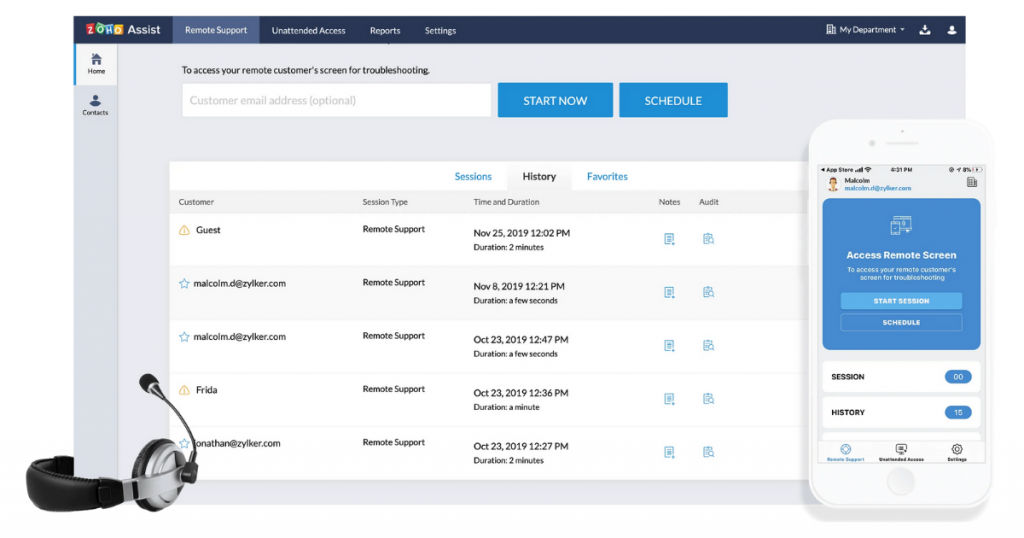
If you are searching for a secure remote desktop that requires minimal efforts from your side, then Zoho Assist is your best option. It is one of the most popular remote desktops for Mac, which is ideal for use by customer support, IT professionals, help desks, Outsourced IT, etc.
With Zoho Assist you can easily perform all your daily tasks sitting within the comforts of your home. It also supports remote help desk as well as unattended remote access. One of the key reasons why Zoho Assist is one of the best remote desktop software is because of its security features which include an action log viewer to view who is accessing your network, SSL and 256-bit encryption, and two-factor authentications. It is firewall-friendly and has a very easy-to-use interface.
Features
Below are the key features of Zoho Assist –
- File transfer
- Instant chat
- Clipboard sharing
- Reports
- Two-way screen sharing
- UAC compatibility
- Reboot and reconnect
- Customer widgets
- Web-based technical console
- Send Ctrl+Alt+Del
- Multi-monitor navigation
- Unattended access
- Support and operating system
- SSL and 256-bit AES encryption
- Session recording
- Session transfer
Pros
- Instant messaging allows better and faster collaboration.
- Easy to transfer files.
Cons
- If the network is slow, Zoho Assist lags.
- There are no performance metrics.
Pricing
Zoho Assist provides a 15-day free trial. Below are the pricing plans –
Remote Support
- Standard – $10/user/month/billed annually
- Professional – $15/user/month/billed annually
- Enterprise – $24/user/month/billed annually
Unattended Access
- Standard – $10/month/billed annually
- Professional – $15/month/billed annually
Alternatives
Here are some of the best Zoho Assist alternatives –
- LogMeIn Pro
- TeamViewer
- Splashtop Remote Support
2. LogMeIn Pro
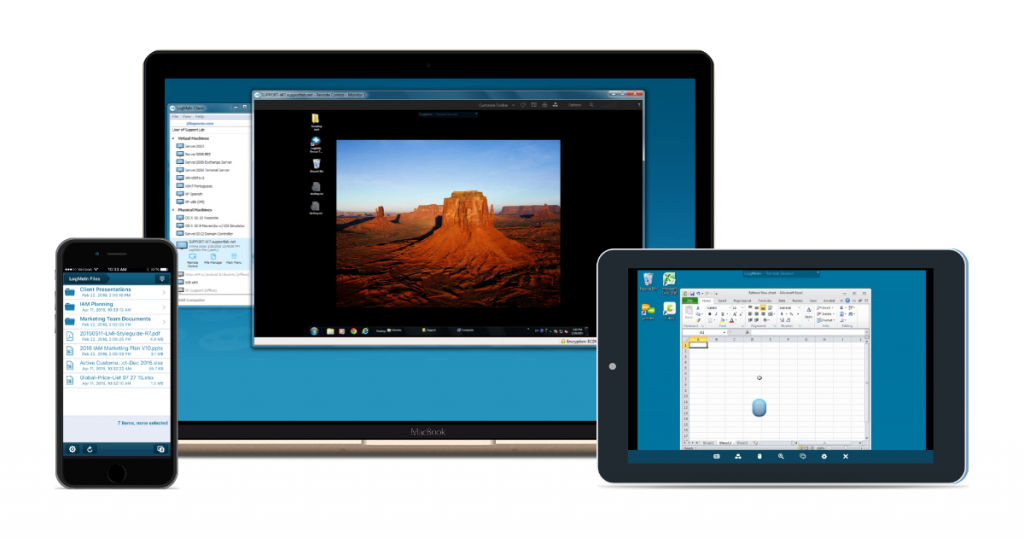
LogMeIn Pro is one of the best remote access software for Mac, allowing its users to easily manage their day-to-day work. This secure remote desktop software allows the users to store, share, and access files across all devices. Through its remote control feature, admins can easily access multiple desktops, print documents through its remote printing feature, track websites, clouds, most used applications, etc. This remote desktop software provides a capacity of 1 TB file storage, thus, making it easy to store and share bulky files. The overall network security is taken care of by the LogMeIn antivirus powered by Bitdefender.
Features
Below are the key features of LogMeInPro.
- Remote access
- Remote control
- Remote printing
- Remote monitoring
- Remote deployment
- Endpoint management
- Multi-monitor display
- Password management
- Patch management
- Screen sharing
- File transfer
Pros
- LogMeIn Pro has a simple UI which makes it easy to navigate the software.
- You can use a black screen to secure your screen so that no one can see it when you are connected remotely.
Cons
- The screen resolution can be better.
- Compared to other remote desktop software, LogMeInPro is more expensive.
Pricing
LogMeIn Pro offers a 14-day free trial period. Below are the pricing plans –
- Individuals – $30/month/billed annually
- Power Users – $70/month/billed annually
- Small Businesses – $129/month/billed annually
Alternatives
Below are the best alternatives for LogMeIn Pro –
- AnyDesk
- TeamViewer
- Zoho Assist
3. TeamViewer
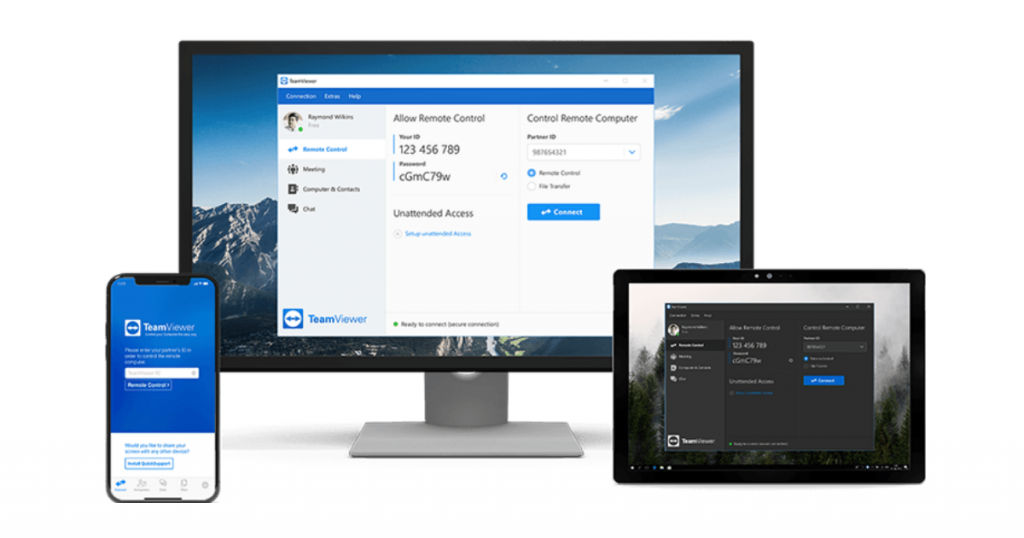
TeamViewer is one of the highest-rated remote desktops for Mac with the fastest and largest remote connection network in the world. Users can connect remotely to multiple workstations and perform all their day-to-day functions easily. From desktop sharing to network monitoring to secure file transfers to online meetings, TeamViewer enables all these functionalities and more. This remote desktop is useful for personal as well as professional use. You can also use TeamViewer to set up unattended remote access permanently to mobile devices.
Features
Below are the key features of TeamViewer –
- Remote support
- Remote access
- Remote administration
- User management
- Central setting policies
- Chat and nudge
- Secure connection
- Real-time screen sharing
- Online presentation
- Online teamwork
- Customer modules with corporate design
- Training session
- Online meetings
- Push text to device clipboard
- Service queue with session codes
- Live chat
- Feedback collection
- Session recording
- Session transfer
- File transfer
- Diagnostic tools
Pros
- One of the key advantages of TeamViewer is that it is a very secure platform, providing multiple security layers.
- It is fairly easy to set up TeamViewer, thus making it easy to help clients install it.
Cons
- Currently, the quick click buttons available in the top toolbar cannot be customized to allow users to put their most used buttons.
- TeamViewer does not support high resolution monitors.
Pricing
TeamViewer offers a 14-day free trial plan. Below are the pricing plans –
- Single user – INR 1,499/month/billed annually
- Multi user – INR 3,099/month/billed annually
- For teams – INR 6,599/month/billed annually
Alternatives
The top three TeamViewer alternatives are –
- Zoho Assist
- AnyDesk
- GoToMyPC
4. GoToMyPC
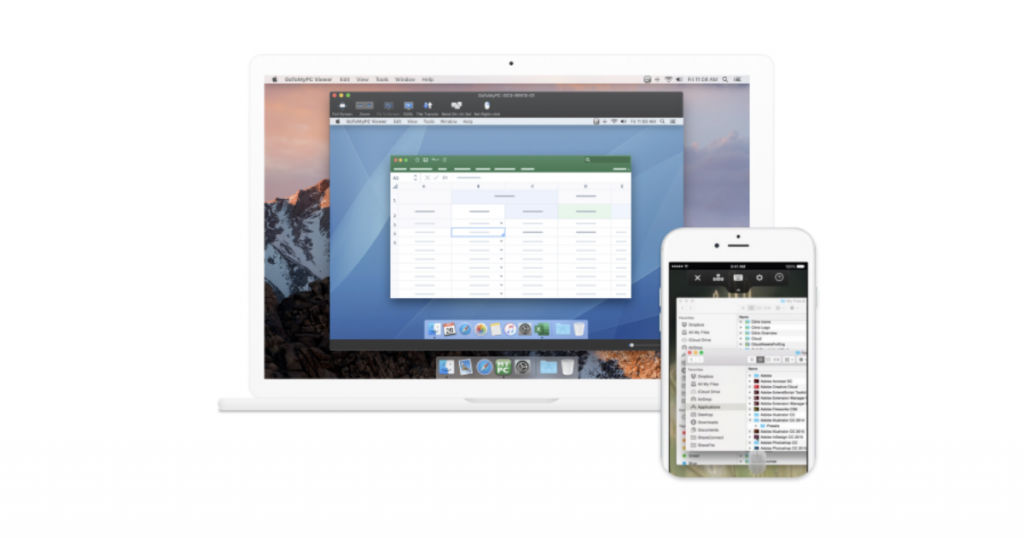
If you want to try a free remote desktop for Mac, you can check out GoToMyPC. This remote access software allows users to connect to desktops remotely, reboot unattended systems, print documents using a connected printer, etc. You can take advantage of its multi-monitor support feature to take a look at all the monitors that are connected to your computer.
Owned by Citrix, GoToMyPC is ideal for personal Mac users, small businesses, and corporations. This remote desktop is also often preferred because of its high-security features.
Features
Below are the key features of GoToMyPC –
- Remote access
- Easy installation and remote deployment
- File transfer
- Multi-monitor support
- Performance management
- Real-time monitoring
- Remote control
- Remote monitoring & management
- Remote printing
- Secure login
- Session transfer
- Status tracking
- Two-factor authentication
- User management
- Usage tracking/analytics
- Diagnostic tools
- Screen sharing
- Session recording
Pros
- Easy to install, access, and navigate.
- The platform is extremely reliable.
Cons
- There are no training sessions or videos for new users.
- No shortcut key available to blank the screen.
Pricing
GoToMyPC offers a 7-day free trial. Below are the pricing plans –
- Personal – $35/month/billed annually
- Pro – $33/month/billed annually
- Corporate – $28/month/billed annually
Alternatives
The top GoToMyPC alternatives are –
- TeamViewer
- LogMeIn Pro
- VNC Connect
5. Splashtop Remote Support
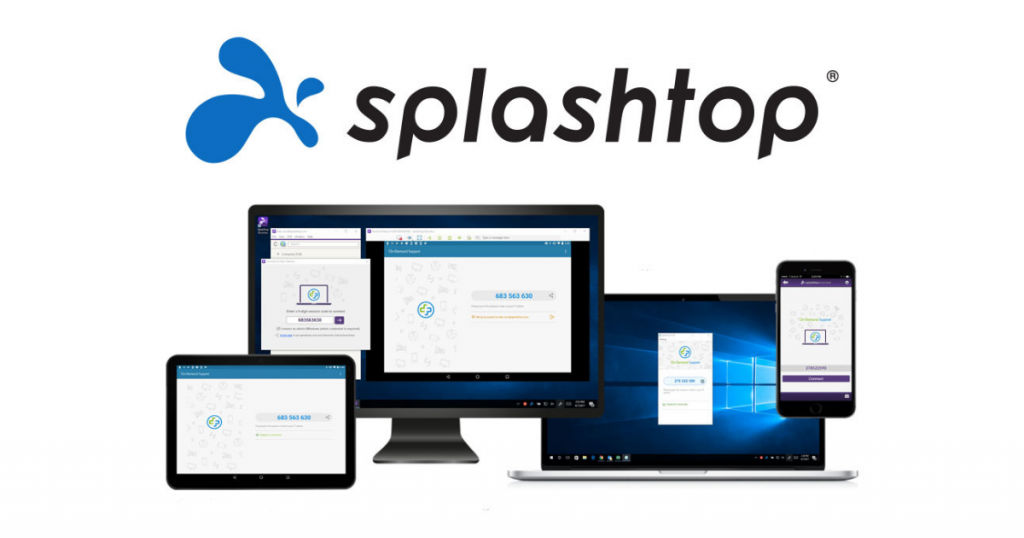
Splashtop Remote Support is another amazing remote access software for Mac. One of the key reasons why this remote desktop is preferred over other similar software is because it offers all the vital features, such as multi-monitor support, session recording, remote reboot, file transfer, etc., at affordable prices.
Splashtop also allows two users to remotely access the same computer at the same time. Though it is slightly complicated to set up, overall, it is quite an effective and reliable remote access software for Mac.
Features
Below are the key features of Splashtop Remote Support –
- Access through any device
- Easy deployment
- Strong security
- File transfer
- Remote wake computers
- High performance
- Group computers
- Resell remote access
- Remote print
- User management
- Chat in remote sessions
- Attended and unattended remote support
- Screen sharing
- Remote control
- Diagnostic tools
- Session recording
- Session transfer
Pros
- Splashtop Remote Support offers a smooth working experience, without any latency issues.
- It has a simple and easy to navigate user interface.
Cons
- More customization options required for email notifications.
- File transfer option needs to be more straightforward.
Pricing
Splashtop Remote Support offers a 7-day free trial period. Below are the pricing plans –
- Business Access Solo – $5/month/billed annually
- Business Access Pro – $8.25/month/billed annually
- Business Access Pro Volume Licenses – $6.19/month/billed annually
Alternatives
The top three alternatives for Splashtop Remote Support are –
- TeamViewer
- AnyDesk
- VNC Connect
Conclusion
As you can see, when it comes to choosing the best remote access software for Mac, there are several options for you to choose from. We recommend that you go through these top five remote desktop software for Mac and choose the one that best matches your personal or professional requirements. You can also check out the best virtual event platforms on SaaSworthy!
Also read:
