


Accounting is an important part of any business. It is accounting that keeps track of the cash flowing in and going out of your business. But it can be a daunting task if done manually. Fortunately, accounting software allow you to accomplish all of this and more.
As the number of accounting software has risen in the past few years, it can be challenging to find one that best suits you. That is why we at SaaSworthy have compiled a list of the 7 top free accounting software and top open-source accounting software for you to select from in 2021.
Table of Contents
What is a free and open-source accounting software?
Accounting software performs recurring accounting tasks such as general ledger balance, bank reconciliation, report production, accounts payable and receivable, and invoice creation. It also performs a variety of other tasks while ensuring the integrity of data and legality.
An open-source accounting software is one whose source code has been made publicly available for anyone to view and access the source code. Anyone with development resources can modify and customize the software to suit their business requirements. Open-source and free accounting software allows you to save money while also further customizing your business’s accounting documentation.
Top 7 free and open-source accounting software in 2021
Here is a list of the 7 top free accounting software and top open-source accounting software that you can use in 2021. These software are free and extremely adaptable to your company’s needs, even if you have no programming knowledge.
1. Wave
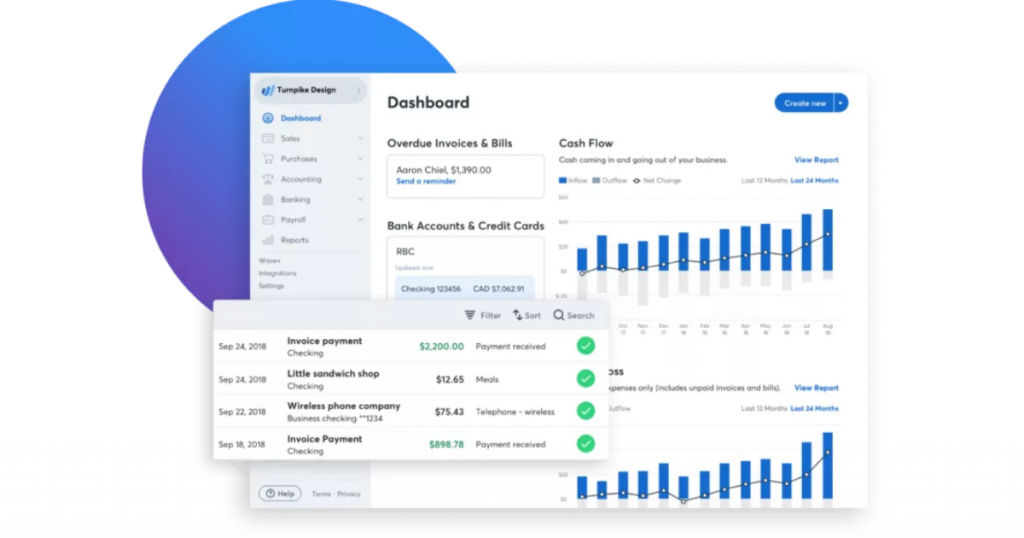
Wave Accounting, founded in 2010, is a free and simple yet powerful accounting software. It allows businesses and freelancers to integrate their bank accounts, sync expenditures across all devices, do precise bookkeeping, and organize everything for the tax periods. In just 11 years, it has expanded to a user base of more than 500,000 users. Wave is SaaSworthy’s top choice as the best free accounting software.
The various features of Wave include –
- It can process a large number of transactions in a short period of time, allowing for more efficient bookkeeping methods. Users can also initiate and receive transactions in international currencies as well as browse for transactions based on descriptions.
- It features elaborate dashboards that indicate cash balances, invoice statuses, revenues, costs, and payments. This also serves as a bill and invoice reminder.
- You can Use account IDs to construct variable cost and revenue categories, often known as a chart of accounts.
- Profit and loss, comparative, cash flow, sales tax, and other accounting reports are available for export.
The limitations of Wave are –
- It takes a long time for paid invoices to be processed.
- The dashboard and user interface are complex and challenging to navigate through.
2.Akaunting
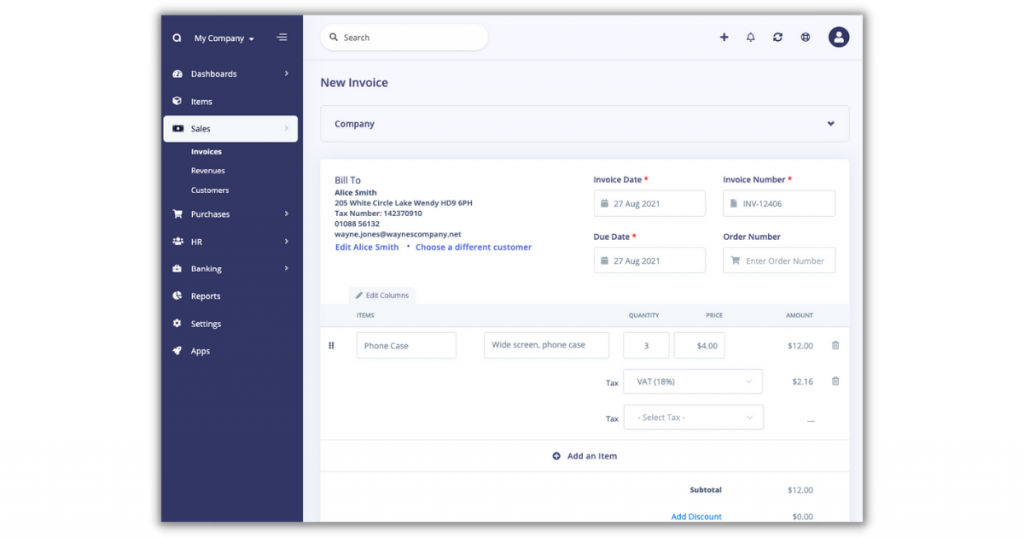
Akaunting, introduced in 2018, is a free and open-source accounting software for small businesses and freelancers. Akaunting offers all of the tools you need to manage your money online, from invoicing to cost monitoring to accounting.
It has more than 180,000 downloads, 80,000 cloud users, and 10,000 project contributors. Akaunting can run on low-cost hosting with extremely few requirements. It’s accessible in almost 50 languages.
The various features of Akaunting include –
- You can attach an indefinite number of additional documents to an invoice when you send it. For original evidence, you can attach business files, expenditures, receipts to invoices, payments, etc.
- You can set up an unlimited number of bank and cash accounts, as well as monitor their opening and current balances.
- You can make payments and input costs in any currency, and the system will convert them to your primary currency. You can add non-billable costs as payments to maintain your bank/cash account balances current.
- You can make deposits and transfers across accounts while keeping your bank accounts’ balances active.
The limitations of Akaunting are –
- Extensions/add-ons that are available are not free.
- Customer support takes a lot of time to respond to and resolve queries.
3. Odoo
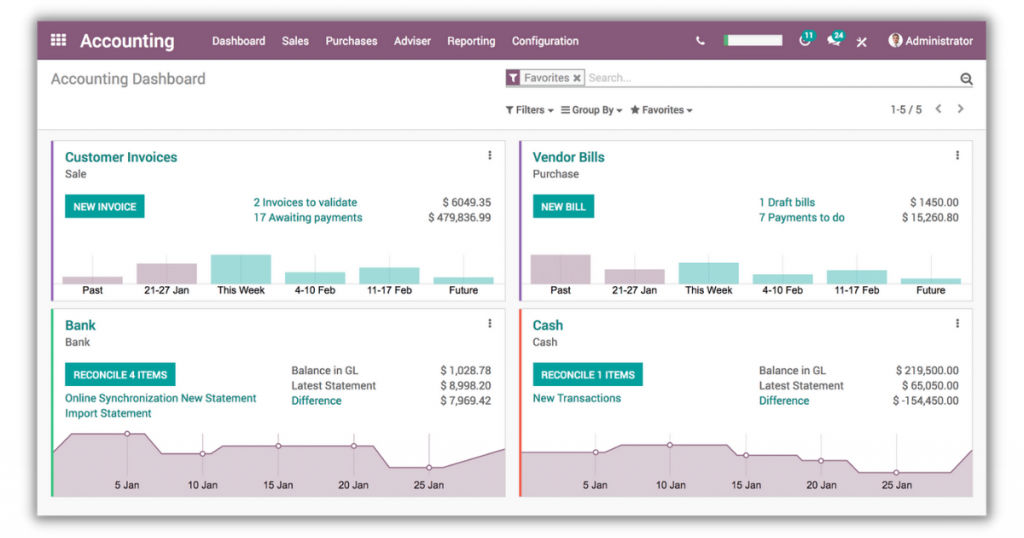
Odoo is one of the best open-source accounting software that you can deploy either in the cloud or on-premises. It is ideal for enterprises of all sizes and budgets due to its modularity.
Its open-source architecture and solid technological basis are developer-friendly, allowing users to customize to fit their unique requirements. Its relatively low cost of ownership and ability to unify all corporate operations give considerable opportunities for cost reduction.
The various features of Odoo include –
- Using the reporting tool, you can work with numerous premade report templates such as cash flow statements, profit and loss, cash reports, aging payables, and receivables.
- Users can handle recurrent billings and track payments using the invoicing tool. This functionality allows you to automate about 95\% of the reconciliation procedure.
- The tax engine provides a variety of tax computations, including price included or excluded, grip, percentage, partial exemptions, and others.
- It provides automated reconciliation proposals, supplementary journal item registries, record searches, and the entry of manual reconciliations for open and paid bills.
The limitations of Odoo are –
- It does not take into account outstanding fees or penalties.
- It does not include any payroll modules and also does not have third-party debt recovery.
4. TurboCASH
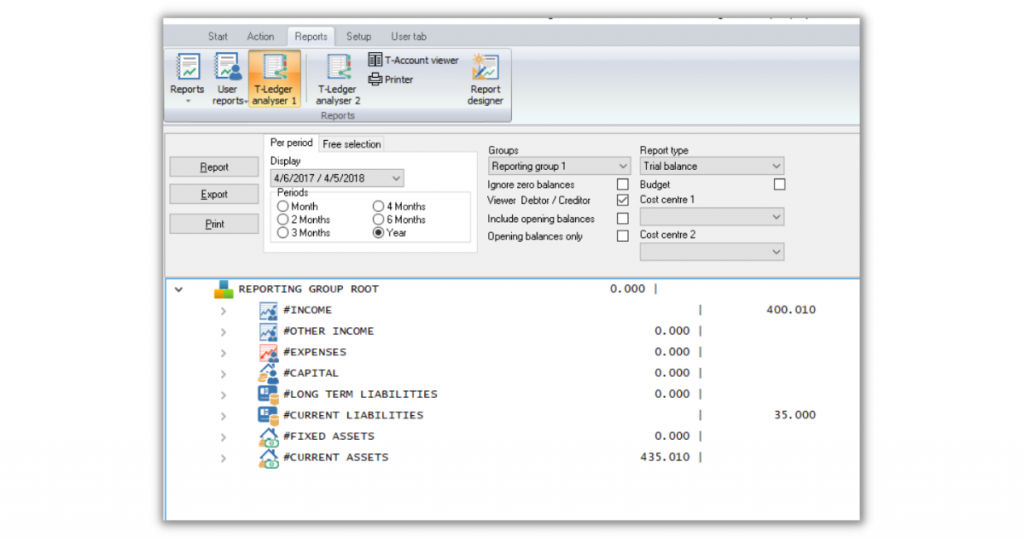
TurboCASH is a free and open-source accounting software that is ideal for accountants, developers, resellers, consultants, and others. Among its major industries are governments, academia, and corporations. It can support up to 7 multiple user accounts.
It has more than 80,000 users and is one of the world’s first fully-featured open-source accounting software for small businesses. This software is deployed on-premise and comes with built-in Excel spreadsheets as well as cloud apps.
The various features of TurboCASH include –
- To create custom reports for the reporting module, you can use TurboCASH’s Reportman report generator.
- You can also modify current reports and layout files, as well as generate and modify new reports and layout files.
- Users can use the bank reconciliation tool to align or reconcile their cash books with bank statements. After completing reconciliations, you can also enter all of your bank charges and post or modify batches.
- PayPal activity reports are available for download, and you can import them into spreadsheets. You can recover existing debtor accounts and establish new ones, as well as upload new transactions.
The limitations of TurboCASH are –
- It cannot manage accounts receivable and does not support project accounting.
- The user interface encounters occasional bugs and glitches.
5. ZipBooks
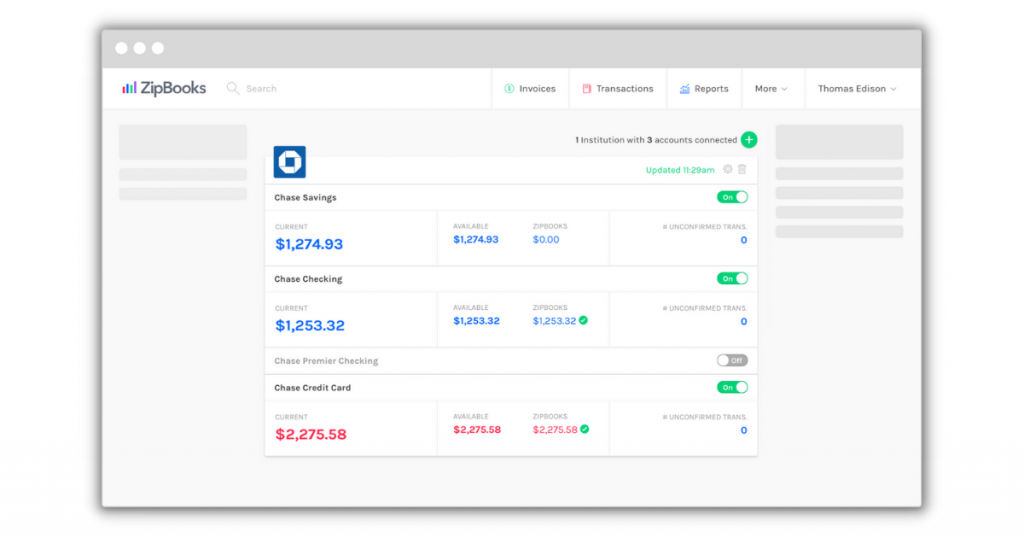
ZipBooks, founded in 2015, is one of the top free accounting software created for freelancers and small to medium-sized businesses. It can operate alone or in collaboration with professional accountants to generate monthly financial statements for a user’s company.
Its goal is to assist its customers in monitoring and expanding their income while addressing all of their accounting needs. It is a cloud-based software that provides businesses independence and flexibility for their operations.
The various features of ZipBooks include –
- With ZipBooks’ accounting accessory, users can quickly exchange data with accountants and financial professionals.
- It allows users to easily log everyday transactions and provide entirely accurate information for filing taxes, creating financial reports, and requesting financial assistance from their accountant.
- The accounts receivable tool allows users to analyze their receivable accounts history while also offering intelligent insights into which specific clients are paying on time.
- Users can use the accounting tool’s bank reconciliation plugin to upload transaction data to their ZipBooks account automatically. This gives them access to the most recent account balance at all times.
The limitations of ZipBooks are –
- It does not provide a purchase order module.
- When importing bank and credit card transactions, there are no bulk editing tools available.
6. GnuCash
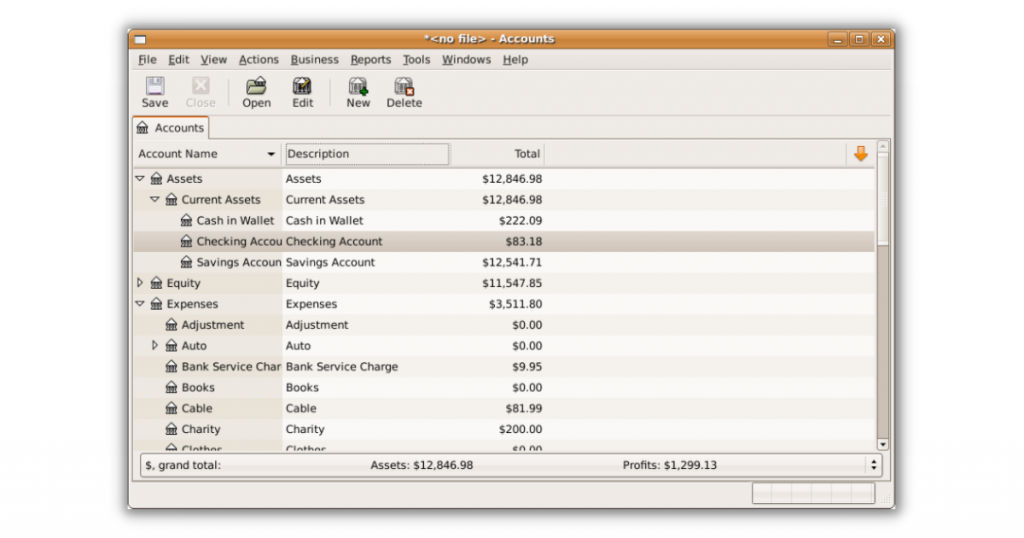
GnuCash is a top open-source accounting software designed for small businesses with an on-premise implementation that also provides financial management. The free option is beneficial to start-ups and micro-businesses, particularly those on a tight budget.
It is tailored to the financial and software sectors, and you have access to internationalized dates and currencies. It is available in more than 50 languages and is ideal for small and medium-sized businesses looking to expand internationally.
The various features of GnuCash include –
- In this double-entry accounting software, you get a checkbook-style register for both income and expenditure. It handles transactions in different currencies.
- It makes certain that the difference between revenue and expenditure equals the total of assets and liabilities.
- You can input split transactions, autofill transactions, clear or reconcile transactions, and view numerous accounts in a single register window. You may make financial decisions using a personalized, easy, and well-known interface with documentation, guides, and tutorials for the same.
- To identify untracked transactions and data entry mistakes, you can compare transactions in any account to your bank statements.
The limitations of GnuCash are –
- The accessibility features and report customization options are restricted to only a few.
- It does not provide the accounts receivable and billing functionalities.
7. Manager
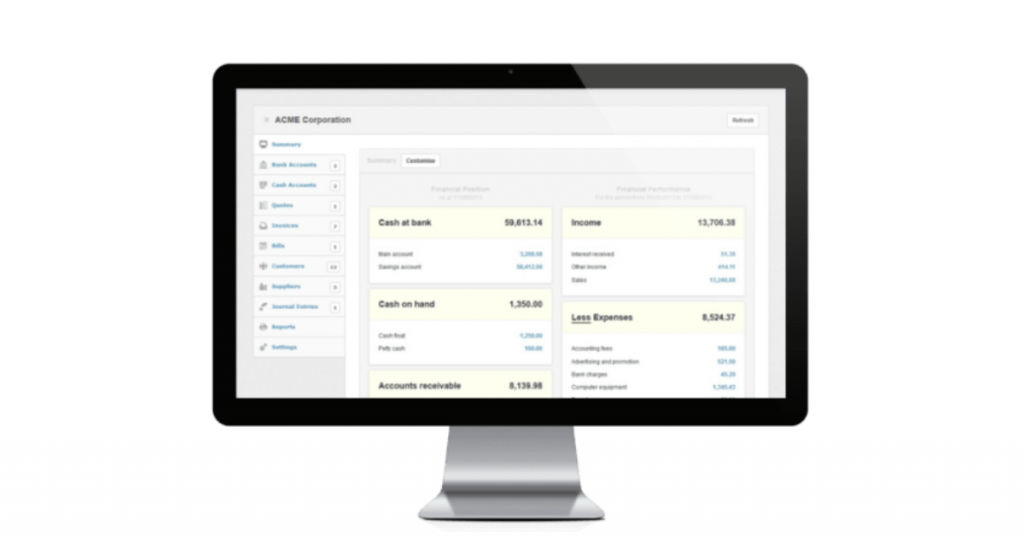
Manager is a sophisticated and best free accounting software designed for small enterprises in the food and beverage, retail, charity, and education industries. It features a universal database format, which allows any file on any operating system to be readily shared and viewed.
It has no time limitations, no user limits, no advertisements, and lets users work offline without losing access to the data. It is user-friendly, completely free, and fully featured.
The various features of Manager include –
- With recurrent billing, it reduces the chances of you missing payments or late payments. It provides better stability to the organization by predicting revenues.
- It saves your time by not having to make accounting changes due to exchange rate volatility. You can manage foreign currencies with decreased transaction costs, convenience, and ease of use.
- From the general ledger to cash management and customer statements to capital accounts, you acquire the benefits of comprehensive accounting capabilities in one software.
- With bank reconciliations, you can reduce errors, discover accounting inaccuracies, and determine which transactions are cleared and which are still pending.
The limitations of Manager are –
- It does not provide integration with online banking accounts.
- There are occasional data loading problems, and importing data is challenging.
Conclusion
We hope that through this article, we were able to simplify your process of selecting the top free accounting software and top open-source accounting software. The choice between free and open-source accounting software is entirely dependent on your requirements. Consider the features and limitations before making an informed decision while selecting an accounting software best suited to your needs.
For more such interesting articles on the various free and open-source software, visit SaaSworthy’s blog on free and open-source software.
Also read:
