

Applicant Tracking Systems (ATS) are essential tools for recruiters, streamlining the hiring process by filtering resumes based on specific criteria. However, for job seekers, these systems can feel like a hurdle. The key to standing out is crafting a resume that is ATS-friendly while effectively showcasing your qualifications. Here’s how to navigate the ATS and boost your chances of landing an interview. Let’s first look at our top picks:


Table of Contents
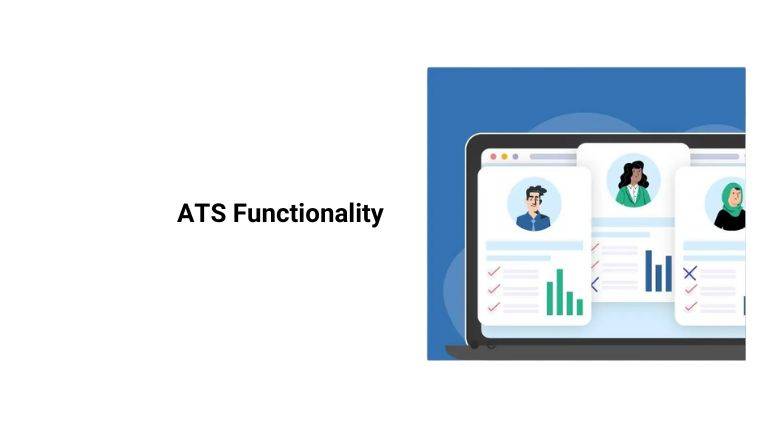
Understanding ATS Functionality
1. Keyword Optimization
- ATS software scans for relevant keywords that match the job description.
- Carefully review job postings to identify key skills, qualifications, and industry terms.
- Use these keywords naturally throughout your resume in sections like skills, experience, and achievements.
2. Resume Formatting
- Simple formatting ensures your resume is easily read by ATS software.
- Avoid using tables, graphics, or unusual fonts, as these can disrupt the parsing process.
- Stick to standard formats like Word (.doc or .docx).
- Consistent Language Use
- Mirror the language of the job description to increase compatibility. For example, if the posting uses “managed,” don’t substitute “led.”
- Consistency in job titles and descriptions across applications helps the ATS recognize your expertise.
Resume Preparation Tips
Tailor Each Resume
- Adjust your resume for every job you apply to, focusing on relevant skills and accomplishments.
- Avoid submitting generic resumes, which may lack the specific keywords and context ATS algorithms look for.
Avoid Common Pitfalls
- Skip headers, footers, and overly creative designs.
- Use clear section headings like “Work Experience” or “Education.”
- Be specific—replace vague terms like “team player” with measurable achievements.
Proofread Thoroughly
- Spelling and grammar mistakes can cause ATS errors or give the impression of carelessness.
- Leverage tools like Grammarly or have a trusted friend review your resume.
ATS Resume Examples
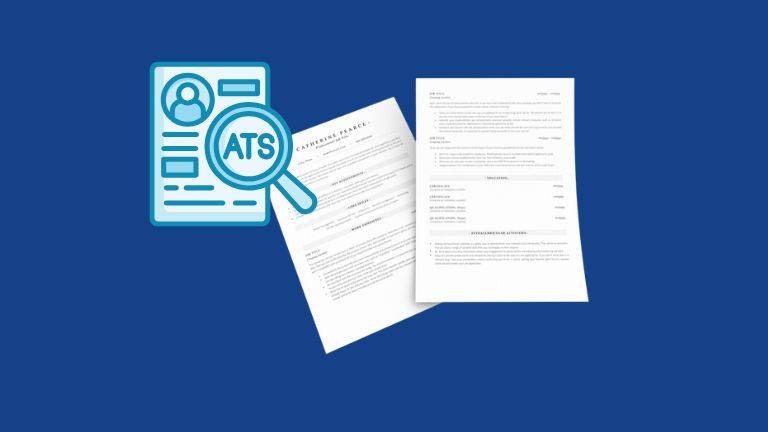
Crafting an ATS-friendly resume involves balancing simplicity with substance. Below are examples of how different sections should be formatted to ensure compatibility while effectively showcasing your qualifications.
Example 1: Basic Chronological Resume
Name
[Your Address] | [Your Phone Number] | [Your Email Address] | [LinkedIn Profile]
Professional Summary
Results-oriented project manager with 5+ years of experience in construction and logistics. Proven ability to lead cross-functional teams, deliver projects on time, and streamline processes to reduce costs by 20%.
Skills
- Project Management (MS Project, Asana)
- Budgeting and Cost Analysis
- Vendor Negotiation and Contracts
- Risk Assessment
Professional Experience
Project Manager – ABC Construction | New York, NY
June 2019 – Present
- Spearheaded 15+ projects, consistently meeting deadlines and maintaining 95% client satisfaction.
- Optimized resource allocation, reducing project costs by 15%.
- Trained a team of 8 in project management software and safety protocols.
Assistant Project Manager – XYZ Corp | Newark, NJ
January 2016 – May 2019
- Assisted in planning and executing 10+ construction projects with budgets exceeding $2M.
- Coordinated with stakeholders to ensure timely project milestones.
Education
Bachelor of Science in Civil Engineering
University of Pennsylvania | Graduated May 2015
Example 2: Skills-Focused Resume
Name
[Your Phone Number] | [Your Email Address] | [Your LinkedIn Profile]
Professional Summary
Tech-savvy marketing specialist with 7+ years of experience designing campaigns that boost brand awareness and lead generation. Proficient in SEO, Google Analytics, and HubSpot CRM.
Skills
- Digital Marketing Strategy
- SEO and SEM Campaigns
- Google Analytics and Data Reporting
- Content Marketing
Work Experience
Digital Marketing Manager – Creative Ventures | Chicago, IL
April 2018 – Present
- Increased web traffic by 35% through strategic SEO campaigns.
- Implemented a content marketing plan, boosting customer engagement by 50%.
- Analyzed performance data to refine marketing strategies and achieve a 10% ROI increase.
Marketing Associate – Bright Ideas Inc. | Dallas, TX
September 2014 – March 2018
- Designed and executed email campaigns, achieving a 25% open rate.
- Coordinated social media outreach, growing follower count by 20%.
Also read: What is White-Label SaaS – A Simple Guide for 2025
Example 3: Entry-Level Resume for ATS
Name
[Your Email Address] | [Your Phone Number] | [LinkedIn Profile]
Objective
Recent graduate in Business Administration seeking a marketing coordinator role to utilize skills in campaign planning and social media management.
Skills
- Social Media Management (Instagram, LinkedIn)
- Marketing Campaign Development
- Content Writing and Editing
- Adobe Creative Suite
Education
Bachelor of Science in Business Administration
University of California, Los Angeles (UCLA) | Graduated May 2023
Internship Experience
Marketing Intern – Bold Marketing Group | Los Angeles, CA
May 2022 – August 2022
- Collaborated on a digital marketing campaign that increased web traffic by 15%.
- Scheduled social media posts and tracked engagement metrics.
Submitting Your Application
- Follow Instructions Carefully
- Employers often include specific instructions in their job postings to filter attentive applicants.
- Skipping these instructions can lead to automatic rejection.
- Quantify Achievements
- Use metrics to demonstrate your impact, such as “Increased sales by 20% in six months” or “Managed a team of 15.”
- Use Compatible File Formats
- Stick to .doc or .docx formats unless the employer specifies otherwise. PDFs can sometimes cause parsing errors.
Understanding how ATS software works and tailoring your application accordingly can make a significant difference in advancing through the hiring process. With optimized keywords, clean formatting, and adherence to application instructions, you can increase your chances of being noticed by recruiters.
Key Takeaways
- Prioritize Keywords: Tailor your resume to the job description by using relevant keywords naturally throughout.
- Simplify Formatting: Stick to clean, standard formatting without tables or graphics to ensure ATS compatibility.
- Be Consistent: Use language and job titles that mirror the job posting for better recognition.
- Quantify Achievements: Highlight your impact using measurable results to stand out to recruiters.
- Follow Instructions: Adhere to application guidelines, including file formats and requested information, to avoid automatic rejection.
FAQs: Best Practices for Beating an ATS
1. What’s the best resume format for ATS compatibility?
The chronological format is preferred, as it presents your work history in a straightforward, easy-to-read manner. Avoid designs with columns, graphics, or unconventional layouts.
2. How can I identify the right keywords to include?
Study the job description and note repeated skills, qualifications, or terms. Use tools like Jobscan to compare your resume against the posting for keyword alignment.
3. Can I use a PDF file for ATS submissions?
While some ATS can read PDFs, many perform better with .doc or .docx formats. Unless the job posting specifies PDF, it’s safer to use a Word document.
4. Do spelling errors affect ATS parsing?
Yes. Spelling errors can cause the ATS to misinterpret your resume or skip over important keywords, reducing your match score. Always proofread carefully.
5. How often should I update my resume for ATS applications?
Update your resume for every job application. Tailoring it to match specific job descriptions ensures higher ATS compatibility and increases your chances of selection.
