


In recent years, the global economy has experienced a severe hit. And with the uncertain market growth, every individual needs to plan and secure a stable investment plan. Personal finance software offers an effective solution that integrates all the financial data in one application and provides a complete platform for managing all monetary assets.
Personal finance software is the best tool that can be used to track expenses, monitor cash flow, manage budget, and plan future finances. It is a popular software because it offers smart features that automate and manage all financial transactions. According to a recent report, the global market size of personal finance software is growing with a CAGR of 6.1\% and is expected to reach $1.80 billion by 2030.
Storing financial data on personal finance software servers offers much better cyber security than offline storage on a desktop. Finance software stores all the data in an encrypted format and some cases offer additional firewall protection against malware. In this article, we will discuss the 5 best free personal finance software and their key features.
Table of Contents
What should users look for in personal finance software?
Personal finance software offers two main modules that are categorized as –
- Finance management – Manages income flow, banking, investing plans.
- Tax management – Automates tax e-filing and tools importation.
The cumulative features managed by the above-mentioned modules are listed below. These are the standard functions offered by efficient personal finance software –
- Bank-level security
- Real-time updates
- Balance forecast
- Multi-currency support
- Personalization capabilities
- Tax reports
- Investment monitoring
- Transaction history storage
- Bills management
- Cash-flow tracker
- Financial dashboard
- Payment gateway
- Scalability
- Online banking
- Reminder alerts
- Statement reconciliation
- Mobile app configuration
- Two-factor authentication
Which are the 5 best free personal finance software?
Following are the 5 best free personal finance software that can take care of all your accounting needs.
1. Mint
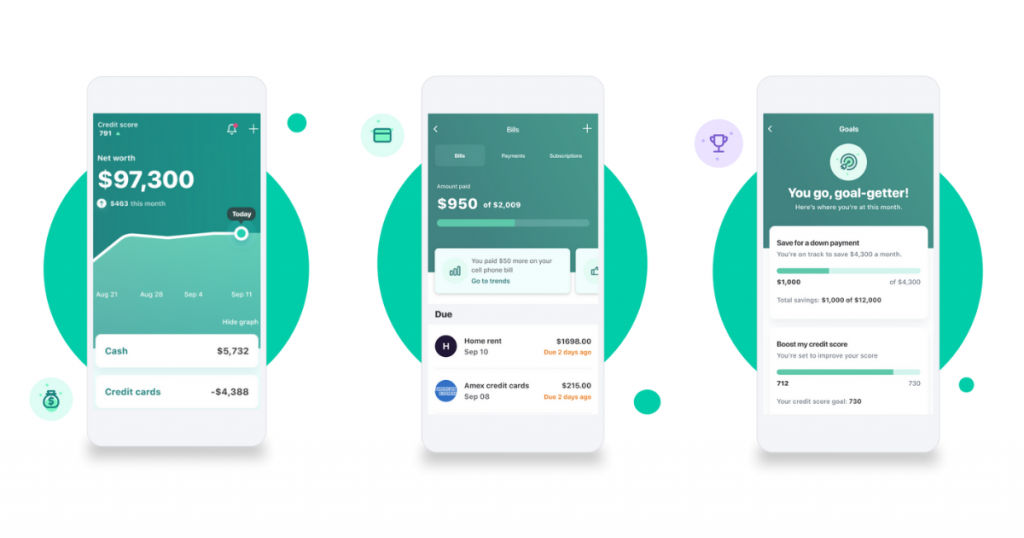
Mint is an online accounting tool. It is a free personal finance software that users can utilize for managing their financial data. It is a web-based software that is also available as a mobile app.
Mint offers personalized features for creating custom budget plans based on the customers’ needs. Users can link their credit cards, bills, and investment documents with the software. They can also add cash to this tool to track and assess their expenditure.
Mint offers encryption-based security to the data to protect it against cyber threats. It has an intuitive dashboard that is easy to use and provides real-time updates on monetary transactions.
Key features
- Online accounting
- Web-based operation
- Mobile app configuration
- Android and iOS compatibility
- Free of cost
- Multi-factor authentication
- Multiple currency support
- Reminder alerts
- Encryption-based data security
- Intuitive UI
- Dashboard display
- Balance forecast
- Personalized features
- Payment gateway
- Scalable
2. Quicken
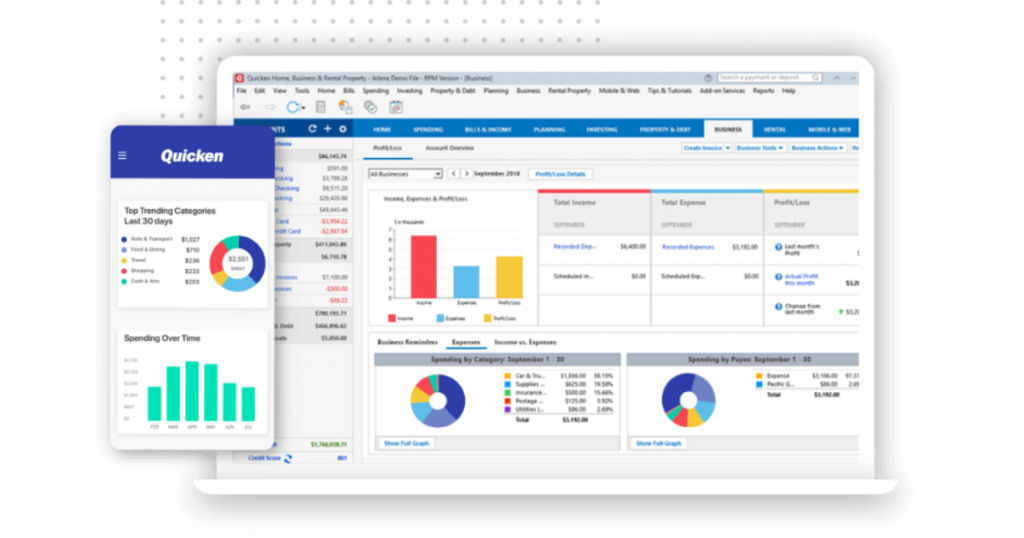
Quicken is a free personal finance software for Mac and Windows. It helps users to organize and manage their finances. It is a web-based tool that is also available in the mobile app configuration. It generates custom alerts that notify users of their transactions in real-time. It also creates reminder alerts of the pending and due transactions.
Quicken offers an intuitive dashboard where users can view their transaction history and future investment plans. They can also customize the features based on their budget and requirement. In addition, users can make direct payments using his software. This saves the hassle of linking and managing their bank account on multiple payment gateway software.
Key features
- Mobile app configuration
- Two-factor authentication
- Bank-level security
- Investment monitoring
- Transaction history storage
- Bills management
- Real-time updates
- Reminder alerts
- Statement reconciliation
- Balance forecast
- Multi-currency support
- Personalization capabilities
- Tax reports
- Cash-flow tracker
- Financial dashboard
- Payment gateway
- Scalability
- Online banking
- Free of cost
3. YNAB
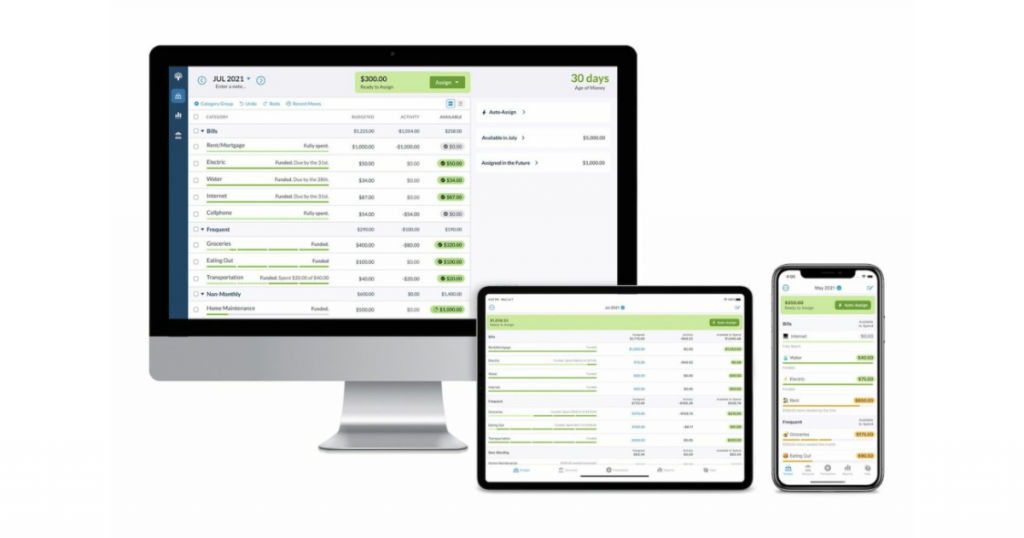
YNAB stands for You Need A Budget. It is one of the best home accounting software. It is an easy-to-use software with personalized money management tools. YNAB offers an intuitive dashboard that provides real-time updates on every transaction.
YNAB is a free personal finance software for Windows 10 and Mac. It is also available in the mobile app configuration which is compatible with both Android and iOS. It is a versatile software that integrates with the user’s bank account and syncs with its operations. This way users can get notified about the latest transactions even from remote locations.
YNAB offers encryption-based security to all financial data making it immune to cyberattacks. Other advantages of YNAB include –
- Balance forecasting
- Streamline budgeting
- Real-time updates
- Financial reports
- Mobile app configuration
- Investment monitoring
- Transaction history storage
- Bills management
- Reminder alerts
- Multi-currency support
- Personalization capabilities
- Tax reports
- Cash-flow tracker
- Financial dashboard
- Payment gateway
- Scalability
- Online banking
YNAB offers a free trial on its subscription plans that start at $11.99/month.
4. GnuCash
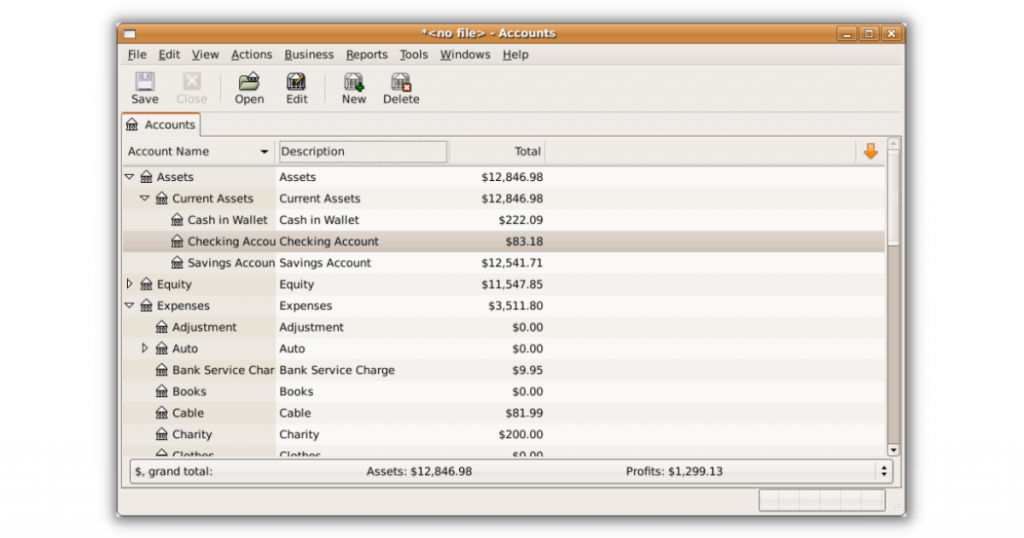
GnuCash is an easy-to-use free personal finance software. It can be implemented as both business and home accounting software. It offers built-in tools for managing stocks, bonds, and mutual funds as well. In business, GnuCash can perform functions like vendor management, customer tracking, revenue status, invoicing, bill payment, tax filing, payroll management, etc.
Using GnuCash, users can also schedule their investments. The software then automatically performs the transaction on the set date and time. Gnucash is one of the best free personal finance software for Windows 10 and Mac with double-entry accounting features. It is also available in mobile app configuration that is compatible with both Android and iOS.
Key features
- Free and open-source software
- Stock management tools
- Tax management
- Balance forecasting
- Multi-currency support
- Real-time updates
- Financial reports
- Mobile app configuration
- Bills management
- Reminder alerts
- Payment gateway
- Scalable
5. Buddi
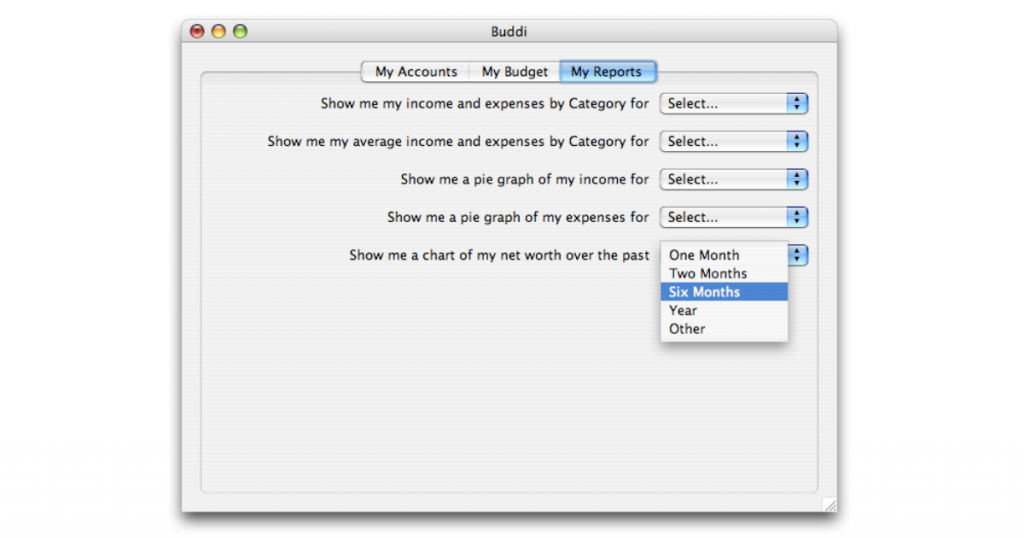
Buddi is another open-source and free personal finance software for Mac and Windows. It offers encryption-based security to the financial data stored on its servers. This protects the assets from potential malware. It also offers two-factor authentication for processing secured transactions online.
Buddi personal finance software can be used for creating budgets, tracking bank accounts, and generating financial reports. However, transactions need to be added manually. Additional plugins are also offered by this software that allows third-party transactions.
Key features
- Intuitive design
- Easy-to-use UI
- Free and open-source
- Multi-currency support
- Real-time updates
- Financial reports
- Bills management
- Payment gateway
- Scalable
Conclusion
Personal finance software is essential for every individual to plan their investments and secure their financial assets. For beginners, starting with the free personal finance software options is the best way to go. And once you understand the platform, you can purchase paid plans based on your needs.
In this article, we’ve listed the 5 best free personal finance software available in the market today. If you wish to explore more options, connect with us at SaaSworthy.
Also read:
