

Over the last half a decade or so, smartphones have become extremely important in the scheme of things of every working individual. They have taken up a great chunk of utility tasks over from desktops and laptops, thanks to the generous app developers.
Indeed, the smartphone app developers have contributed greatly to turning mobile into utility devices. The massive number of apps that are now available on the AppStore have become stalwarts in the daily use of the people and their tasks.
Table of Contents
Different type of apps available for iOS
iOS is an industry-leading name and is best known for providing its users with quality apps from verified developers. However, in certain cases, Apple AppStore has even managed to overtake widely promulgated players like Google PlayStore in terms of sheer quality. The reason behind this can be the fact that Apple takes extra care to scrutinise apps before making them available on the platform. Hence, the multiple categories of the apps are always rich in quality and filled with utility.
Here are the best productivity apps for iPhone in 2020:
1. Evernote
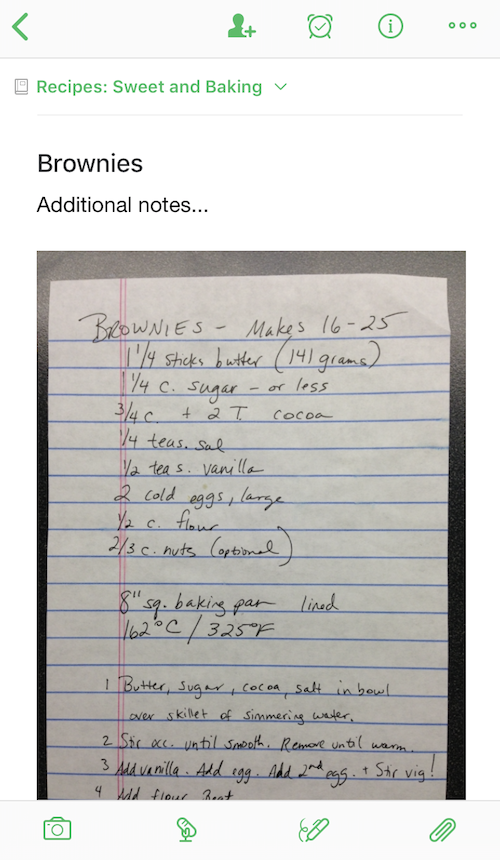
Evernote is one productive app that needs no introduction. It is designed and featured in a way so as to offer as much productivity as required by the users. It is often known as an all-in-one productivity app for iOS and has plenty of benefits. Every bit of the notes and texts can be synchronised in multiple devices. The notes, agendas and memos can even be shared with friends or fellow colleagues to work as a team. It comes free of cost out of the box but has in-app purchases.
To start with, the users can write or take notes to capture ideas, which can be done in the form of sketches, to-do lists, checklists and notebooks. In fact, the notes can be taken in multiple formats, be it sketches, texts, screenshots, photos, audio, etc. It even uses the native camera to digitise hard copy of documents by allowing scanning of ID proofs, paper documents, business cards, etc.
2. NoteShelf 2

NoteShelf 2 is an excellent digital medium for taking notes. It simplifies productivity by offering multiple features for users. However, it is not a free app and the users would need to pay a nominal sum in order to buy it. It is most popular for PDF markup and hand-written notes.
NoteShelf 2 allows the users to take typed as well as hand-written notes, record audio, create lists and annotate PDF too. The handwritten feature can be utilised with the use of a calligraphic pen. Moreover, unlike some other third-party apps, NoteShelf can be operated through Siri as well. The voice command can create new documents, look up for any existing notes and once found, can even open them. Once the users take up the notes, it can be shared via multiple mediums, like Google Drive, OneDrive, Dropbox and Evernote.
3. 1Password
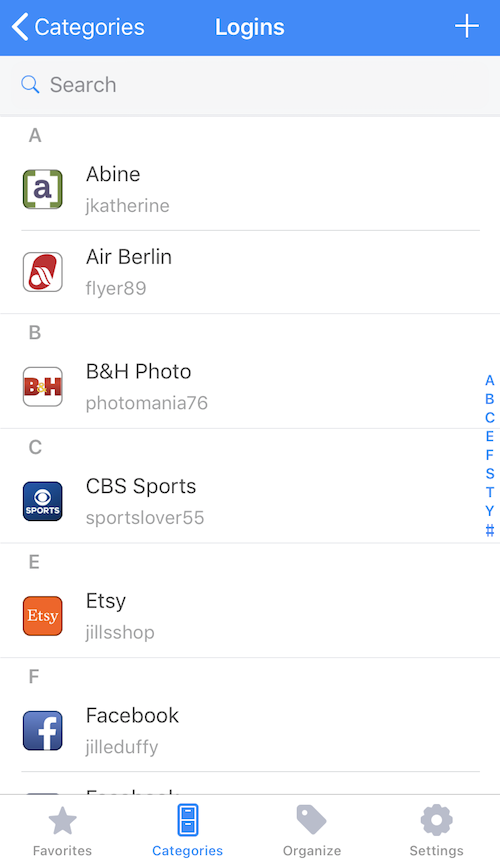
1Password is an excellent app to manage passwords safely. It can be downloaded for free but needs additional subscriptions to continue usage. It is basically a one-stop app to remember and save all passwords safely and works as a very secure password manager.
1Password helps the users to be very organised when it comes to storing dozens of login credentials, details for driving license, credit cards, etc. All of the information can be stored safely in different vaults and can be organised and accessed through various categories and tags. Furthermore, it itself is very safe and is secured by one master password. But if typing in this master password seems to be too lengthy a process, the users can unlock it with Face ID too.
4. Productive
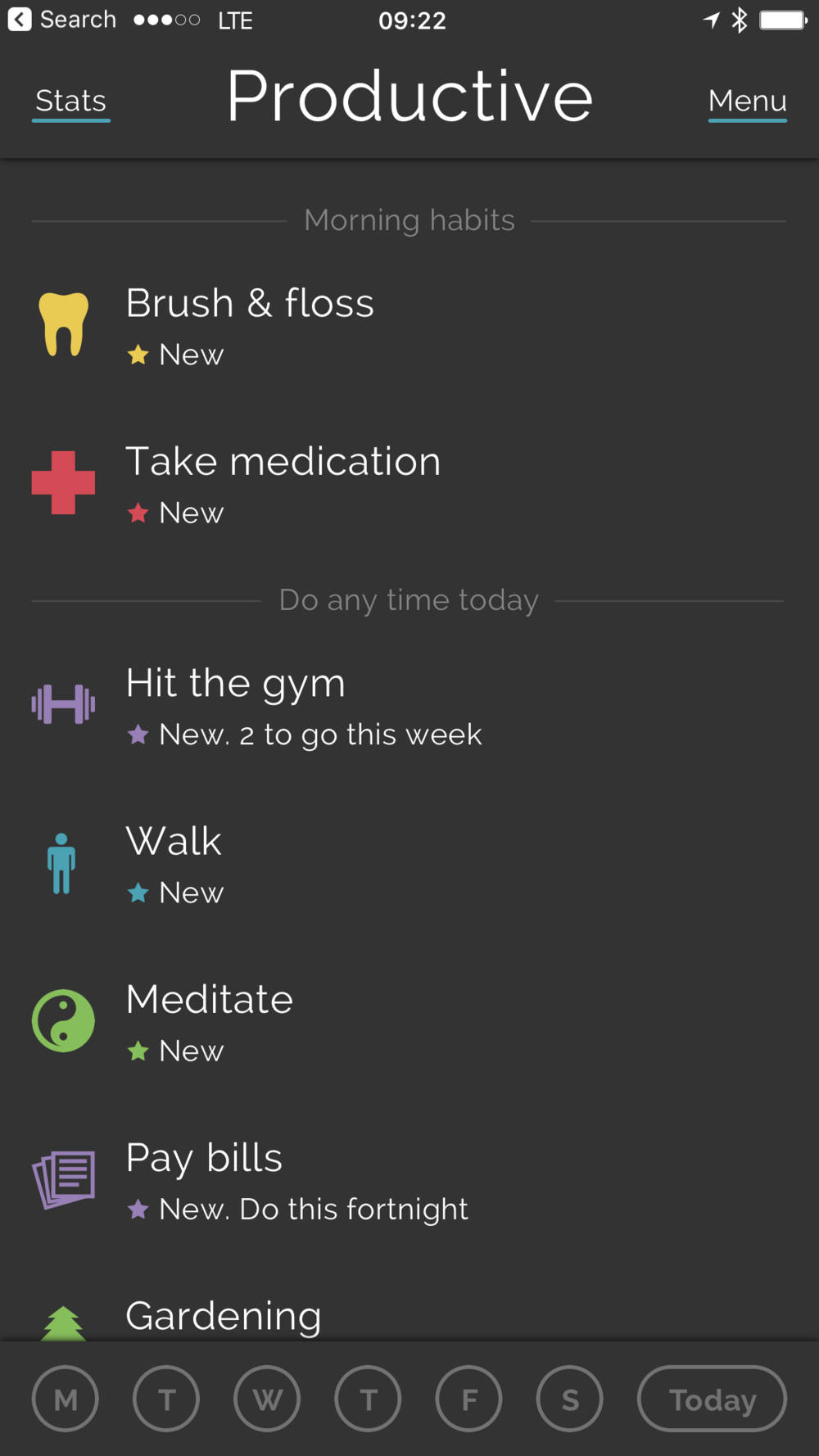
The Productive app is a habit tracker by category. It is a free to download the application from the AppStore on Apple iOS but requires upgraded packages via in-app purchases. It can be used to create routines of positive and life-changing habits and motivate to new heights. This can be done by setting reminders all throughout the day.
Productive has a very clear and easy-to-use interface that is designed to motivate and increase focus on the goals. The users can create habits, complete, pause or stop them whenever required, as per the convenience. It even shows statistics, like keeping a track of the habits and analysing the progress made.
5. OmniFocus 3
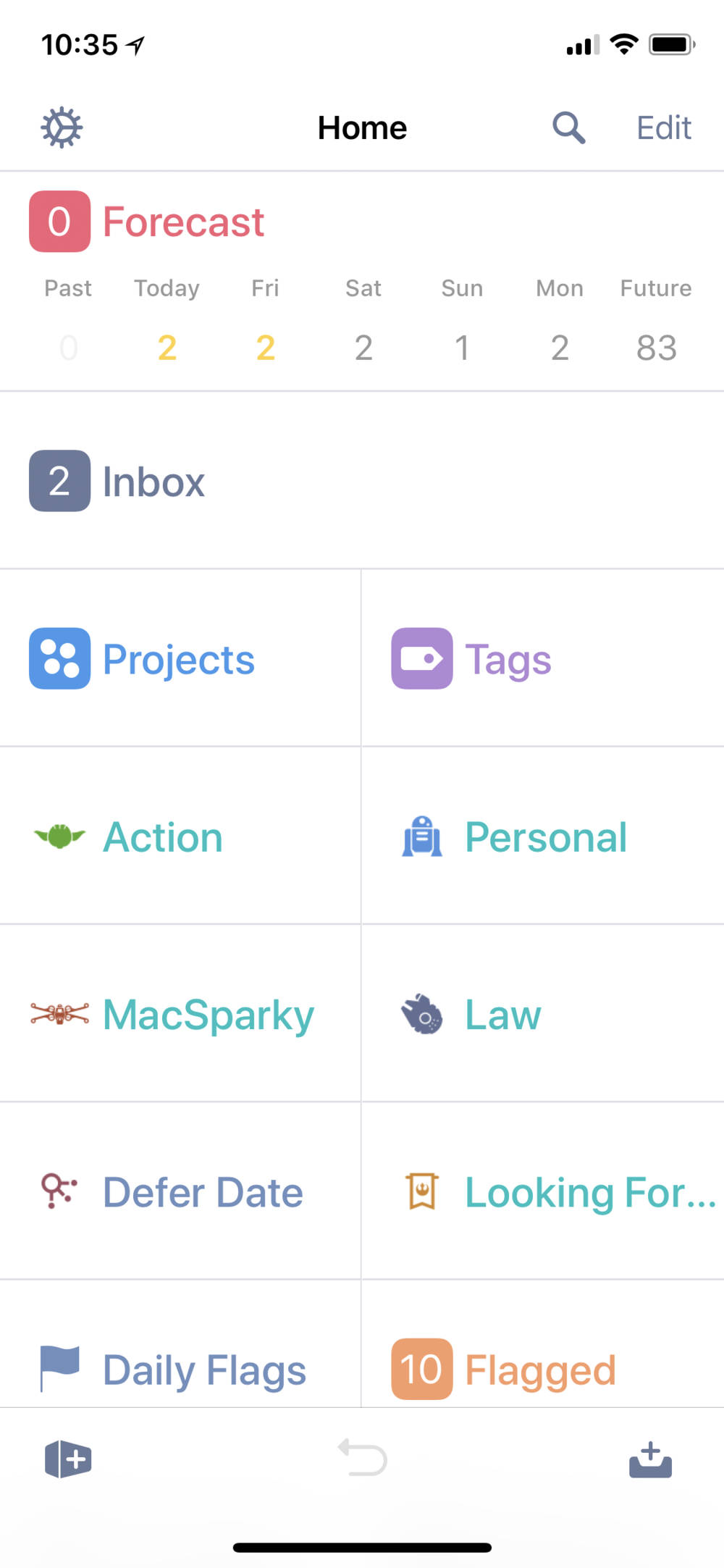
OmniFocus iOS app goes with the tagline of “Accomplish more every day. Users can create tasks and projects and segregate them according to their tags. It helps to focus on what needs to be done right at the moment. OmniFocus 3 can be downloaded for free but there are subscription plans that you need to buy after a limited trial period.
The tags can be created for various parameters, like a person, location, priority, energy level, etc. The editing can be done in bulk, that is, setting due dates and assigning tags can be done on multiple tasks at one go. The synchronisation is encrypted end-to-end. And finally, the users can operate it via Siri as well.
Conclusion
The development of multiple apps in the productivity category just goes on to make the job easier for the users to have a very organised life.
Evernote and NoteShelf 2 are both similar in nature but have a certain set of features that set them apart from each other. On the other hand, Productive and OmniFocus 3 belong to the same category as building habits and getting things done.
Having said those, 1Password is certainly one of the best apps to be available in the iOS AppStore since it takes security and dealing with confidential credentials to a whole different level.
