


Remote work is getting the approval of more and more organizations these days. With the employees not showing up in the office every day of the week, there are tons of benefits including minimized office finance on stationery and utilities, less time spent on the commute for employees, reduction of unnecessary office meetings, and so on. However, one cannot deny that despite this long list of benefits, the drawbacks can’t be overruled. With the employees not present in the room physically, discussing ideas and jotting down important points become difficult. Most importantly, you have to give up on the simpler whiteboard session and go on an exhausting spree of sending emails back and forth to your colleagues explaining something simple to them. However, we have the perfect solution for you to get out of this never-ending struggle: Whiteboard Software.
Table of Contents
5 best whiteboard software

Here we have brought for you some of the best whiteboard software which allows you to magically meet online whiteboard and have a visual collaboration. The main aim of whiteboard software is to provide a digital and much-advanced version of your regular whiteboard. This software offers numerous design tools and design space for people to communicate, share and create. Whiteboard software has turned into a wonderful tool not only for companies but also proves to be very handy for virtual classrooms. So, let us discover some of the best whiteboard software.
1. Microsoft Whiteboard

The first contender to be presented in the list is the Microsoft Whiteboard which is a collaborative digital canvas in Microsoft 365. This software allows teams to collaborate from any part of the world by logging into the app, engage actively, learn distantly, and host effective meetings. With the help of this tool, the users can even visualize ideas, work creatively with notes, templates and maximize learning productivity with ink, stickers. Moreover, the best part about Microsoft Whiteboard is that your whiteboards will stay safe in the cloud until you are ready to return to them. You can access it from the same or another device too. So, the bottom line is that you don’t have to worry about taking photos, saving, or marking your whiteboards.
What are the main features?
The Whiteboard app can be downloaded or browsed on both Windows and iOS apps.
- The freeform infinite digital canvas allows users throughout the world to stay connected and facilitates distance learning.
- With the help of this tool, users can make their handwriting more legible, convert drawing pictures to digital ink, customize their board background and keep everything organized.
Is there a free plan?
Yes
Conclusion – All in all, Microsoft Whiteboard proves to be a reliable canvas for teams to collaborate and work efficiently.
2. Miro

Miro is a smart platform where teams can come together and work efficiently by building and developing ideas. The tool allows users to host productive and engaging online meetings as well as workshops for teams. Available on any device as well as on the web, Miro allows remote teams to work together smoothly as if everyone is present in the same room physically. Miro is a wonderful whiteboard software that is not just limited to brainstorming but also guides the users from ideation to implementation. This platform enables users to unleash their creativity, plan projects from various angles, and create a centralized information hub, keeping everyone in the loop. So, no matter whether your team is distributed or fully remote, with Miro you will get the right outcomes for any project.
What are the main features?
- Miro allows users to assign tasks, monitor whatever changes have been made and make conversations with team members from within the interface.
- The software offers easy integrations with numerous popular tools such as Dropbox, Google Suite, etc. to offer agile processes and seamless workflow.
- With Miro, you get to choose from a long list of templates including customer mapping, retrospective, UX design or you can even begin working with a standard blank whiteboard.
Is there a free plan?
Yes
Conclusion – All in all, Miro serves as a great online whiteboard that allows the smooth transition of ideas into tasks.
3. Limnu
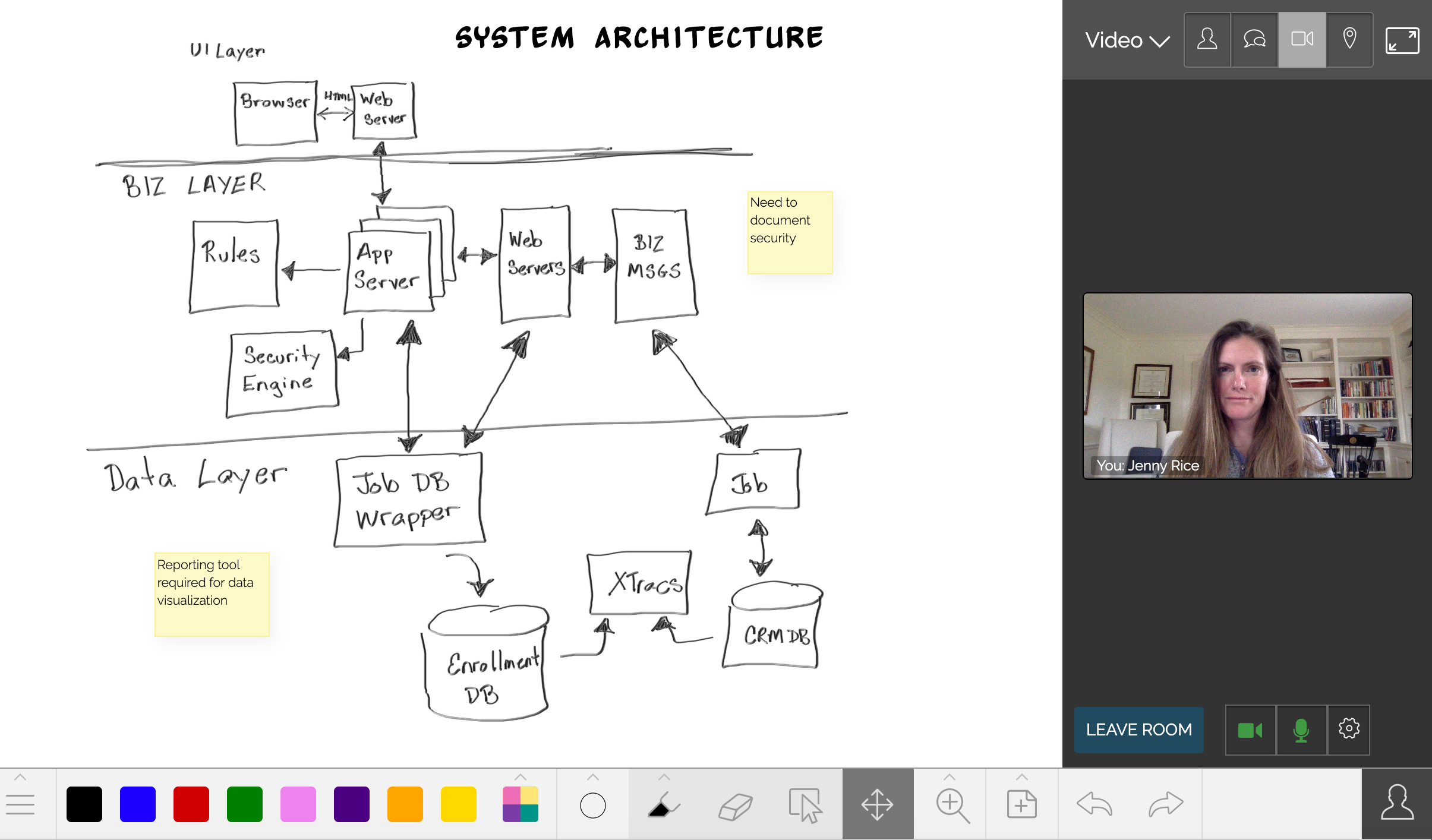
Are you used to having physical brainstorming whiteboard sessions with your team for presentations? Are you a bit hesitant going deep down in the technological world? If yes, then Limnu is the best whiteboard software for you. You can understand this software to be similar to a real whiteboard where you can easily sketch ideas and manage productivity efficiently with ease. However, Limnu has a lot more to offer than just giving realistic marker drawings. No matter whether it is to collaborate with the team, brainstorm ideas, manage access control to whiteboards, do video conferencing or host a meeting online, you can do it all with Limnu, that too without much hassle.
What are the main features?
- Limnu supports mobile iOS. The tool is equally preferred and loved by small, medium as well as large companies.
- This whiteboard software even includes collaboration features which makes digital meetings much easier. Users can even limit their permissions to view-only, for privacy.
- For all those who struggle with the digital jargon and don’t wish to go through a lengthy sign-up process to join the whiteboard, Limnu is a blessing in disguise.
Is there a free plan?
Yes
Conclusion: Limnu offers an amazing online whiteboard facility with minimum digital gimmicks and is an amazing tool for all company types.
4. Explain Everything
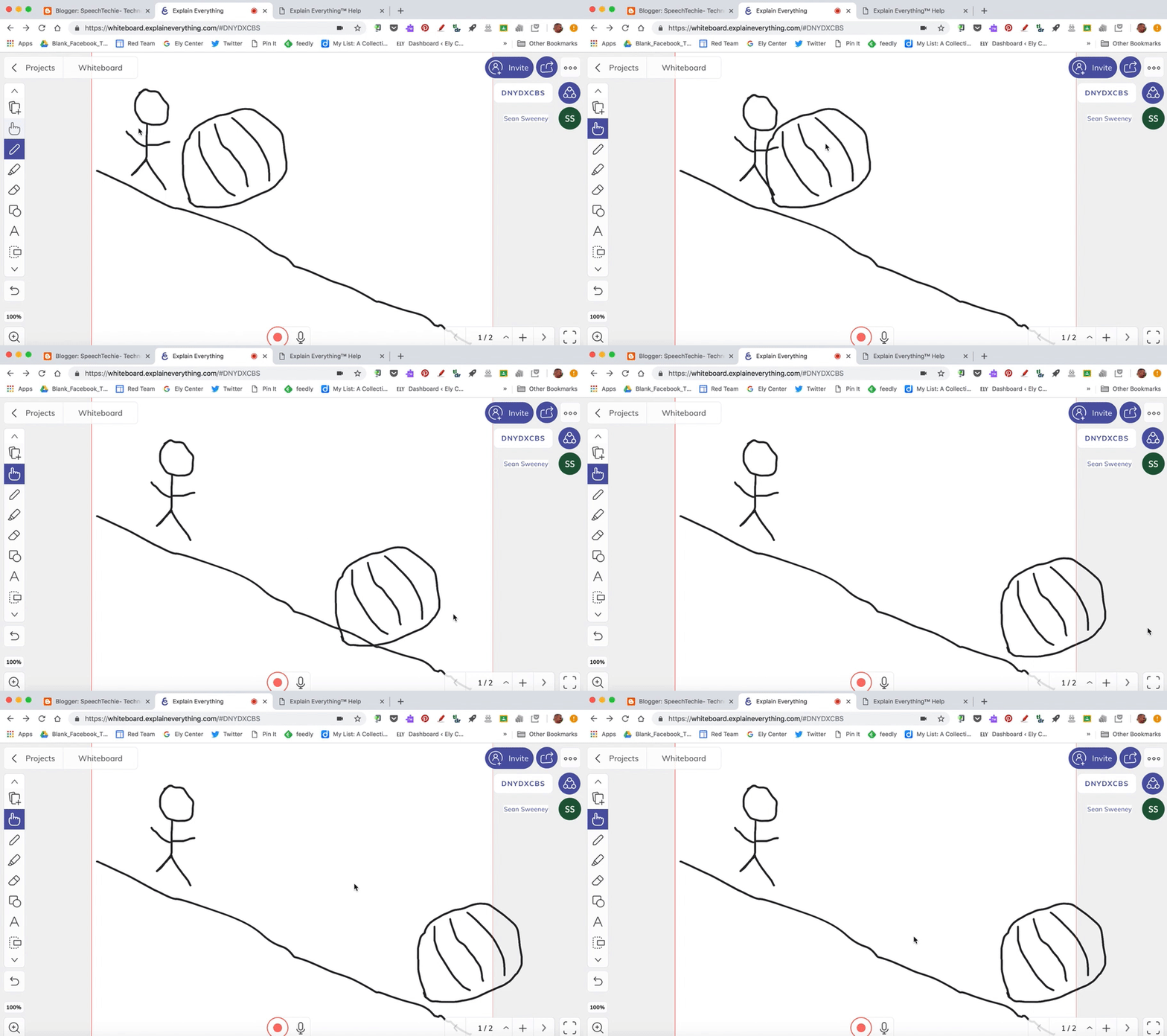
If you thought that the teaching profession can’t be pursued remotely? If yes, then you have been highly mistaken. With Explain Everything software, teaching remotely has never been easier. This whiteboard software is just perfect for remote teaching. It offers infinite canvas as well as numerous recording tools which help in creating wonderful whiteboard explainer videos in a jiffy. Users can draw, add text, create basic shapes, upload files, and do almost all fairly standard whiteboard stuff with this amazing software. Explain Everything is not just limited to basic teaching activity but is also actively used by small, medium as well as large companies.
What are the main features?
- Explain Everything supports Mobile Android and iOS. It also comes with voice chat, web video link sharing, and video recording capabilities. Users can record their whiteboard and voice as they draw and then they can even edit or split elements to refine the finished video.
- You will be pleased to know that with this whiteboard software, once you are done creating a video, you can even share it online as a link or download it as an MP4 file. This whiteboard video can even be used as a standalone teaching element in an online classroom.
- Collaboration tools are another pleasant built-in feature of Everything Explained. Users can invite team members or students to view or edit the whiteboard. You can even converse with them over audio while working together. This feature enables you to collaborate in real-time to manage workflows.
Is there a free plan?
Yes
Conclusion: If you are looking forward to creating online whiteboard videos easily, then Explain Everything is literally the best whiteboard software for you.
5. Collaboard
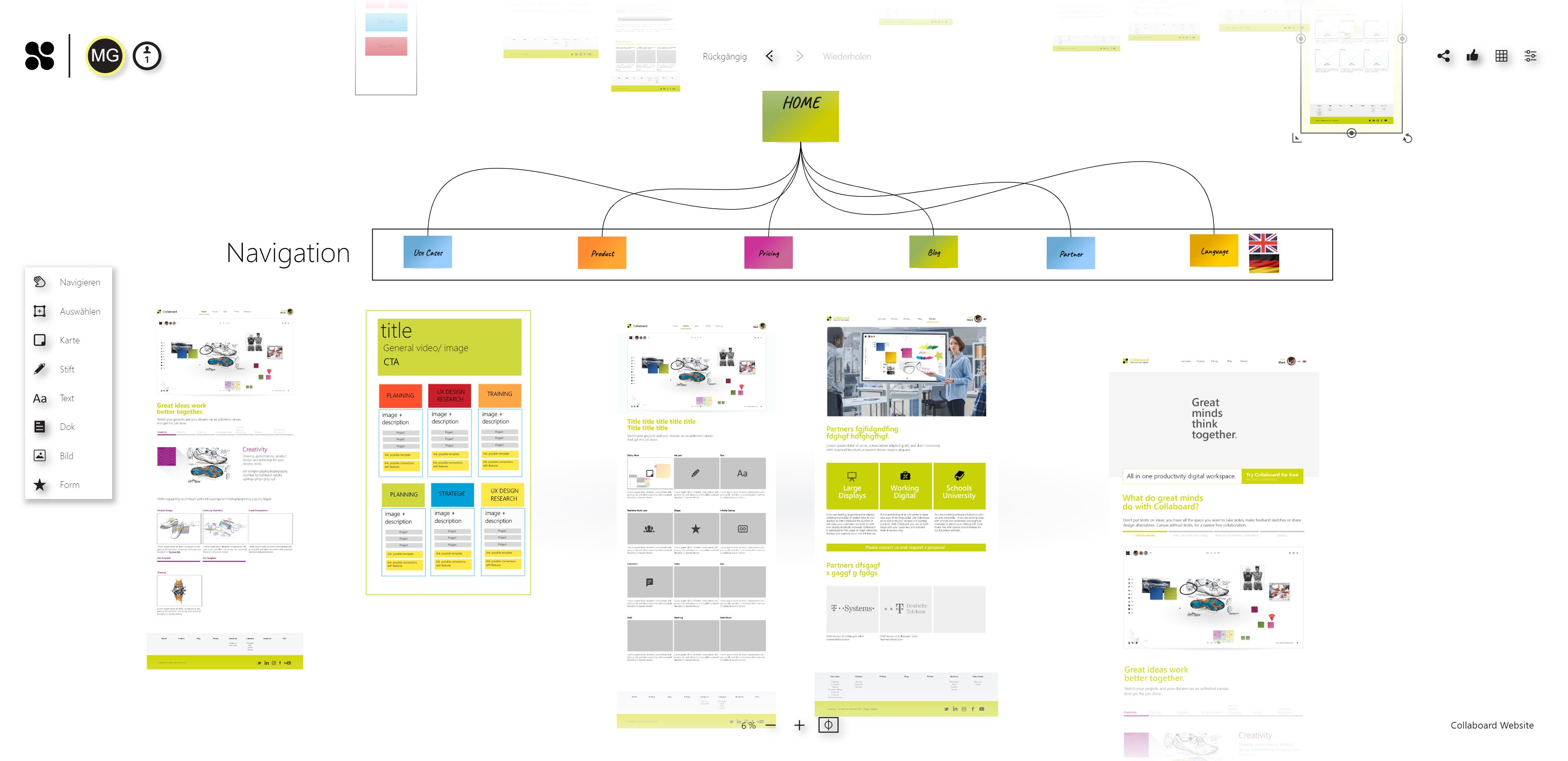
Great minds think together and we can’t let working remotely ruin that for you. Collaboard is one of the best whiteboard software which enables its users to sketch their projects on an unlimited canvas. It is a beautiful collaborative online whiteboard which is a blessing while working remotely. With this software, you will feel the distance shorten, which will allow efficient and close working with your team members, irrespective of their location or the device which they are using. In short, with Collaboard it gets real. This tool allows its users to brainstorm new ideas with the most common design thinking techniques, stay connected, and share ideas with colleagues. The best part about Collaboard is that it provides the users an infinite space for taking down notes, making freehand sketches, and sharing design alternatives. This tool makes online meetings more productive, interactive, creative, organized, efficient, and fun.
What are the main features?
- Collaboard simplifies workflow productivity and helps users plan remotely. Users can manage the organization process completely using flowcharts, mind maps, shared notes, workflow, and so on. With this whiteboard software, users can also design site maps, user story maps, wireframes, etc.
- With Collaboard, users can even plan their digital strategy. This tool also enables users to create content in real-time and get fast feedback with the help of voting and rating features.
- This whiteboard software boasts an extremely high data security level and offers numerous hosting options too. In short, it helps users plan a solid structure for their projects.
Is there a free plan?
Yes
Conclusion – Collaboard can be regarded as a wonderful online whiteboard solution for real-time collaboration that allows users to brainstorm ideas, create plans and work efficiently together.
Why do we need whiteboard software?

Whiteboards are a vital tool of the brainstorming session for almost all offices. With huge teams, comes efficient management and distribution of responsibilities. With remote work coming in power, whiteboard software has made the workflow seamless. Out of the different options we presented above, you can choose the one which works the best for you keeping in mind factors like how central whiteboarding is to your company, how many features you need, on what all platforms do the software works, and so on. We hope that this article helps you to choose the best whiteboard software. Also here is a list of top whiteboard software on SaaSworthy. Check it out!
Also read:
