

Running a small business comes with many responsibilities, and managing payroll is one of the most critical tasks. Accurate and timely payroll management ensures your employees are paid correctly, which is essential for maintaining morale and compliance with legal requirements. Fortunately, there are several free payroll software options available that cater specifically to small businesses. In this article, we’ll explore ten of the best free payroll software solutions you can consider in 2024.
Table of Contents
List of Free Payroll Software for Small Businesses
Here’s a quick overview of the top free payroll software, including their best uses and pricing details:
| Software Name | Link | Pricing | Best For |
| Paycor | Link | Free trial | Comprehensive payroll and HR |
| Gusto | Link | Free trial | Payroll with benefits management |
| Wave Payroll | Link | Free (pay-per-use) | Simple payroll for small teams |
| Payroll4Free | Link | Free | Basic payroll management |
| Square Payroll | Link | Free trial | Payroll integrated with POS |
| QuickBooks Payroll | Link | Free trial | Payroll integrated with accounting |
| Zoho Payroll | Link | Free trial | Small to medium-sized businesses |
| Homebase | Link | Free plan | Payroll for hourly employees |
| SurePayroll | Link | Free trial | Payroll for small businesses |
| OnPay | Link | Free trial | Payroll with HR tools |
Paycor
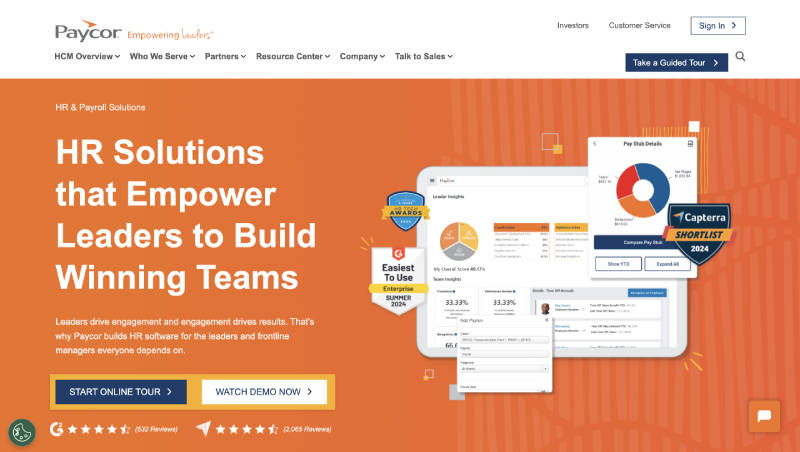
Paycor offers a comprehensive payroll and HR solution tailored for small to medium-sized businesses. This software provides a free trial, making it an attractive option for those who want to explore its features before committing to a subscription.
Key Features
- Automated Payroll: Simplifies payroll processing with automation features.
- Tax Compliance: Ensures accurate tax calculations and filings.
- Employee Self-Service: Allows employees to view pay stubs and manage their own information.
- Reporting and Analytics: Provide detailed payroll reports and insights.
Pros and Cons
| Pros | Cons |
| User-friendly interface | Limited customization options |
| Strong compliance features | Higher cost after the free trial |
| Comprehensive payroll and HR integration | It may require training for new users |
Gusto
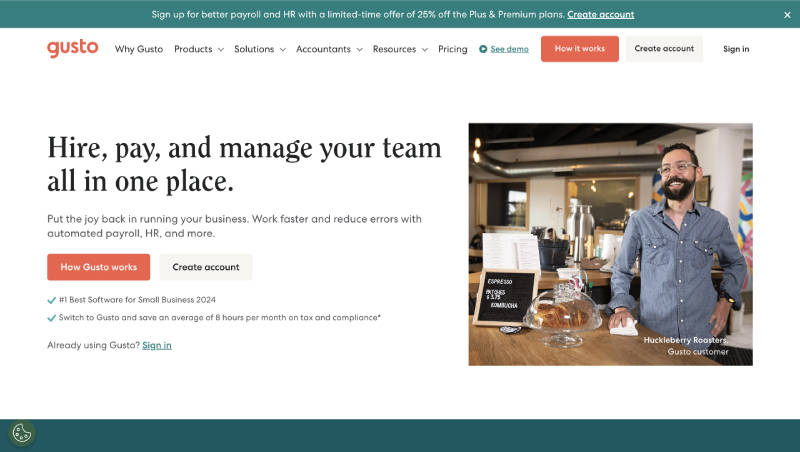
Gusto is a popular payroll software that not only handles payroll but also offers benefits management. It’s ideal for small businesses looking for an all-in-one solution, and it offers a free trial for new users.
Key Features
- Automated Payroll: Easily manage payroll processing and tax filings.
- Employee Benefits: Offers a wide range of employee benefits integration.
- Time Tracking: Built-in time tracking for accurate payroll calculations.
- HR Tools: These include basic HR functionalities like onboarding and compliance.
Pros and Cons
| Pros | Cons |
| Comprehensive payroll and benefits | Higher pricing after the trial |
| Easy to use and set up | Limited features on lower tiers |
| Strong support for HR and compliance |
Wave Payroll
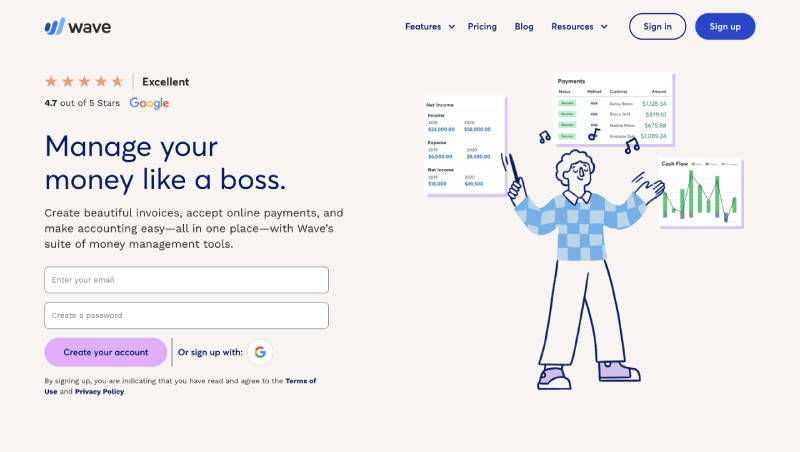
Wave Payroll is part of the Wave suite, which is known for its free accounting software. While Wave Payroll itself isn’t entirely free, it offers a pay-per-use model that’s cost-effective for small businesses.
Key Features
- Pay-Per-Use: Pay only for the employees you process payroll for.
- Direct Deposit: Offers easy direct deposit for employee payments.
- Tax Filing: Handles tax calculations and filings in certain states.
- Integration: Integrates seamlessly with Wave Accounting.
Pros and Cons
| Pros | Cons |
| Cost-effective for small teams | Limited tax filing capabilities |
| Seamless integration with Wave | State-specific features |
| User-friendly interface |
Payroll4Free
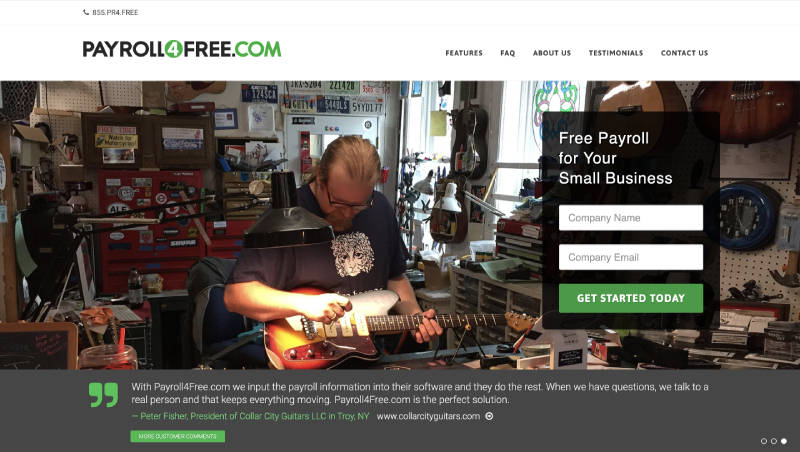
Payroll4Free offers a completely free payroll management solution for businesses with fewer than 25 employees. It’s ideal for very small businesses looking to handle payroll without incurring costs.
Key Features
- Free Payroll: No cost for payroll processing for up to 25 employees.
- Tax Management: Provides tools for tax calculations, though filing is manual.
- Employee Self-Service: Allows employees to view pay stubs and W-2s online.
- Direct Deposit: Free direct deposit options are available with your own bank.
Pros and Cons
| Pros | Cons |
| Completely free for small businesses | Manual tax filing is required |
| Easy-to-use interface | Limited features |
| Supports direct deposit |
Square Payroll
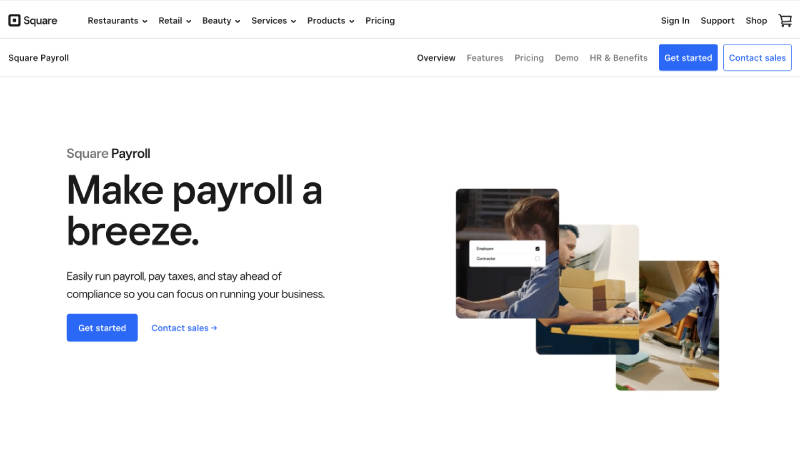
Square Payroll is a payroll solution that integrates seamlessly with Square’s POS system, making it an excellent choice for businesses already using Square for payments. It offers a free trial period.
Key Features
- POS Integration: Seamlessly integrates with Square’s point-of-sale system.
- Automated Tax Filing: Handles tax calculations and filings automatically.
- Time Tracking: Integrated time tracking for accurate payroll processing.
- Employee Benefits: Offers access to employee benefits like health insurance.
Pros and Cons
| Pros | Cons |
| Perfect for businesses using Square POS | Limited features outside of POS |
| Automated tax filings | Higher cost post-trial |
| Easy to set up and use |
QuickBooks Payroll
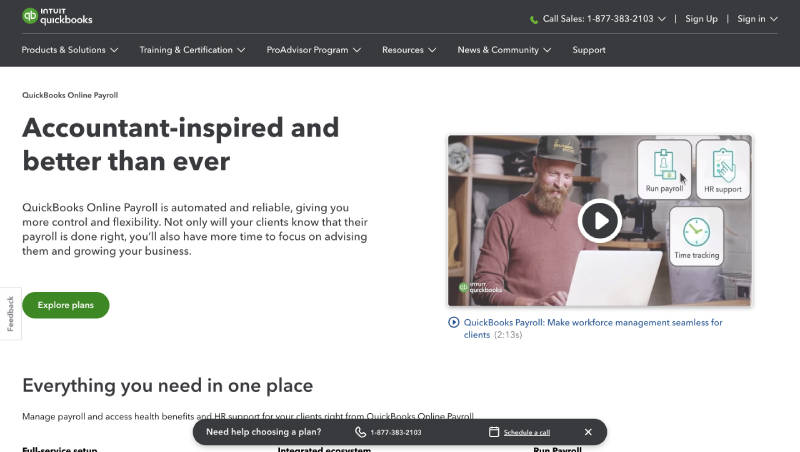
QuickBooks Payroll is part of the QuickBooks suite, making it an ideal choice for businesses already using QuickBooks for accounting. It offers a free trial, allowing users to test its features.
Key Features
- Accounting Integration: Seamless integration with QuickBooks Accounting.
- Automated Payroll: Streamlines payroll processing and tax calculations.
- Employee Benefits: Offers a range of employee benefits options.
- Tax Compliance: Ensures compliance with federal and state tax laws.
Pros and Cons
| Pros | Cons |
| Excellent integration with QuickBooks | Higher cost after free trial |
| Comprehensive payroll features | Limited to QuickBooks ecosystem |
| Automated tax filing and payments |
Zoho Payroll
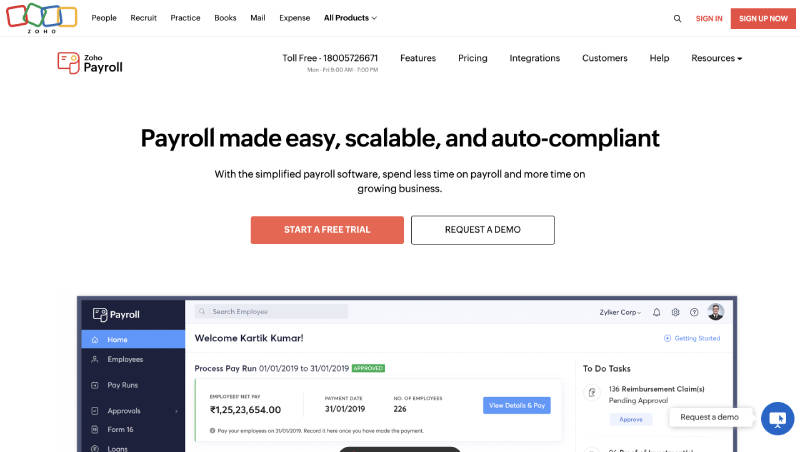
Zoho Payroll is part of the Zoho suite of business applications, offering a streamlined payroll process for small to medium-sized businesses. It comes with a free trial to explore its capabilities.
Key Features
- Payroll Automation: Automates payroll processing and tax calculations.
- Employee Portal: Allows employees to view their payslips and manage personal details.
- Compliance: Ensures payroll compliance with local laws.
- Integration: Integrates with other Zoho apps like Zoho Books.
Pros and Cons
| Pros | Cons |
| Great for businesses using Zoho apps | Limited third-party integrations |
| Automated payroll and compliance | May require training |
| User-friendly interface |
Homebase
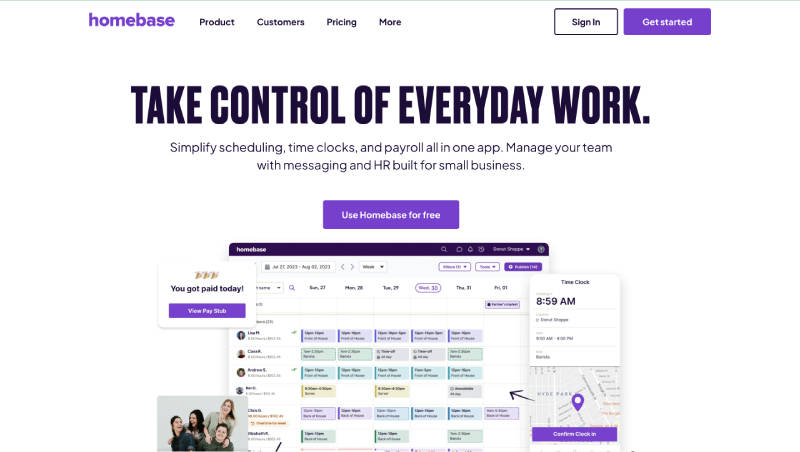
Homebase is a comprehensive scheduling and time-tracking software that also offers payroll services, making it an excellent choice for businesses with hourly employees. It has a free plan that includes basic payroll features.
Key Features
- Time Tracking: Integrated time tracking for accurate payroll.
- Scheduling: Offers employee scheduling features to manage shifts.
- Payroll Processing: Simple payroll processing for hourly workers.
- Compliance: Helps with labor law compliance and tax filings.
Pros and Cons
| Pros | Cons |
| Ideal for hourly employees | Limited payroll features on free plan |
| Integrated time tracking and scheduling | |
| Easy to use and set up |
Also read: What is Payroll Software? Features, Benefits, and More (2024)
SurePayroll
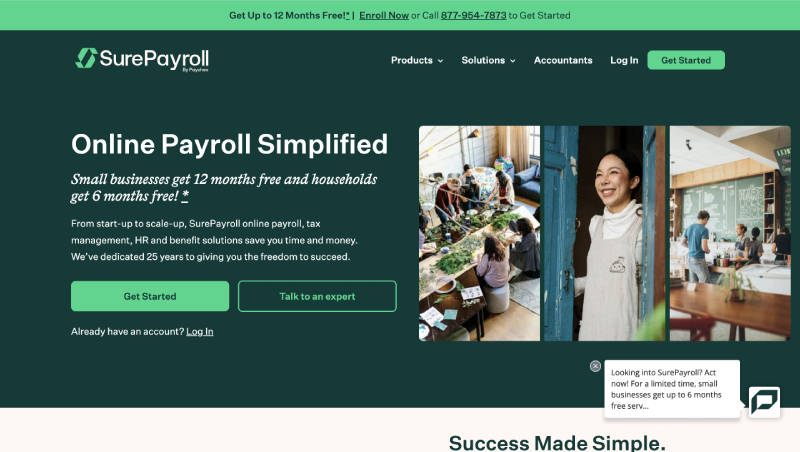
SurePayroll is a simple and easy-to-use payroll software tailored for small businesses. It offers a free trial period to test its features and suitability for your business.
Key Features
- Automated Payroll: Automates payroll processing and tax calculations.
- Mobile App: Access payroll services on the go with the mobile app.
- Tax Filing: Handles federal, state, and local tax filings automatically.
- Employee Self-Service: Employees can view pay stubs and manage their information.
Pros and Cons
| Pros | Cons |
| User-friendly interface | Higher cost after free trial |
| Mobile access to payroll | Limited customization |
| Automated tax filings |
OnPay
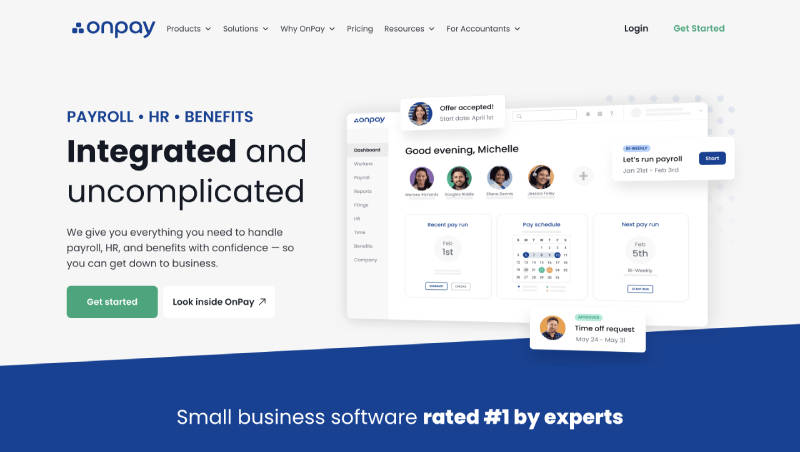
OnPay is a cloud-based payroll software that also includes HR tools, making it a great all-in-one solution for small businesses. It offers a free trial to explore its features.
Key Features
- Automated Payroll: Simplifies payroll processing with automation.
- HR Tools: Includes HR tools like employee onboarding and document storage.
- Tax Compliance: Handles tax filings and ensures compliance.
- Employee Benefits: Offers a range of employee benefits options.
Pros and Cons
| Pros | Cons |
| Includes HR tools | Higher pricing after the trial |
| Automated payroll and tax filings | May require learning curve |
| Great for small to medium-sized businesses |
These ten payroll software options offer a variety of features to help small businesses manage payroll more efficiently. Whether you need basic payroll services, comprehensive HR integration, or specialized solutions for hourly employees, there’s a free or trial plan available that suits your needs.
