

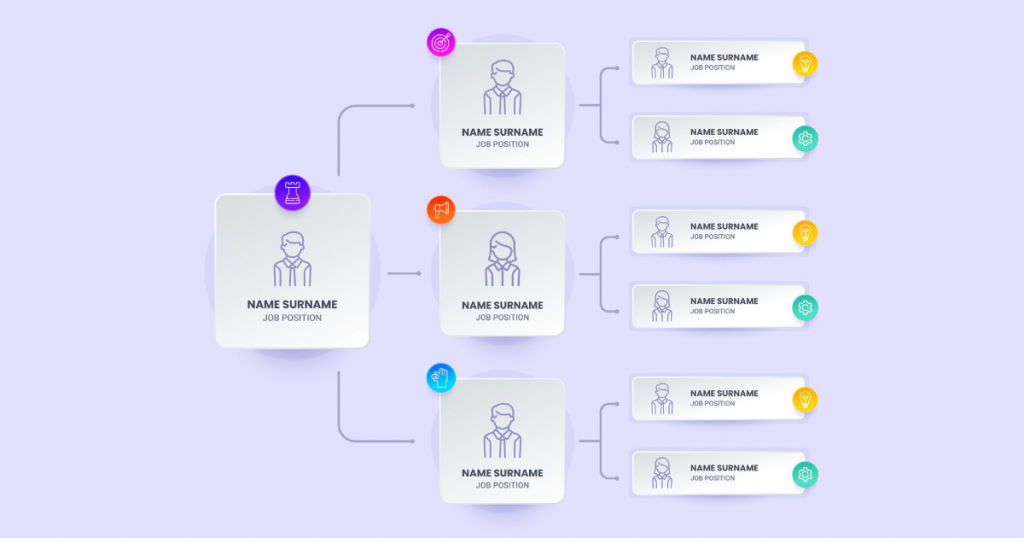
The major goal of most businesses is to progress and grow over time. But with the expansion of business, the number of people associated with the company increases considerably and the hierarchy becomes complex. It can get difficult to streamline employees in alignment with the company’s workflow. This is where org charts or organizational charts come in handy.
With the SaaS market growing currently with a CAGR of 20.8\%, there are several online and offline org chart software available today. With org chart tools, the user can simply drag-and-drop the employee data and it automatically gets incorporated in the org chart.
In this article, we will be discussing the top org chart software that can be used for businesses of all sizes. But first, let’s understand what an org chart software is.
Table of Contents
What is org chart software?
Org charts are primarily used to manage employee data in an enterprise. They are easy to use, update, and modify as per requirements. Org chart tools for the preparation of organizational charts can be installed in a computer system as software or as an app on mobile devices. Most top org tools are compatible with both Android and iOS.
Org chart software offers a visual representation of the designations, reformations, connections, alignment, and hierarchy within an organization. This boosts employee’s awareness about the organizational workflow and operations for increased productivity. There are different types of org charts that can be prepared based on the organization’s requirements. It includes the following –
| S. No. | Type of org chart | Characteristic feature |
| 1. | Classic org chart | Pyramid orientation |
| 2. | Left-to-right org chart | A left-to-right orientation |
| 3. | Matrix org chart | A table-like flowchart with dual reporting |
| 4. | Round org chart | Ring orientation where the outermost ring represents the bottom of the pyramid whereas the innermost circle represents the top of the pyramid |
| 5. | Inside-out org chart | Ring-like orientation with the top level of the pyramid as its center and the rest of the organization spiders out of it like a hub and spoke model |
| 6. | Customer-centric org chart | Ring shape orientation with the customer at the center position |
| 7. | Table | The organizational workforce is maintained in a table |
| 8. | Spotify’s guilds | Org chart groups employees in the squad, chapters, tribe, and guild in the hierarchy |
| 9. | Upside down | An inverted classic org chart |
| 10. | Holacracy | Employees are grouped based on their accountability and roles |
How to choose the best org chart software?

While there are many org chart software that can be used, selecting the one for an organization can often become confusing. The following features can be used as criteria in identifying the best-suited option.
Collaboration tools
Collaboration tools enable the user to easily create and update org charts. It allows tandem customization of hierarchy where users can add new departments based on the requirement. Based on the organization scale, LAN or cloud-based platforms can be chosen. Intranet collaboration, cloud collaboration, revision interface, automated version, and update control are a few collaboration tools to look for.
Editing options
Customizable templates with intuitive editing tools are crucial for ease of operation. Top org chart software provides a range of modifying features like WYSIWYG interface, drag-and-drop editing tool, advanced editable templates, and automated edit suggestions.
Process integration
Org chart apps should feature built-in tools for system integration. It helps in maintaining optimum control over the relationships in an organization. Major integrations offered by the best org chart software are content management integration, API-based integrations, and HR system integration.
Which are the top org chart software in 2021?
Here we have discussed the top 7 org chart software in 2021 that are scalable for organizations of all sizes.
1. Lucidchart – Diagramming software provider
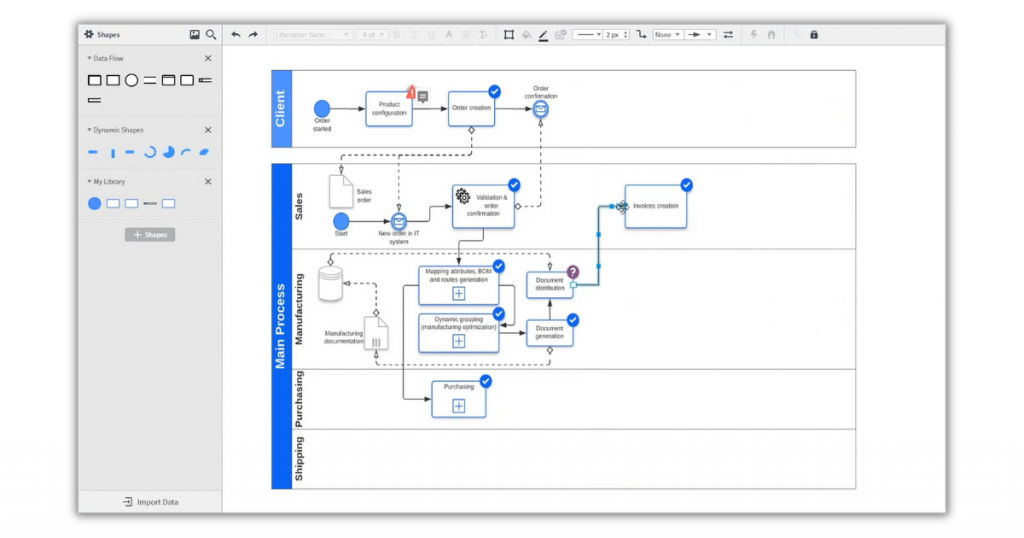
Lucidchart offers a platform for designing professional charts for business. It allows companies to craft smart charts for operational and management purposes. It has powerful collaborative tools with high adaptability and scalability. It currently works in integration with MS Office, Salesforce, Slack, Google Suite, and Atlassian.
Lucidchart is a web-based application that can be used as the org chart software for Windows, Mac, and iPad. It is also compatible with both Android and iOS mobile phones. Lucidchart offers agile flowcharting tools with one-click data import features. Using this software, companies can design more than just org charts. It can also be used to create whiteboards, wireframes, mockups, mind maps, operation flowcharts, and UML diagrams. It is easy to use and does not require professional training before implementation. It allows multiple user access with real-time editing tools.
Pros
· Drag-and-drop functionality
· Intuitive interface
· Printable chart templates
· Data and software integration
· Version control features
· Real-time collaboration tools
· Larger canvas
Cons
The free trial duration is comparatively short.
Pricing
Subscription plans start at $7.95/month with additional freemium plans.
2. Canva – Graphic design platform
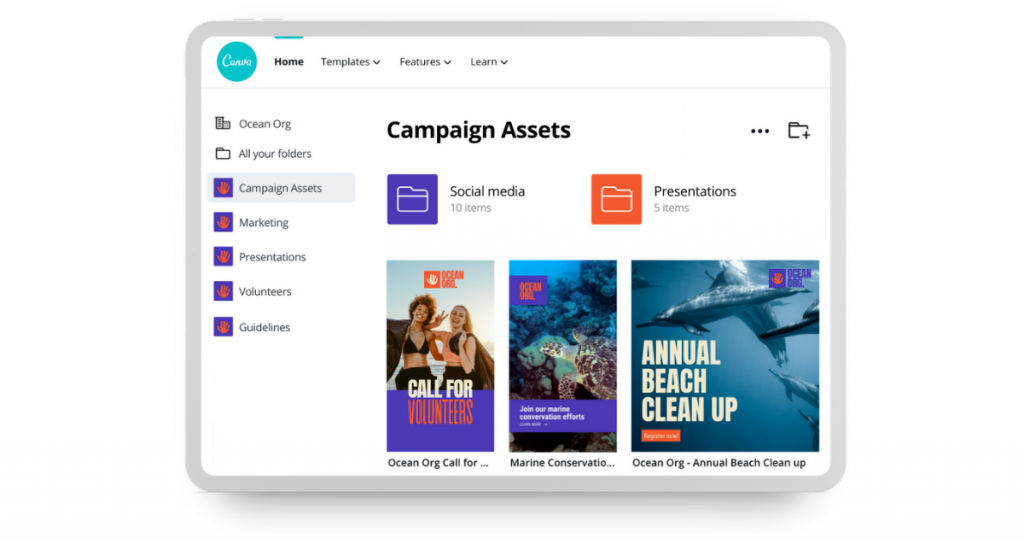
Canva is a user-friendly graphic designing platform. It helps users produce visually appealing and high-quality org charts. It is available as a web-based org chart software for Mac, Windows, and iPad. It can also be used on mobile phones, both Android and iOS. It offers several collaboration tools with a vast marketplace for premium templates that can be purchased if needed. The customization with this software is extremely easy to use.
Org charts using Canva can be fed with pictures as well, to make it more personalized. In addition, it allows output charts to be downloaded and saved offline as a JPG or PDF file.
Pros
· Drag-and-drop interface
· Media libraries
· Powerful integrations
· Customizable org chart templates
· Real-time collaboration
· Preview enabled
Cons
· No reporting and version control
· Customer service is a bit slow
Pricing
The subscription plan starts at $9.99/month with a free trial option. Canva also offers freemium plans which are quite popular.
3. Gliffy – Easy to use with in-built instructions
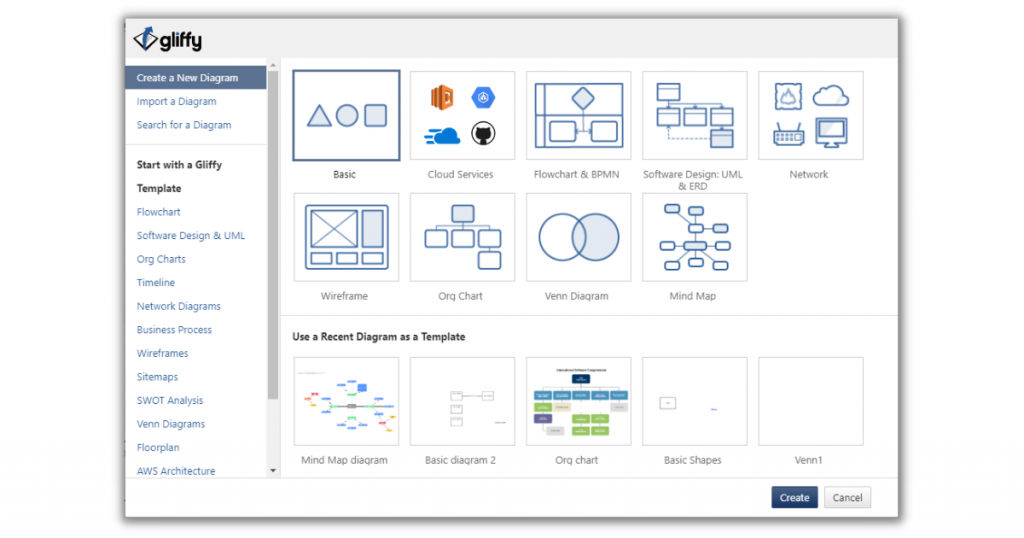
Gliffy as an org chart software has evolved over the years as an intuitive tool for designing business charts and diagrams. It provides on-screen instructions for hassle-free learning that makes it extremely easy to use. This is how it stands in the market competition and is one of the top org chart software. Gliffy works in integration with Atlassian, Google Drive, Trello, JIRA, and Confluence to manage employee data within an organization.
Gliffy is a web-based application with multiple software integrations which can be deployed in both computer systems and mobile phones. Org charts prepared using Gliffy can be customized in terms of color, font, and chart style. It also provides built-in templates for users to choose from.
Pros
· On-screen instructions
· Drag-and-drop functionality
· Template libraries
· Software integrations
· Version control
Cons
Limited interactive elements
Pricing
The subscription plans start at $7.99/month with a free trial option.
4. Organimi – Dedicated tool for org chart preparation
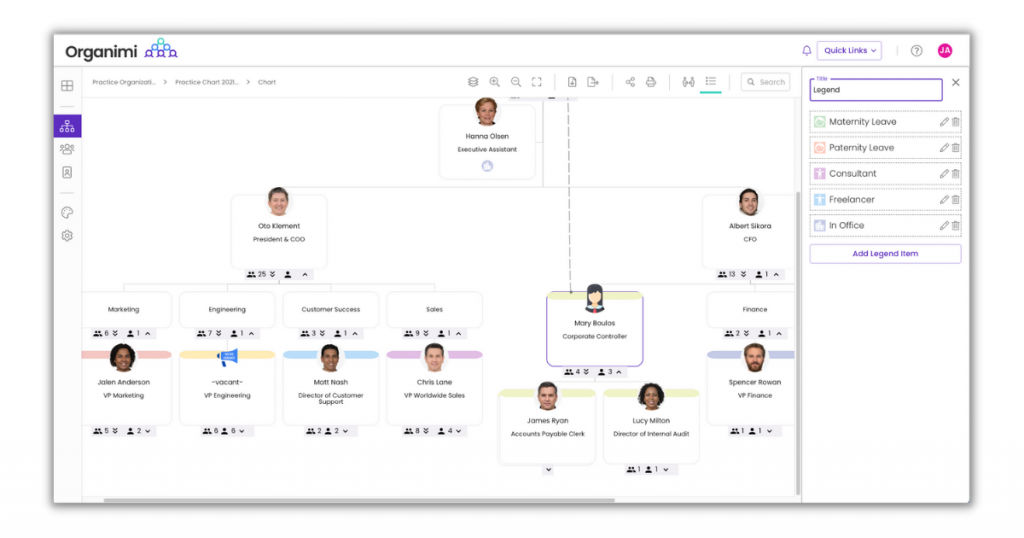
Organimi is one of the top org chart software that can be used to create, share, and maintain organization charts of an enterprise. It allows real-time editing features and updates. It is a robust tool with high adaptability and scalability for businesses of all sizes.
Organimi specializes in organizational design, HR, account planning digital solutions, operations, and sales. It enables Organimi to easily fit in any workflow. The output chart from Organimi can be easily exported in CSV, PDF, Powerpoint, and PNG file format. The current potential users of Organimi include Amazon, Tier-1, HP, Walmart, and Facebook.
Pros
· Bulk upload feature
· User-friendly drag-and-drop interface
· Powerful CRM integration
· SmartChart feature
· Advanced search filters
· Rich media libraries
· Real-time accessibility
· CSV import
· Contact management
Cons
No version control is available
Pricing
There are several options available with Organimi software. Users can choose from the freemium plans, purchase a one-time license, or opt for subscription plans starting at $10/month with a free trial.
5. Microsoft Visio – Multi-deployed org chart software
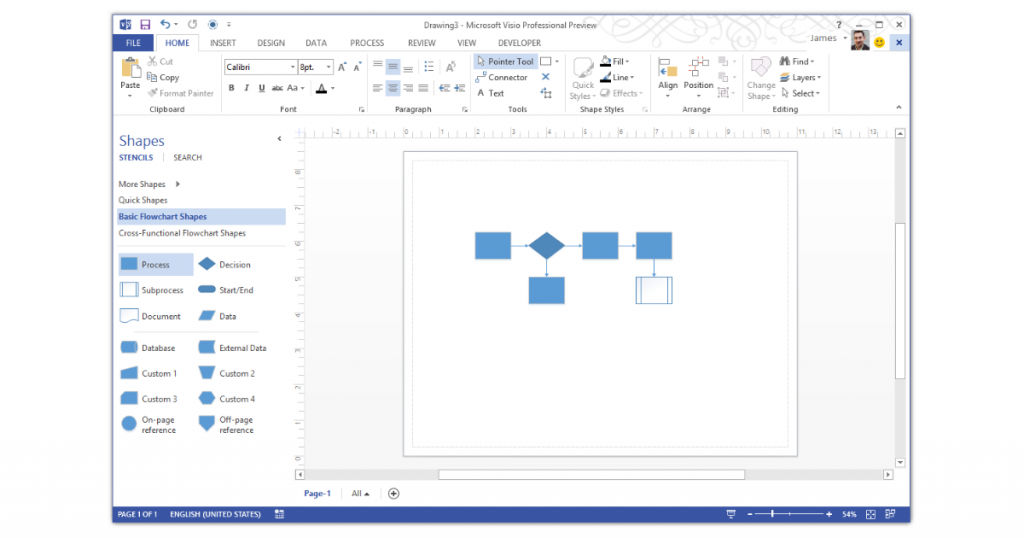
Visio is a product of Microsoft. It is primarily a graphic designing tool that can be used for designing business diagrams and org charts. Visio is also known for its efficient customer support that is available 24X7. In addition to org charts, Visio can also be used to design data-linked diagrams, flowcharts, org charts, and floor plans.
Visio is a web-based software that can be deployed on different devices including Windows, iPad, iOS, and Android. Additionally, a standard and professional version of the desktop app is also available exclusively for Windows. Microsoft Visio can be used to create high-quality professional carts even for complex workflows.
Pros
· Org chart layering for complex workflow
· Customizable chart templates
· Office-based UI
· Collaboration tools
· Cross-platform compatibility
· Drag-and-drop interface
· Integrated cloud storage
· Best-in-the-market customer support service
· Pre-built customizable chart templates
· Supports SWOT analysis
· Auto-connect functionality
Cons
Microsoft Visio is not compatible with Mac
Pricing
Users can either buy a one-time license or subscribe to monthly plans that start at $5/user/month with a free trial.
6. ClosePlan – Org chart software with Salesforce integration
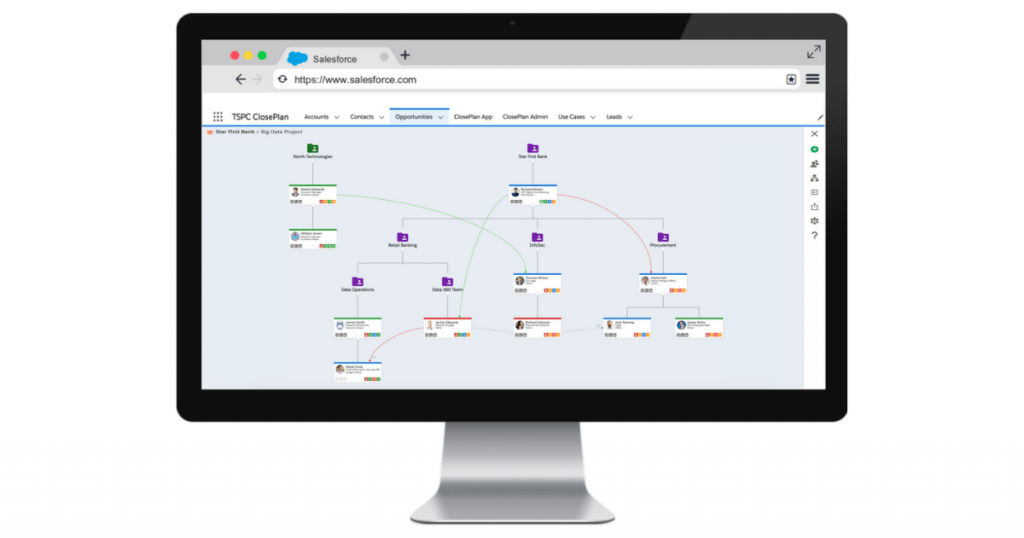
ClosePlan org chart software is best-suited for sales-oriented companies. It works in integration with Salesforce that offers an added advantage of workflow optimization. ClosePlan is a web-based application that provides a user-friendly interface for designing, publishing, sharing, and maintaining org charts.
ClosePlan org charts are adaptable to complex workflows as well. Users can incorporate sub-charts, dynamic relationship maps and define stakeholder influence in an organization’s workflow. It allows businesses to keep track of their contacts and effectively structure the operation module.
Pros
· Relationship maps module
· Drag-and-drop interface
· Salesforce integration
· Fast and easy to install
· Intuitive UI
· Customizable chart templates
Cons
Limited version control
Pricing
ClosePlan subscription plans start at $10 per month.
7. Creately – Multi-featured online designing tool
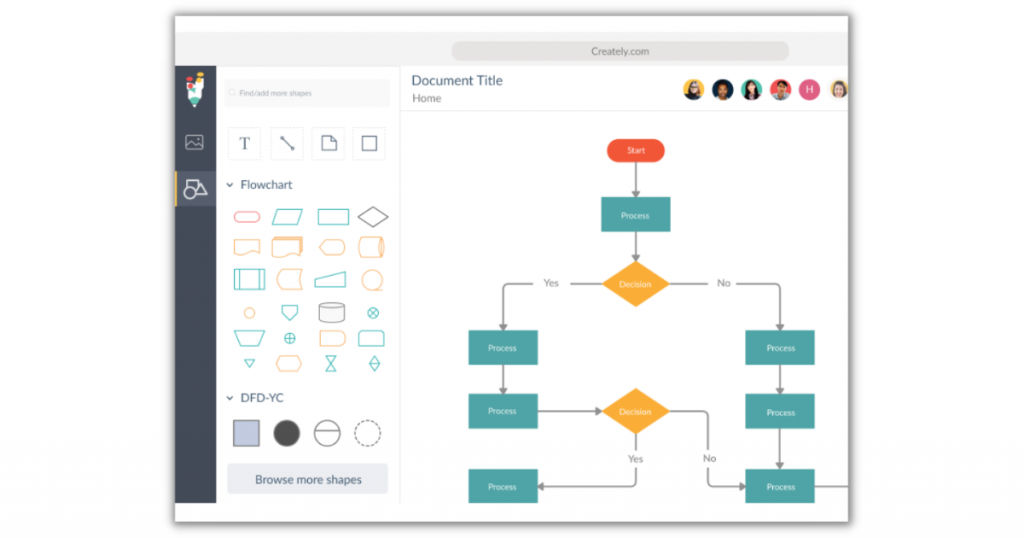
Creately org chart software offers a shared workspace with powerful collaboration tools. It is a cloud-based software but it can also be installed offline. It is popularly known to be a dynamic designing tool for building org charts, flowcharts, infographics, and leaflets.
Creately is an innovative tool that creates an appealing virtual environment for users to have a complete picture of the organization’s workforce distribution. Using Creately, businesses are able to identify areas of improvement and optimize their workflow for best results. It is one of the fastest org charts designing tools.
Pros
· Seamless integration tools
· Advanced editing features
· Customizable chart templates
· Web-based application
· Windows and Mac compatibility
· Real-time update feature
· Drag-and-drop functionality
· Smart connectors
Cons
No free demo is available
Pricing
Creately offers a freemium version that is one of the best free org chart software available in the market today. Paid subscription plans are also offered that start at $3.25/month.
Conclusion
Organizational charts can be used to define a company’s workflow, vision, and goals. It improves business performance and eventually sales. Org chart software has emerged as a user-friendly tool for the easy creation and sharing of org charts within an organization. Companies should explore different org chart tools to find the one best suited for their needs. In addition to the above-mentioned top org chart software, if you wish to explore more options, visit us at SaaSworthy.
Also read:
