


Project management can take up a lot of time and remain inefficient if it is not done the right way. If you still spend most of your time editing spreadsheets and attending daily meetings regarding updates and tasks, you are not doing things efficiently. All this leads to a wastage of both your time and effort.
Using the appropriate software, you can stay ahead by having a holistic view of the upcoming project without wasting any more time. Let us have a look at some of the top project management software.
Table of Contents
1. Trello
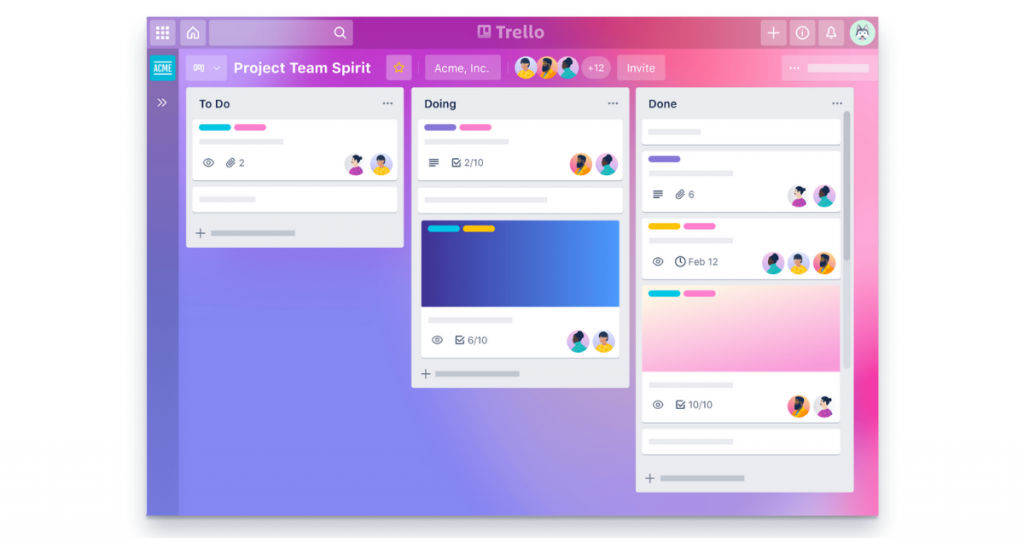
Trello is an ideal choice for beginners since it provides a free option to try out the various features. It has an easy-to-use interface which is helpful for a new company that has just started its journey of project management.
Trello can be considered a Kanban-based app that is flexible in its approach. Usually, such tools are developed keeping in mind resource management and progress tracking and are centered around deadlines. Trello is quite different from these.
You have the option to manage both personal projects and current workflows equally well. You should not have any trouble comprehending the board and card metaphors. You have a lot of power in your hands since you can add images and insert hyperlinks, due dates, attached files, and many more items like these.
Trello does not have a lot of reporting, but you can get a lot more through third-party extensions. If your requirements include detailed and extensive reports then you might have to search elsewhere.
2. MeisterTask
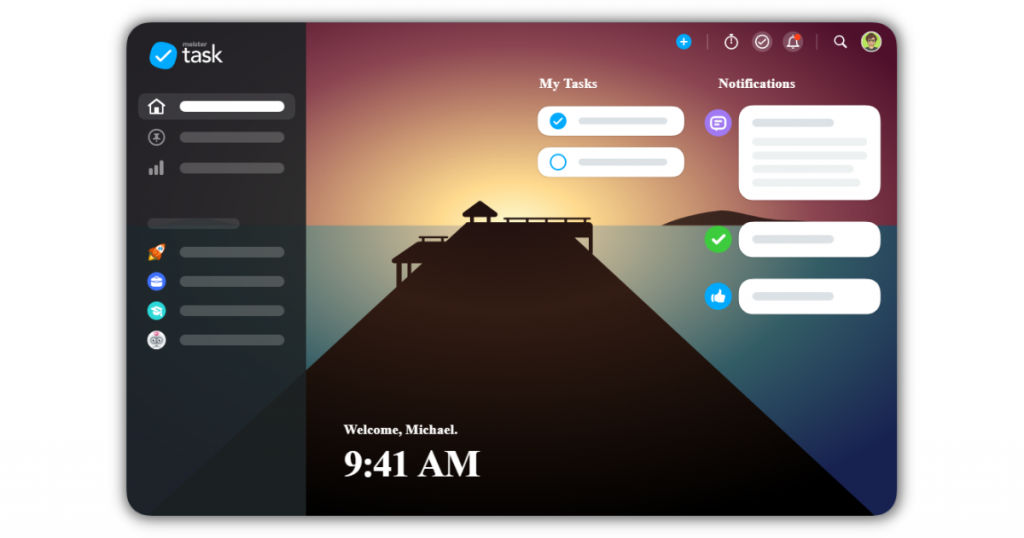
Meistertask is easy to use yet provides a powerful experience to the user. You can manage projects seamlessly with the help of the efficient Kanban structure. This software has a varied range of collaborative functions for teams that have more focus on top-quality visual designs and the best user experience.
Meistertask has a lot of useful functionalities like task scheduling, watching, tags, and mentioning makes the entire process user-friendly for the workers and all the other stakeholders. The software also provides individual boards for teams where you can check tasks from all projects and pin them accordingly.
Even though Meistertask has a wide range of functions, it still has a fast user interface and is responsive to your actions. It is completely automated and has embedded intelligence that allows the user to access proper integrations with tools such as GitHub, Slack, and G-Suite.
3. Wrike
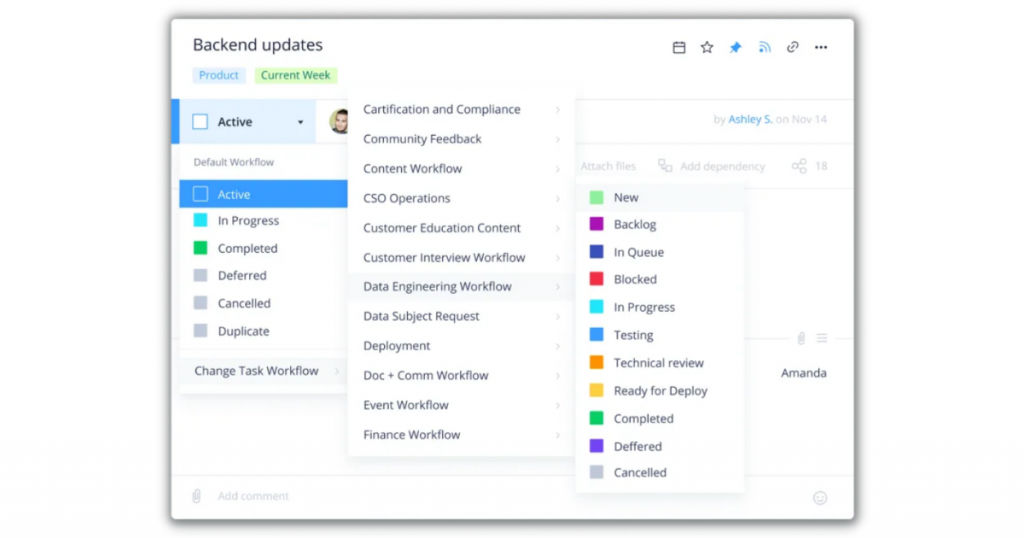
Wrike provides you with all the necessary project management features like extensive dashboards, Gantt charts, and a holistic reporting suite equipped with standard tools. If you wish to execute a small project quickly, you can use Wrike without having to learn the technicalities and intricacies associated with this software.
Wrike offers a time tracking tool that is available to both the workers and the overall project manager. It does not seek to replace a specialized time tracking system, but it exists to perform the most basic and simple functions.
Wrike has a functional interface, and it can become better if it works a bit more on its design. If you opt for the free plan, you get interactive spreadsheets and boards, easy task management, cloud integrations with OneDrive, Google Drive, Box, and OneBox. You also receive 2 GB of storage for any number of users.
The premium or paid version has much more to offer. Wrike offers interactive Gantt charts, integrations with various productivity apps such as MS Projects. You also get time tracking, custom workflows, salesforce integration, real-time reports, and 5 GB of storage space for each user.
4. ProofHub
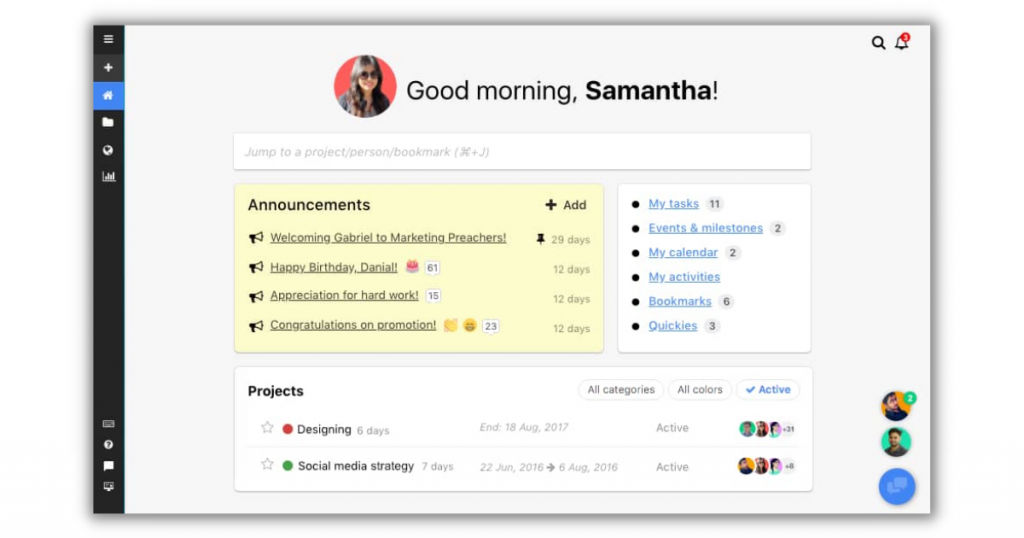
ProofHub is one of the best project management software for individuals. You can use it for personal tasks as well as for workplace tasks. You have better control of all the three essential T’s – team, time, and task.
It provides you with the right direction by providing you with a clear view of all your tasks and obligations. It ensures that all things are on track by setting deadlines, allotting tasks, and scheduling the start and end date.
ProofHub has a calendar that acts as a centralized spot for planning events and scheduling them. It allows you to stay updated about the various tasks and milestones. You can do away with multiple calendars and work on the single calendar provided by Proofhub.
You also have the option to set milestones and recurring events, and ProofHub will do the job reminding you when the deadlines are near. The software also has a notes feature where you can write the essential project notes, gentle reminders, some amazing ideas, and general thoughts.
You can keep these notes to yourself by making them private or share them with your teams or friends for productive collaboration and see what opinions they have. These notes can be kept in a notebook provided by ProofHub, and you can also assign a specific color code so that you do not have trouble looking for them whenever you need them.
5. Basecamp
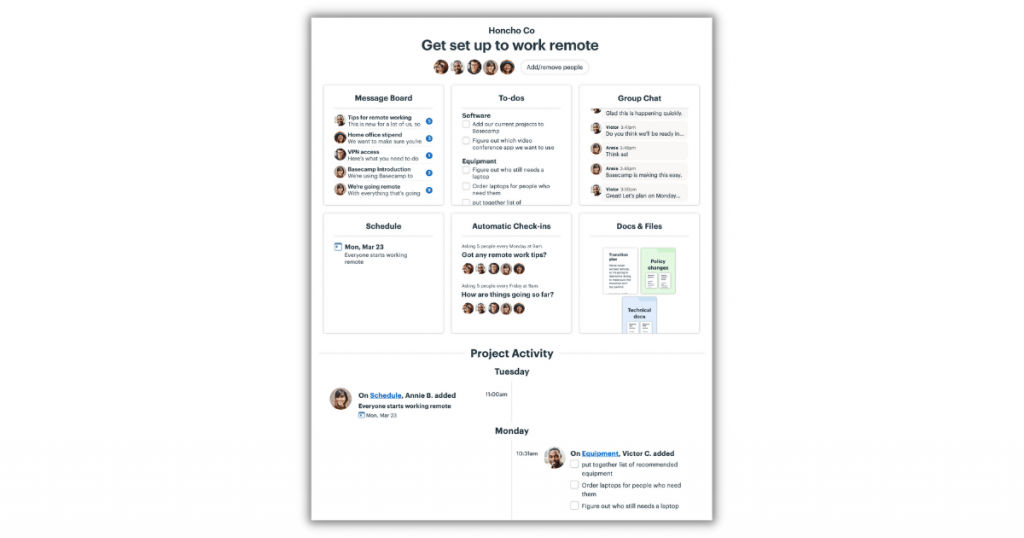
Basecamp is quite popular among many project management teams, and they often praise it for its efficiency. It has ample collaboration tools like a specialized discussion area where team members can drop their comments.
You receive a daily summary of the ongoing projects your team is currently working on. These updates are directly sent to your e-mail inbox. Team members can initiate discussion on e-mail as well.
In case you are not able to find something you have been looking for a long time, Basecamp has an excellent search tool that can help you discover conversations or files. However, there are some drawbacks as well.
Milestones seem to be missing, and there are no customization options. You do not have the option to view the estimated duration for a particular task and cannot assign it to a different user.
6. Zoho Projects
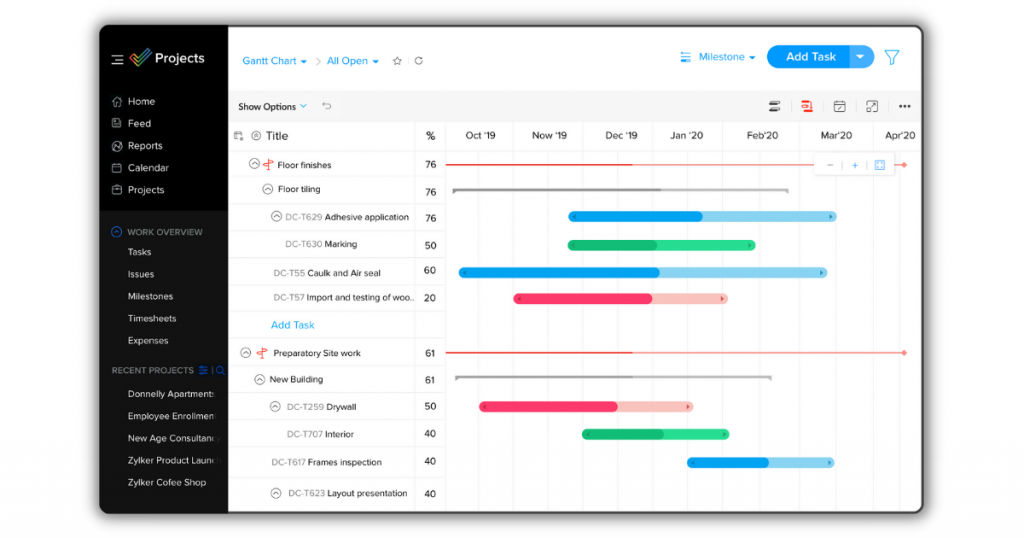
Zoho offers a complete range of productivity tools. Zoho Projects has got all your project management needs covered with its excellent features. The price is also not exorbitant and can be easily covered by your company.
You can check out all the tasks in both the views: traditional style and Kanban style. You can also determine dependencies between the tasks. The software offers you tools such as Gantt charts, workflow, issue management, and customized reporting.
All this makes Zoho projects a good option if you need to work on complicated projects without having to spend a lot of time and effort. Zoho also provides useful integrations with other big companies like Google and Microsoft besides providing its own range of products that work well.
You get simple time tracking; however, the specialized tool for the same is missing. The lack of it is covered by other extra features. Team members can get in touch with each other by using the built-in chatbox, which saves the hassle of using other external applications such as Slack or e-mail.
7. Nifty
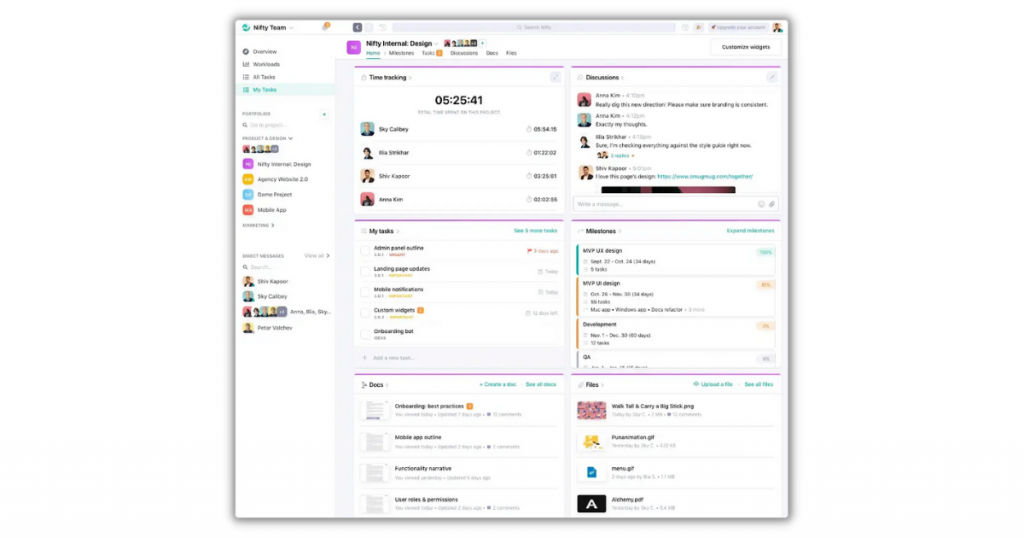
Nifty is one of the new entrants into the world of project management software. It can be considered as the best project management app that has been developed recently. It strives to diminish project development cycles through the integration of all the essential features of project management into a single software.
Teams can track their progress with the help of milestones that inject motivation and inspiration into their work. All the company goals are completed on time with the help of Nifty. You can both use list view and Kanban to check out the tasks. You have a calendar that can easily be integrated with Google.
Conclusion
You can use the above-mentioned project management software to stay updated with all tasks and ensure effective collaboration in the team. You can use these software to work at home, take notes, and make all of your tasks more organized and sorted.
If you would like to view other efficient ways to make the most of your time, check out this list of the best time tracking software.
Also read:
