

Managing projects can be challenging, especially when you’re juggling deadlines, team tasks, and different priorities. Fortunately, online project management software can help make this process easier by keeping everything organized and on track. With so many options, finding the right tool for your needs might seem confusing.
That’s why we’ve compiled a list of the top five online project management tools that stand out for their ease of use and powerful features. These tools can help your team work together more smoothly and make sure your projects get done right and on time.
Table of Contents
Top Online Project Management Software in 2025


While these are the top 10, we have also discussed five trending online project management software options below.
5 Trending Online Project Management Software
Quickbase
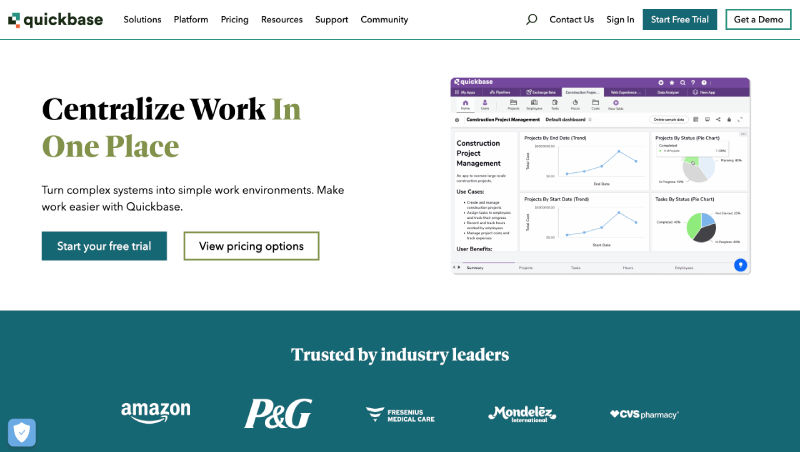
Quickbase is a versatile no-code platform that allows businesses to create custom applications for project management, CRM, and more. Its adaptability makes it suitable for various industries and project types. Quickbase also offers real-time collaboration, automation, and reporting tools, enabling teams to streamline processes, improve productivity, and scale operations effectively. Integration with third-party tools such as Slack, Salesforce, and Gmail further enhances its versatility.
Key Features:
| Feature | Description |
| Drag-and-Drop Interface | Easily create and customize applications without coding. |
| Real-Time Data Visualization | Track project progress and identify potential issues. |
| Workflow Automation | Streamline processes and reduce manual tasks. |
| Mobile Access | Manage projects on the go. |
Pros:
- Highly customizable with no coding required.
- Flexible enough for various industries.
- Strong integration capabilities.
Cons:
- It can have a steep learning curve for new users.
- May require significant setup time for complex applications.
Pricing:
- Basic Plan: $25/user/month
- Professional Plan: $50/user/month
- Enterprise Plan: Custom pricing based on requirements
Smartsheet
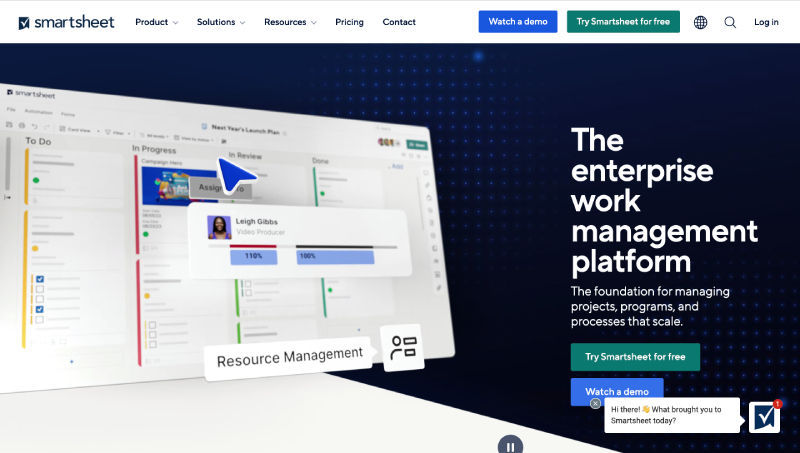
Smartsheet blends the familiarity of spreadsheets with robust project management capabilities. Its versatility allows users to customize workflows, automate repetitive tasks, and collaborate in real-time, catering to a wide range of industries and project types. Smartsheet offers tools for resource management, timeline tracking, and detailed reporting, enabling teams to gain deeper insights into project progress. With its ability to integrate with other platforms like Microsoft Teams, Jira, and Salesforce, Smartsheet adapts seamlessly to various business environments.
Key Features:
| Feature | Description |
| Spreadsheet-Like Interface | Easy for users to adopt and use. |
| Gantt Charts & Timelines | Visualize project schedules and dependencies. |
| Resource Management | Allocate resources effectively and avoid overallocation. |
| Collaboration Tools | Facilitate communication and teamwork. |
Pros:
- A familiar spreadsheet interface reduces the learning curve.
- Powerful project tracking and reporting features.
- Strong integration with other tools.
Cons:
- Can be expensive for larger teams.
- Advanced features may be overwhelming for beginners.
Pricing:
- Individual Plan: $14/user/month
- Business Plan: $25/user/month
- Enterprise Plan: Custom pricing based on requirements
Wrike
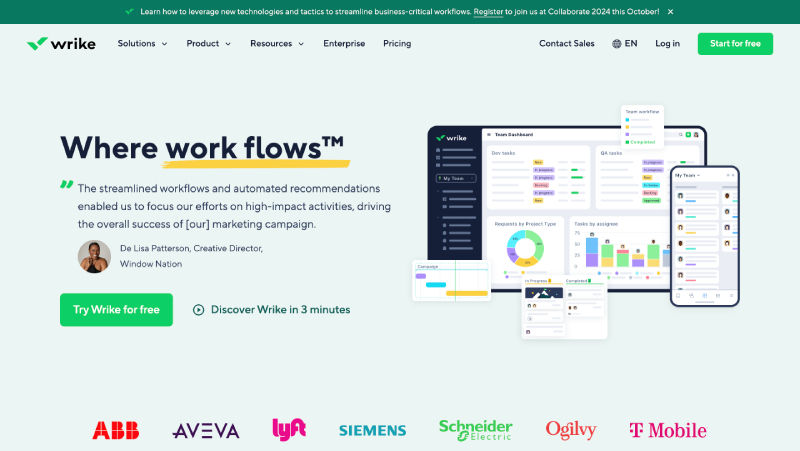
Wrike is a comprehensive project management solution designed to boost collaboration and productivity. It’s ideal for teams managing multiple projects and complex workflows. The platform offers customizable dashboards, real-time updates, and advanced analytics, allowing teams to stay on top of progress and deadlines. Wrike also integrates with numerous third-party apps such as Google Drive, Microsoft Teams, and Salesforce, enhancing its utility for businesses of various sizes.
Key Features:
| Feature | Description |
| Task Management | Create, assign, and track tasks efficiently. |
| Customizable Dashboards | Get real-time overviews of project status. |
| Proofing and Approvals | Streamline creative workflows and ensure quality. |
| Time Tracking | Monitor project time and identify areas for improvement. |
Pros:
- Advanced task and project tracking features.
- Customizable dashboards and reporting.
- Good for managing complex workflows and multiple projects.
Cons:
- Can be pricey for small teams.
- May require training to use advanced features effectively.
Pricing:
- Free Plan: Limited features for small teams
- Professional Plan: $19.80/user/month
- Business Plan: $34.60/user/month
- Enterprise Plan: Custom pricing based on requirements
Zoho Projects
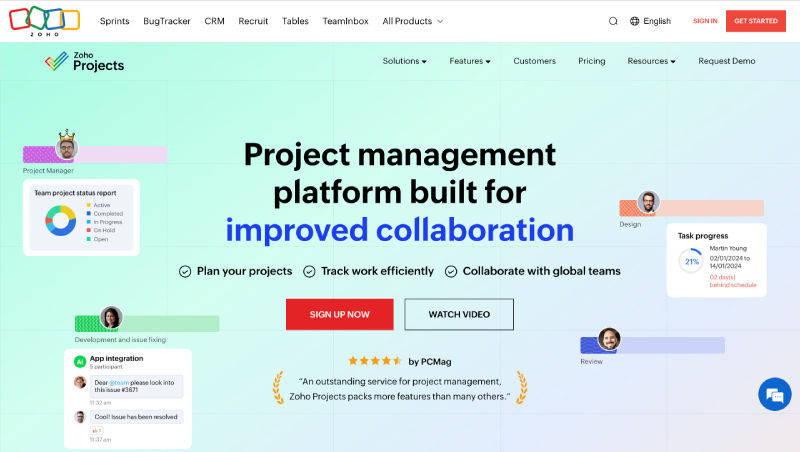
Zoho Projects is part of the Zoho suite, offering a seamless project management experience integrated with other Zoho tools. This makes it an ideal choice for businesses already invested in the Zoho suite, as it provides a centralized platform to manage projects, automate workflows, and track progress in real-time. With features like task automation, Gantt charts, and time tracking, Zoho Projects simplifies planning and execution for teams of all sizes.
Key Features:
| Feature | Description |
| Gantt Charts | Plan and schedule projects visually. |
| Issue Tracking | Identify and resolve problems efficiently. |
| Time Tracking | Track both billable and non-billable hours. |
| Zoho Integration | Connect with other Zoho applications like CRM and Finance. |
Pros:
- Good integration with other Zoho products.
- Affordable pricing plans.
- Comprehensive project management features.
Cons:
- The interface can be cluttered with too many features.
- Integration with non-Zoho tools may be limited.
Pricing:
- Free Plan: Available for up to 3 users
- Standard Plan: $5/user/month
- Professional Plan: $10/user/month
- Enterprise Plan: $15/user/month
Also read: Project Management KPIs: Keeping Projects on Track
Teamwork
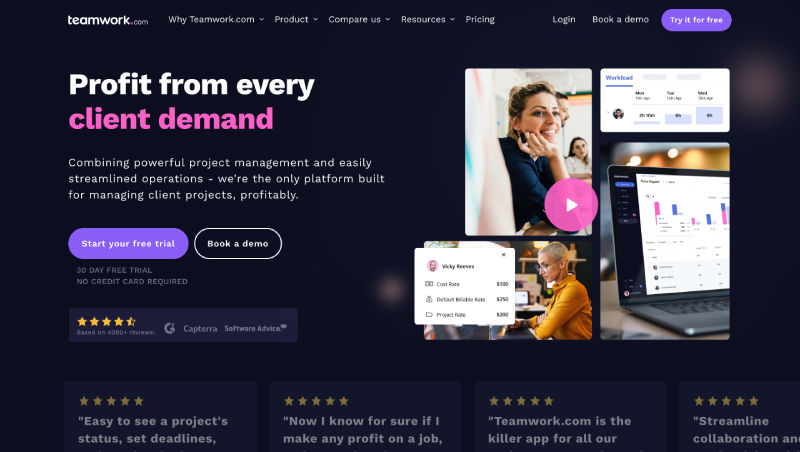
Teamwork is a user-friendly project management platform designed to enhance collaboration and communication. It’s suitable for various team sizes and project types. Teamwork also offers time tracking, resource management, and advanced reporting features, giving businesses the tools to optimize project delivery and improve team efficiency. Its integrations with popular tools like Slack, Google Workspace, and HubSpot further extend its functionality for diverse project types.
Key Features:
| Feature | Description |
| Task Management | Create and assign tasks, set deadlines, and track progress. |
| Project Templates | Save time and ensure consistency across projects. |
| Client Collaboration | Invite clients to view and contribute to projects. |
| Time Tracking | Monitor project time and identify areas for improvement. |
Pros:
- Intuitive and easy to use.
- Good for client collaboration and project tracking.
- Affordable pricing options.
Cons:
- Limited advanced features compared to competitors.
- Customization options can be basic.
Pricing:
- Free Plan: Available for small teams
- Deliver Plan: $12/user/month
- Grow Plan: $20/user/month
- Scale Plan: $30/user/month
FAQs
What factors should I consider when choosing project management software?
Consider factors such as team size, project complexity, budget, integration needs, and desired features. Look for software that aligns with your workflow and offers scalability as your needs grow.
Can these project management tools integrate with other software?
Yes, most of these tools offer integrations with popular software like CRM systems, email platforms, and productivity tools. Check each tool’s integration options to ensure they meet your needs.
Are there any free trial options available for these tools?
Yes, many of these platforms offer free trials or free plans with limited features. It’s a good idea to explore these options to test the software before committing to a paid plan.
How secure is the data on these platforms?
These platforms typically offer robust security measures including data encryption, regular backups, and compliance with industry standards. Review each tool’s security features and policies to ensure they meet your requirements.
Can I switch plans or upgrade my subscription?
Yes, most of these tools allow you to switch plans or upgrade your subscription as your needs change. Contact the software provider’s support team for assistance with plan changes or upgrades.
