

Adobe Photoshop has long been the industry standard for photo editing, but its hefty price tag can be a deterrent for many. Fortunately, there are several excellent free alternatives available that offer a wide range of features and capabilities. Whether you’re a casual user or a professional photographer, these 10 free Photoshop alternatives can help you achieve stunning results without breaking the bank.
Table of Contents
Best Free Photoshop Alternatives
| Name | Price | Link | Best For |
|---|---|---|---|
| GIMP | Free | https://www.gimp.org/ | Advanced users, professionals |
| Pixlr | Free | https://pixlr.com/ | Beginners, web-based editing |
| Photopea | Free | https://www.photopea.com/ | Photoshop-like interface |
| Krita | Free | https://krita.org/en/ | Digital painting, drawing |
| Paint.NET | Free | https://www.getpaint.net/ | Simple editing, beginners |
| Darktable | Free | https://www.darktable.org/ | Raw photo editing |
| Inkscape | Free | https://inkscape.org/ | Vector graphics |
| Canva | Free | https://www.canva.com/ | Social media graphics, templates |
| Fotor | Free | https://www.fotor.com/ | Online editing, quick fixes |
| Photo Pos Pro | Free | https://www.photopos.com/PPP3_BS/Default.aspx | Beginners, user-friendly interface |
GIMP
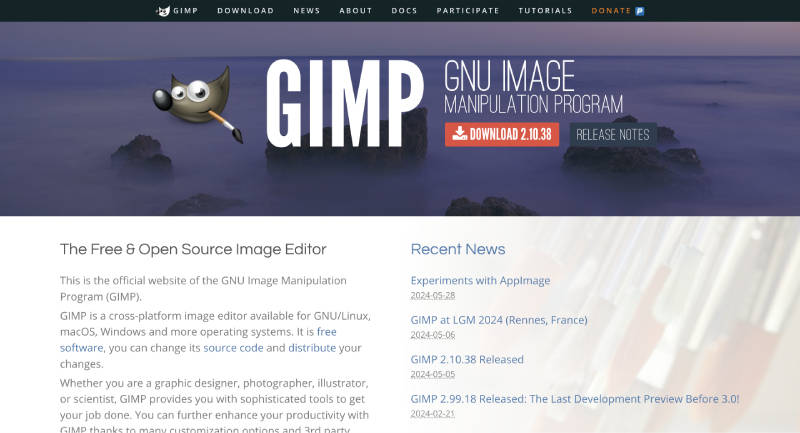
GIMP is a powerful, open-source image editor packed with advanced tools for photo manipulation and graphic design. It boasts a highly customizable interface, extensive file format support, and a vast library of plugins for added functionality. GIMP’s versatility makes it a favorite among professionals and enthusiasts alike.
Standout Features:
- Layers, channels, and paths
- Advanced painting tools
- Transformation tools
- File format support
- Selection tools
Pros:
- Powerful and versatile
- Highly customizable
- Large community and resources
Cons:
- Steep learning curve
- Interface may be overwhelming for beginners
Available on: Web, iOS, Android
Pixlr
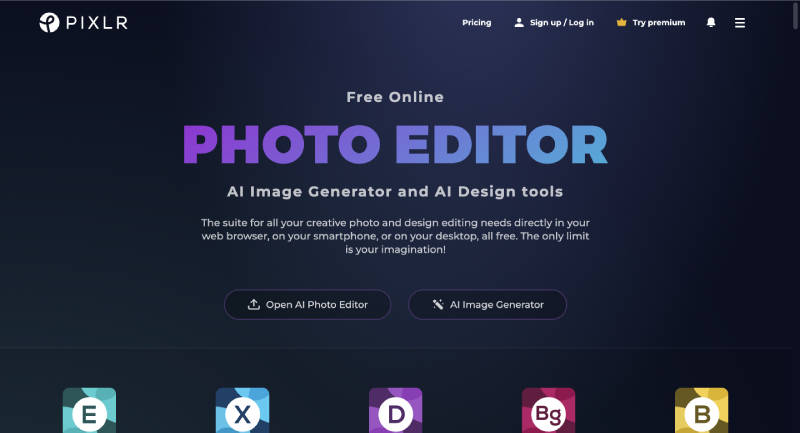
Pixlr is a user-friendly, web-based photo editor perfect for beginners and quick edits. It offers a wide range of tools for basic adjustments, filters, and effects, as well as a collage maker and text overlays. Its intuitive interface and accessibility make it a popular choice for casual users.
Standout Features:
- One-click enhancements
- Basic and advanced editing tools
- Artistic filters
- Collage maker
- Text and stickers
Pros:
- Easy to use and beginner-friendly
- Wide range of features
- Available on multiple platforms
Cons:
- Requires internet connection
- Some features require a subscription
Available on: Web
Photopea
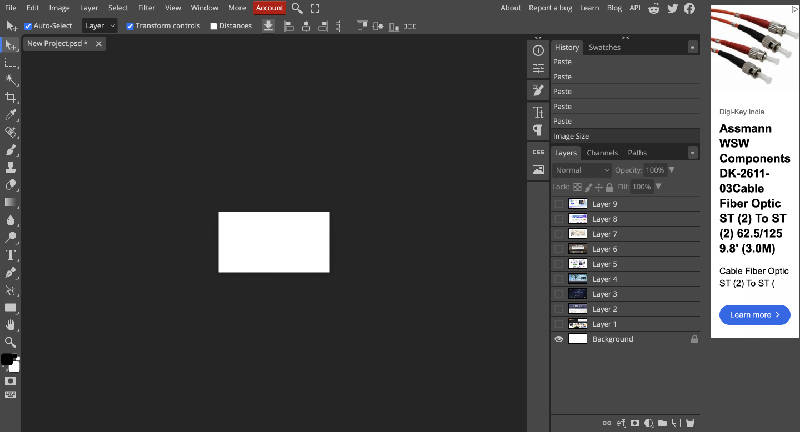
Photopea stands out for its interface, closely mirroring Adobe Photoshop, making it an easy transition for Photoshop users. It supports PSD files, offers non-destructive editing through layers and masks, and provides a comprehensive set of editing tools, all within a web browser.
Standout Features:
- Familiar interface (similar to Photoshop)
- PSD file support
- Non-destructive editing
- Advanced selection tools
- Extensive file format support
Pros:
- Excellent Photoshop alternative
- Powerful web-based editor
- Supports a wide range of file formats
Cons:
- Can be slow with large files
- Some features require a premium subscription
Available on: Web
Krita
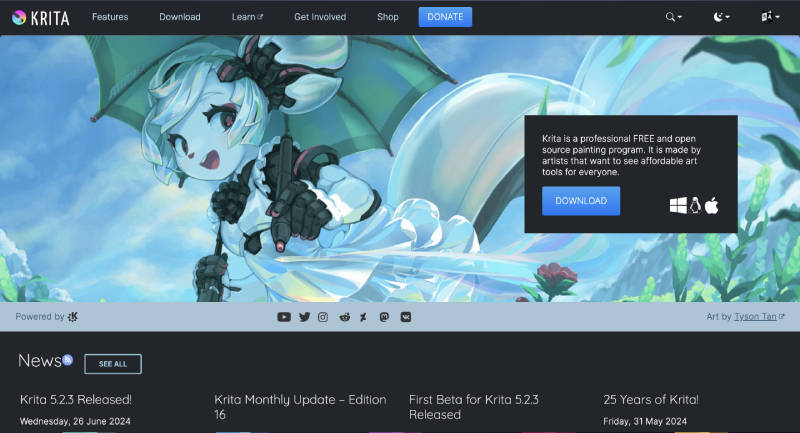
Krita is a versatile digital painting and illustration software that also caters to photo editing needs. Its powerful brush engine, resource management system, and support for animation and HDR painting make it a favorite among artists and illustrators.
Standout Features:
- Brush stabilization
- Resource manager
- Wrap-around mode
- HDR painting
- Animation support
Pros:
- Excellent for digital artists and illustrators
- Powerful brush engine and customization options
- Supports animation and HDR painting
Cons:
- Not as intuitive for photo editing as other options
- Interface can be overwhelming for beginners
Available on: Web, iOS, Android
Paint.NET
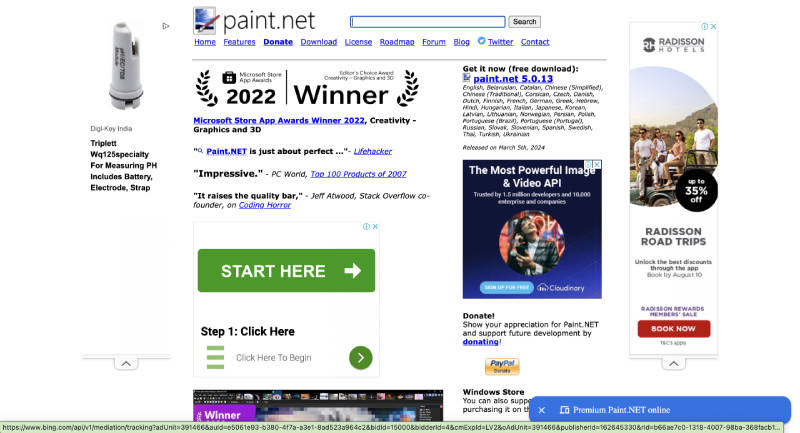
Paint.NET is a simple yet capable image editor designed for Windows. It offers an intuitive interface, basic editing tools, special effects, and support for layers, making it a great option for beginners who want to perform basic edits and enhancements.
Standout Features:
- Intuitive user interface
- Layers
- Special effects
- Unlimited undo
- Wide variety of tools
Pros:
- Easy to use and learn
- Lightweight and fast
- Good for basic photo editing
Cons:
- Limited features compared to other editors
- Not suitable for advanced users
Available on: Web, iOS, Android
Darktable
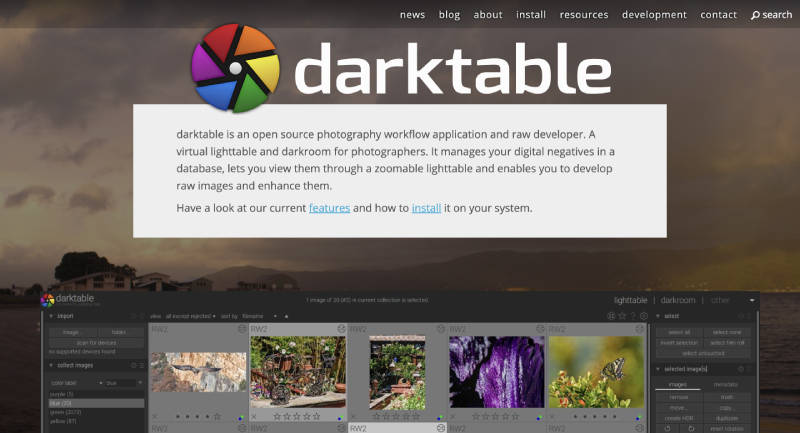
Darktable is a photography workflow application and RAW developer. It provides comprehensive tools for non-destructive editing, color management, and tethered shooting. Its powerful features and open-source nature make it popular among photography enthusiasts and professionals.
Standout Features:
- Non-destructive editing
- Powerful raw processing
- Color management
- Tethered shooting
- Powerful cataloging and organization
Pros:
- Excellent for RAW photo editing
- Completely free and open-source
- Active community and development
Cons:
- Steep learning curve
- Not suitable for beginners
- Interface can be overwhelming
Available on: Web
Inkscape
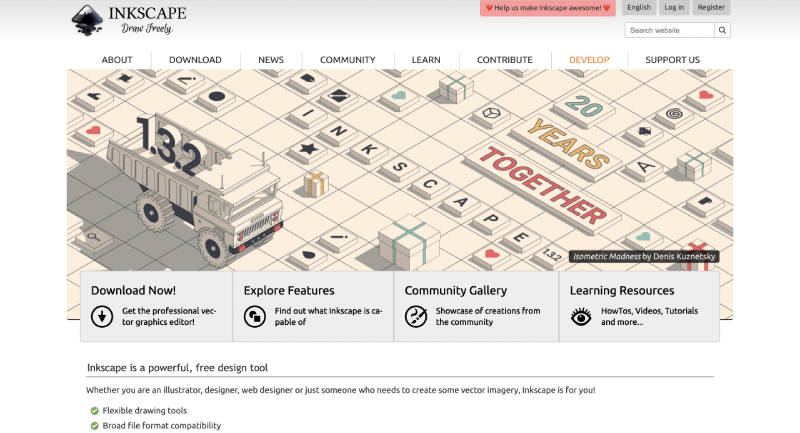
Inkscape is a versatile vector graphics editor used for creating scalable graphics like illustrations, logos, and diagrams. It offers a wide range of tools for object creation, path editing, and text manipulation, making it a powerful tool for designers and illustrators.
Standout Features:
- Scalable vector graphics
- Object creation and manipulation
- Path editing
- Text support
- Wide range of file formats
Pros:
- Powerful and versatile vector editor
- Completely free and open-source
- Active community and development
Cons:
- Steep learning curve
- Not suitable for beginners
- The interface can be overwhelming
Available on: Web
Canva
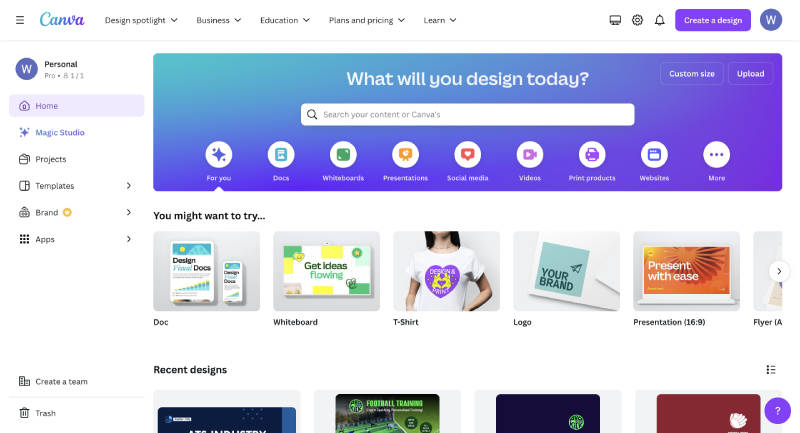
Canva is a popular graphic design platform known for its user-friendly interface and vast library of templates. It simplifies the creation of social media graphics, presentations, posters, and other visual content, making it a valuable tool for both individuals and businesses.
Standout Features:
- Drag-and-drop interface
- Thousands of templates
- Stock photos, graphics, and videos
- Collaboration tools
- Publishing and sharing options
Pros:
- Easy to use, even for beginners
- Wide range of templates and design elements
- Great for creating social media graphics and presentations
Cons:
- Limited customization options
- Can be expensive for professional users
- Not suitable for complex design projects
Available on: Web
Fotor

Fotor is an online photo editor and graphic designer offering a range of tools for quick edits, enhancements, and basic design tasks. It includes one-tap enhancements, effects, filters, a collage maker, and design templates, making it a convenient option for casual users.
Standout Features:
- One-tap enhance
- Basic editing tools
- Effects and filters
- Collage maker
- Design templates
Pros:
- Easy to use
- Wide range of features
- Good for quick edits and basic design tasks
Cons:
- Limited customization options
- Some features require a paid subscription
- Not suitable for complex editing or design projects
Available on: Web
Photo Pos Pro
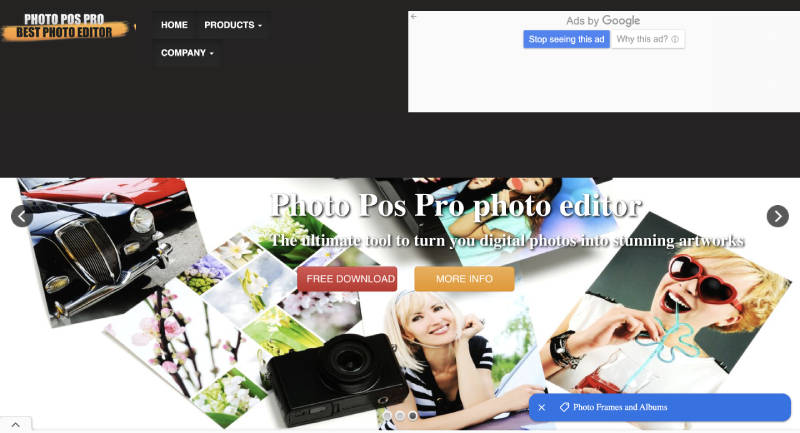
Photo Pos Pro is a beginner-friendly photo editor with a simple interface and a decent range of basic editing tools. It offers one-click fixes, effects, filters, and text/drawing tools, making it suitable for casual users who want to make quick edits and enhancements.
Standout Features:
- User-friendly interface
- Basic editing tools
- One-click fixes
- Effects and filters
- Text and drawing tools
Pros:
- Easy to learn and use
- Good for beginners and casual users
- Decent range of basic editing tools
Cons:
- Limited features compared to other editors
- Not suitable for advanced users
- Interface can feel outdated
Available on: Web
This comprehensive guide offers a glimpse into the best free Photoshop alternatives available in 2024. Each editor has unique strengths and weaknesses, so choose the one that aligns with your needs and skill level to unleash your creativity without any financial burden.
FAQs
Are these free Photoshop alternatives suitable for professional use?
Yes, several free Photoshop alternatives, like GIMP and Krita, offer robust features comparable to Photoshop, making them viable options for professional photo editing and graphic design tasks. While they might have a learning curve, their versatility and extensive tools cater to professional needs.
Which free Photoshop alternative is best for beginners?
Pixlr and Paint.NET are excellent choices for beginners due to their intuitive interfaces and simplified tools. They offer a wide range of basic editing features and effects, making them easy to learn and use without overwhelming new users.
Can I edit RAW photos with these free alternatives?
Absolutely! Darktable is specifically designed for RAW photo editing, providing powerful tools for non-destructive editing, color correction, and image enhancement. GIMP also supports RAW files through plugins, offering another viable option for RAW processing.
Are these alternatives available on mobile devices?
Yes, some free Photoshop alternatives, such as GIMP and Krita, have mobile versions available for iOS and Android devices, allowing you to edit photos on the go. Additionally, Pixlr and Fotor offer web-based editors that can be accessed through mobile browsers, providing further flexibility for mobile editing.
