

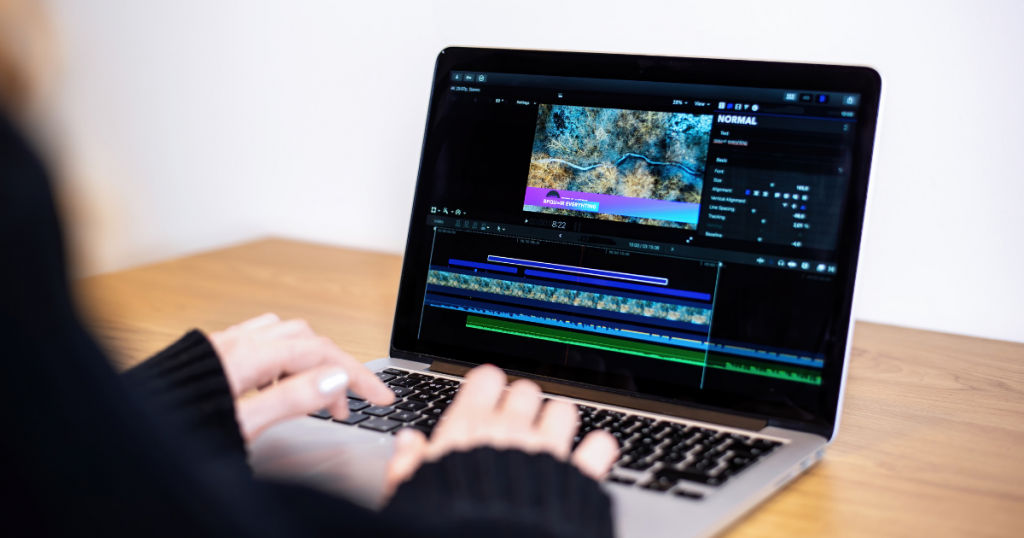
Video content is at its peak in today’s time. With the increasing popularity of social media handles, especially Instagram and YouTube, creative and high-quality videos are in high demand. Even in tech marketing, showcasing a product in a promotional video attracts more engagement than simply posting photographs. It is also observed to yield better sales revenue.
Multiple video editing tools are now available for quick and easy editing. Many of these tools are also available in app configuration ideal for mobile phone users. According to a report, the market for video editing software is expected to reach $932.7 million by 2025. With so many options at hand, it can become a task for users to pick the right one for their needs. In this article, we will discuss the top video editing software ideal for professional use.
Table of Contents
What features should you look for in a video editing software?
Before choosing software for business, users should be aware of their needs and the features that will fulfill them. Following are the standard features essential for professional video editing that a video editing software must have –
- HD resolution
- Multiple format support
- Multi-cam editing
- Text overlay
- Split video
- Audio tools
- Video merge
- Social media compatibility
- Instant video sharing
- Compatibility with different devices
- User-friendly interface
Which are the top 5 video editing software?
Following are the top 5 video editing software best-suited for professional use:
1. Adobe Premiere Pro (Best video editing software for PC)
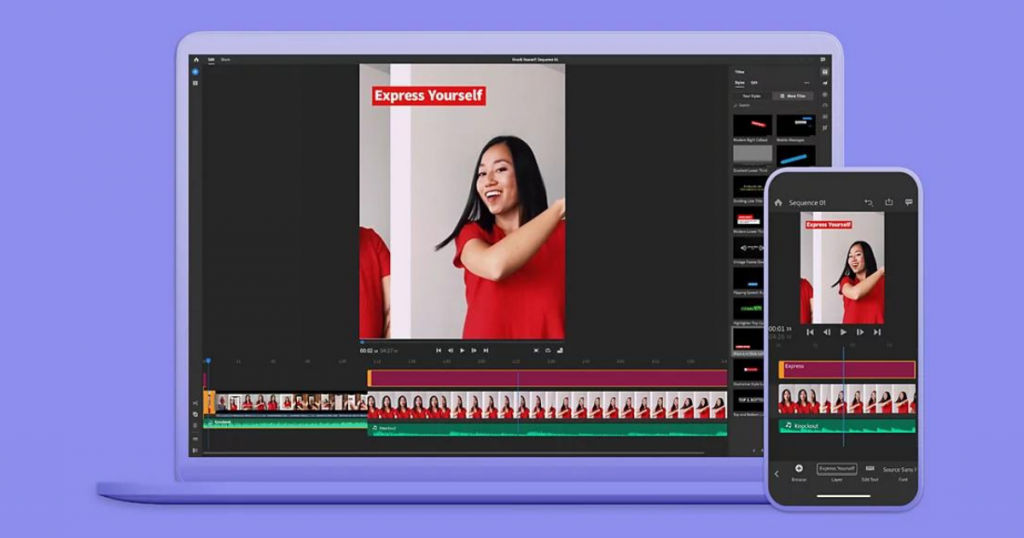
Adobe Premiere Pro is advanced software used for video editing. This software can be used on both mobile and desktop to create high-quality video content. It is used by many YouTubers and social media influencers for creating content.
In addition to standard video editing features, Adobe premiere pro also offers advanced in-built tools for photography, illustration, and graphic design. Adobe supports most video formats to facilitate ease of use. It also enables faster workflows by using HDR proxy.
Adobe audio tool can automatically recognize and discover audio files used in the video. Users can also build video games by using the graphics and animation features offered by Adobe. It supports drag-and-drop functionality with automated settings for quick color correction in videos.
Key features
- Audio tools
- Video speed controller
- HD resolution
- Video stabilization
- Social media support
- 3D video editing
- Media library
Pricing
It offers a free trial on its subscription plans that start at $20.99/month.
2. Filmora (Best video editing software for beginners)
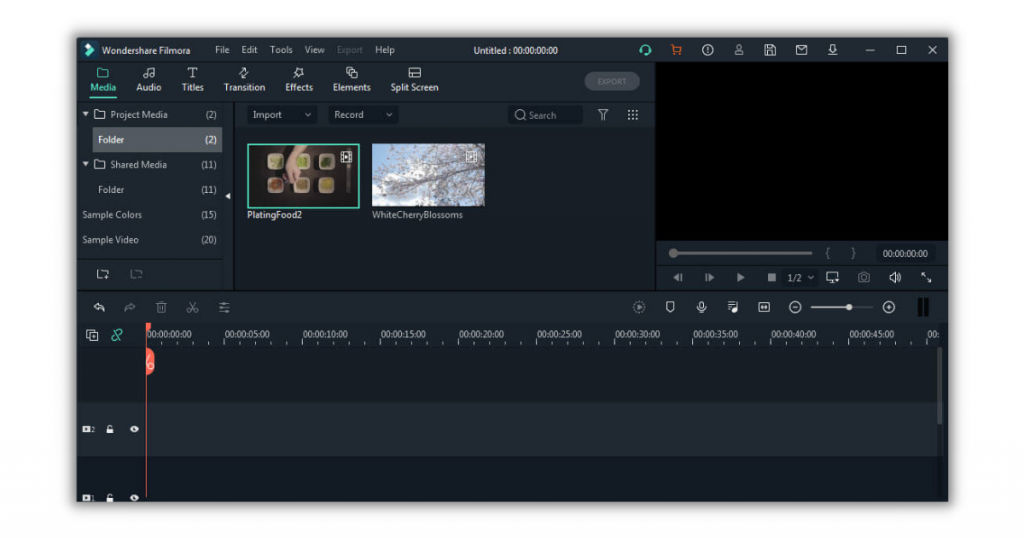
Filmora is one of the best video editing software for beginners. It offers an intuitive UI and is very user-friendly. It is android compatible and is available in-app configuration. It offers a wide range of options and features for users to create high-quality and creative video content within minutes. It comes with in-built filters and effects that can be applied to video in just one click.
Filmora can be used for professional video editing. It does not limit any feature or the number of videos that users can edit. Users can add and modify videos irrespective of their duration. The app version of Filmora does not add any watermark as well. However, desktop software of the same does.
Key features
- Intuitive UI
- Video trimming
- Video Overlays
- Gif’s support
- 4K resolution support
- Split screen
- Audio tools
- Media library
Pricing
Filmora offers a free Android app version. Premium plans for the same start at $7.99/month.
3. CyberLink Power Director (Best video editing software for Windows)
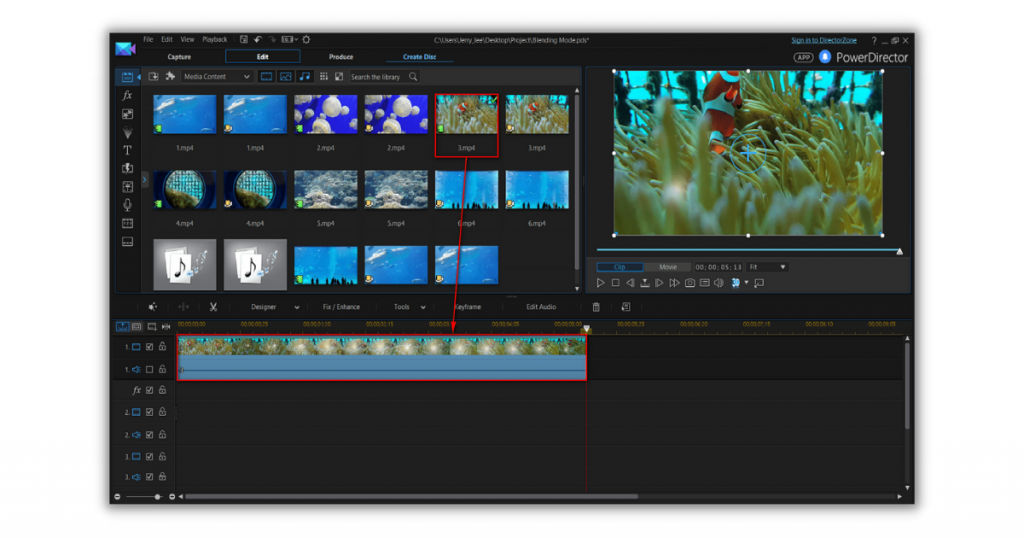
CyberLink is a full-featured professional video editing app. Users can create movies and slideshows by using the effects and editing tools offered by this software. It is one of the best video editing software for Windows. It is mostly used by professionals for creating high-quality content.
It is an easy-to-use software with a wide range of advanced features like multi-cam editing, color correction, and 360-degree video editing. IT comes with in-built audio tools and a media library for users to explore and experiment. In addition, it offers multiple tutorial videos so that users can utilize the full potential of the software.
Key features
- Computing language support
- Intelligent SVRT
- 64-bit optimization
- Hardware graphics acceleration
- Multi-camera video editing
- Motion tracking
- Screen recording
- 3D and 4K video compatibility
- 360-degree video capability
Pricing
CyberLink Power Director offers a free trial on its subscription plans. The paid plans start at $19.99/month.
4. Hitfilm Express (Best video editing software for YouTube)
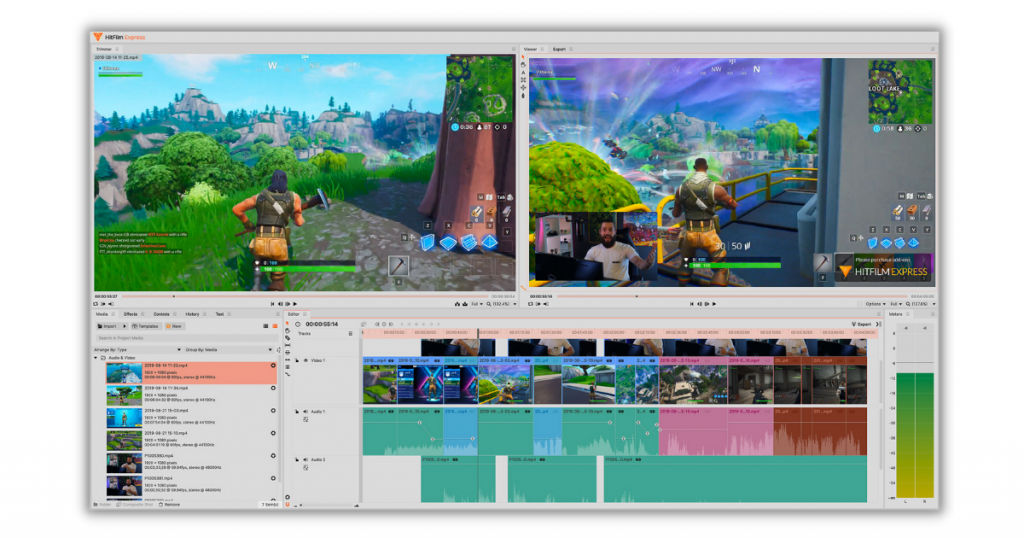
Hitfilm Express is an advanced video editing tool. It offers a wide range of visual effects and compositing options. It is popular among professionals for creating high-quality video content. This software is compatible with both Windows and iMac. It is popular for its 3D compositing features that allow users to add 3D effects to their videos. It has in-built animation, audio, and video transition tools for creating quick and easy 3D compositing shots.
Hitfilm Express has an in-built direct uploader that can share videos directly on YouTube. It also offers tutorial videos that allow users to learn and utilize the software to its full potential.
Key features
- Professional-grade video editing
- Motion tracking
- Color correction
- Auto-stabilizer
- Video transition features
- 3D composite shot enhancement
- Drag-and-drop functionality
Pricing
Hitfilm offers a freemium plan for public use. In addition, it offers an advanced pro-version plan that starts at $349.
5. OpenShot (Best free and open-source video editing app)
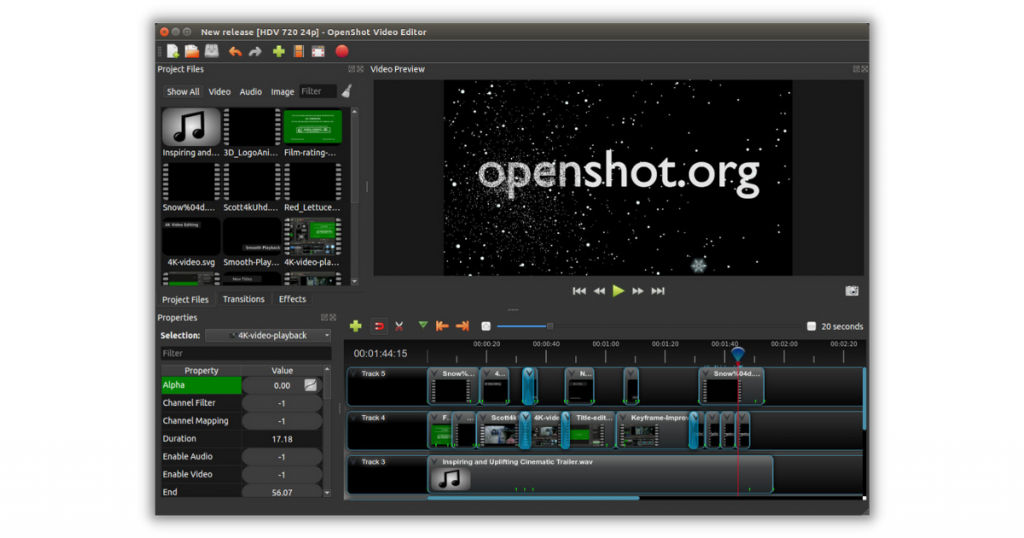
OpenShot is a powerful video editor. It provides an easy-to-use UI for beginners to edit videos in no time. It is the best-suited option for small businesses as it provides an optimal setup for video editing and sharing. It offers an audio and video library for users to explore and add. It also allows users to overlay watermark for exclusivity.
OpenShot supports drag-and-drop functionality in which users can simply drag and add files of audios, videos, and images while editing. It has an in-built key-frame animation and green-screen feature for video overlay and animation effects.
Key features
- Credit scrolling
- Frame stepping
- Real-time preview
- Audio tools
- Media library
- Time mapping
- Customizable title templates
- Drag-and-drop functionality
- Chroma key compositing
- Social media sharing
- 3D video compatibility
- Video speed controller
- HD resolution support
- Video merge
Pricing
OpenShot is free and open-source software available for public use without any subscription fee.
Conclusion
Video editing software is one of the most common requirements for creating social media posts. Advanced features offered by the video editing software make videos appealing and attract more engagement. It is used by both professionals and non-professionals to create high-quality video content.
In this article, we have discussed top video editing software with paid and free subscription plans. You can explore and learn and choose the best option based on your needs. And if you wish to explore more options, visit us at SaaSworthy.
Also read:
