MEET CLARA - THE AI BEHIND SMARTER SOFTWARE CHOICES
MEET CLARA - THE AI BEHIND SMARTER SOFTWARE CHOICES
MEET CLARA - THE AI BEHIND SMARTER SOFTWARE CHOICES
|
93% SW Score The SW Score ranks the products within a particular category on a variety of parameters, to provide a definite ranking system. Read more 
View Details
|
86% SW Score The SW Score ranks the products within a particular category on a variety of parameters, to provide a definite ranking system. Read more 
View Details
|
Featured
92% SW Score The SW Score ranks the products within a particular category on a variety of parameters, to provide a definite ranking system. Read more 
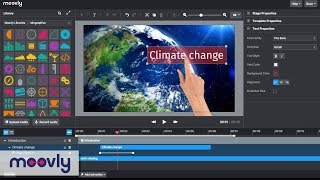
Moovly |
Featured
92% SW Score The SW Score ranks the products within a particular category on a variety of parameters, to provide a definite ranking system. Read more 
|
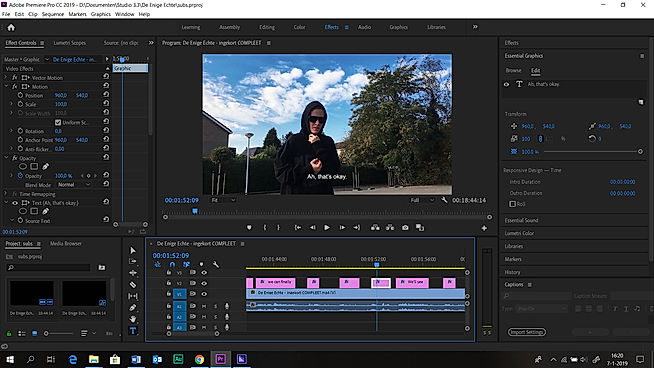
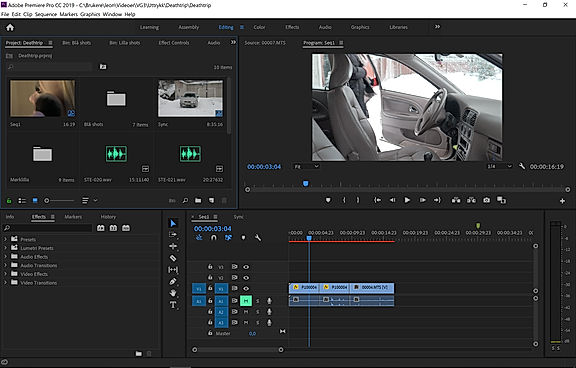
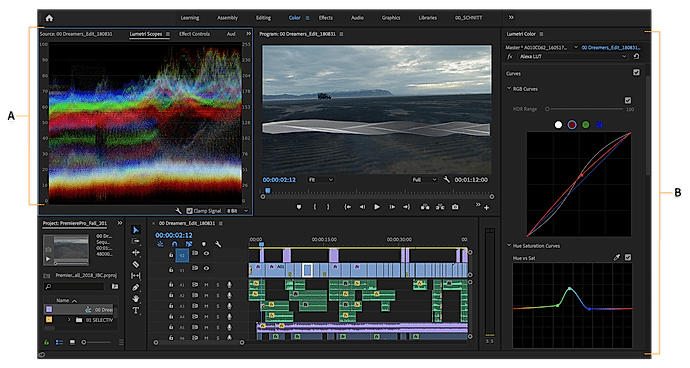
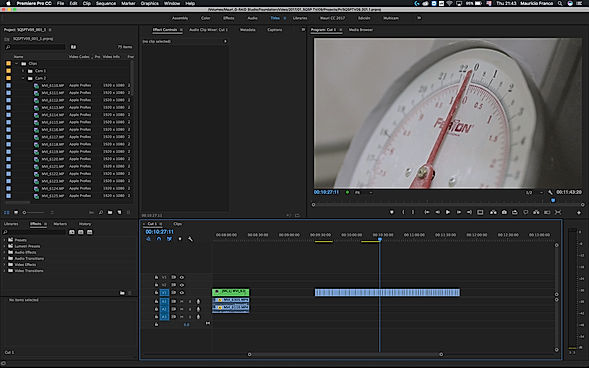
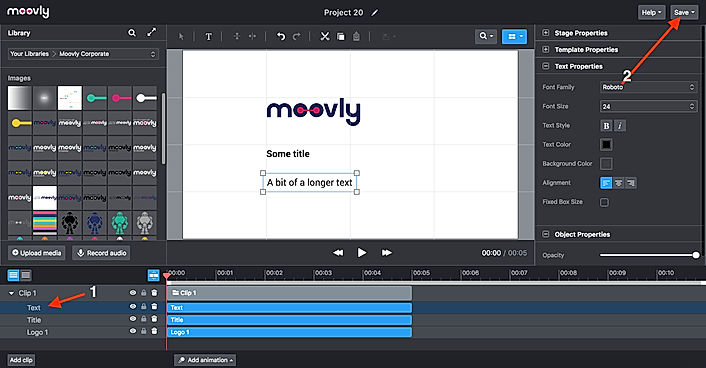
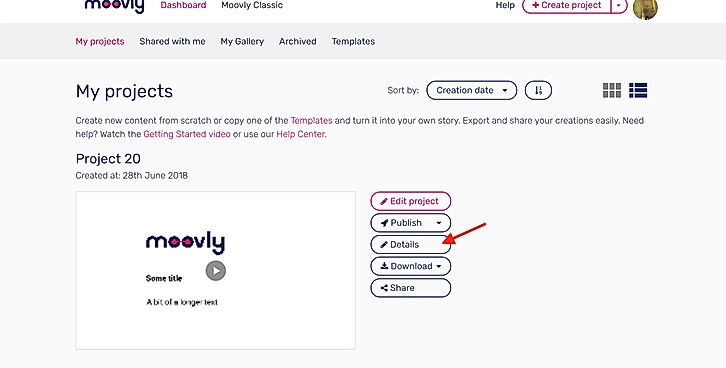
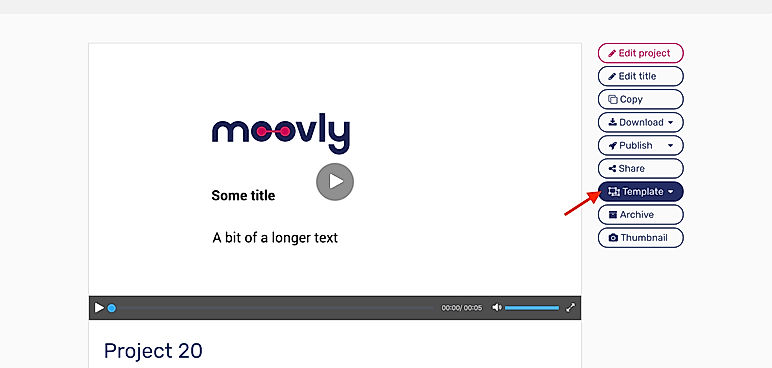
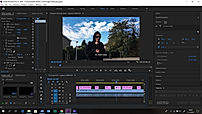
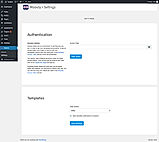
| Description | Adobe Premium is an advanced video editing software that works on both mobiles as well as on desktop to create and share videos modified for YouTube, Tiktok, Facebook, and other social media networks used for personal and professional use. With Adobe Premium, users can enjoy the advantages of photography, video, graphic design, illustration, and much more in one single place. With Premiere Pro, designers can edit images in any format, captured from either a professional camera or a normal phone. The brand also has features such as native file support, light, and faster HDR proxy workflows. With Premiere Pro, users can discover audio tools and music tracks, build games with graphics such as titles and animations, and use Drag and Drop to adjust the color with integrated pre-set settings. Users also have complete extras access to features such as sources, adobe actions, music, and models of motion graphics, and can also connect with other Adobe applications like Photoshop to continue to create. The software offers a free trial and a wide variety of premium plan options to choose from. Read more | Kamua is a video editing tool that helps individuals and businesses to edit and create videos for social media, marketing and other purposes. With this tool, users can edit words, fonts, position and size of texts and auto caption their videos. Users can see how their edited videos will look on any platform before rendering them. Kamua saves a lot of time and effort for users by automatically converting long YouTube videos into short ones, all thanks to the inbuilt AutoCrop feature. Users can set the screen ratio of videos to scale them as per a particular social media post requirements. It also includes an AutoCut feature that automatically cuts the videos into different components, keeping parts that are required in the video. The tool comes with online video tutorials and human support mechanism to guide video creators at every step. It also has the ability to edit videos without reducing their quality so that it looks good on browsers and even on TV. Read more | Moovly presentation software comes enriched with several presentation features like content library, offers better collaboration, enables doing animation, helps embedding audio and video into the website/blog, allows zooming and permits offline presenting.The tool comes with ready made templates to further ease the process of creating presentation.The software comes with course authoring features as well like course video management, content import/export and course publishing functionalities. The tool is very easy to master in as no expertise or experience is necessary to do video editing programs.With Moovly, you can use video backgrounds in your marketing videos. Read more | Veed is an online video editing tool that enables anyone to create impactful videos and grow their audiences. It sports some handy features such as the ability to trim videos and filter them according to various looks. Users can even add images to the videos, crop them, add text, or draw on them. Veed also functions as a social media video creating tool that can create videos according to the channel that it will be posted on. They can even experiment with tools such as rotate, trim, add images, stickers, emojis and more. Users can even make video memes online through the tool up uploading a target video, editing them according to various features, and downloading the edited video after quick rendering. By leveraging creative storytelling, Veed makes it super easy and swift to make online video adverts that drive campaigns with personalized branding and call(s)-to-action. Read more |
| Pricing Options |
|
|
|
|
| SW Score & Breakdown |
93% SW Score The SW Score ranks the products within a particular category on a variety of parameters, to provide a definite ranking system. Read more
|
86% SW Score The SW Score ranks the products within a particular category on a variety of parameters, to provide a definite ranking system. Read more
|
92% SW Score The SW Score ranks the products within a particular category on a variety of parameters, to provide a definite ranking system. Read more
|
92% SW Score The SW Score ranks the products within a particular category on a variety of parameters, to provide a definite ranking system. Read more
|
| SaaSworthy Awards |
Not Available
|
Not Available
|
# 7 Highly Rated # 19 Most Popular | # 5 Fastest Growing |
| Total Features |
13 Features
|
9 Features
|
12 Features
|
12 Features
|
| Common Features for All |
3D Video Editing
Audio Tools
Brand Overlay
Collaboration
Media Library
Merge video
Social Sharing
Split Video
Supports HD Resolution
Text Overlay
Video Capture
Video Speed Controller
Video Stabilization
|
3D Video Editing
Audio Tools
Brand Overlay
Collaboration
Media Library
Merge video
Social Sharing
Split Video
Supports HD Resolution
Text Overlay
Video Capture
Video Speed Controller
Video Stabilization
|
3D Video Editing
Audio Tools
Brand Overlay
Collaboration
Media Library
Merge video
Social Sharing
Split Video
Supports HD Resolution
Text Overlay
Video Capture
Video Speed Controller
Video Stabilization
|
3D Video Editing
Audio Tools
Brand Overlay
Collaboration
Media Library
Merge video
Social Sharing
Split Video
Supports HD Resolution
Text Overlay
Video Capture
Video Speed Controller
Video Stabilization
|
| Organization Types Supported |
|
|
|
|
| Platforms Supported |
|
|
|
|
| Modes of Support |
|
|
|
|
| API Support |
|
|
|
|
| User Rating |
|
Not Available
|
|
|
| Rating Distribution |
|
Not Available
|
|
|
| User Sentiments |
Not Available
|
Not Available
|
Easy to use interface, Extensive Media Library, High-Quality Video Output, Great Customer Support Limited Animation Options, Occasional Software Bugs, Limited Video Editing Capabilities, Pixelation during Rendering |
Not Available
|
| Review Summary |
Adobe Premiere Pro is a robust video editing software widely praised for its user-friendly interface, powerful features, and seamless integration with other Adobe Creative Suite applications. Users appreciate its drag-and-drop functionality, extensive toolkit, and ability to create professional-level videos on a budget. However, some drawbacks include limited rendering options, a steep learning curve for certain functions, and occasional stability issues. While there are simpler alternatives, Premiere Pro's versatility and integration make it a standout choice for professionals and enthusiasts alike. |
Not Available
|
Overall, Moovly receives positive feedback from users, earning an average rating of 4.5 out of 5 stars across multiple review platforms. Reviewers praise its user-friendly interface, extensive template library, and the ability to create engaging videos with minimal effort. They find it particularly suitable for non-designers and small businesses. However, some users mention the occasional occurrence of glitches and limitations in customization options. Additionally, the mobile app version is reported to have room for improvement. |
VEED.io is a popular video editing platform lauded for its user-friendly interface, making it accessible to both novice and experienced editors. Users consistently praise its automatic subtitling feature, which significantly saves time and effort. VEED.io also offers a rich library of stock videos, music, and sound effects, enhancing content quality. Users appreciate the platform's constant updates and improvements, though some note occasional bugs and lagging issues. Overall, VEED.io is a valuable tool for creating engaging and accessible video content, particularly for social media and short-form videos. |
| Read All User Reviews | Read All User Reviews | Read All User Reviews |
AI-Generated from the text of User Reviews
| Pricing Options |
|
|
|
|
|
Pricing Plans
Monthly Plans
Annual Plans
|
Premiere Pro $20.99 $31.49 per month |
Free Free Toe Dipper $1.66 $1.99 per month Supporter $20.83 $25.00 per month Premium $83.33 $100.00 per month |
Free Free Pro $24.92 $49.00 per month Max $49.92 $99.00 per month Enterprise Custom Edu Free Free Edu Pro $8.25 $24.95 per month Edu Max $20.75 $49.95 per month |
Lite $12.00 $24.00 per month Pro $29.00 $55.00 per month Enterprise Custom |
|
View Detailed Pricing
|
View Detailed Pricing
|
View Detailed Pricing
|
View Detailed Pricing
|
Get personalized recommendations from our experts on call
Trusted by more than 5 Million users across the globe.
Thank you for the enquiry. One of our software analysts will contact you soon.
| Screenshots |
+ 3 More
|

|
+ 7 More
|
Not Available |
| Videos |
|
+ 1 More
|
+ 2 More
|

+ 3 More
|
| Company Details | Located in: San Jose, California | Located in: London, United Kingdom | Located in: Ghent, Belgium Founded in: 2012 | Located in: London, United Kingdom Founded in: 2017 |
| Contact Details |
Not available |
+44 20 8133 7211 |
+32 2 274 48 00 |
Not available |
| Social Media Handles |
Not available |
|
|
|

Looking for the right SaaS
We can help you choose the best SaaS for your specific requirements. Our in-house experts will assist you with their hand-picked recommendations.

Want more customers?
Our experts will research about your product and list it on SaaSworthy for FREE.