 MEET CLARA - THE AI BEHIND SMARTER SOFTWARE CHOICES
|
98% SW Score The SW Score ranks the products within a particular category on a variety of parameters, to provide a definite ranking system. Read more 
|
93% SW Score The SW Score ranks the products within a particular category on a variety of parameters, to provide a definite ranking system. Read more Premium
|
Featured
96% SW Score The SW Score ranks the products within a particular category on a variety of parameters, to provide a definite ranking system. Read more 
Promo.com |
Featured
94% SW Score The SW Score ranks the products within a particular category on a variety of parameters, to provide a definite ranking system. Read more 
Animaker |
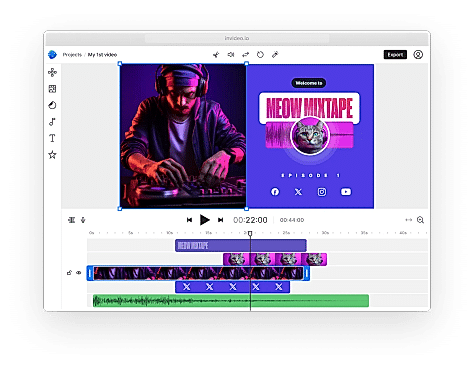
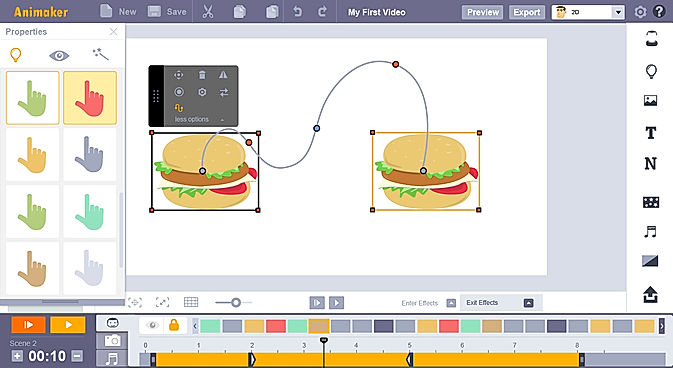
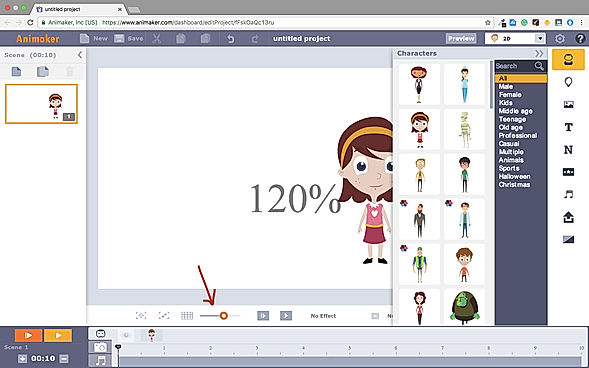
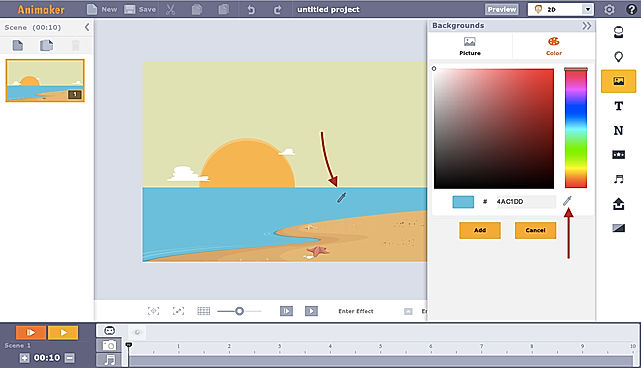
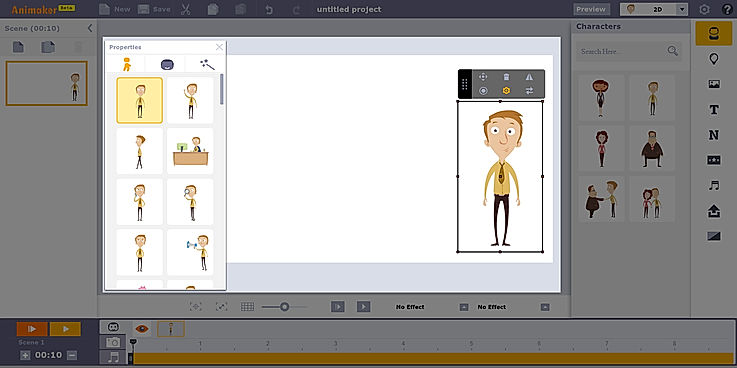
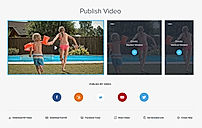
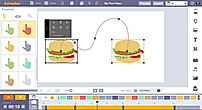
| Description | Animoto is a video maker with a do-it-yourself architecture that can create attractive videos within minutes. The drag and drop UI eliminates all prerequisites of video editing experience. This helps marketers to boost their sales, drive more traffic to their websites, engage with their audiences better, and boost their lead capturing efforts. Creators can add photos and video clips and choose a storyboard template to get started quickly. They can also adjust every element of the videos such as colours, fonts, music, and more. This enables them to personalize the content according to their brand. The drag and drop interface puts photos and videos into pure-built templates. The templates provided are versatile and offer high flexibility to brands in terms of the possible edits. Animoto has even partnered with Getty Images to give users access to over a million stock photos and videos. Read more | Creating videos that captivate and engage audience shouldn’t be hard. Invideo AI is here to help and make videos quickly and easily without the herculean task of assembling documents, editing audio, or designing special effects programs. With just one thought, Invideo AI will generate a script that fits topic perfectly before creating scenes for adding voiceovers to bring it all together. Invideo AI provides an array of options designed specifically with professionals in mind. This platform works seamlessly to give the essential tools needed to make a highly effective video tailored for success. Change visuals at the drop of a hat – add and manicure clips and music quickly using our intuitive editor! Output stunning 4K videos with crystal clear audio so it looks like it was created by an experienced production team—all at a fraction of the time. Don’t let unpredictable budgets interrupt or limit creativity ever again; let Invideo AI be the driving force behind idea. So go ahead, study up on particulars of a project or get creative -invite romance into any project -let invideo take care of capturing that certain something in each video. Read more | Promo.com is an advanced online video making platform serving the needs of real estate, marketing, travel, recruiting & HR, eCommerce business and Saas companies. It can be used to create Instagram Ads, LinkedIn Ads, Facebook Ads, Promo Videos and Youtube Ads. Tools hosted by Promo.com includes Image resizer, online collage maker, photo to video maker, social media calendar and Facebook video covers. Moreover, users can avail of 4000+ top graded templates or can also design their own. Promo.com’s visual library comprises 100M HD quality photos and videos. A five star rated customer support team helps users get their queries resolved and generate the best videos possible. About 2.5 million professionals from all around the globe trust Promo.com to get their job done. It possesses active partnerships with renowned platforms like YouTube, Instagram, gettyimages, Triple Scoop Music and Facebook Marketing Partners. Read more | Animaker is a platform for beginners, professionals, and non-designers to create animated and live-action videos, best suited for entrepreneurs, classroom storytellers, content marketers or HR teams. It helps users create different types of content like 2D animation, whiteboard videos, infographic videos, vertical videos, GIFs, YouTube thumbnail maker, and much more. Users can create eye-popping animated videos effortlessly with just a few clicks. Users can access billions of unique characters that they can use in the videos, or they can use over 1000 stock videos and photos as a template to edit videos as per need in less than 5 minutes. Animaker allows users to upload and edit videos at 4K video quality and do instant resizing for all social platforms. This means users don't have to create different videos for different platforms. The platform is simple, convenient, and user-friendly with which the videos can be made in a few minutes. Read more |
| Pricing Options |
|
|
|
|
| SW Score & Breakdown |
98% SW Score The SW Score ranks the products within a particular category on a variety of parameters, to provide a definite ranking system. Read more
|
93% SW Score The SW Score ranks the products within a particular category on a variety of parameters, to provide a definite ranking system. Read more
|
96% SW Score The SW Score ranks the products within a particular category on a variety of parameters, to provide a definite ranking system. Read more
|
94% SW Score The SW Score ranks the products within a particular category on a variety of parameters, to provide a definite ranking system. Read more
|
| SaaSworthy Awards | # 3 Most Worthy # 1 Highly Rated | # 9 Highly Rated | # 12 Highly Rated # 13 Fastest Growing | # 2 Most Worthy # 1 Fastest Growing |
| Organization Types Supported |
|
|
|
|
| Platforms Supported |
|
|
|
|
| Modes of Support |
|
|
|
|
| API Support |
|
|
|
|
| User Rating |
|
|
|
|
| Rating Distribution |
|
|
|
|
| User Sentiments |
Ease of use, High-quality videos, Wide selection of music, Great customer service Limited customization options, Limited text editing capabilities, Occasional app crashes, Limited template options |
Ease of use, Extensive template library, High-quality video output, Responsive customer support Occasional software bugs, Limited video length, Limited stock video customization, Limited export options |
Not Available
|
Ease of Use, Vast Selection of Animated Characters and Props, Helpful Customer Support, Accurate Text-to-Speech Feature Long Video Rendering Times, Software Glitches and Crashes, Limited Features in Free Version, Expensive Subscription Plans |
| Review Summary |
Animoto garners mixed reviews from users. Many appreciate its user-friendly interface and extensive template library, enabling quick and easy video creation. However, some users express dissatisfaction with limited customization options and potential glitches during the editing process. Additionally, customer support is reported to be inconsistent, with varying levels of responsiveness. These contrasting viewpoints suggest that while Animoto provides a convenient platform for video creation, it may require improvements in customization flexibility, technical stability, and customer support consistency to enhance user satisfaction fully. |
InVideo customer reviews highlight its user-friendly interface, extensive features, and the ability to create professional-looking videos quickly and easily. Reviewers appreciate the wide range of templates, stock footage, and music available, as well as the intuitive drag-and-drop editor. Some users mention occasional glitches and limitations in customization, but overall, InVideo is praised for its ease of use, affordability, and the quality of videos it enables users to produce. |
Not Available
|
Users praise Animaker for its user-friendly interface, extensive template library, and vast collection of assets. They appreciate the drag-and-drop functionality, which makes creating animations effortless, even for beginners. However, some users complain about limited customization options, occasional glitches, and the need for a steeper learning curve to fully harness the software's potential. Overall, Animaker is a popular choice for creating engaging animations, with users highlighting its ease of use and rich features, while suggesting improvements in customization and stability. |
| Pros & Cons |
|
|
Not Available
|
Not Available
|
| Read All User Reviews | Read All User Reviews | Read All User Reviews | Read All User Reviews |
AI-Generated from the text of User Reviews
| Pricing Options |
|
|
|
|
|
Pricing Plans
Monthly Plans
Annual Plans
|
Free Free Basic $8.00 $16.00 per month Professional $15.00 $29.00 per month Professional Plus $39.00 $79.00 per month |
Free Free Plus $20.00 $25.00 per month Max $48.00 $60.00 per month Generative $96.00 $120.00 per month |
Annual Agency $99.00 $199.00 per month |
Free Free Basic $15.00 $27.00 per month Starter $25.00 $45.00 per month Pro $43.00 $79.00 per month Enterprise Custom |
|
View Detailed Pricing
|
View Detailed Pricing
|
View Detailed Pricing
|
View Detailed Pricing
|
Get personalized recommendations from our experts on call
Trusted by more than 5 Million users across the globe.
Thank you for the enquiry. One of our software analysts will contact you soon.
| Screenshots | Not Available |

+ 1 More
|
|
+ 3 More
|
| Videos |

+ 1 More
|

+ 3 More
|

+ 3 More
|

|
| Company Details | Located in: New York, New York Founded in: 2006 | Located in: San Francisco, California Founded in: 2017 | Located in: Tel Aviv, Israel | Located in: Palo Alto, California Founded in: 2015 |
| Contact Details |
Not available |
+1 415 670 9803 |
Not available |
Not available |
| Social Media Handles |
|
|
|
|
What are the key features of Animoto?
What are the key features of InVideo?
Which product is better for beginners?
Which product offers more advanced features?
Which product has a better user interface?

Looking for the right SaaS
We can help you choose the best SaaS for your specific requirements. Our in-house experts will assist you with their hand-picked recommendations.

Want more customers?
Our experts will research about your product and list it on SaaSworthy for FREE.