MEET CLARA - THE AI BEHIND SMARTER SOFTWARE CHOICES
MEET CLARA - THE AI BEHIND SMARTER SOFTWARE CHOICES
MEET CLARA - THE AI BEHIND SMARTER SOFTWARE CHOICES
|
98% SW Score The SW Score ranks the products within a particular category on a variety of parameters, to provide a definite ranking system. Read more 
|
86% SW Score The SW Score ranks the products within a particular category on a variety of parameters, to provide a definite ranking system. Read more 
View Details
|
Featured
94% SW Score The SW Score ranks the products within a particular category on a variety of parameters, to provide a definite ranking system. Read more 
Animaker |
Featured
90% SW Score The SW Score ranks the products within a particular category on a variety of parameters, to provide a definite ranking system. Read more 
Switcher Studio |
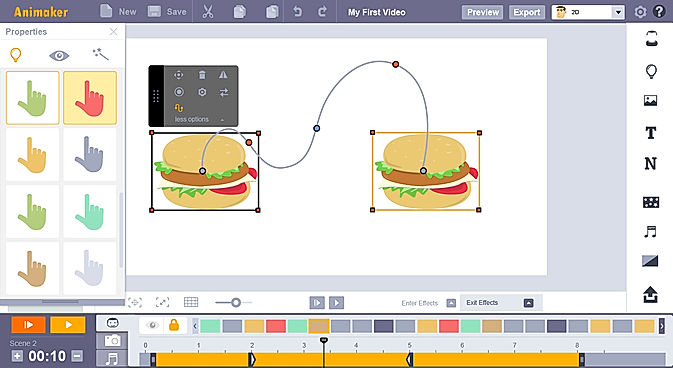
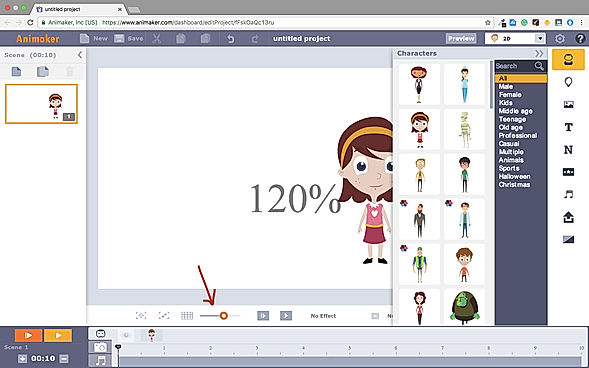
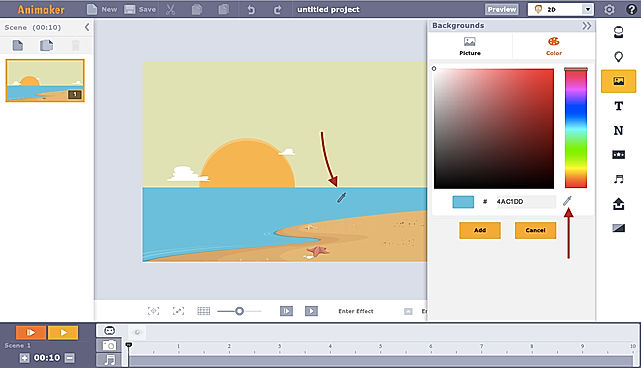
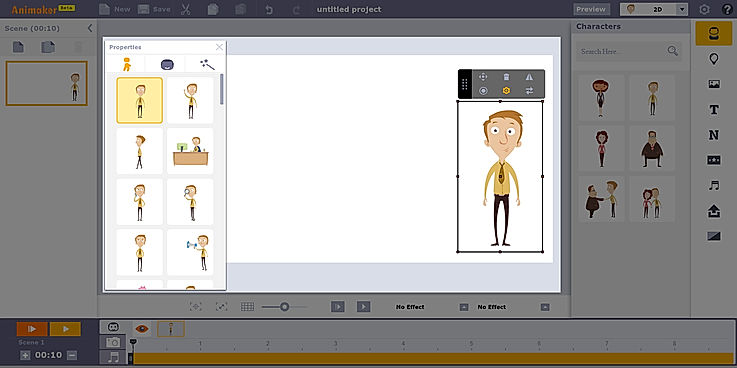
| Description | Animoto is a video maker with a do-it-yourself architecture that can create attractive videos within minutes. The drag and drop UI eliminates all prerequisites of video editing experience. This helps marketers to boost their sales, drive more traffic to their websites, engage with their audiences better, and boost their lead capturing efforts. Creators can add photos and video clips and choose a storyboard template to get started quickly. They can also adjust every element of the videos such as colours, fonts, music, and more. This enables them to personalize the content according to their brand. The drag and drop interface puts photos and videos into pure-built templates. The templates provided are versatile and offer high flexibility to brands in terms of the possible edits. Animoto has even partnered with Getty Images to give users access to over a million stock photos and videos. Read more | Kamua is a video editing tool that helps individuals and businesses to edit and create videos for social media, marketing and other purposes. With this tool, users can edit words, fonts, position and size of texts and auto caption their videos. Users can see how their edited videos will look on any platform before rendering them. Kamua saves a lot of time and effort for users by automatically converting long YouTube videos into short ones, all thanks to the inbuilt AutoCrop feature. Users can set the screen ratio of videos to scale them as per a particular social media post requirements. It also includes an AutoCut feature that automatically cuts the videos into different components, keeping parts that are required in the video. The tool comes with online video tutorials and human support mechanism to guide video creators at every step. It also has the ability to edit videos without reducing their quality so that it looks good on browsers and even on TV. Read more | Animaker is a platform for beginners, professionals, and non-designers to create animated and live-action videos, best suited for entrepreneurs, classroom storytellers, content marketers or HR teams. It helps users create different types of content like 2D animation, whiteboard videos, infographic videos, vertical videos, GIFs, YouTube thumbnail maker, and much more. Users can create eye-popping animated videos effortlessly with just a few clicks. Users can access billions of unique characters that they can use in the videos, or they can use over 1000 stock videos and photos as a template to edit videos as per need in less than 5 minutes. Animaker allows users to upload and edit videos at 4K video quality and do instant resizing for all social platforms. This means users don't have to create different videos for different platforms. The platform is simple, convenient, and user-friendly with which the videos can be made in a few minutes. Read more | Switcher Studio is a comprehensive live streaming software for iOS that enables companies to live stream videos using multiple cameras of their choice. The software offers a wide range of live video sharing facilities on platforms like Facebook, YouTube, LinkedIn, Microsoft Stream, Twitch and more. In addition, companies can also use the RTMP streaming facility to broadcast their videos on any platform. Users can invite up to 5 remote guests, co-hosts or customers, to join the streaming videos from anywhere. At Switcher Studio, companies can link up to 9 cameras or they can also use a single camera for recording purposes. Users can even merge pre-recorded videos, audios, logos, graphics or any other media asset into live videos to stream together. Further, the software lets users manage and edit their entire live video in real-time. Switcher Studio also offers guided tutorials and a help centre to find solutions to any query. Moreover, users can also join an online community to learn how to use the software in the most efficient way. Read more |
| Pricing Options |
|
|
|
|
| SW Score & Breakdown |
98% SW Score The SW Score ranks the products within a particular category on a variety of parameters, to provide a definite ranking system. Read more
|
86% SW Score The SW Score ranks the products within a particular category on a variety of parameters, to provide a definite ranking system. Read more
|
94% SW Score The SW Score ranks the products within a particular category on a variety of parameters, to provide a definite ranking system. Read more
|
90% SW Score The SW Score ranks the products within a particular category on a variety of parameters, to provide a definite ranking system. Read more
|
| SaaSworthy Awards | # 3 Most Worthy # 1 Highly Rated |
Not Available
|
# 2 Most Worthy # 1 Fastest Growing |
Not Available
|
| Organization Types Supported |
|
|
|
|
| Platforms Supported |
|
|
|
|
| Modes of Support |
|
|
|
|
| API Support |
|
|
|
|
| User Rating |
|
Not Available
|
|
|
| Rating Distribution |
|
Not Available
|
|
|
| User Sentiments |
Ease of use, High-quality videos, Wide selection of music, Great customer service Limited customization options, Limited text editing capabilities, Occasional app crashes, Limited template options |
Not Available
|
Ease of Use, Vast Selection of Animated Characters and Props, Helpful Customer Support, Accurate Text-to-Speech Feature Long Video Rendering Times, Software Glitches and Crashes, Limited Features in Free Version, Expensive Subscription Plans |
Not Available
|
| Review Summary |
Animoto garners mixed reviews from users. Many appreciate its user-friendly interface and extensive template library, enabling quick and easy video creation. However, some users express dissatisfaction with limited customization options and potential glitches during the editing process. Additionally, customer support is reported to be inconsistent, with varying levels of responsiveness. These contrasting viewpoints suggest that while Animoto provides a convenient platform for video creation, it may require improvements in customization flexibility, technical stability, and customer support consistency to enhance user satisfaction fully. |
Not Available
|
Users praise Animaker for its user-friendly interface, extensive template library, and vast collection of assets. They appreciate the drag-and-drop functionality, which makes creating animations effortless, even for beginners. However, some users complain about limited customization options, occasional glitches, and the need for a steeper learning curve to fully harness the software's potential. Overall, Animaker is a popular choice for creating engaging animations, with users highlighting its ease of use and rich features, while suggesting improvements in customization and stability. |
Not Available
|
| Read All User Reviews | Read All User Reviews | Read All User Reviews |
AI-Generated from the text of User Reviews
| Pricing Options |
|
|
|
|
|
Pricing Plans
Monthly Plans
Annual Plans
|
Free Free Basic $8.00 $16.00 per month Professional $15.00 $29.00 per month Professional Plus $39.00 $79.00 per month |
Free Free Toe Dipper $1.66 $1.99 per month Supporter $20.83 $25.00 per month Premium $83.33 $100.00 per month |
Free Free Basic $15.00 $27.00 per month Starter $25.00 $45.00 per month Pro $43.00 $79.00 per month Enterprise Custom |
Business Plan $71.00 $79.00 per month |
|
View Detailed Pricing
|
View Detailed Pricing
|
View Detailed Pricing
|
View Detailed Pricing
|
Get personalized recommendations from our experts on call
Trusted by more than 5 Million users across the globe.
Thank you for the enquiry. One of our software analysts will contact you soon.
| Screenshots | Not Available |

|
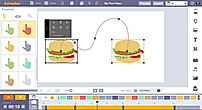
+ 3 More
|
Not Available |
| Videos |
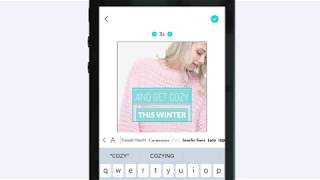
+ 1 More
|

+ 1 More
|

|

+ 2 More
|
| Company Details | Located in: New York, New York Founded in: 2006 | Located in: London, United Kingdom | Located in: Palo Alto, California Founded in: 2015 | Located in: Louisville, Kentucky Founded in: 2014 |
| Contact Details |
Not available |
+44 20 8133 7211 |
Not available |
Not available |
| Social Media Handles |
|
|
|
|

Looking for the right SaaS
We can help you choose the best SaaS for your specific requirements. Our in-house experts will assist you with their hand-picked recommendations.

Want more customers?
Our experts will research about your product and list it on SaaSworthy for FREE.