MEET CLARA - THE AI BEHIND SMARTER SOFTWARE CHOICES


|
84% SW Score The SW Score ranks the products within a particular category on a variety of parameters, to provide a definite ranking system. Read more 
View Details
|
92% SW Score The SW Score ranks the products within a particular category on a variety of parameters, to provide a definite ranking system. Read more 
View Details
|
Featured
93% SW Score The SW Score ranks the products within a particular category on a variety of parameters, to provide a definite ranking system. Read more 
Zoho Social |
Featured
97% SW Score The SW Score ranks the products within a particular category on a variety of parameters, to provide a definite ranking system. Read more 
monday.com |
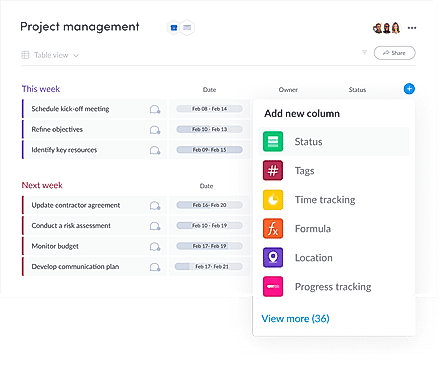
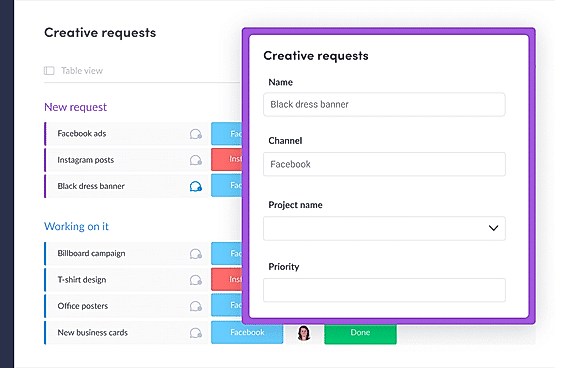
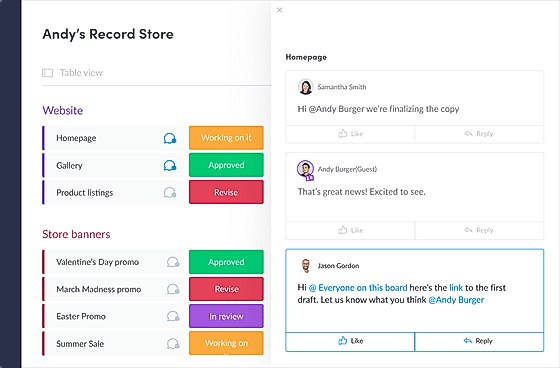
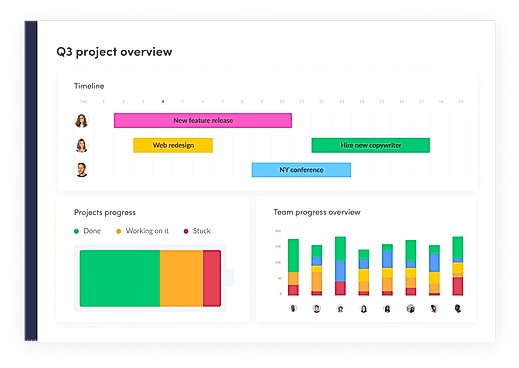
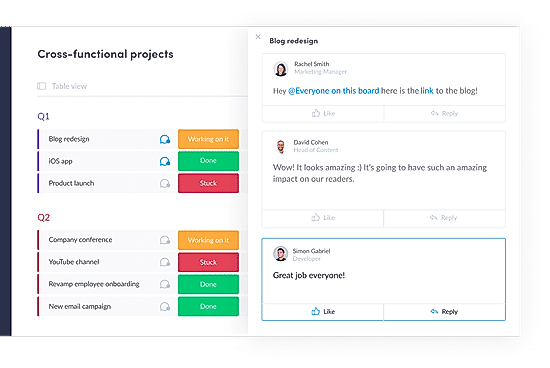
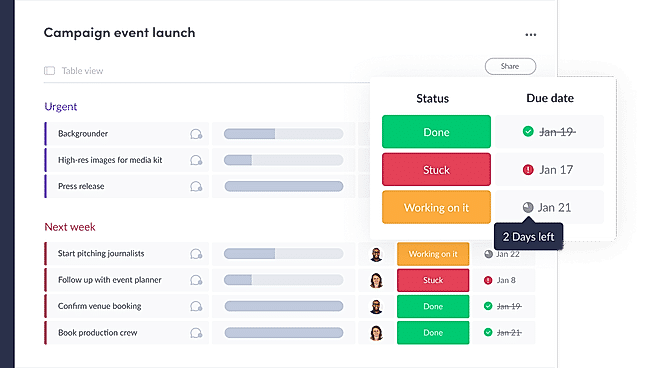
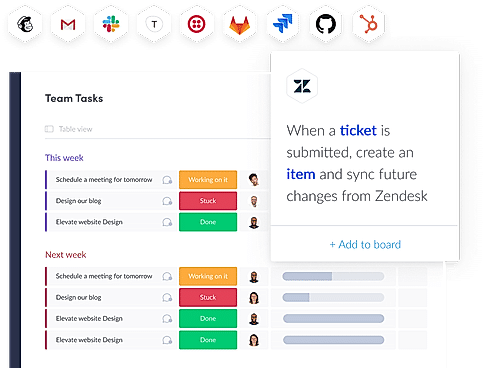
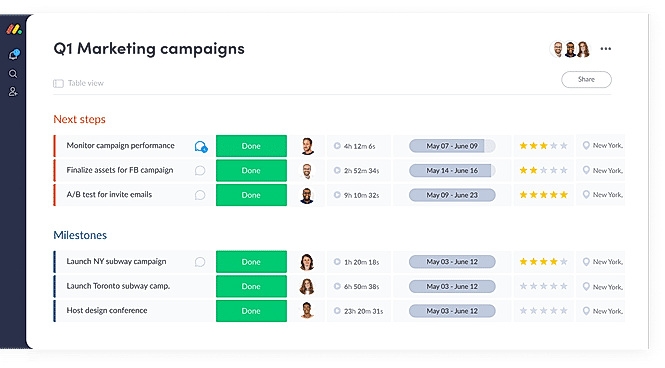
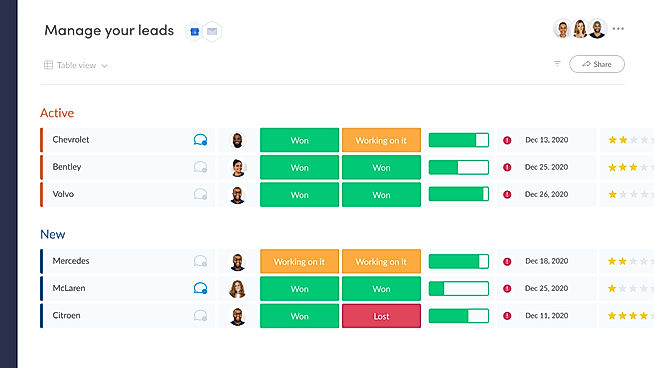
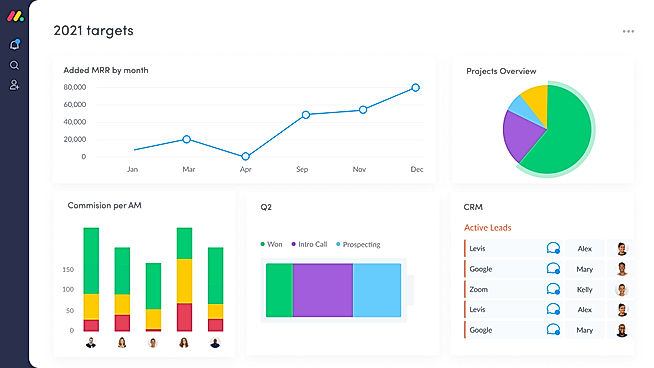
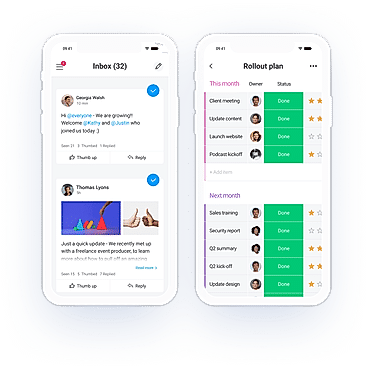
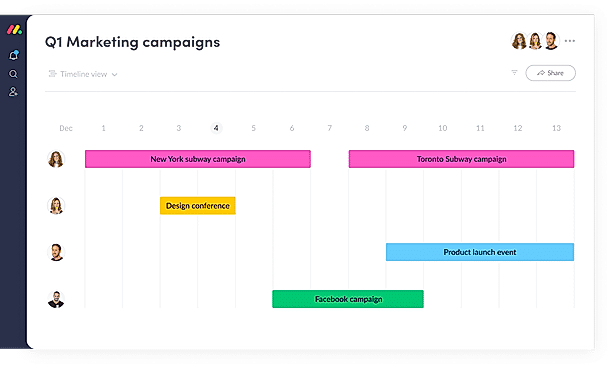
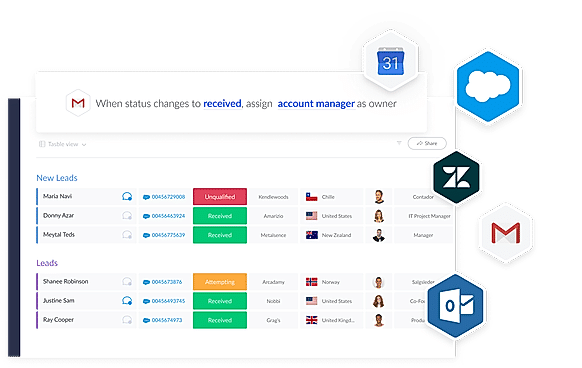
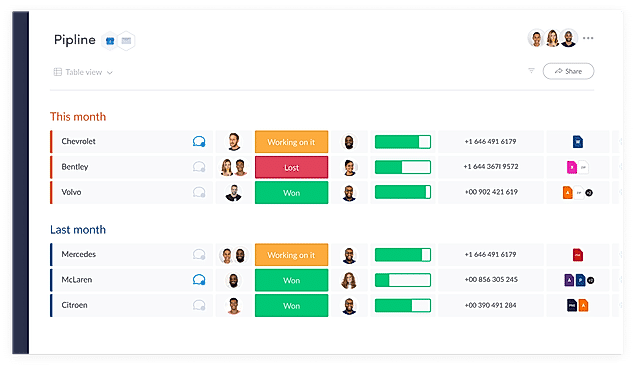
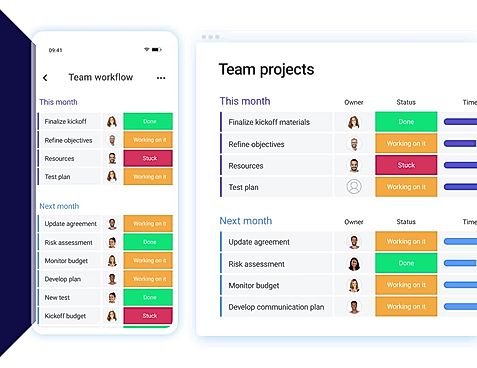
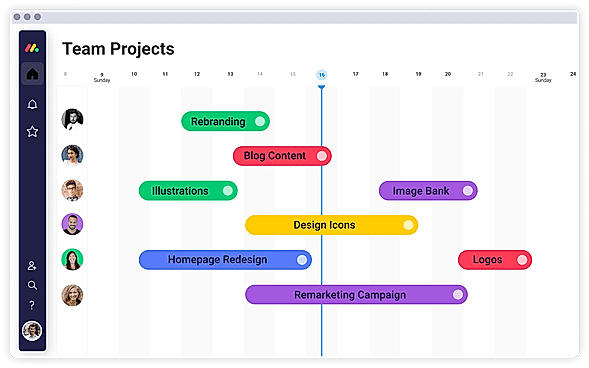
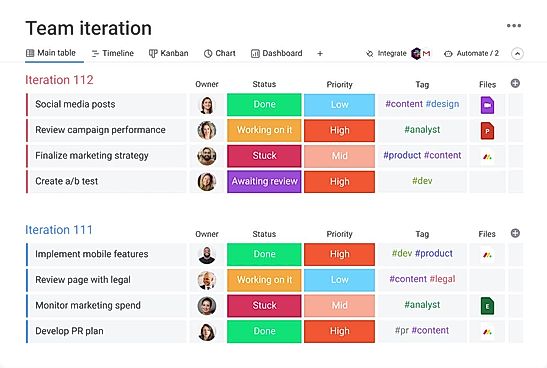
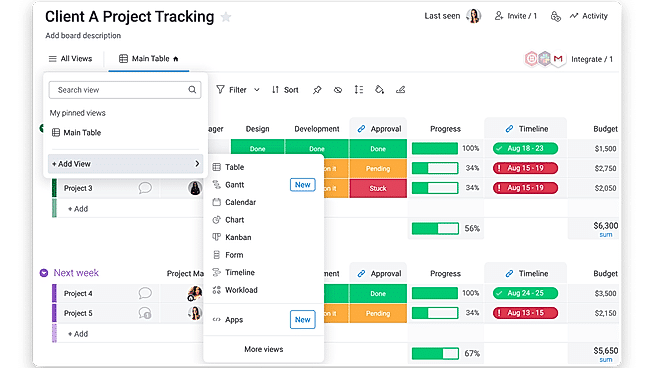
| Description | Tassi is a highly productive automation tool for digital managers and social media marketers that empowers them to manage their social media accounts easily and quickly. Users can choose and personalize the content of their campaigns within seconds. Users can make use of features such as Recommended Posts where the tool tells them what to share and when. Types of posts that can be handled include engaging questions, quote graphics, or even blog posts. On top of this, users can schedule posts to be posted at a particular time and date. Tassi also sports an impressive range of hundreds of fully customizable and royalty-free quote graphics to choose from. More graphics are added from time to time. The tool is even packed with a database of prewritten statuses that have been designed for easy and quick deployment. All that the user has to do is select it from a dropdown list. Read more | Sked Social is a platform that lets the users visually plan, analyze, and schedule stories and posts on Instagram to get more engagements and better results. The user no longer has to do all that manual work for posting on the platform. Sked Social makes your account highly active with Instagram stories and carousel posts and the user’s regular photo or video posts. Sked Social's scheduling tools help manage multiple social media accounts with a single Sked Social account. It can create demographic reports which can help the users measure the ROI on separate or group posts. Users can figure out from the analytics what is working and what is not. Using the in-app photo editor, the user can access various tools to edit and appeal the right set of audience with stunning visuals. Sked Social offers deep integration to ensure that no content-type is left behind. It helps build an eye-catching brand by creating multi-image posts, stories, and videos. Read more | Zoho Social is a cloud-based social media management software that is also available in SaaS version and can be run on many devices. The software helps users in monitoring multiple social media channels, doing multi account management and encourage multi-user collaboration too. Zoho Social offers social media performance analytics and data-driven actionable insights to facilitate taking informed decisions. With this software, you can manage and monitor the content and ensure better customer engagement. You can also monitor keywords and schedule multiple posts. You can create content and do automated publishing with the help of this social media management platform. Read more | With monday.com, managers can better keep their team aligned from one collaborative workspace. This flexible platform allows you to truly centralize your data, leveraging native integrations, third-party apps, and helpful widgets. With an overview of all ongoing processes, you can quickly gauge the status of essential tasks and follow up with the relevant team member efficiently. Essentially, on monday.com, executives have the flexibility to build the perfect tools for their team using intuitive drag-and-drop technology. Simply select one of over 200 templates, and customize it using the 20 editable columns to support any of your workflows. Then if your team grows, your workflows can easily scale with you, empowering your team to new heights with complete visibility. Read more |
| Pricing Options |
|
|
|
|
| SW Score & Breakdown |
84% SW Score The SW Score ranks the products within a particular category on a variety of parameters, to provide a definite ranking system. Read more
|
92% SW Score The SW Score ranks the products within a particular category on a variety of parameters, to provide a definite ranking system. Read more
|
93% SW Score The SW Score ranks the products within a particular category on a variety of parameters, to provide a definite ranking system. Read more
|
97% SW Score The SW Score ranks the products within a particular category on a variety of parameters, to provide a definite ranking system. Read more
|
| SaaSworthy Awards |
Not Available
|
# 20 Highly Rated # 18 Fastest Growing | # 4 Highly Rated # 12 Most Popular | # 3 Most Worthy # 1 Most Popular |
| Organization Types Supported |
|
|
|
|
| Platforms Supported |
|
|
|
|
| Modes of Support |
|
|
|
|
| API Support |
|
|
|
|
| User Rating |
Not Available
|
|
|
|
| Rating Distribution |
Not Available
|
|
|
|
| User Sentiments |
Not Available
|
Direct Instagram Posting, User-Friendly Interface, Comprehensive Scheduling Features, Visually Appealing Content Calendar Inconsistent Post Timing, Limited Story Editing Functionality, Occasional Software Glitches, Limited Platform Integrations |
User-friendly Interface, Robust Scheduling Features, In-depth Analytics and Reporting, Seamless CRM Integration Limited Instagram Functionality, Limited Third-Party Integrations, Inflexible Pricing Plans, Mobile App Limitations |
User-friendly Interface, Extensive Customization, Effective Team Collaboration, Robust Automations Mobile App Functionality, Limited Sub-Item Functionality, Inconsistent Notifications, Slow Loading Times |
| Review Summary |
Not Available
|
Reviewers appreciate Schedugram's user-friendly interface, comprehensive scheduling features, and helpful customer support. They find it easy to create and manage social media posts, and they value the ability to schedule posts in bulk and across multiple platforms. Reviewers also appreciate the detailed analytics provided by Schedugram, which help them track the performance of their social media campaigns. However, some users have experienced occasional bugs and glitches in the software, and a few have found the pricing to be a bit high compared to other similar tools. Overall, Schedugram receives positive feedback from users for its ease of use, robust scheduling features, and valuable analytics. |
Positive: User-friendly interface, comprehensive social media management capabilities, effective collaboration tools, excellent customer support, and mobile app availability. Praised for its ability to streamline social media tasks, schedule and publish content efficiently, and track campaign performance with robust analytics. Negative: Occasional glitches and bugs, limited customization options, and difficulty managing multiple social media accounts simultaneously. Some users reported challenges with content scheduling and experienced occasional outages. |
Overall, users praise the user-friendly interface, customization options, and ability to manage projects and tasks efficiently. They also appreciate the integrations with other tools and the mobile app. However, some users mention occasional glitches and a learning curve for new users. While customer support is generally well-received, some users report slow response times. Nevertheless, the majority of users find the platform valuable for project management and collaboration, highlighting its flexibility, ease of use, and positive impact on their productivity. |
| Read All User Reviews | Read All User Reviews | Read All User Reviews |
AI-Generated from the text of User Reviews
| Pricing Options |
|
|
|
|
|
Pricing Plans
Monthly Plans
Annual Plans
|
Tassi $33.08 $47.00 per month |
Fundamentals $25.00 $30.00 per month Essentials $74.00 $89.00 per month Professional $133.00 $159.00 per month Enterprise Custom |
Free Edition Free Standard (For Business) $10.00 $15.00 per month Professional (For Business) $30.00 $40.00 per month Premium (For Business) $40.00 $65.00 per month Agency $230.00 $320.00 per month Agency Plus $330.00 $460.00 per month |
Free Free Basic $9.00 $12.00 per user / month Standard $12.00 $14.00 per user / month Pro $19.00 $24.00 per user / month Enterprise Custom |
|
View Detailed Pricing
|
View Detailed Pricing
|
View Detailed Pricing
|
View Detailed Pricing
|
Get personalized recommendations from our experts on call
Trusted by more than 5 Million users across the globe.
Thank you for the enquiry. One of our software analysts will contact you soon.
| Screenshots |

+ 1 More
|

+ 2 More
|
Not Available |
+ 20 More
|
| Videos |

+ 1 More
|

+ 3 More
|

+ 2 More
|
+ 4 More
|
| Company Details | Located in: San Clemente, CA - 92673 | Located in: Victoria, Australia Founded in: 2013 | Located in: Pleasanton, California | Located in: New York, NY 10003 Founded in: 2012 |
| Contact Details |
Not available |
Not available |
+1 888-900-9646 |
Not available |
| Social Media Handles |
Not available |
|
|
|

Looking for the right SaaS
We can help you choose the best SaaS for your specific requirements. Our in-house experts will assist you with their hand-picked recommendations.

Want more customers?
Our experts will research about your product and list it on SaaSworthy for FREE.