MEET CLARA - THE AI BEHIND SMARTER SOFTWARE CHOICES
MEET CLARA - THE AI BEHIND SMARTER SOFTWARE CHOICES
MEET CLARA - THE AI BEHIND SMARTER SOFTWARE CHOICES
|
92% SW Score The SW Score ranks the products within a particular category on a variety of parameters, to provide a definite ranking system. Read more 
View Details
|
92% SW Score The SW Score ranks the products within a particular category on a variety of parameters, to provide a definite ranking system. Read more 
View Details
|
Featured
90% SW Score The SW Score ranks the products within a particular category on a variety of parameters, to provide a definite ranking system. Read more 
Switcher Studio |
Featured
92% SW Score The SW Score ranks the products within a particular category on a variety of parameters, to provide a definite ranking system. Read more 
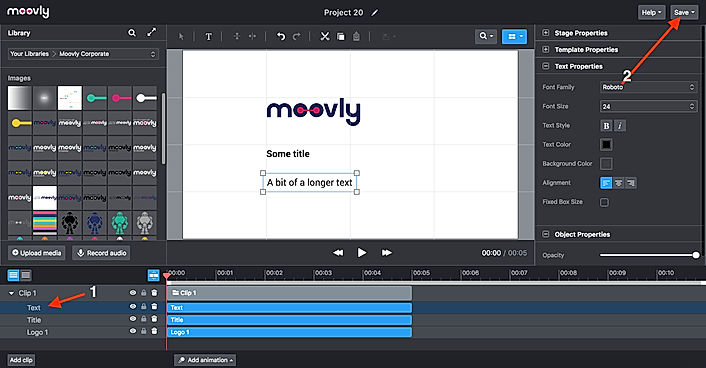
Moovly |
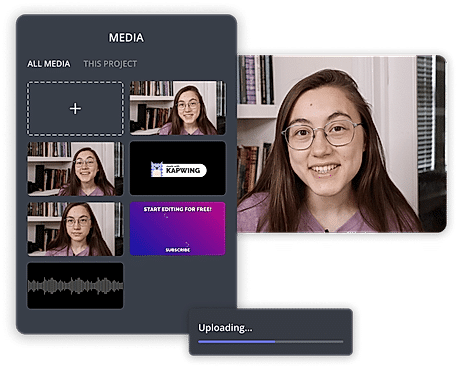
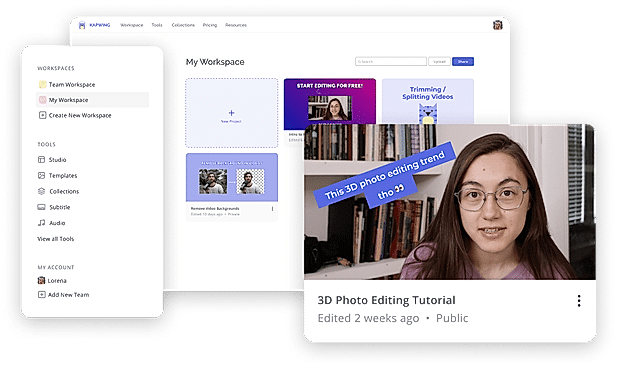
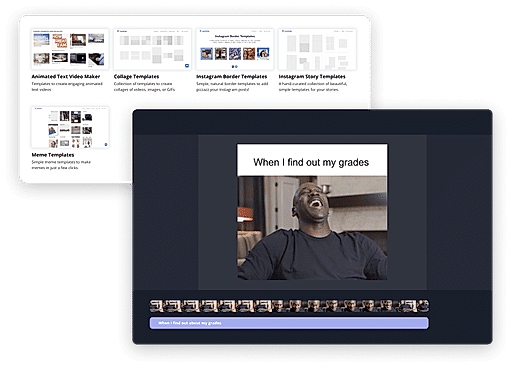
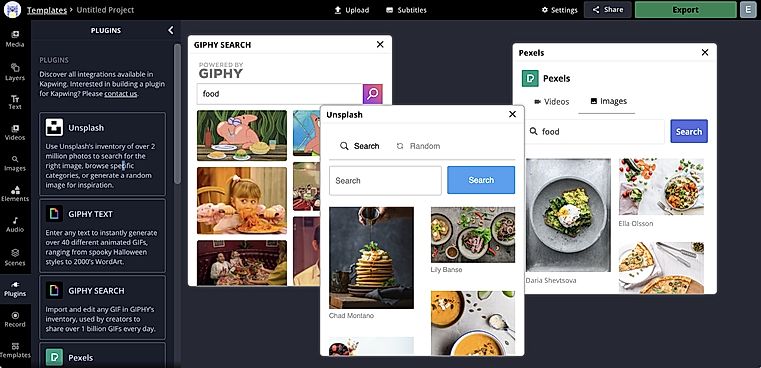
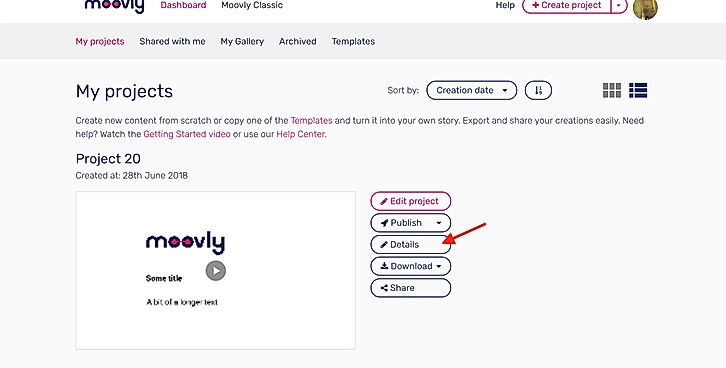
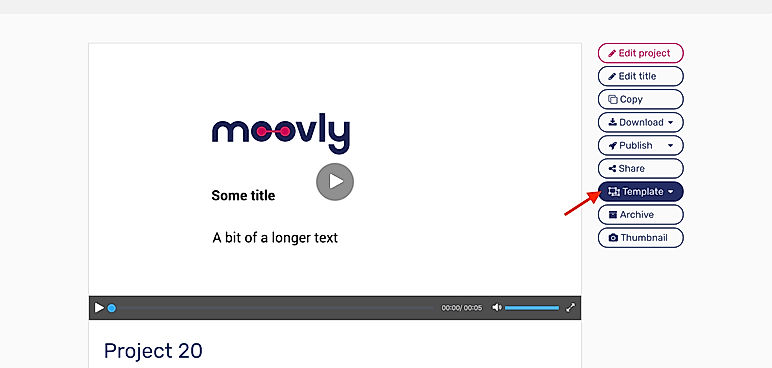
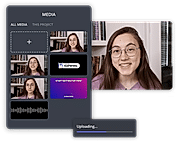
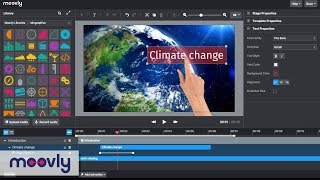
| Description | Kapwing is an online tool for editing images, GIFs and videos which can additionally function as a meme generator. Useful for trimming videos and even adding subtitles, Kapwing can be used by anyone who has at least an idea of video production. With Kapwing, you are able to edit your videos as much as your creativity allows. Videos can be looped, resized, trimmed and filtered. You can also add audio to video and adjust it for the perfect sync, images can also be converted to videos and can be watermarked. Kapwing is also able to make slideshows and montages. Kapwing’s major selling point is how easy it can be used, since it is suitable for both amateur and professional video producers. Kapwing provides an option to share your videos after working on them, to other sites like YouTube etc. Kapwing is easy to install and can be used by almost anyone to perform their tasks in just a few clicks. It is accessible on both Android and iOS mobile devices and on computers too. Read more | BeeCut is an advanced video editing software for professionals and companies to create and edit videos quickly and easily. BeeCut can be used to trim and reduce videos to find the perfect moments for the users. They can split videos into small parts and also merge different parts to make a longer video. The software provides multiple timeline layers where users can drag images, audio, videos, texts, filters, etc, in a sequence. It even shows the time bar beside the track area. Users can add fine-tune colours and other visual effects to their videos. They can slow down, speed up and flip videos to make them more interesting. The software also allows creating picture-in-picture videos and adding masks for highlighting, blurring or hiding certain elements to it. BeeCut supports video editing with 4:3, 16:9, 1:1, 9:16 and 3:4 aspect ratios. Users can also share their edited videos to different platforms including YouTube, Instagram, Facebook and TikTok. Read more | Switcher Studio is a comprehensive live streaming software for iOS that enables companies to live stream videos using multiple cameras of their choice. The software offers a wide range of live video sharing facilities on platforms like Facebook, YouTube, LinkedIn, Microsoft Stream, Twitch and more. In addition, companies can also use the RTMP streaming facility to broadcast their videos on any platform. Users can invite up to 5 remote guests, co-hosts or customers, to join the streaming videos from anywhere. At Switcher Studio, companies can link up to 9 cameras or they can also use a single camera for recording purposes. Users can even merge pre-recorded videos, audios, logos, graphics or any other media asset into live videos to stream together. Further, the software lets users manage and edit their entire live video in real-time. Switcher Studio also offers guided tutorials and a help centre to find solutions to any query. Moreover, users can also join an online community to learn how to use the software in the most efficient way. Read more | Moovly presentation software comes enriched with several presentation features like content library, offers better collaboration, enables doing animation, helps embedding audio and video into the website/blog, allows zooming and permits offline presenting.The tool comes with ready made templates to further ease the process of creating presentation.The software comes with course authoring features as well like course video management, content import/export and course publishing functionalities. The tool is very easy to master in as no expertise or experience is necessary to do video editing programs.With Moovly, you can use video backgrounds in your marketing videos. Read more |
| Pricing Options |
|
|
|
|
| SW Score & Breakdown |
92% SW Score The SW Score ranks the products within a particular category on a variety of parameters, to provide a definite ranking system. Read more
|
92% SW Score The SW Score ranks the products within a particular category on a variety of parameters, to provide a definite ranking system. Read more
|
90% SW Score The SW Score ranks the products within a particular category on a variety of parameters, to provide a definite ranking system. Read more
|
92% SW Score The SW Score ranks the products within a particular category on a variety of parameters, to provide a definite ranking system. Read more
|
| SaaSworthy Awards | # 2 Fastest Growing # 5 Most Popular | # 5 Highly Rated # 15 Most Popular |
Not Available
|
# 7 Highly Rated # 19 Most Popular |
| Total Features |
11 Features
|
10 Features
|
9 Features
|
12 Features
|
| Common Features for All |
3D Video Editing
Audio Tools
Brand Overlay
Collaboration
Media Library
Merge video
Social Sharing
Split Video
Supports HD Resolution
Text Overlay
Video Capture
Video Speed Controller
|
3D Video Editing
Audio Tools
Brand Overlay
Collaboration
Media Library
Merge video
Social Sharing
Split Video
Supports HD Resolution
Text Overlay
Video Capture
Video Speed Controller
|
3D Video Editing
Audio Tools
Brand Overlay
Collaboration
Media Library
Merge video
Social Sharing
Split Video
Supports HD Resolution
Text Overlay
Video Capture
Video Speed Controller
|
3D Video Editing
Audio Tools
Brand Overlay
Collaboration
Media Library
Merge video
Social Sharing
Split Video
Supports HD Resolution
Text Overlay
Video Capture
Video Speed Controller
|
| Organization Types Supported |
|
|
|
|
| Platforms Supported |
|
|
|
|
| Modes of Support |
|
|
|
|
| API Support |
|
|
|
|
| User Rating |
|
|
|
|
| Rating Distribution |
|
|
|
|
| User Sentiments |
Not Available
|
Easy to use, Free Features, Variety of editing options, Intuitive Interface Frequent crashing, Work loss/saving issues, Music import/sync problems, Text editing glitches |
Not Available
|
Easy to use interface, Extensive Media Library, High-Quality Video Output, Great Customer Support Limited Animation Options, Occasional Software Bugs, Limited Video Editing Capabilities, Pixelation during Rendering |
| Review Summary |
Not Available
|
Users generally have positive feedback about the software. It is described as easy to use and efficient, with well-designed features that simplify the video editing process. The tutorials and customer support are also highly regarded for their clarity and helpfulness. However, some users have experienced technical issues and occasional crashes, suggesting the need for further stability improvements. Overall, users seem satisfied with BeeCut's performance and user-friendly interface, making it a popular choice among video editors. |
Not Available
|
Overall, Moovly receives positive feedback from users, earning an average rating of 4.5 out of 5 stars across multiple review platforms. Reviewers praise its user-friendly interface, extensive template library, and the ability to create engaging videos with minimal effort. They find it particularly suitable for non-designers and small businesses. However, some users mention the occasional occurrence of glitches and limitations in customization options. Additionally, the mobile app version is reported to have room for improvement. |
| Read All User Reviews | Read All User Reviews | Read All User Reviews | Read All User Reviews |
AI-Generated from the text of User Reviews
| Pricing Options |
|
|
|
|
|
Pricing Plans
Monthly Plans
Annual Plans
|
Free Free Pro $16.00 $20.00 per month For Teams $16.00 $20.00 per user / month |
BeeCut Custom |
Business Plan $71.00 $79.00 per month |
Free Free Pro $24.92 $49.00 per month Max $49.92 $99.00 per month Enterprise Custom Edu Free Free Edu Pro $8.25 $24.95 per month Edu Max $20.75 $49.95 per month |
|
View Detailed Pricing
|
View Detailed Pricing
|
View Detailed Pricing
|
View Detailed Pricing
|
Get personalized recommendations from our experts on call
Trusted by more than 5 Million users across the globe.
Thank you for the enquiry. One of our software analysts will contact you soon.
| Screenshots |
+ 3 More
|
Not Available | Not Available |
+ 7 More
|
| Videos |
+ 2 More
|

+ 3 More
|

+ 2 More
|
+ 2 More
|
| Company Details | Located in: San Francisco, California Founded in: 2017 |
Not available |
Located in: Louisville, Kentucky Founded in: 2014 | Located in: Ghent, Belgium Founded in: 2012 |
| Contact Details |
Not available |
Not available |
Not available |
+32 2 274 48 00 |
| Social Media Handles |
|
|
|
|

Looking for the right SaaS
We can help you choose the best SaaS for your specific requirements. Our in-house experts will assist you with their hand-picked recommendations.

Want more customers?
Our experts will research about your product and list it on SaaSworthy for FREE.