 MEET CLARA - THE AI BEHIND SMARTER SOFTWARE CHOICES


|
78% SW Score The SW Score ranks the products within a particular category on a variety of parameters, to provide a definite ranking system. Read more 
View Details
|
88% SW Score The SW Score ranks the products within a particular category on a variety of parameters, to provide a definite ranking system. Read more 
View Details
|
Featured
97% SW Score The SW Score ranks the products within a particular category on a variety of parameters, to provide a definite ranking system. Read more 
monday.com |
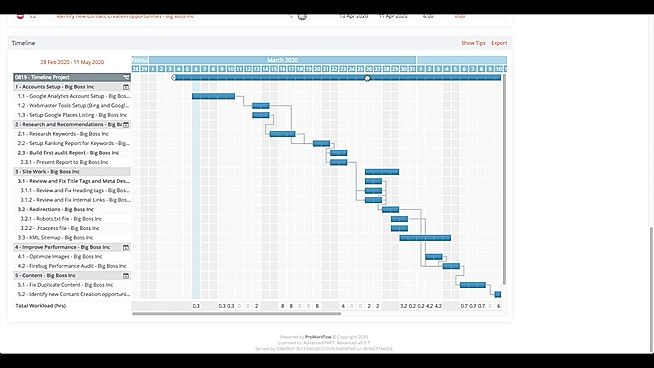
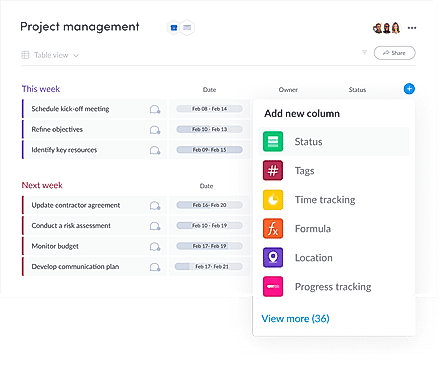
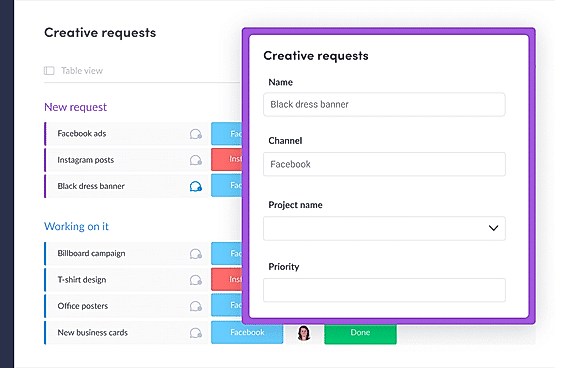
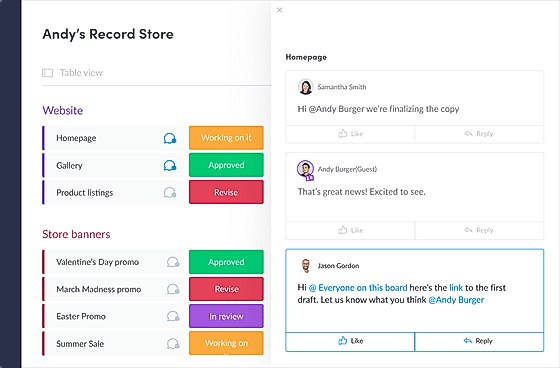
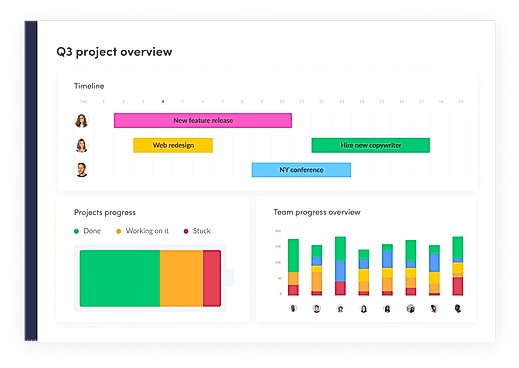
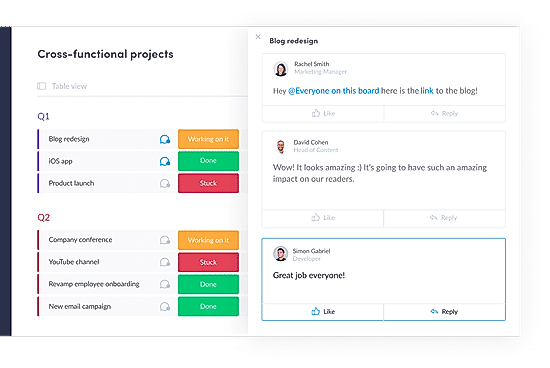
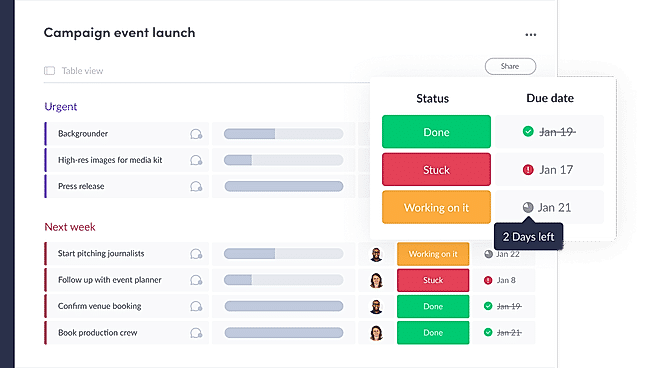
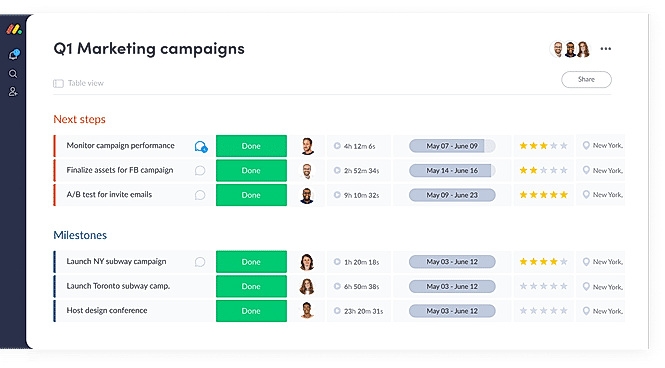
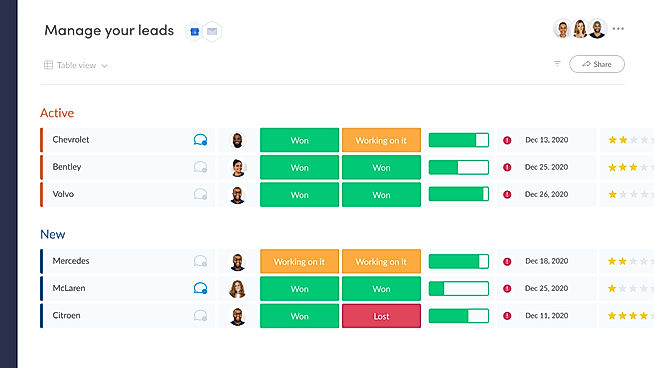
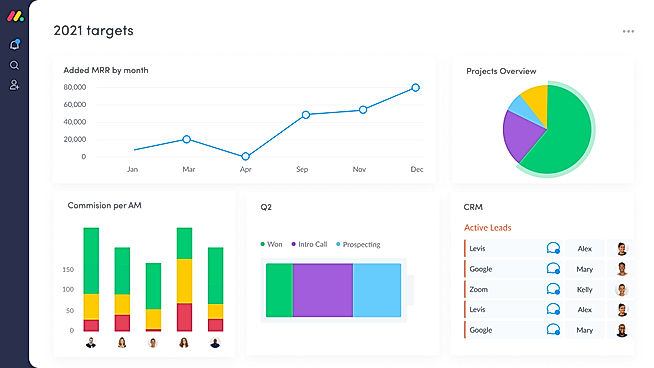
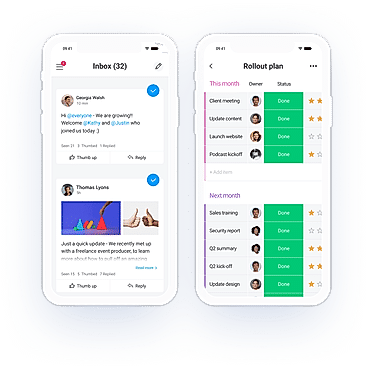
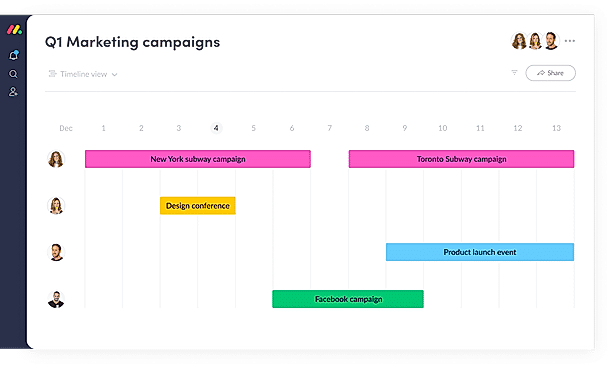
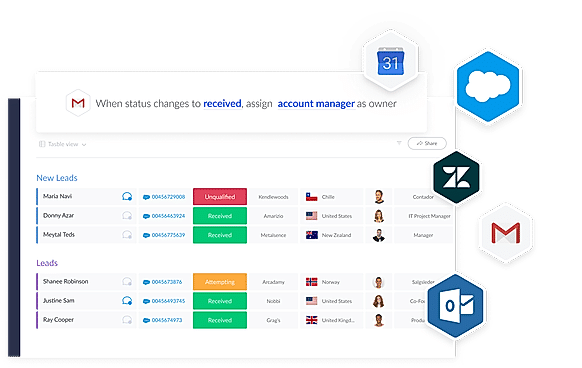
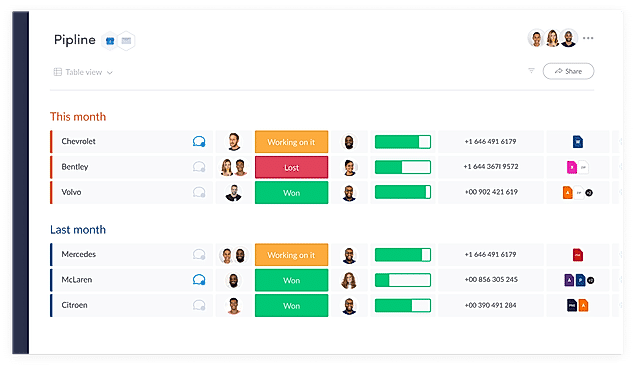
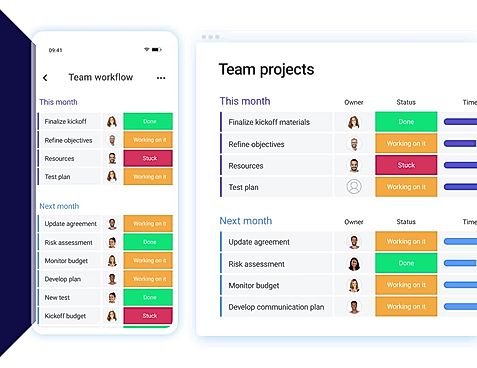
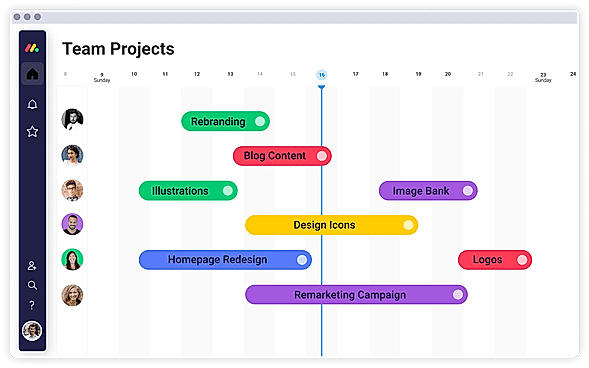
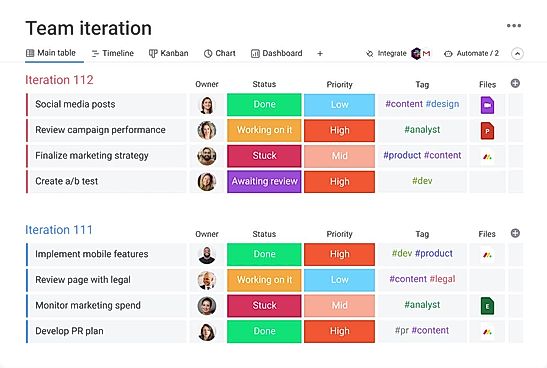
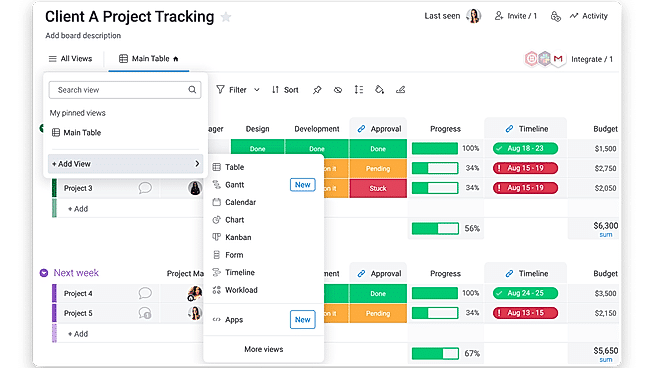
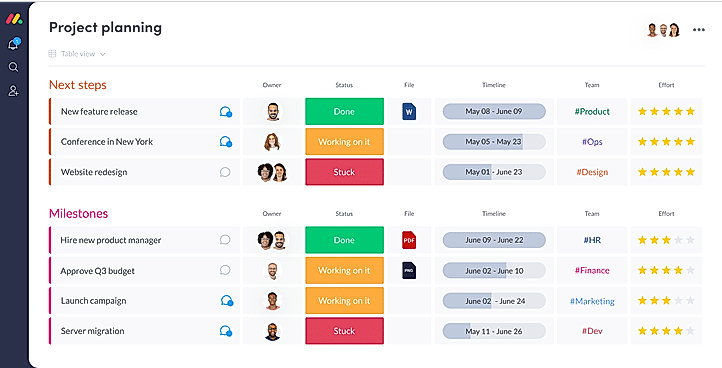
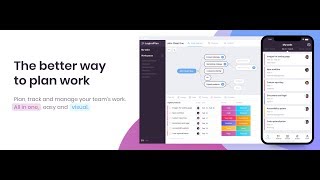
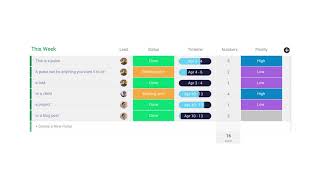
| Description | LogicalPlan lets users structure, plan, track, and manage their team’s work in an intuitive visual manner. It also allows users to create a workflow of the whole project, track tasks by setting priorities to each and assign them to the team. It also helps in meeting deadlines through the setting of estimates, due dates and even dependencies. It is made for Digital and creative agencies, event management, IT development and small businesses in general. LogicalPlan includes visual tools to provide the user with an overview of each project at a glance. It also includes in-house communication functionalities in order to provide an experience with a lesser number of emails. Users can also import their boards from Trello into LogicPlan and continue to work with ease. Their smart notification system is powered by AI to ensure the delivery of only those notifications relevant to a particular user. They include 24x7 email support along with live chat support, depending on the plan the user opts for. Read more | ProWorkflow is an easy to use project management software for teams to spend less time managing the projects and more time in delivering the results. The tool makes it super easy for teams to assign tasks to the staff, measure the time that tasks are taking, or reschedule projects that have gone out of scope. They can also send quotations and invoices right through the tool. Users receive a dashboard which gives them an overview of the workload and priorities. They can review project timelines and reschedule projects at the click of a button. And with the mobile tracker, they can easily track time for each task, complete them, and communicate with team members while on the move. Staff, clients, and contractors can also be brought on a single platform for easy collaboration. The timesheet then makes it easy to track every project and task. Additionally, the powerful API can be leveraged to extend the capabilities and integration with other tools. Read more | Resource Guru is a team scheduling software that runs on the cloud and is ideally suited to freelancers, and businesses of all sizes for gaining new insights and elevating profit rates. It offers a quick and easy way to schedule people, equipment, and other resources through the internet on a single platform with just a few clicks. With Resource Guru, you can get a clear picture of what projects and clients your team are working on with one creative calendar. Vacation, sick days, maternity leave, and any other sorts of time off for your resources can be easily managed using leave management with this software. It provides personal dashboards and up-to-date resources to eliminate the need of sending hundreds of emails that rapidly become obsolete. Resource Guru further provides powerful and detailed reports that let you get fresh insights, track utilization rates, and learn more about your organization. Resource Guru offers a 30-day free trial for trying and testing its premium features and the pricing strategy begins at $3.00 per month. Read more | With monday.com, managers can better keep their team aligned from one collaborative workspace. This flexible platform allows you to truly centralize your data, leveraging native integrations, third-party apps, and helpful widgets. With an overview of all ongoing processes, you can quickly gauge the status of essential tasks and follow up with the relevant team member efficiently. Essentially, on monday.com, executives have the flexibility to build the perfect tools for their team using intuitive drag-and-drop technology. Simply select one of over 200 templates, and customize it using the 20 editable columns to support any of your workflows. Then if your team grows, your workflows can easily scale with you, empowering your team to new heights with complete visibility. Read more |
| Pricing Options |
|
|
|
|
| SW Score & Breakdown |
78% SW Score The SW Score ranks the products within a particular category on a variety of parameters, to provide a definite ranking system. Read more
|
88% SW Score The SW Score ranks the products within a particular category on a variety of parameters, to provide a definite ranking system. Read more
|
|
97% SW Score The SW Score ranks the products within a particular category on a variety of parameters, to provide a definite ranking system. Read more
|
| SaaSworthy Awards |
Not Available
|
Not Available
|
Not Available
|
# 3 Most Worthy # 1 Most Popular |
| Organization Types Supported |
|
|
|
|
| Platforms Supported |
|
|
|
|
| Modes of Support |
|
|
|
|
| API Support |
|
|
|
|
| User Rating |
Not Available
|
|
|
|
| Rating Distribution |
Not Available
|
|
|
|
| User Sentiments |
Not Available
|
Ease of Use, Great Customer Support, Effective Time Tracking & Reporting, Comprehensive Project Management Limited Search Functionality, Reporting Complexities, Slow Loading Times, Lack of Message Editing |
Easy to Use Interface, Clear Visual Representation of Schedules, Effective Filtering and Search Functionality, Seamless Calendar Integrations Limited Customization Options, Lack of Mobile Application, Limited Reporting Functionality, Occasional System Glitches |
User-friendly Interface, Extensive Customization, Effective Team Collaboration, Robust Automations Mobile App Functionality, Limited Sub-Item Functionality, Inconsistent Notifications, Slow Loading Times |
| Review Summary |
Not Available
|
ProWorkflow is generally praised for its user-friendly interface, customizable features, and robust project management capabilities. Reviewers appreciate the ability to easily create and manage tasks, set dependencies, track progress, and collaborate with team members. The software's intuitive design is often highlighted as a key advantage, making it suitable for users of all skill levels. Additionally, ProWorkflow's reporting and analytics feature are often commended for providing valuable insights into project performance and resource allocation. However, some users have reported occasional glitches and bugs that can hinder the overall experience. |
Overall, Resource Guru is a user-friendly resource scheduling software praised for its intuitive interface, ease of use, and time-saving features. Reviewers highlight its drag-and-drop functionality, comprehensive reporting options, seamless integrations with other platforms, and excellent customer support. While some users mention occasional glitches and a learning curve for more advanced features, the majority find Resource Guru to be a valuable tool for managing and optimizing team resources, improving project visibility, and enhancing collaboration. |
Overall, users praise the user-friendly interface, customization options, and ability to manage projects and tasks efficiently. They also appreciate the integrations with other tools and the mobile app. However, some users mention occasional glitches and a learning curve for new users. While customer support is generally well-received, some users report slow response times. Nevertheless, the majority of users find the platform valuable for project management and collaboration, highlighting its flexibility, ease of use, and positive impact on their productivity. |
| Read All User Reviews | Read All User Reviews | Read All User Reviews |
AI-Generated from the text of User Reviews
| Pricing Options |
|
|
|
|
|
Pricing Plans
Monthly Plans
Annual Plans
|
LogicalPlan Custom |
Professional $18.00 $20.00 per user / month Advanced $27.00 $30.00 per user / month Enterprise Custom |
Grasshopper Plan $2.50 $3.00 per user / month Blackbelt Plan $4.16 $5.00 per user / month Master Plan $6.65 $8.00 per user / month |
Free Free Basic $9.00 $12.00 per user / month Standard $12.00 $14.00 per user / month Pro $19.00 $24.00 per user / month Enterprise Custom |
|
View Detailed Pricing
|
View Detailed Pricing
|
View Detailed Pricing
|
View Detailed Pricing
|
Get personalized recommendations from our experts on call
Trusted by more than 5 Million users across the globe.
Thank you for the enquiry. One of our software analysts will contact you soon.
| Screenshots |

+ 1 More
|
|
Not Available |
+ 20 More
|
| Videos |
+ 1 More
|
+ 1 More
|

+ 1 More
|
+ 4 More
|
| Company Details | Located in: London, England - SE15 2NL Founded in: 2017 | Located in: Auckland, New Zealand Founded in: 2002 | Located in: London, England Founded in: 2011 | Located in: New York, NY 10003 Founded in: 2012 |
| Contact Details |
+420 775 029 612 |
+1 408-780-9189 |
Not available |
Not available |
| Social Media Handles |
|
|
|
|

Looking for the right SaaS
We can help you choose the best SaaS for your specific requirements. Our in-house experts will assist you with their hand-picked recommendations.

Want more customers?
Our experts will research about your product and list it on SaaSworthy for FREE.