 MEET CLARA - THE AI BEHIND SMARTER SOFTWARE CHOICES


|
89% SW Score The SW Score ranks the products within a particular category on a variety of parameters, to provide a definite ranking system. Read more 
View Details
|
91% SW Score The SW Score ranks the products within a particular category on a variety of parameters, to provide a definite ranking system. Read more 
View Details
|
Featured
94% SW Score The SW Score ranks the products within a particular category on a variety of parameters, to provide a definite ranking system. Read more 
Zoho Projects |
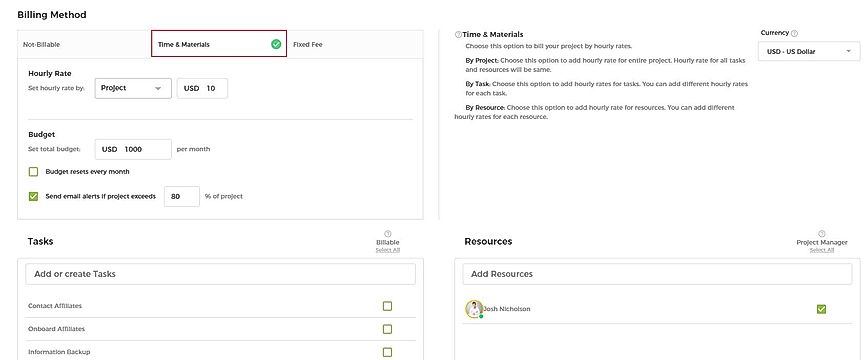
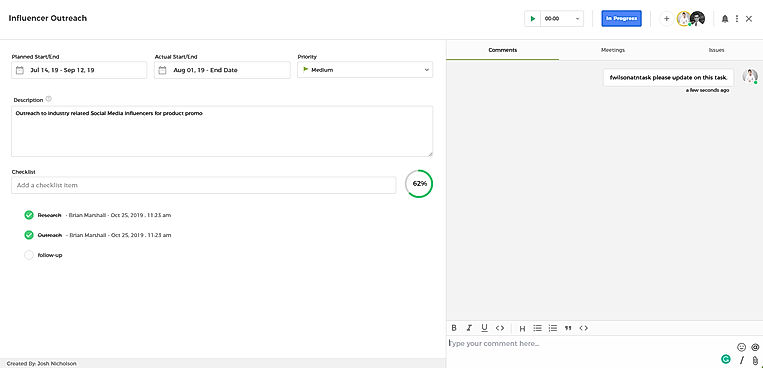
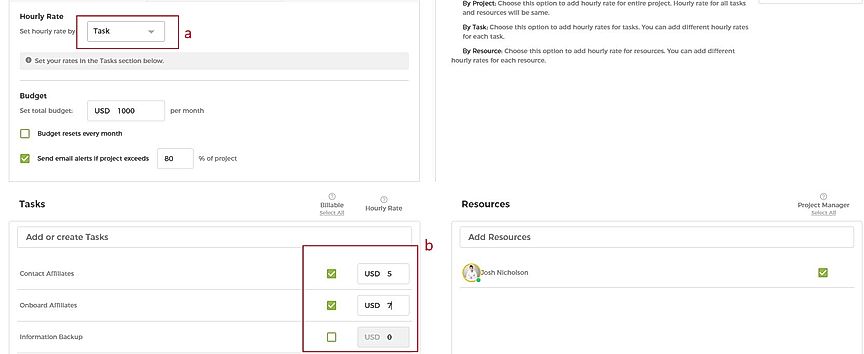
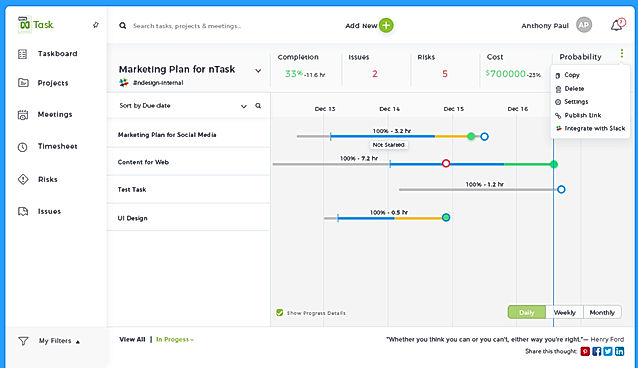
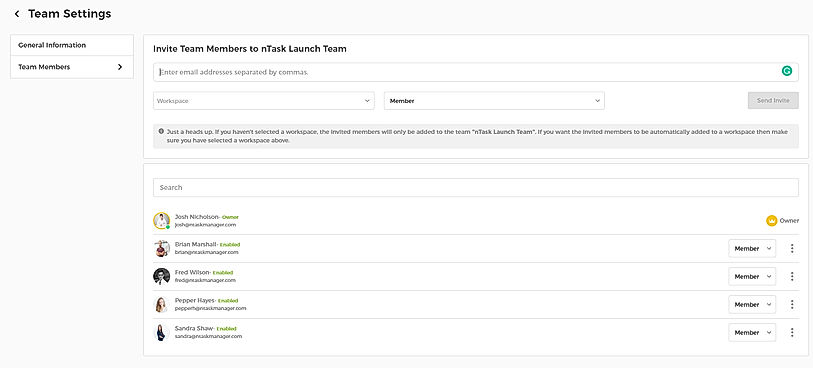
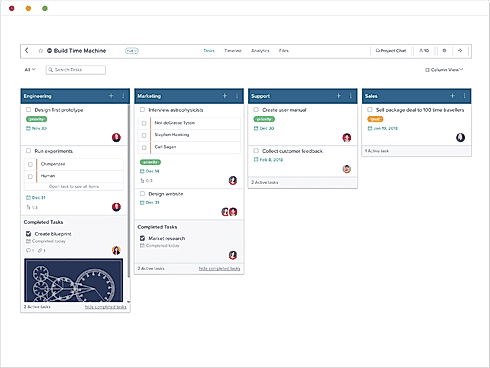
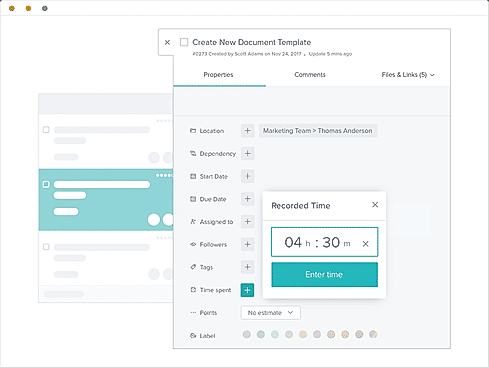
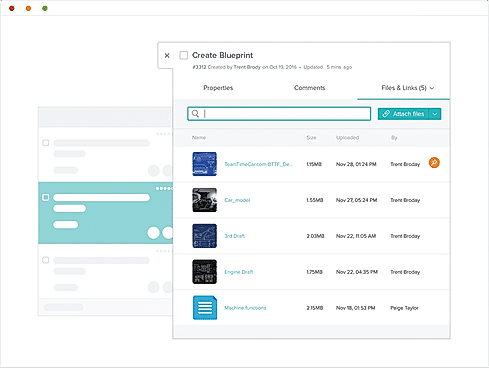
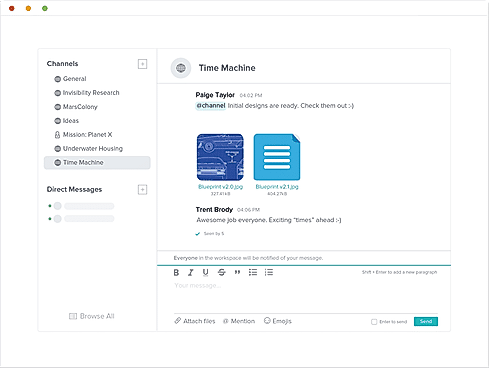
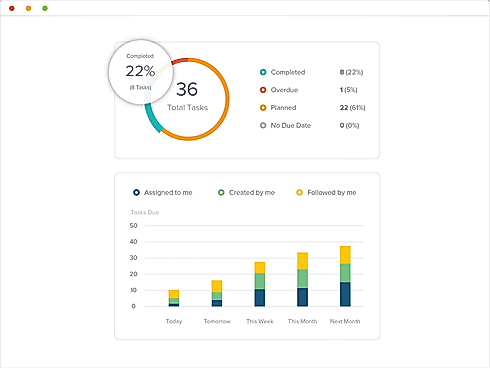
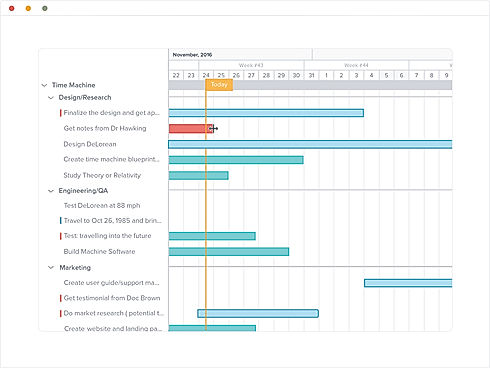
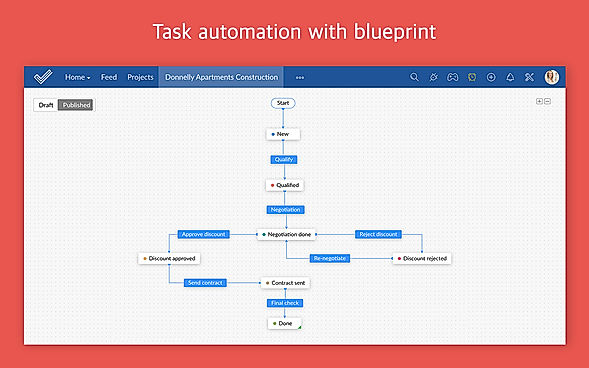
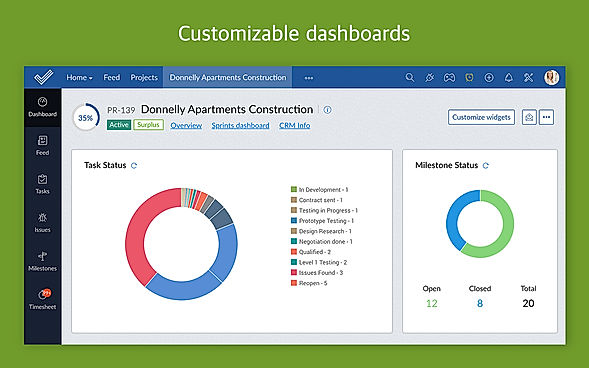
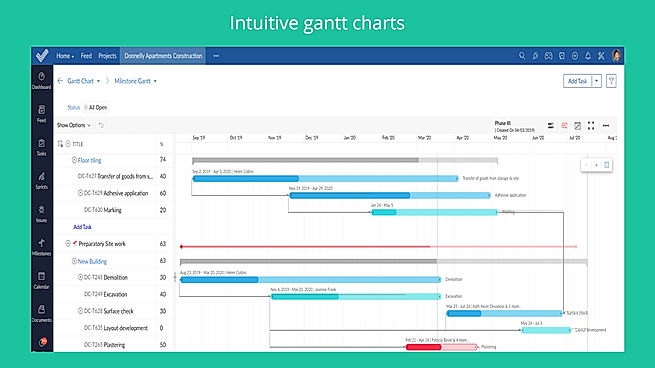
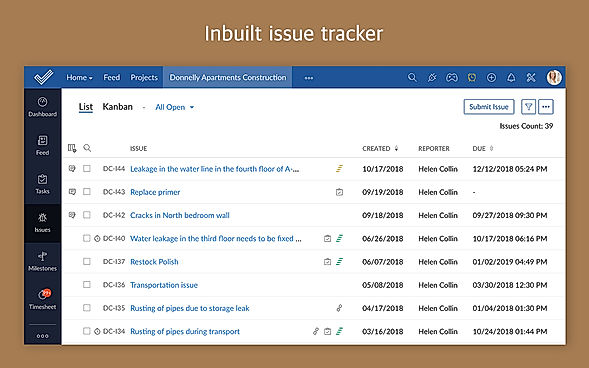
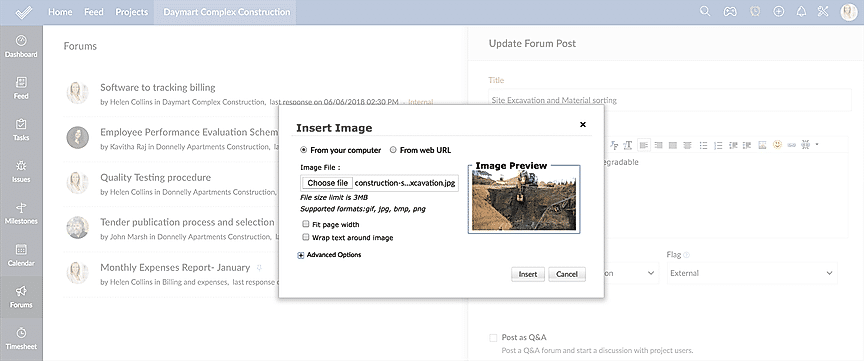
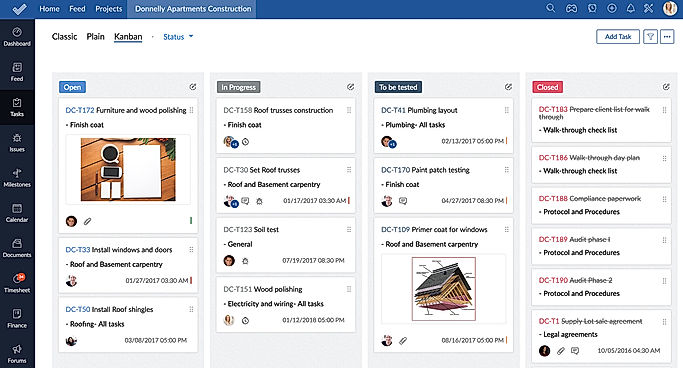
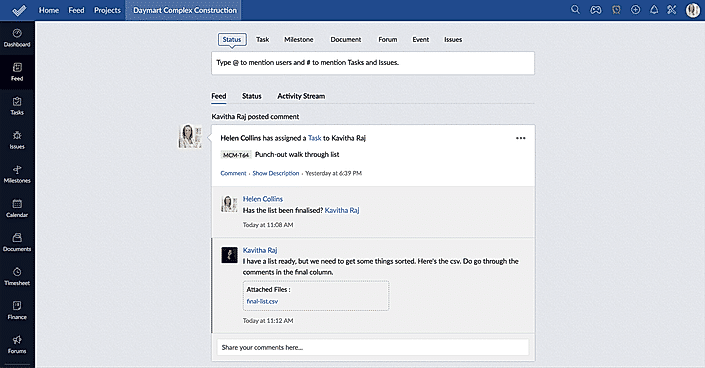
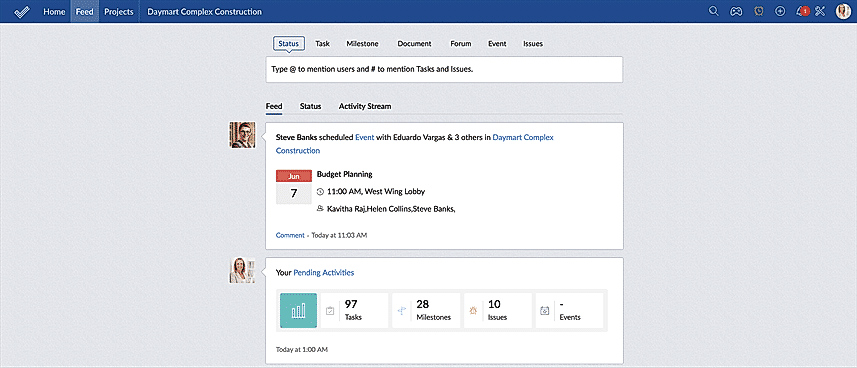
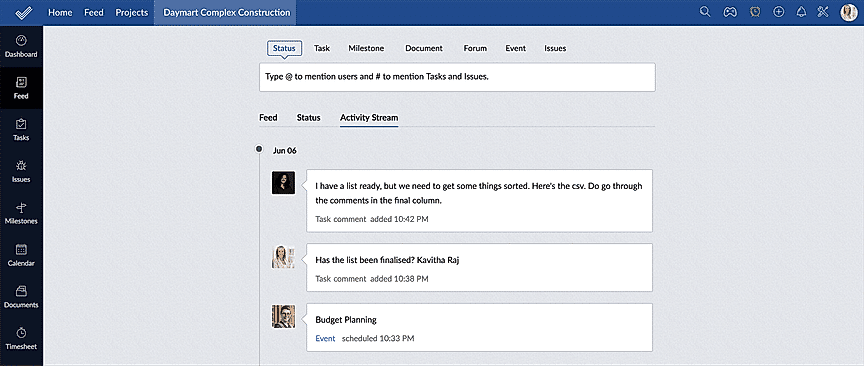
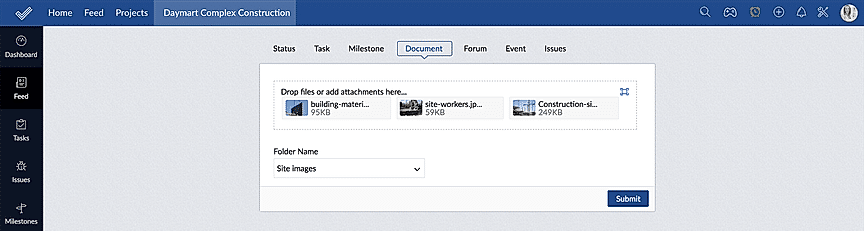
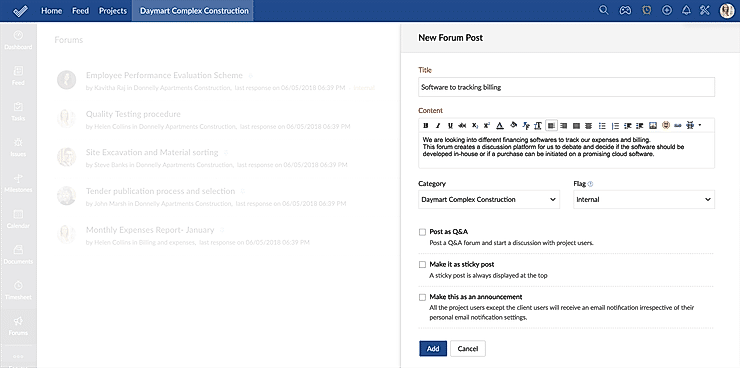
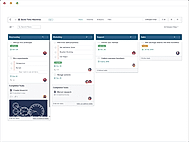
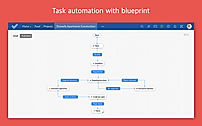
| Description | nTask is an efficient task and project management software that enables businesses to collaborate, plan, manage and analyze their everyday tasks with ease. Its accurate task management features allow users to create and assign tasks with various team members in seconds. They can also organise tasks as per priority, notifying team members about the areas that need maximum attention. The software helps to map out project deadlines immediately using its smart timeline functionality so that businesses can track everything with it. Users can also streamline team communication experience with comments and easy file attachments to get quick feedback. Further, nTask helps them make quick decisions by leveraging on the custom reports, where data gets presented in a visually appealing and friendly way for the entire team. nTask allows users to set a meeting agenda before the due date and share it with participants informing them in advance. Read more | Taskworld software is a project management and task tracking platform that allows you to communicate with your team on numerous projects. The software provides a visually online remote tracking tool to assign and track tasks, The built-in chat in Taskworld is used to manage task conversations on specific tasks to automate workflow. The built-in timeline view in Taskworld is used to track the progress of the remote team using project metrics including timelines, interactive dashboards, and burn-up/down charts. Visual boards make it simple to assign and track tasks, while reports and real-time feedback help you keep on top of your performance. See who's online, who's read your message, and get a fast response with its team messaging tool. You can also keep track of time spent on tasks and generate project logs. It organizes files, ensuring that each file is located where it should be and is linked to the appropriate job or project. You can also use a timeline to visualize project progress and identify future issues. Read more | Helps in planning projects, assigning tasks, keeping track on the work progress, managing documents, communicating seamlessly with the team to get the work done on time. Navigates the workflow through mapping out Gantt Charts and time management sheets. Also useful for project budgeting and allocating it as per the resources available. Additionally, it tracks issues associated with the project and manages resolving them. Maintains a database in which, the whereabouts of the employees can be seen along with their skills and availability. You can add unlimited members to your project without spending any extra money. Moreover, a mobile application also available to manage your task on-the-go. Read more | ClickUp is a simple, cloud-based collaboration and project management tool created for all user types. With ClickUp, you have all the features needed to help simplify and streamline your processes including sales, marketing, design and development. ClickUp features an agile board view that allows you to monitor every task on your team in one board and assign tasks to various members of the team. Tasks progress can be viewed in form of percentage and can be marked either “resolved” or “in progress” or users can alternatively customize their task progress statuses. A Gantt chart lets you view your tasks in timeline by list or person and automatically add updates in real time. ClickUp organizes task management in a hierarchal manner and allows you to sort tasks according to their priority. This property allows for improved productivity and lets you to structure your projects by assigning tasks to groups and arranging those groups under different categories. The software can be seamlessly integrated to Slack and similar apps through Zapier. The machine learning capability of the software assists project managers give realistic timeframes for completion of projects and lets teams accomplish their tasks before the deadline. Read more |
| Pricing Options |
|
|
|
|
| SW Score & Breakdown |
89% SW Score The SW Score ranks the products within a particular category on a variety of parameters, to provide a definite ranking system. Read more
|
91% SW Score The SW Score ranks the products within a particular category on a variety of parameters, to provide a definite ranking system. Read more
|
94% SW Score The SW Score ranks the products within a particular category on a variety of parameters, to provide a definite ranking system. Read more
|
|
| SaaSworthy Awards | # 13 Fastest Growing # 13 Fastest Growing | # 20 Highly Rated # 12 Highly Rated | # 4 Fastest Growing # 18 Most Popular | # 1 Most Worthy # 7 Highly Rated |
| Organization Types Supported |
|
|
|
|
| Platforms Supported |
|
|
|
|
| Modes of Support |
|
|
|
|
| API Support |
|
|
|
|
| User Rating |
|
|
|
Not Available
|
| Rating Distribution |
|
|
|
Not Available
|
| User Sentiments |
Not Available
|
User-friendly interface, Effective project management capabilities, Efficient team collaboration features, Comprehensive task management functionalities Limited third-party integrations, Occasional performance issues (slow loading times/ glitches), Mobile app functionality needs improvement, Limited customization options |
User-friendly Interface, Extensive Project Management Features, Comprehensive Collaboration Features, Seamless Integrations with Other Zoho Apps Limited Third-Party Integrations, Occasional Performance Issues/Slow Loading Times, Limited Mobile App Functionality, Complex Customization Options |
Customizable Workspaces, Extensive Integrations, User Friendly Interface, Comprehensive Task Management Mobile App Performance, Slow Loading Times, Steep Learning Curve, Limited Free Plan Functionality |
| Review Summary |
Not Available
|
Taskworld is generally well-received by users, earning praise for its user-friendly interface, customization options, and effective project management capabilities. Reviewers highlight its intuitive design, which streamlines project tracking and collaboration. The software's flexibility in accommodating diverse project types and the ability to tailor it to specific needs are also points of appreciation. However, critiques have been directed at occasional glitches and performance issues, as well as room for improvement in certain features like reporting and integration options. |
Reviewers generally agree that Zoho Projects is a user-friendly and affordable project management tool with a wide range of features. It is praised for its intuitive interface, ease of use, and customizable features. Many users appreciate its Gantt charts, timesheets, and reporting capabilities. However, some reviewers mention occasional bugs and limitations in certain functionalities. Additionally, the mobile app is sometimes criticized for its lack of features and stability. Overall, Zoho Projects is a solid choice for teams seeking a user-friendly and feature-rich project management solution. |
Users appreciate ClickUp's user-friendly interface, customization options, and comprehensive features, making it suitable for teams of various sizes and industries. It excels in project management, task tracking, and collaboration. However, some users have experienced occasional technical glitches and limitations in reporting and integrations. Additionally, the pricing structure can be complex for some users. Overall, ClickUp is a popular choice for project management, offering a range of features and customization options, but users should be aware of potential technical issues and pricing complexities. |
| Read All User Reviews | Read All User Reviews | Read All User Reviews |
AI-Generated from the text of User Reviews
| Pricing Options |
|
|
|
|
|
Pricing Plans
Monthly Plans
Annual Plans
|
Basic Free Premium $3.00 $4.00 per user / month Business $8.00 $12.00 per user / month Enterprise Custom |
Free Free Premium $8.00 $11.00 per user / month Business $15.00 $19.00 per user / month Enterprise Custom |
Free Free Premium $4.00 $5.00 per user / month Enterprise $9.00 $10.00 per user / month |
Free Free Unlimited $7.00 $10.00 per user / month Business $12.00 $19.00 per user / month Enterprise Custom test $10.00 $12.00 per user / month |
|
View Detailed Pricing
|
View Detailed Pricing
|
View Detailed Pricing
|
View Detailed Pricing
|
Get personalized recommendations from our experts on call
Trusted by more than 5 Million users across the globe.
Thank you for the enquiry. One of our software analysts will contact you soon.
| Screenshots |
+ 4 More
|
+ 5 More
|
+ 11 More
|

+ 4 More
|
| Videos |
+ 1 More
|
+ 1 More
|

+ 4 More
|
+ 4 More
|
| Company Details | Located in: Irvine, California Founded in: 2016 | Located in: Montclair, NJ Founded in: 2012 | Located in: Pleasanton, California - 94588 | Located in: San Diego, CA Founded in: 2016 |
| Contact Details |
+1 949-407-4646 |
+1 866 428 9571 |
+1 844-584-2497 |
Not available |
| Social Media Handles |
|
|
|
|

Looking for the right SaaS
We can help you choose the best SaaS for your specific requirements. Our in-house experts will assist you with their hand-picked recommendations.

Want more customers?
Our experts will research about your product and list it on SaaSworthy for FREE.