MEET CLARA - THE AI BEHIND SMARTER SOFTWARE CHOICES
MEET CLARA - THE AI BEHIND SMARTER SOFTWARE CHOICES
MEET CLARA - THE AI BEHIND SMARTER SOFTWARE CHOICES
|
76% SW Score The SW Score ranks the products within a particular category on a variety of parameters, to provide a definite ranking system. Read more 
View Details
|
88% SW Score The SW Score ranks the products within a particular category on a variety of parameters, to provide a definite ranking system. Read more 
View Details
|
Featured
97% SW Score The SW Score ranks the products within a particular category on a variety of parameters, to provide a definite ranking system. Read more 
monday.com |
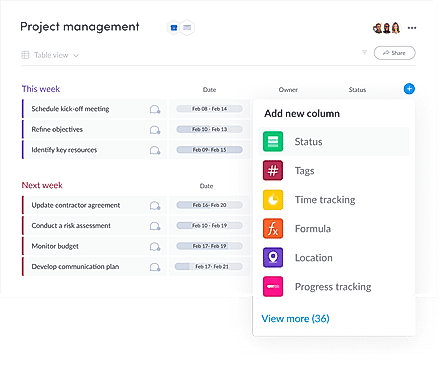
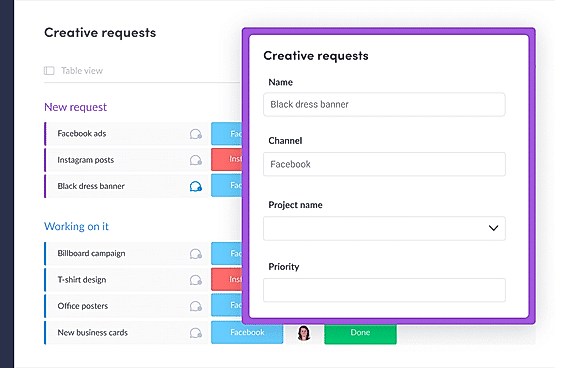
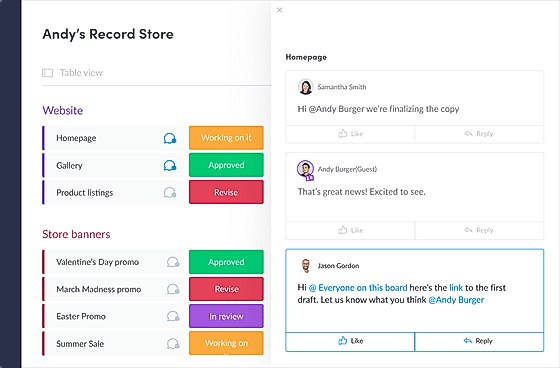
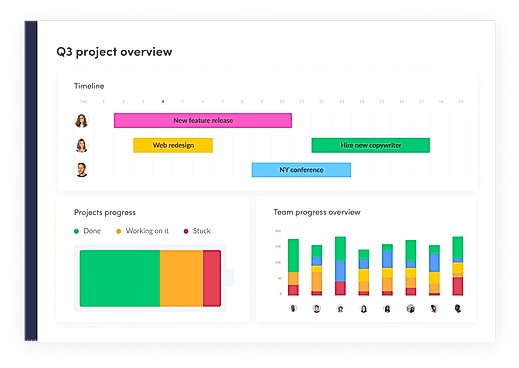
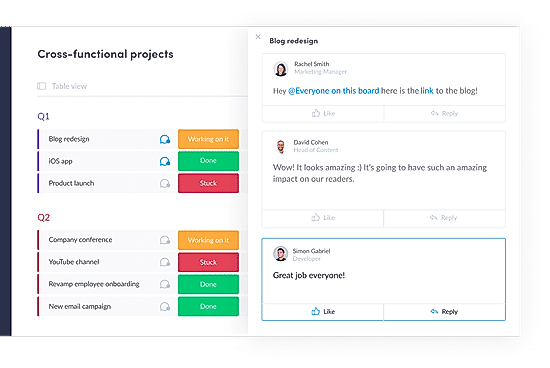
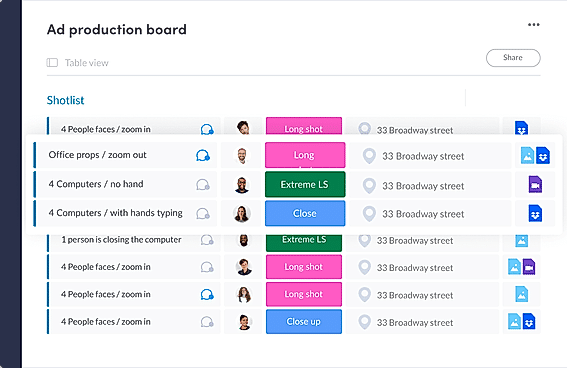
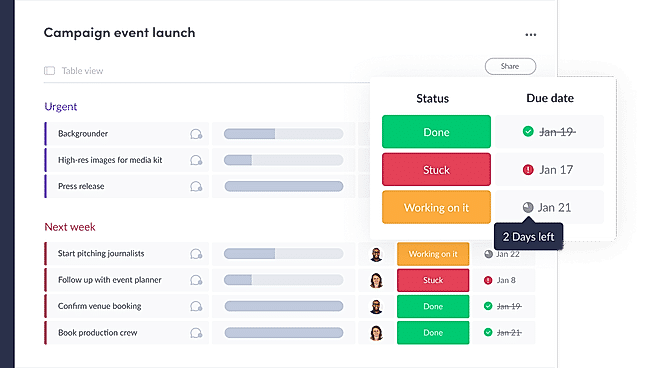
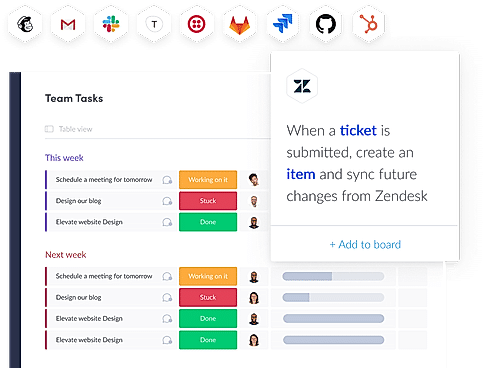
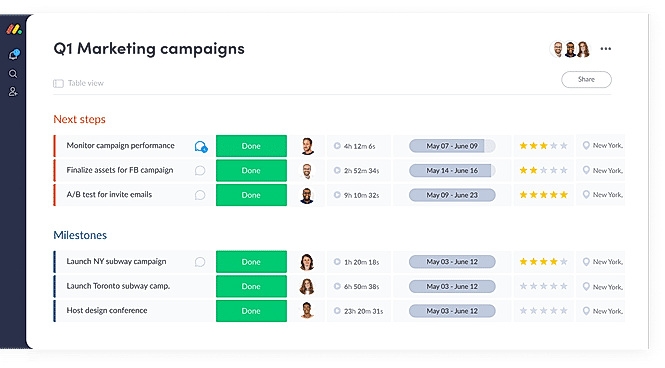
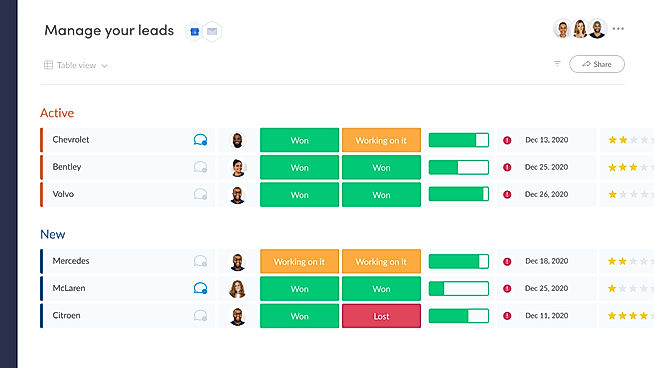
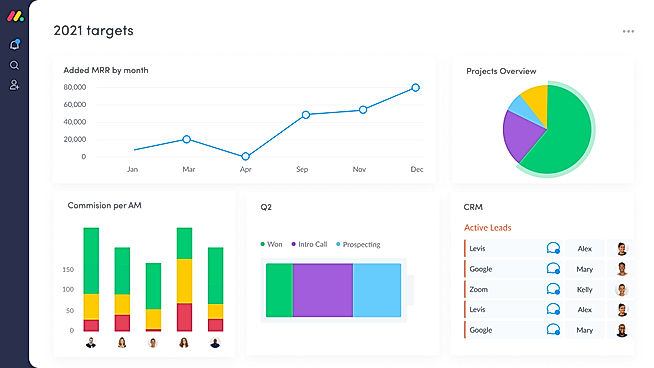
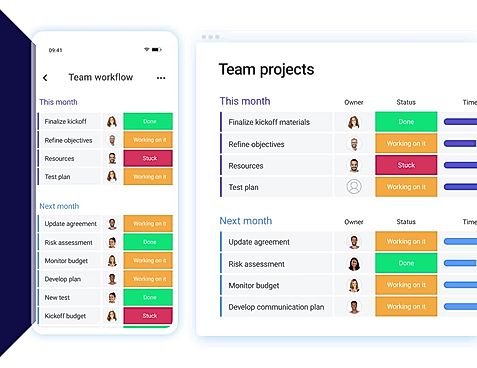
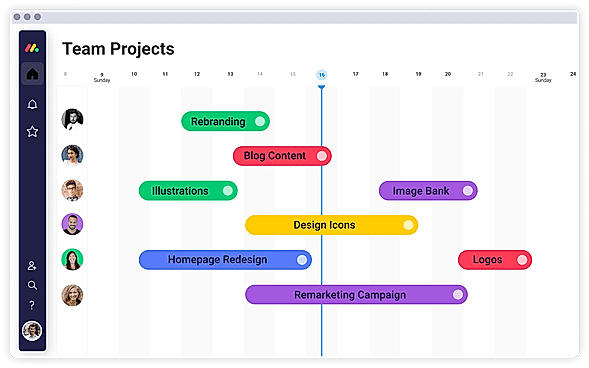
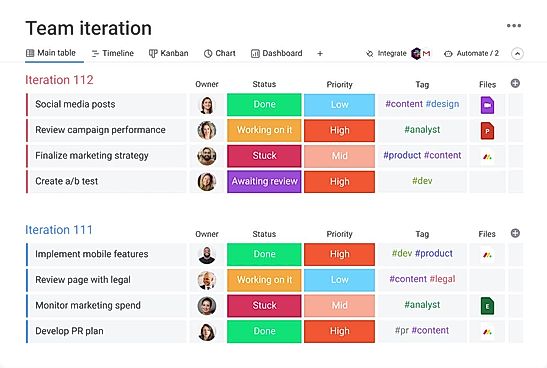
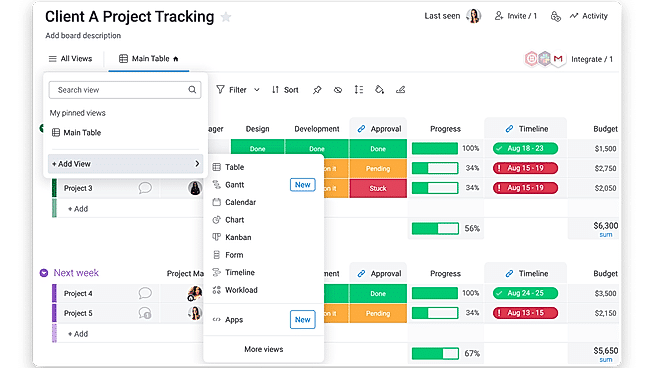
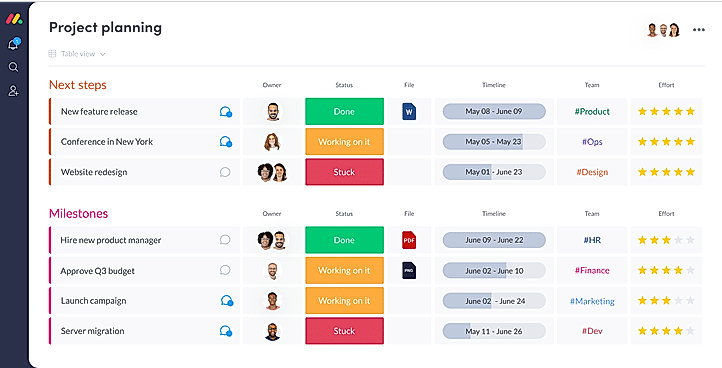
| Description | Nural is a modern project management tool for teams to manage their tasks, communications, and notes together. The easy-to-use interface helps in seamlessly carrying out the most common project management tasks without wasting time in repeated tasks. Planning and managing tasks using Nural is a breeze, especially when one has to collaborate with a large team. The complete project management stack is re-imagined in the tool, with intuitive weekly scheduling for future plans. It enables a mission-oriented approach for tasks which helps in quickly organising a big project and ensuring its completion in an effective manner. The simple fulfilment meters offer a glance of the current status of a project, motivating everyone to finish tasks in a sequential, desired way. All information is organised together and synced across devices, making it simple to work on multiple projects without losing track. It separates itself from other project management tools by offering a completely new way of organizing and managing tasks. Read more | Microsoft Project is a smart solution built for enterprises and businesses of all sizes. It’s a powerful project management tool that makes getting started and managing projects simple and easy. Even complex projects can be easily managed with methods and tools that best suit each user’s needs. The tool includes project scheduling and other essential features required for managing processes. Users can easily plan projects with the power of dynamic scheduling tools based on effort needed, allotted team members, and project duration. Managers can create interactive dashboards to view overall status and drill down into the details of the programs and projects using Power BI visualization. Automated workflows can be created with a flexible and secure platform built on Azure. Managers can use projects and teams to empower collaboration and manage projects including file sharing, chats, meetings, and more. Collaboration on projects can be done even when teams are on different continents. Managers can enable team members to update tasks simultaneously so things can be done together and everyone is on the same page. Read more | ClickUp is a simple, cloud-based collaboration and project management tool created for all user types. With ClickUp, you have all the features needed to help simplify and streamline your processes including sales, marketing, design and development. ClickUp features an agile board view that allows you to monitor every task on your team in one board and assign tasks to various members of the team. Tasks progress can be viewed in form of percentage and can be marked either “resolved” or “in progress” or users can alternatively customize their task progress statuses. A Gantt chart lets you view your tasks in timeline by list or person and automatically add updates in real time. ClickUp organizes task management in a hierarchal manner and allows you to sort tasks according to their priority. This property allows for improved productivity and lets you to structure your projects by assigning tasks to groups and arranging those groups under different categories. The software can be seamlessly integrated to Slack and similar apps through Zapier. The machine learning capability of the software assists project managers give realistic timeframes for completion of projects and lets teams accomplish their tasks before the deadline. Read more | With monday.com, managers can better keep their team aligned from one collaborative workspace. This flexible platform allows you to truly centralize your data, leveraging native integrations, third-party apps, and helpful widgets. With an overview of all ongoing processes, you can quickly gauge the status of essential tasks and follow up with the relevant team member efficiently. Essentially, on monday.com, executives have the flexibility to build the perfect tools for their team using intuitive drag-and-drop technology. Simply select one of over 200 templates, and customize it using the 20 editable columns to support any of your workflows. Then if your team grows, your workflows can easily scale with you, empowering your team to new heights with complete visibility. Read more |
| Pricing Options |
|
|
|
|
| SW Score & Breakdown |
76% SW Score The SW Score ranks the products within a particular category on a variety of parameters, to provide a definite ranking system. Read more
|
88% SW Score The SW Score ranks the products within a particular category on a variety of parameters, to provide a definite ranking system. Read more
|
|
97% SW Score The SW Score ranks the products within a particular category on a variety of parameters, to provide a definite ranking system. Read more
|
| SaaSworthy Awards |
Not Available
|
# 19 Most Popular # 16 Most Popular | # 1 Most Worthy # 7 Highly Rated | # 3 Most Worthy # 1 Most Popular |
| Organization Types Supported |
|
|
|
|
| Platforms Supported |
|
|
|
|
| Modes of Support |
|
|
|
|
| API Support |
|
|
|
|
| User Rating |
Not Available
|
|
Not Available
|
|
| Rating Distribution |
Not Available
|
|
Not Available
|
|
| User Sentiments |
Not Available
|
Project Planning Capabilities, Ease of Use, Integration with Microsoft Products, Robust Reporting and Analytics High Cost, Steep Learning Curve, Limited Third-Party Integrations, Complex for Small Projects |
Customizable Workspaces, Extensive Integrations, User Friendly Interface, Comprehensive Task Management Mobile App Performance, Slow Loading Times, Steep Learning Curve, Limited Free Plan Functionality |
User-friendly Interface, Extensive Customization, Effective Team Collaboration, Robust Automations Mobile App Functionality, Limited Sub-Item Functionality, Inconsistent Notifications, Slow Loading Times |
| Review Summary |
Not Available
|
Overall, user reviews suggest that the software is comprehensive and powerful, with a wide range of features and customization options. Praises were given for its integration with other Microsoft products, as well as its robust reporting and collaboration capabilities. However, some users found it complex and challenging to learn, with a steep learning curve. Additionally, concerns were raised regarding its cost and occasional technical issues. |
Users appreciate ClickUp's user-friendly interface, customization options, and comprehensive features, making it suitable for teams of various sizes and industries. It excels in project management, task tracking, and collaboration. However, some users have experienced occasional technical glitches and limitations in reporting and integrations. Additionally, the pricing structure can be complex for some users. Overall, ClickUp is a popular choice for project management, offering a range of features and customization options, but users should be aware of potential technical issues and pricing complexities. |
Overall, users praise the user-friendly interface, customization options, and ability to manage projects and tasks efficiently. They also appreciate the integrations with other tools and the mobile app. However, some users mention occasional glitches and a learning curve for new users. While customer support is generally well-received, some users report slow response times. Nevertheless, the majority of users find the platform valuable for project management and collaboration, highlighting its flexibility, ease of use, and positive impact on their productivity. |
| Read All User Reviews | Read All User Reviews |
AI-Generated from the text of User Reviews
| Pricing Options |
|
|
|
|
|
Pricing Plans
Monthly Plans
Annual Plans
|
Basic Free Student Others Startup Pro |
Microsoft Planner Others Project Plan 1 $10.00 $10.00 per user / month Planner and Project Plan 3 $30.00 $30.00 per user / month Planner and Project Plan 5 $55.00 $55.00 per user / month Project Standard 2024 Others Project Professional 2024 Others Project Server Custom |
Free Free Unlimited $7.00 $10.00 per user / month Business $12.00 $19.00 per user / month Enterprise Custom test $10.00 $12.00 per user / month |
Free Free Basic $9.00 $12.00 per user / month Standard $12.00 $14.00 per user / month Pro $19.00 $24.00 per user / month Enterprise Custom |
|
View Detailed Pricing
|
View Detailed Pricing
|
View Detailed Pricing
|
View Detailed Pricing
|
Get personalized recommendations from our experts on call
Trusted by more than 5 Million users across the globe.
Thank you for the enquiry. One of our software analysts will contact you soon.
| Screenshots |

+ 4 More
|
Not Available |

+ 4 More
|
+ 20 More
|
| Videos | Not Available |
|

+ 4 More
|
+ 4 More
|
| Company Details | Located in: Amwaj, Manama | Located in: Redmond, Washington | Located in: San Diego, CA Founded in: 2016 | Located in: New York, NY 10003 Founded in: 2012 |
| Contact Details |
Not available |
Not available https://www.microsoft.com/en-us/microsoft-365/project/project-management |
Not available |
Not available |
| Social Media Handles |
|
|
|
|

Looking for the right SaaS
We can help you choose the best SaaS for your specific requirements. Our in-house experts will assist you with their hand-picked recommendations.

Want more customers?
Our experts will research about your product and list it on SaaSworthy for FREE.