MEET CLARA - THE AI BEHIND SMARTER SOFTWARE CHOICES
|
94% SW Score The SW Score ranks the products within a particular category on a variety of parameters, to provide a definite ranking system. Read more 
View Details
|
91% SW Score The SW Score ranks the products within a particular category on a variety of parameters, to provide a definite ranking system. Read more 
View Details
|
Featured
97% SW Score The SW Score ranks the products within a particular category on a variety of parameters, to provide a definite ranking system. Read more 
monday.com |
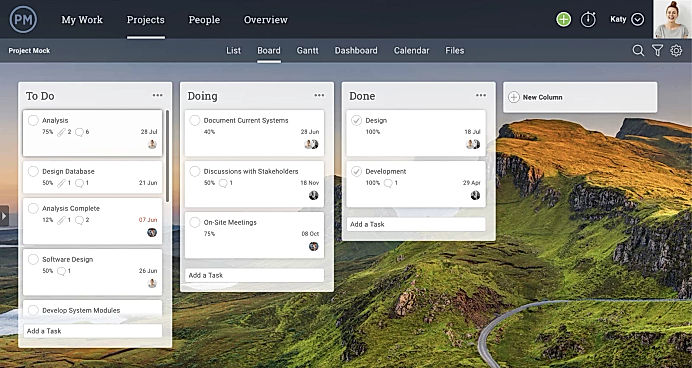
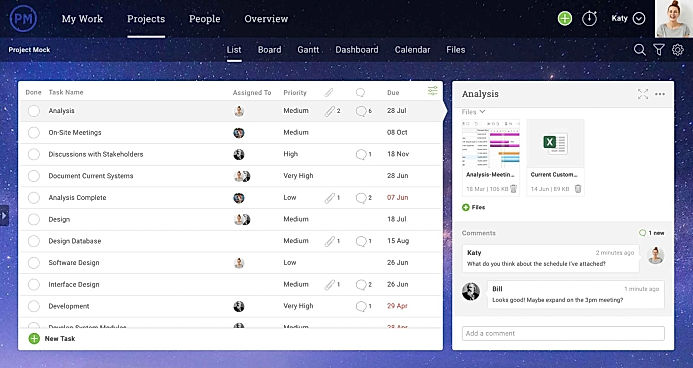
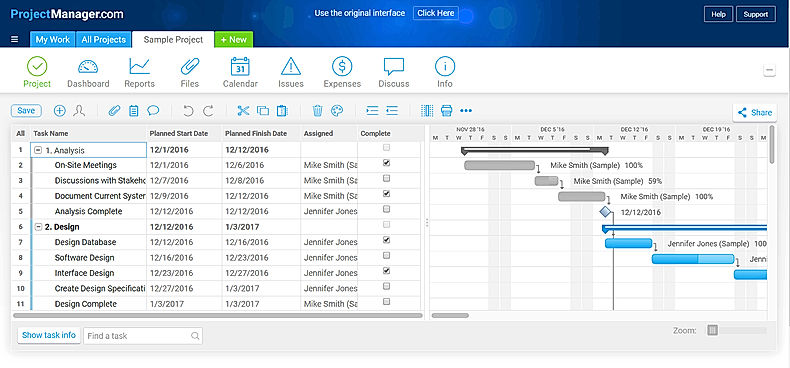
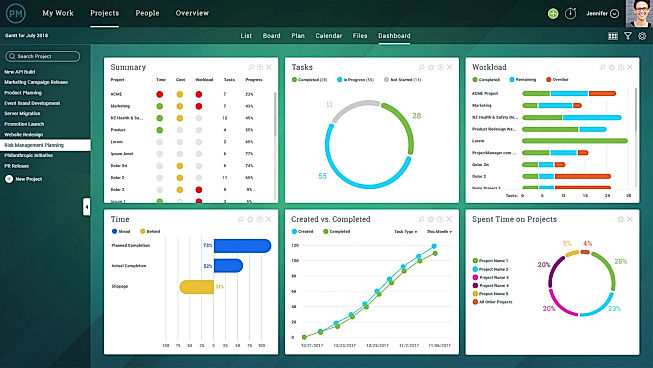
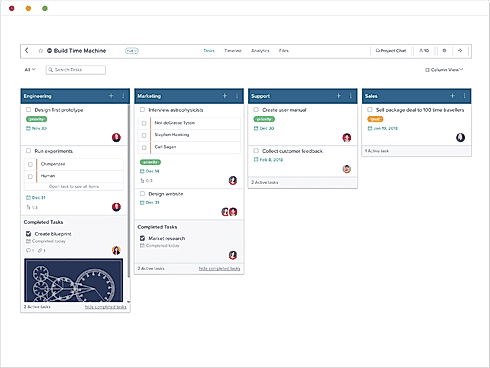
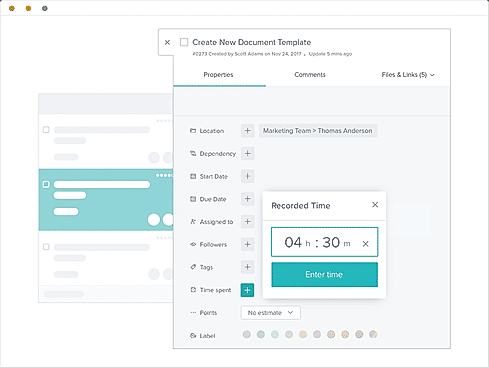
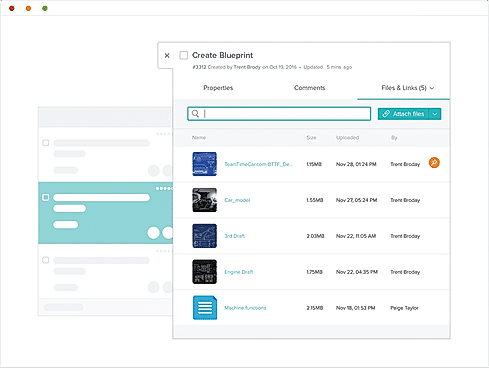
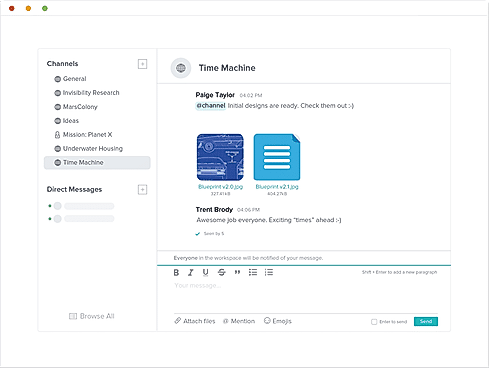
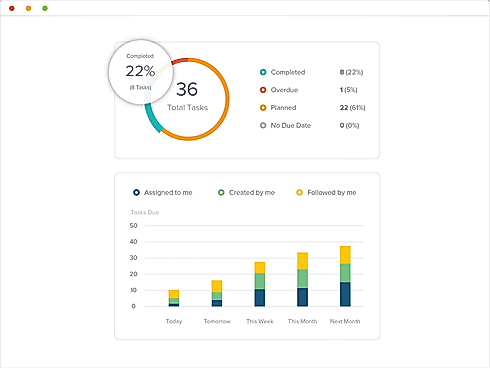
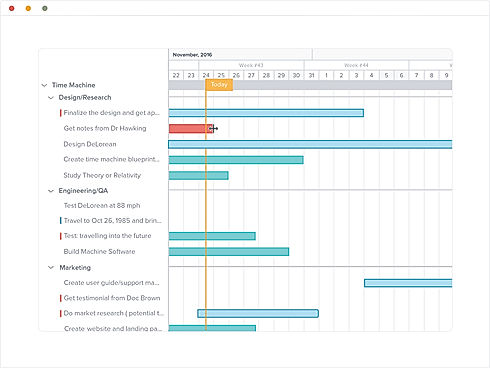
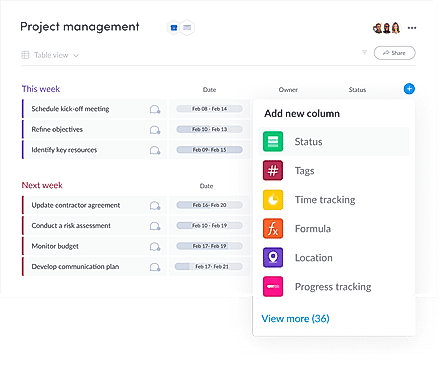
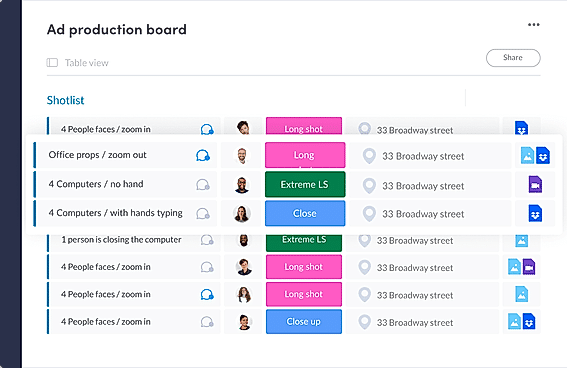
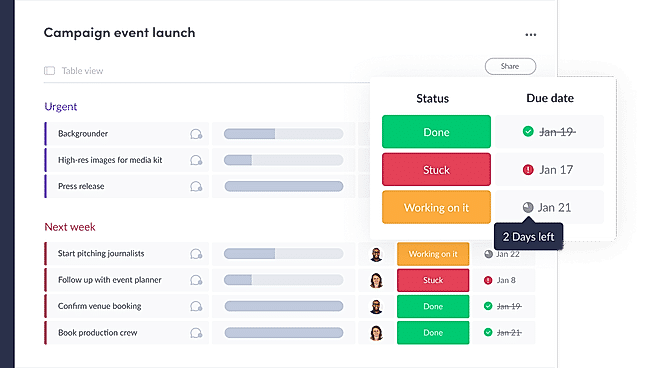
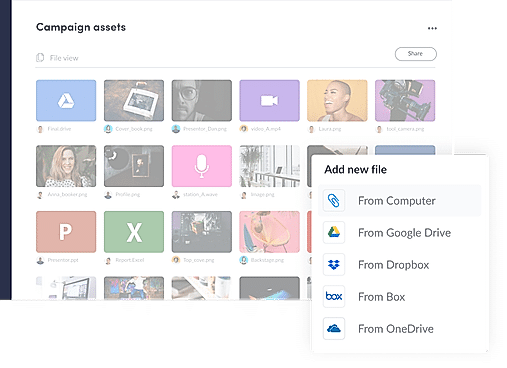
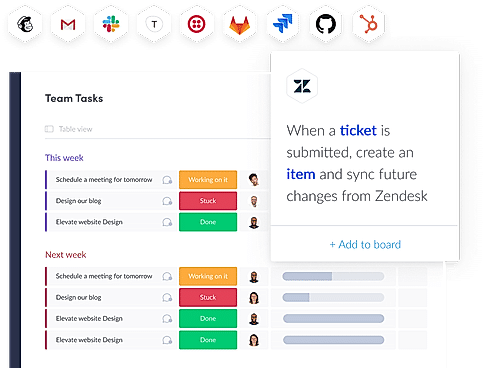
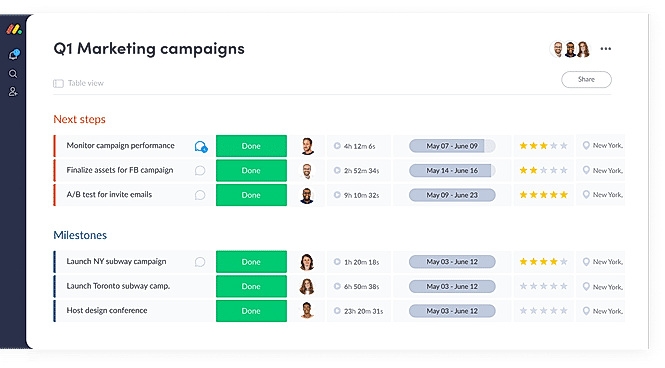
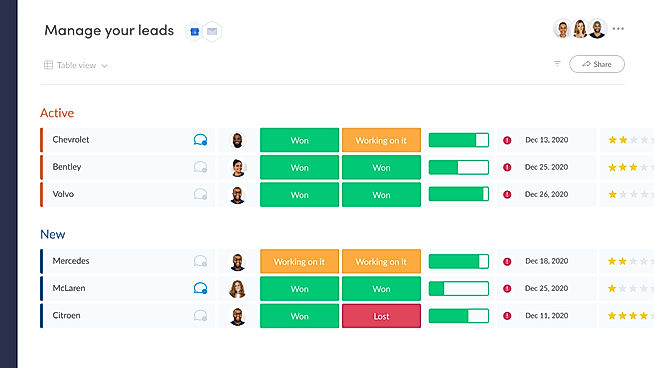
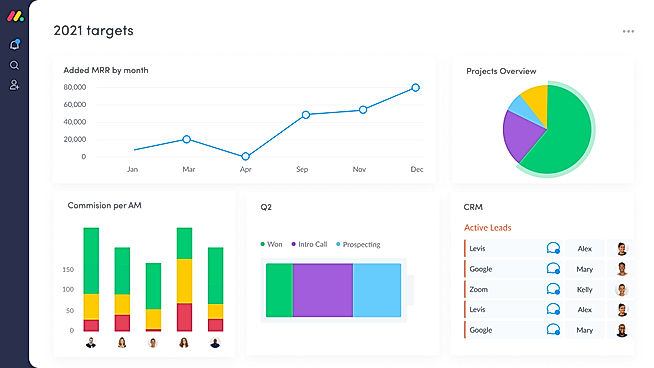
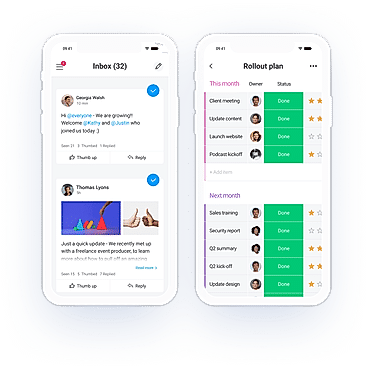
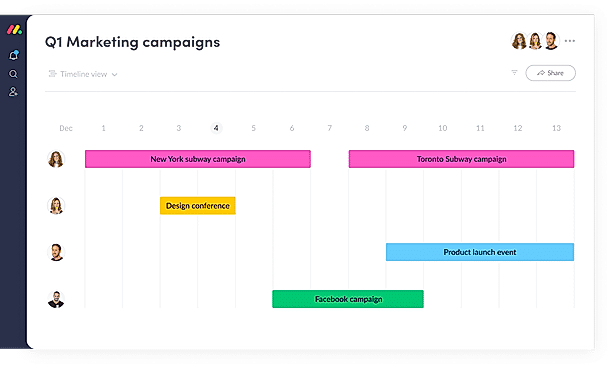
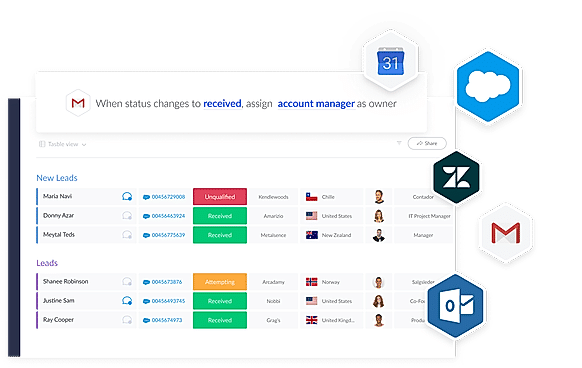
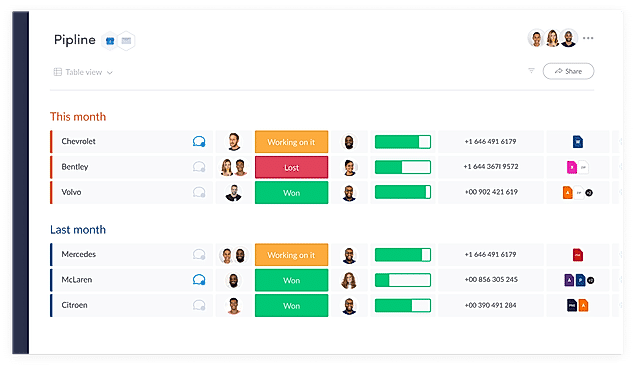
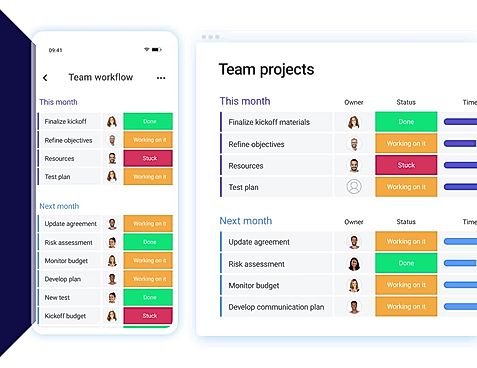
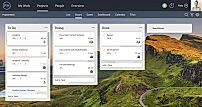
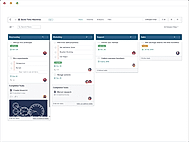
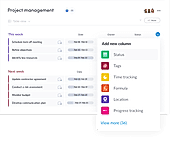
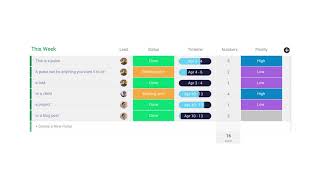
| Description | ProjectManager.com stands at the forefront of project management solutions, blending advanced online management tools, efficient time-tracking capabilities, and seamless collaboration features into one comprehensive platform. Designed to empower managers and their teams with real-time visibility into their projects, it ensures that every task is aligned with the project's trajectory for success. Meanwhile, team members appreciate the convenience of updating tasks and timesheets on-the-go, fostering a culture of accountability and progress. Its universal appeal is evident as organizations across the globe, including prestigious entities like NASA, Ralph Lauren, Volvo, and Brookstone, have made ProjectManager.com their choice for driving projects forward. With widespread adoption in over 100 countries, ProjectManager.com is not just a tool but a global partner in achieving project excellence. Read more | Taskworld software is a project management and task tracking platform that allows you to communicate with your team on numerous projects. The software provides a visually online remote tracking tool to assign and track tasks, The built-in chat in Taskworld is used to manage task conversations on specific tasks to automate workflow. The built-in timeline view in Taskworld is used to track the progress of the remote team using project metrics including timelines, interactive dashboards, and burn-up/down charts. Visual boards make it simple to assign and track tasks, while reports and real-time feedback help you keep on top of your performance. See who's online, who's read your message, and get a fast response with its team messaging tool. You can also keep track of time spent on tasks and generate project logs. It organizes files, ensuring that each file is located where it should be and is linked to the appropriate job or project. You can also use a timeline to visualize project progress and identify future issues. Read more | ClickUp is a simple, cloud-based collaboration and project management tool created for all user types. With ClickUp, you have all the features needed to help simplify and streamline your processes including sales, marketing, design and development. ClickUp features an agile board view that allows you to monitor every task on your team in one board and assign tasks to various members of the team. Tasks progress can be viewed in form of percentage and can be marked either “resolved” or “in progress” or users can alternatively customize their task progress statuses. A Gantt chart lets you view your tasks in timeline by list or person and automatically add updates in real time. ClickUp organizes task management in a hierarchal manner and allows you to sort tasks according to their priority. This property allows for improved productivity and lets you to structure your projects by assigning tasks to groups and arranging those groups under different categories. The software can be seamlessly integrated to Slack and similar apps through Zapier. The machine learning capability of the software assists project managers give realistic timeframes for completion of projects and lets teams accomplish their tasks before the deadline. Read more | With monday.com, managers can better keep their team aligned from one collaborative workspace. This flexible platform allows you to truly centralize your data, leveraging native integrations, third-party apps, and helpful widgets. With an overview of all ongoing processes, you can quickly gauge the status of essential tasks and follow up with the relevant team member efficiently. Essentially, on monday.com, executives have the flexibility to build the perfect tools for their team using intuitive drag-and-drop technology. Simply select one of over 200 templates, and customize it using the 20 editable columns to support any of your workflows. Then if your team grows, your workflows can easily scale with you, empowering your team to new heights with complete visibility. Read more |
| Pricing Options |
|
|
|
|
| SW Score & Breakdown |
94% SW Score The SW Score ranks the products within a particular category on a variety of parameters, to provide a definite ranking system. Read more
|
91% SW Score The SW Score ranks the products within a particular category on a variety of parameters, to provide a definite ranking system. Read more
|
|
97% SW Score The SW Score ranks the products within a particular category on a variety of parameters, to provide a definite ranking system. Read more
|
| SaaSworthy Awards | # 5 Most Popular # 6 Most Popular | # 20 Highly Rated # 12 Highly Rated | # 1 Most Worthy # 7 Highly Rated | # 3 Most Worthy # 1 Most Popular |
| Organization Types Supported |
|
|
|
|
| Platforms Supported |
|
|
|
|
| Modes of Support |
|
|
|
|
| API Support |
|
|
|
|
| User Rating |
|
|
Not Available
|
|
| Rating Distribution |
|
|
Not Available
|
|
| User Sentiments |
User Friendly Interface, Real-Time Collaboration Features, In-depth Reporting, Ease of Deployment Limited Customization Options, Slow Performance, Lack of Mobile Functionality, Inaccurate Time Tracking |
User-friendly interface, Effective project management capabilities, Efficient team collaboration features, Comprehensive task management functionalities Limited third-party integrations, Occasional performance issues (slow loading times/ glitches), Mobile app functionality needs improvement, Limited customization options |
Customizable Workspaces, Extensive Integrations, User Friendly Interface, Comprehensive Task Management Mobile App Performance, Slow Loading Times, Steep Learning Curve, Limited Free Plan Functionality |
User-friendly Interface, Extensive Customization, Effective Team Collaboration, Robust Automations Mobile App Functionality, Limited Sub-Item Functionality, Inconsistent Notifications, Slow Loading Times |
| Review Summary |
Overall, users praise ProjectManager.com's ease of use, customizable features, and efficient task management capabilities. It excels in providing clear visuals, such as Gantt charts and Kanban boards, to help users track project progress. The reporting and analytics features are also well-received, enabling users to gain valuable insights and make informed decisions. However, some users have expressed concerns regarding occasional glitches and limited integration options. Additionally, pricing plans may not suit all budgets. |
Taskworld is generally well-received by users, earning praise for its user-friendly interface, customization options, and effective project management capabilities. Reviewers highlight its intuitive design, which streamlines project tracking and collaboration. The software's flexibility in accommodating diverse project types and the ability to tailor it to specific needs are also points of appreciation. However, critiques have been directed at occasional glitches and performance issues, as well as room for improvement in certain features like reporting and integration options. |
Users appreciate ClickUp's user-friendly interface, customization options, and comprehensive features, making it suitable for teams of various sizes and industries. It excels in project management, task tracking, and collaboration. However, some users have experienced occasional technical glitches and limitations in reporting and integrations. Additionally, the pricing structure can be complex for some users. Overall, ClickUp is a popular choice for project management, offering a range of features and customization options, but users should be aware of potential technical issues and pricing complexities. |
Overall, users praise the user-friendly interface, customization options, and ability to manage projects and tasks efficiently. They also appreciate the integrations with other tools and the mobile app. However, some users mention occasional glitches and a learning curve for new users. While customer support is generally well-received, some users report slow response times. Nevertheless, the majority of users find the platform valuable for project management and collaboration, highlighting its flexibility, ease of use, and positive impact on their productivity. |
| Read All User Reviews | Read All User Reviews | Read All User Reviews |
AI-Generated from the text of User Reviews
| Pricing Options |
|
|
|
|
|
Pricing Plans
Monthly Plans
Annual Plans
|
Team $13.00 $16.00 per user / month Business $24.00 $28.00 per user / month Enterprise Custom |
Free Free Premium $8.00 $11.00 per user / month Business $15.00 $19.00 per user / month Enterprise Custom |
Free Free Unlimited $7.00 $10.00 per user / month Business $12.00 $19.00 per user / month Enterprise Custom test $10.00 $12.00 per user / month |
Free Free Basic $9.00 $12.00 per user / month Standard $12.00 $14.00 per user / month Pro $19.00 $24.00 per user / month Enterprise Custom |
|
View Detailed Pricing
|
View Detailed Pricing
|
View Detailed Pricing
|
View Detailed Pricing
|
Get personalized recommendations from our experts on call
Trusted by more than 5 Million users across the globe.
Thank you for the enquiry. One of our software analysts will contact you soon.
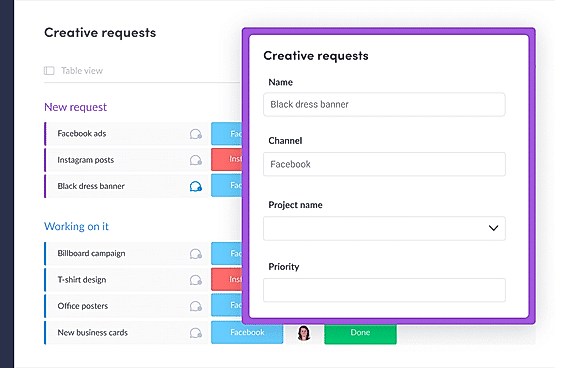
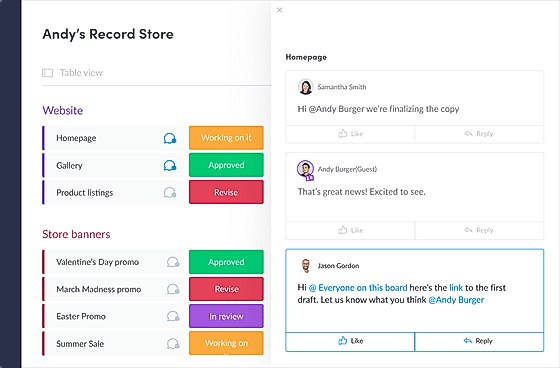
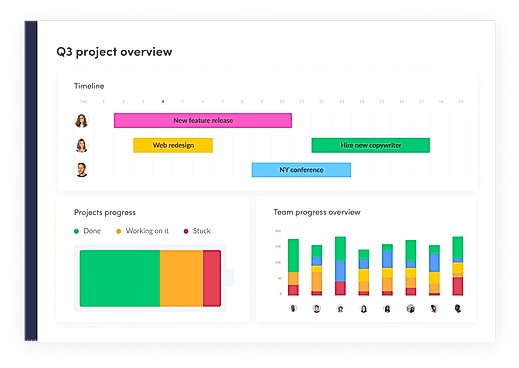
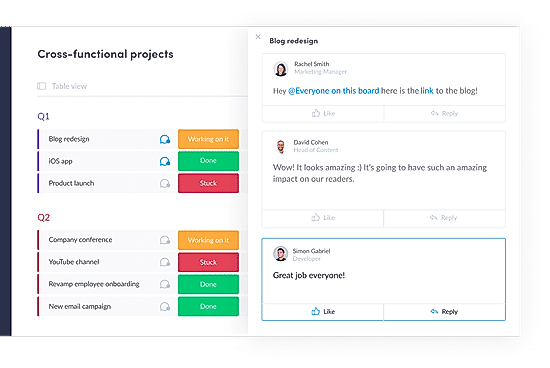
| Screenshots |
+ 4 More
|
+ 5 More
|

+ 4 More
|
+ 20 More
|
| Videos |
+ 1 More
|
+ 1 More
|
+ 4 More
|
+ 4 More
|
| Company Details | Located in: Austin, Texas - 78758 Founded in: 2008 | Located in: Montclair, NJ Founded in: 2012 | Located in: San Diego, CA Founded in: 2016 | Located in: New York, NY 10003 Founded in: 2012 |
| Contact Details |
+1 800-765-2495 |
+1 866 428 9571 |
Not available |
Not available |
| Social Media Handles |
|
|
|
|

Looking for the right SaaS
We can help you choose the best SaaS for your specific requirements. Our in-house experts will assist you with their hand-picked recommendations.

Want more customers?
Our experts will research about your product and list it on SaaSworthy for FREE.