MEET CLARA - THE AI BEHIND SMARTER SOFTWARE CHOICES

Zoho Assist |
89% SW Score The SW Score ranks the products within a particular category on a variety of parameters, to provide a definite ranking system. Read more 
Visit Website
|
98% SW Score The SW Score ranks the products within a particular category on a variety of parameters, to provide a definite ranking system. Read more 
Visit Website
|
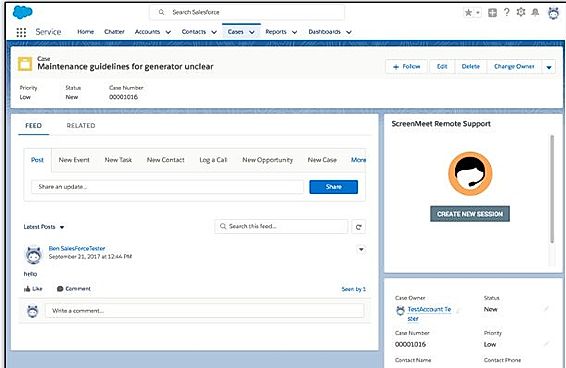
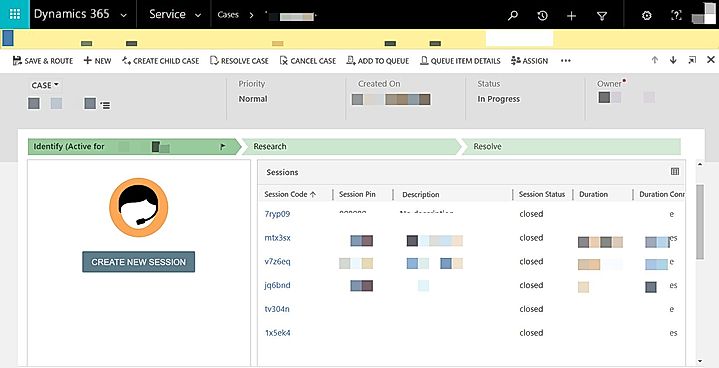
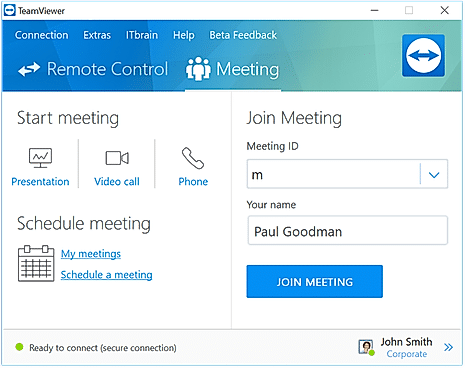
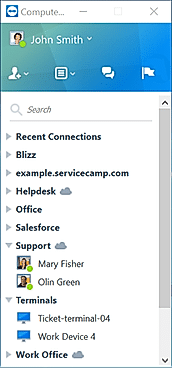
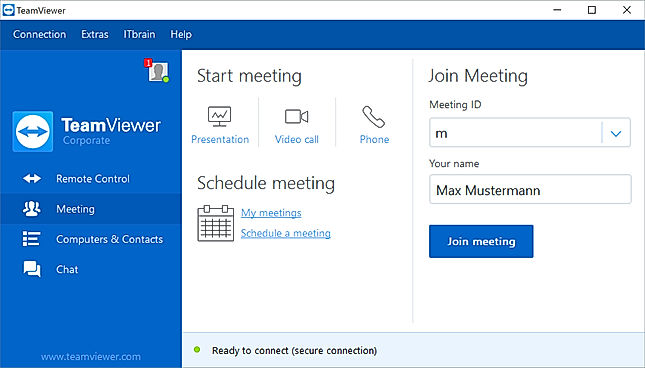
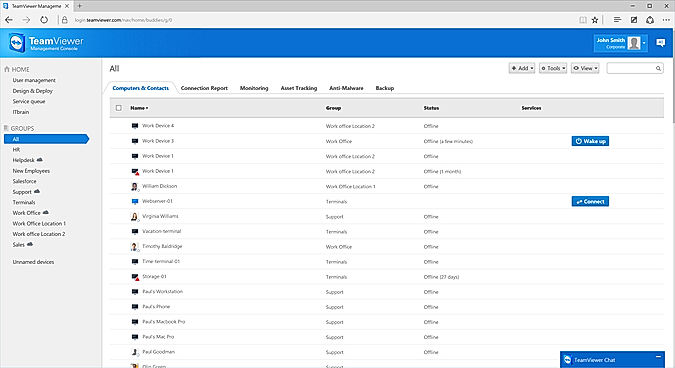
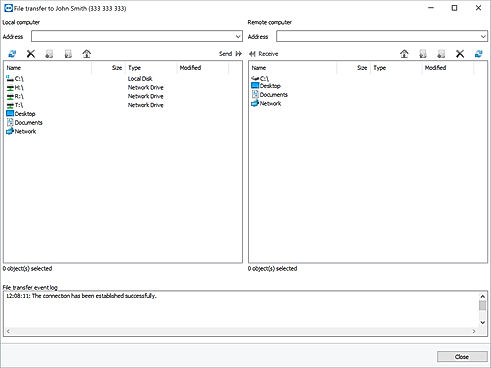
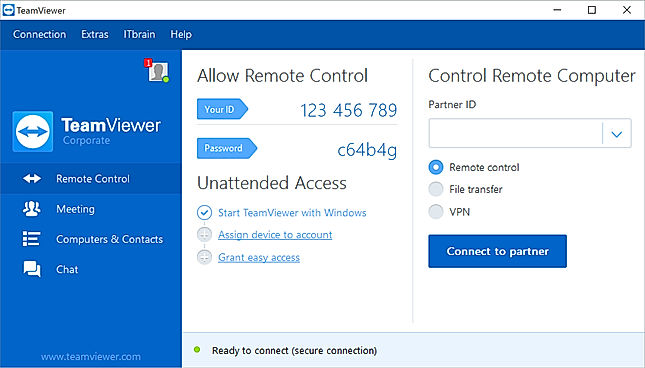
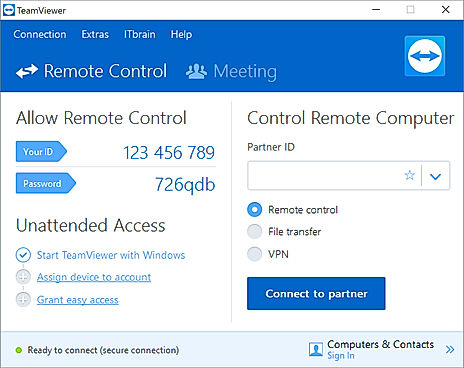
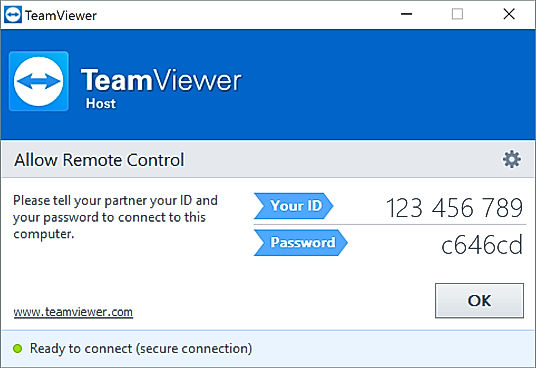
| Description | ScreenMeet cloud-based remote access software offers all possible remote support and remote control advantages. This software gives the best screen sharing experience using a personal computer, Mac system or mobile phones to multiple devices. Customer support provided by the technical team is excellent. It is compatible with multiple platforms. No extra software installation is necessary for remotely monitoring the other person’s screen as it can be done directly from the web browser. It features full video support, session recording, multi-monitor navigation, white label offering, password protection, remote control, session transfer, authorization control etc. Read more | TeamViewer is a remote desktop tool with the world’s largest and fastest remote connection network. This is the only tool you will ever need to keep all your computers, servers, and devices at your fingertips. The only enterprise remote support tool you need for industrial-grade remote control, desktop sharing, online meetings, network monitoring, malware protection, and secure file transfer between computers. Read more |
| Pricing Options |
|
|
| SW Score & Breakdown |
89% SW Score The SW Score ranks the products within a particular category on a variety of parameters, to provide a definite ranking system. Read more
|
98% SW Score The SW Score ranks the products within a particular category on a variety of parameters, to provide a definite ranking system. Read more
|
| SaaSworthy Awards |
Not Available
|
# 2 Most Worthy # 1 Fastest Growing |
| Total Features |
7 Features
|
8 Features
|
| Common Features for All |
Diagnostic Tools
Feedback Collection
File Transfer
Live Chat
Remote Control
Screen Sharing
Session Recording
Session Transfer
|
Diagnostic Tools
Feedback Collection
File Transfer
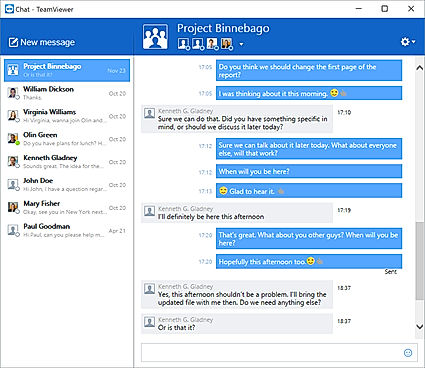
Live Chat
Remote Control
Screen Sharing
Session Recording
Session Transfer
|
| Organization Types Supported |
|
|
| Platforms Supported |
|
|
| Modes of Support |
|
|
| API Support |
|
|
| User Rating |
|
|
| Rating Distribution |
|
|
| User Sentiments |
Not Available
|
Ease of Use, Fast and Reliable Connection, Excellent Customer Service, Free for Personal Use Complex New User Interface, Falsely Flagged as Commercial Use, Occasional Connection Issues, Slow File Transfer Speeds |
| Review Summary |
Not Available
|
TeamViewer is generally well-received by users for its remote access and support capabilities, receiving positive feedback for its ease of use, cross-platform compatibility, and reliable performance. The software is lauded for its user-friendly interface, making it accessible to users of varying technical expertise. Additionally, users appreciate the range of features offered, including screen sharing, file transfer, and remote control, which enhance collaboration and troubleshooting processes. However, some users have reported occasional connectivity issues and concerns regarding the cost of certain features. Overall, TeamViewer is considered a dependable and effective solution for remote access and support, with a user-friendly interface and a comprehensive set of features. |
| Pros & Cons |
Not Available
|
|
| Read All User Reviews | Read All User Reviews |
AI-Generated from the text of User Reviews
| Pricing Options |
|
|
|
Pricing Plans
Monthly Plans
Annual Plans
|
Contact Center Others Contact Center with Remote Control Others Enterprise Others |
Single User Others Multi User Others Teams Others |
|
View Detailed Pricing
|
View Detailed Pricing
|
Get personalized recommendations from our experts on call
Trusted by more than 5 Million users across the globe.
Thank you for the enquiry. One of our software analysts will contact you soon.
| Screenshots |
+ 1 More
|
+ 12 More
|
| Videos |

+ 2 More
|

+ 3 More
|
| Company Details | Located in: United States | Located in: Germany Founded in: 2005 |
| Contact Details |
Not available |
+49 7161 305898581 |
| Social Media Handles |
|
|
What are the key differences between ScreenMeet and TeamViewer?
What are the alternatives to ScreenMeet?
Which SaaS products can TeamViewer integrate with?
Which product is better for remote control?
How do the session recording features of these products differ?

Looking for the right SaaS
We can help you choose the best SaaS for your specific requirements. Our in-house experts will assist you with their hand-picked recommendations.

Want more customers?
Our experts will research about your product and list it on SaaSworthy for FREE.