MEET CLARA - THE AI BEHIND SMARTER SOFTWARE CHOICES
|
93% SW Score The SW Score ranks the products within a particular category on a variety of parameters, to provide a definite ranking system. Read more 
View Details
|
Featured
97% SW Score The SW Score ranks the products within a particular category on a variety of parameters, to provide a definite ranking system. Read more 
monday.com |
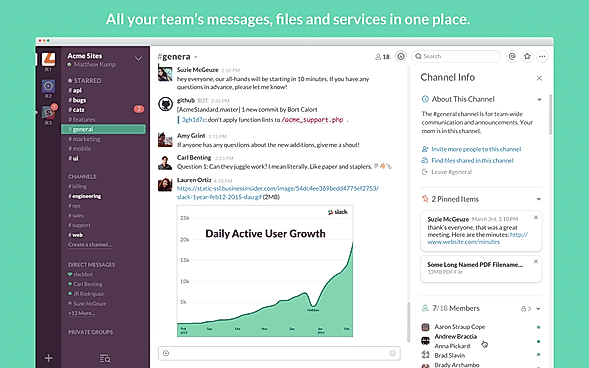
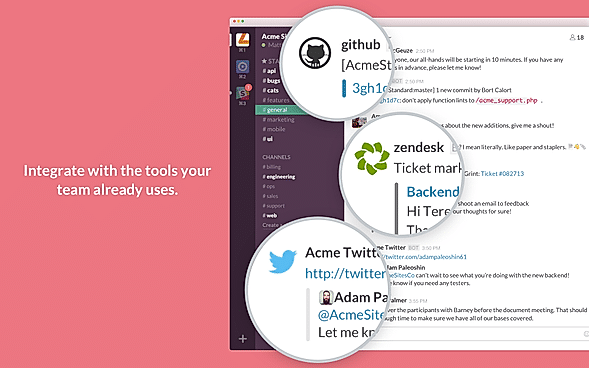
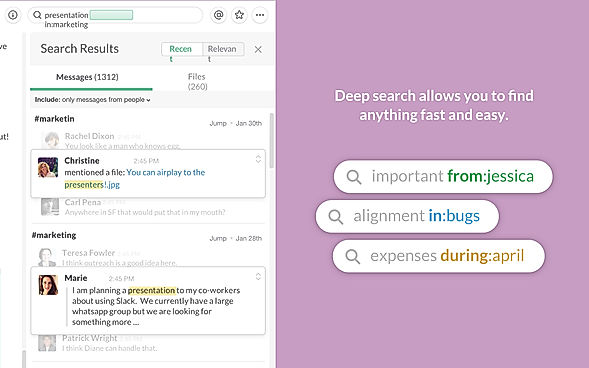
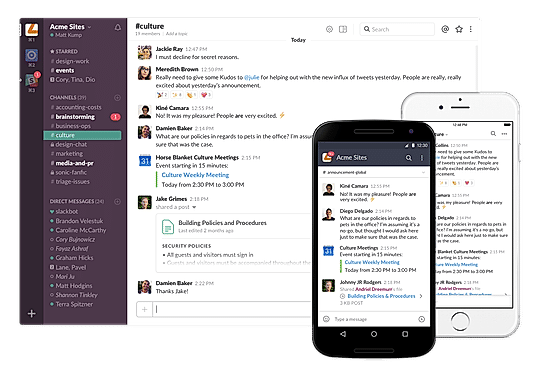
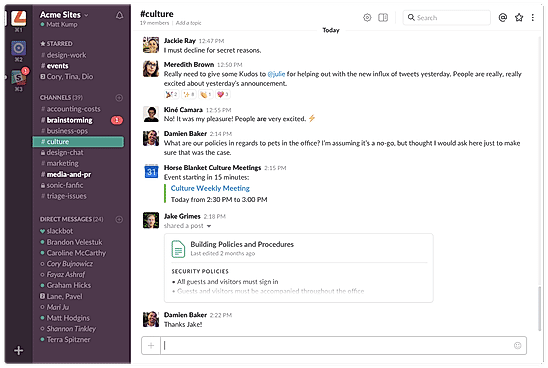
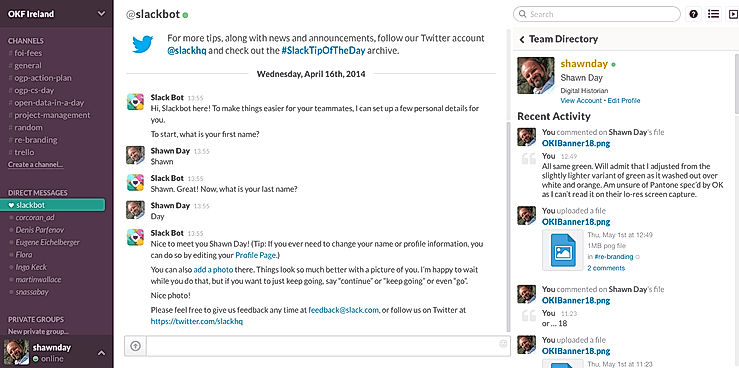
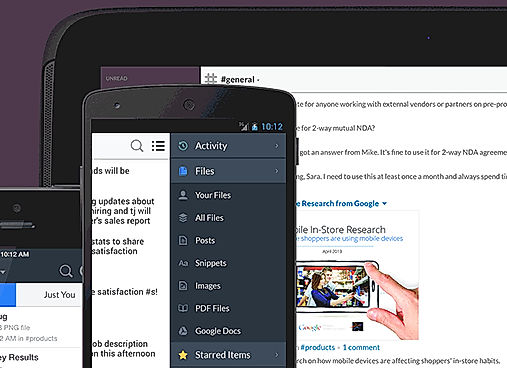
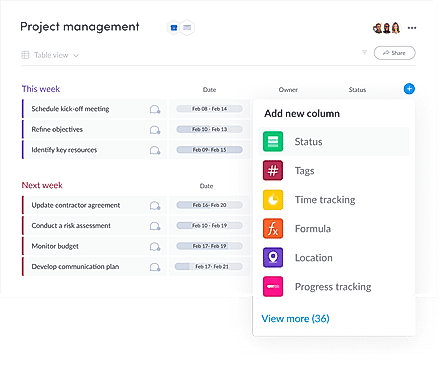
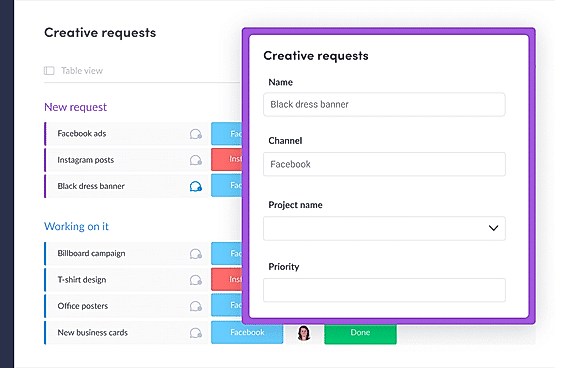
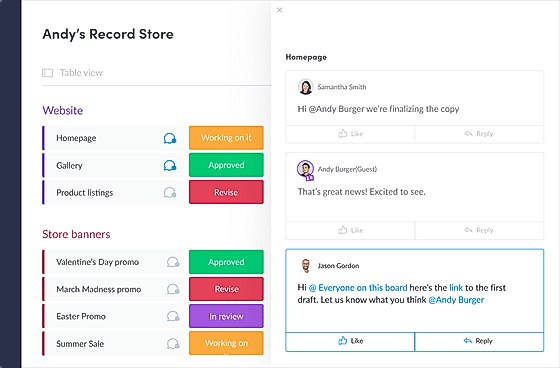
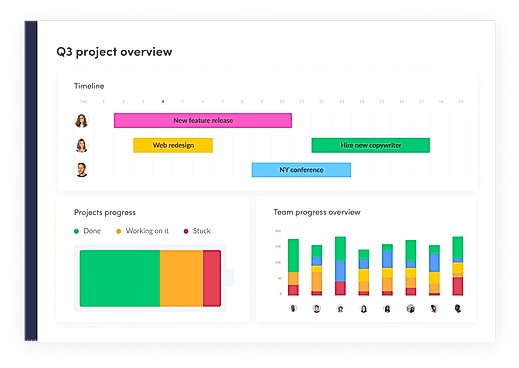
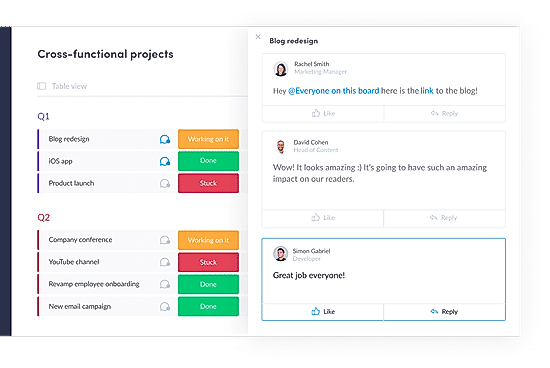
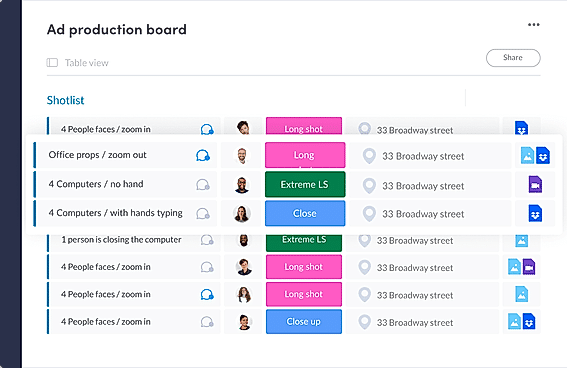
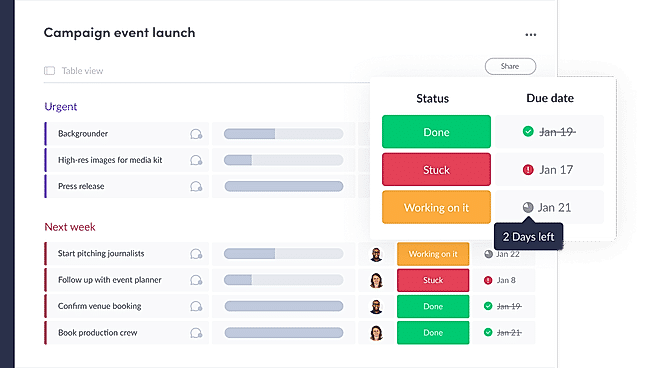
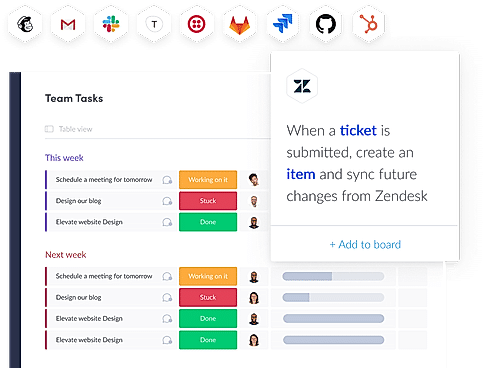
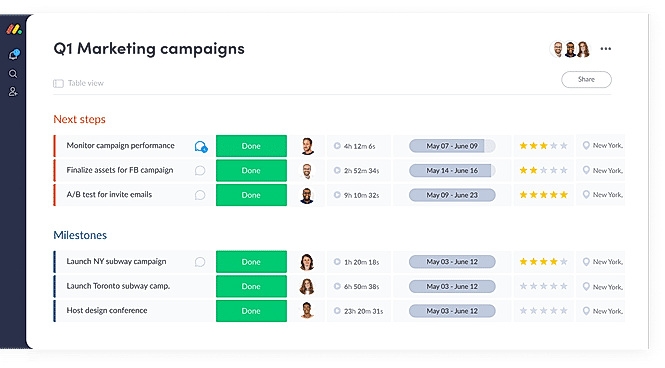
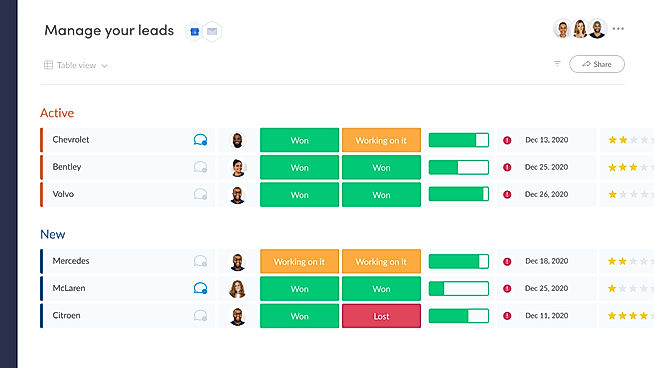
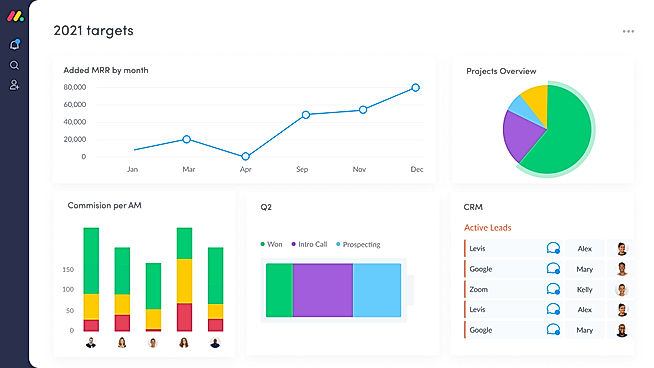
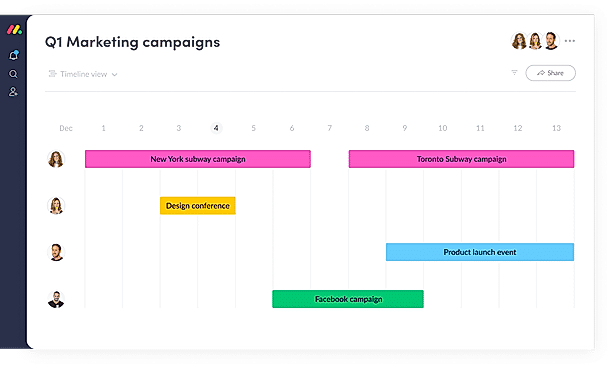
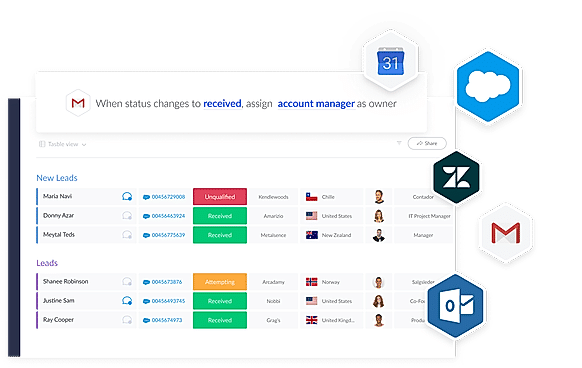
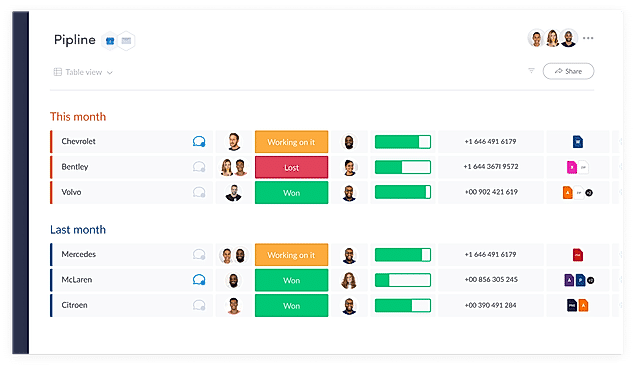
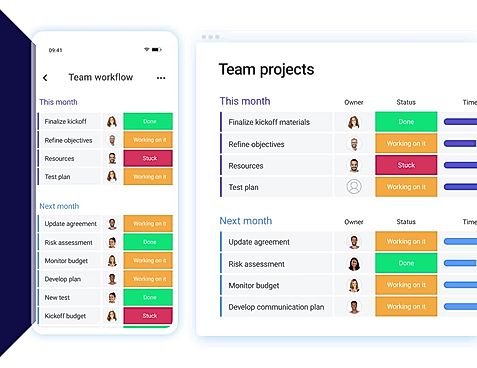
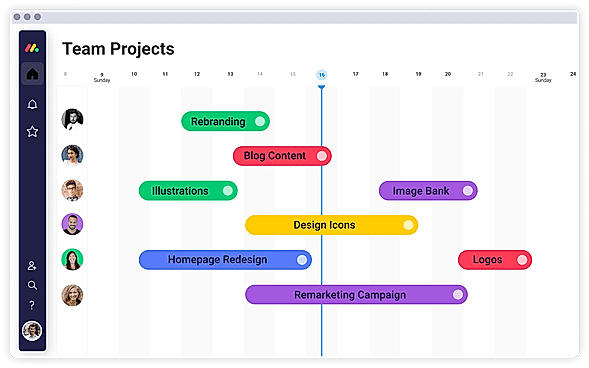
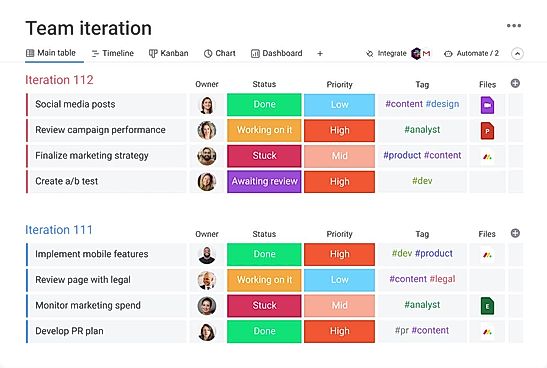
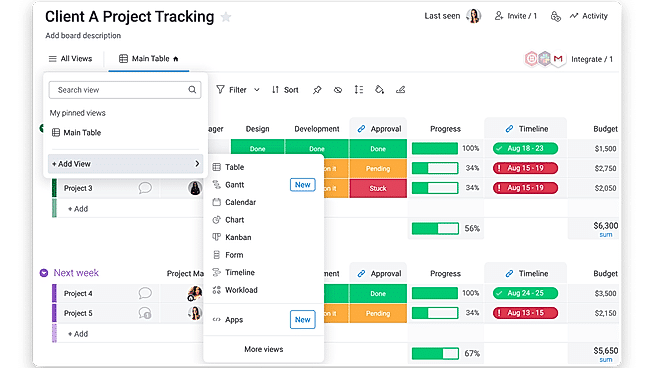
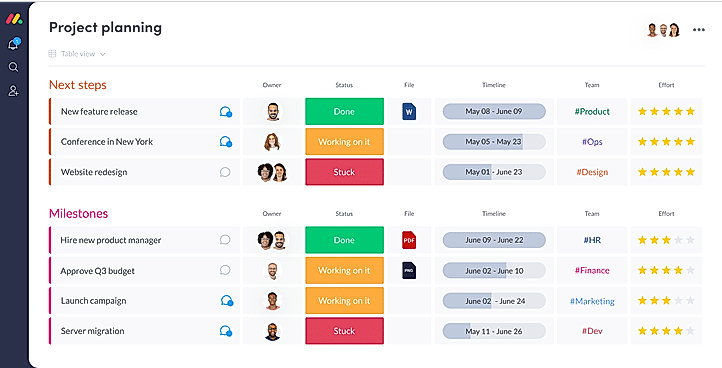
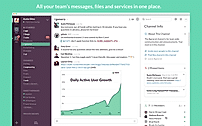
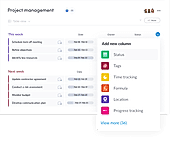
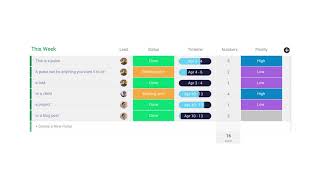
| Description | Slack is a communications and workflow solution designed for teams. Using Slack, you can set up channels, which can be around any theme, project, client or department. You can invite people to join these channels, or make them private, and people can leave whenever they want. With Slack’s search functionality, you can quickly skip to past communications. You can also star conversations to add them to your favorites, and allow you to quickly access them again in the future. Slack threads allow people to carry on the conversation in a separate place, rather than cluttering up the channel with their responses. With Slack, you can share PDFs, images, videos, and gifs, and you can mention one individual or multiple people within channels to get their attention. You can also direct message people when you want to have 1-2-1 conversations, and quickly add more people to that conversation if you need more opinions. Read more | Microsoft Teams is an intuitive group chat software, offering organised collaboration facilities. A team comprising 2 to 10,000 members can meet, share their thoughts, discuss ideas and get to know each other. Members can share their emotions in the form of emojis, stickers, gifs or one to one personal messages. Teams working on large projects can share relevant documents besides editing related files, they can complete the editing task on Powerpoint, Word or Excel as per their convenience. Screen sharing facility within Microsoft Teams, enables greater collaboration levels, as managers get to channelize their thought processes in an efficient manner. Members can enable the together mode to feel like they are under one roof, as the particular solution generates a shared background for all. Members can co author multiple files, owner of an individual file can enable role based security access and share with others. Microsoft Teams is compatible with top graded security regulations, ensuring total protection. Read more | With monday.com, managers can better keep their team aligned from one collaborative workspace. This flexible platform allows you to truly centralize your data, leveraging native integrations, third-party apps, and helpful widgets. With an overview of all ongoing processes, you can quickly gauge the status of essential tasks and follow up with the relevant team member efficiently. Essentially, on monday.com, executives have the flexibility to build the perfect tools for their team using intuitive drag-and-drop technology. Simply select one of over 200 templates, and customize it using the 20 editable columns to support any of your workflows. Then if your team grows, your workflows can easily scale with you, empowering your team to new heights with complete visibility. Read more | ClickUp is a simple, cloud-based collaboration and project management tool created for all user types. With ClickUp, you have all the features needed to help simplify and streamline your processes including sales, marketing, design and development. ClickUp features an agile board view that allows you to monitor every task on your team in one board and assign tasks to various members of the team. Tasks progress can be viewed in form of percentage and can be marked either “resolved” or “in progress” or users can alternatively customize their task progress statuses. A Gantt chart lets you view your tasks in timeline by list or person and automatically add updates in real time. ClickUp organizes task management in a hierarchal manner and allows you to sort tasks according to their priority. This property allows for improved productivity and lets you to structure your projects by assigning tasks to groups and arranging those groups under different categories. The software can be seamlessly integrated to Slack and similar apps through Zapier. The machine learning capability of the software assists project managers give realistic timeframes for completion of projects and lets teams accomplish their tasks before the deadline. Read more |
| Pricing Options |
|
|
|
|
| SW Score & Breakdown |
|
93% SW Score The SW Score ranks the products within a particular category on a variety of parameters, to provide a definite ranking system. Read more
|
97% SW Score The SW Score ranks the products within a particular category on a variety of parameters, to provide a definite ranking system. Read more
|
|
| SaaSworthy Awards |
Not Available
|
# 3 Fastest Growing # 8 Most Popular | # 3 Most Worthy # 1 Most Popular | # 1 Most Worthy # 7 Highly Rated |
| Organization Types Supported |
|
|
|
|
| Platforms Supported |
|
|
|
|
| Modes of Support |
|
|
|
|
| API Support |
|
|
|
|
| User Rating |
|
|
|
Not Available
|
| Rating Distribution |
|
|
|
Not Available
|
| User Sentiments |
Real-time Messaging, Extensive Integrations, User Friendly Interface, Organized Channels Storage Limitations, Notification Overload, Search Functionality Limitations, Occasional Performance Issues |
Ease of Use, Seamless Video Conferencing, Extensive Integrations, Reliable Chat Functionality Occasional Performance Issues, Complex User Interface, Inconsistent Mobile Experience, Limited File Storage |
User-friendly Interface, Extensive Customization, Effective Team Collaboration, Robust Automations Mobile App Functionality, Limited Sub-Item Functionality, Inconsistent Notifications, Slow Loading Times |
Customizable Workspaces, Extensive Integrations, User Friendly Interface, Comprehensive Task Management Mobile App Performance, Slow Loading Times, Steep Learning Curve, Limited Free Plan Functionality |
| Review Summary |
Slack is a popular business communication and collaboration tool praised by users for its user-friendly interface, robust feature set, and seamless integrations with other tools. Reviewers appreciate its ability to streamline communication, improve team collaboration, and enhance productivity. The platform's search functionality, file sharing capabilities, and real-time messaging features receive particular acclaim. Additionally, Slack's mobile app is lauded for its convenience and ease of use. However, some reviewers express concerns regarding its pricing and occasional technical glitches. Overall, Slack is a highly regarded tool that effectively facilitates team communication and collaboration. |
Microsoft Teams, a popular collaboration tool, receives mixed reviews from users. Many praise its ease of use, integration with other Microsoft products, and extensive features for communication and collaboration. However, some users express concerns about its complexity, occasional technical issues, and the need for better mobile app optimization. Additionally, some reviewers mention that the platform can be overwhelming for those not familiar with Microsoft's ecosystem. |
Overall, users praise the user-friendly interface, customization options, and ability to manage projects and tasks efficiently. They also appreciate the integrations with other tools and the mobile app. However, some users mention occasional glitches and a learning curve for new users. While customer support is generally well-received, some users report slow response times. Nevertheless, the majority of users find the platform valuable for project management and collaboration, highlighting its flexibility, ease of use, and positive impact on their productivity. |
Users appreciate ClickUp's user-friendly interface, customization options, and comprehensive features, making it suitable for teams of various sizes and industries. It excels in project management, task tracking, and collaboration. However, some users have experienced occasional technical glitches and limitations in reporting and integrations. Additionally, the pricing structure can be complex for some users. Overall, ClickUp is a popular choice for project management, offering a range of features and customization options, but users should be aware of potential technical issues and pricing complexities. |
| Read All User Reviews | Read All User Reviews | Read All User Reviews |
AI-Generated from the text of User Reviews
| Pricing Options |
|
|
|
|
|
Pricing Plans
Monthly Plans
Annual Plans
|
Free Free Pro $2.67 $2.67 per month Business $5.00 $5.00 per month Enterprise Grid Custom |
Microsoft Teams Free Microsoft 365 Personal $6.99 $6.99 per month Microsoft 365 Family $9.99 $9.99 per month Microsoft Teams Essentials $4.00 $4.00 per user / month Microsoft 365 Business Basic $6.00 $6.00 per user / month Microsoft 365 Business Standard $12.50 $12.50 per user / month |
Free Free Basic $9.00 $12.00 per user / month Standard $12.00 $14.00 per user / month Pro $19.00 $24.00 per user / month Enterprise Custom |
Free Free Unlimited $7.00 $10.00 per user / month Business $12.00 $19.00 per user / month Enterprise Custom test $10.00 $12.00 per user / month |
|
View Detailed Pricing
|
View Detailed Pricing
|
View Detailed Pricing
|
View Detailed Pricing
|
Get personalized recommendations from our experts on call
Trusted by more than 5 Million users across the globe.
Thank you for the enquiry. One of our software analysts will contact you soon.
| Screenshots |
+ 6 More
|
Not Available |
+ 20 More
|

+ 4 More
|
| Videos |

|

+ 4 More
|
+ 4 More
|

+ 4 More
|
| Company Details | Located in: San Francisco, California | Located in: Redmond, Washington | Located in: New York, NY 10003 Founded in: 2012 | Located in: San Diego, CA Founded in: 2016 |
| Contact Details |
Not available |
Not available https://products.office.com/en-us/microsoft-teams/group-chat-software |
Not available |
Not available |
| Social Media Handles |
|
|
|
|

Looking for the right SaaS
We can help you choose the best SaaS for your specific requirements. Our in-house experts will assist you with their hand-picked recommendations.

Want more customers?
Our experts will research about your product and list it on SaaSworthy for FREE.