MEET CLARA - THE AI BEHIND SMARTER SOFTWARE CHOICES
|
80% SW Score The SW Score ranks the products within a particular category on a variety of parameters, to provide a definite ranking system. Read more 
View Details
|
89% SW Score The SW Score ranks the products within a particular category on a variety of parameters, to provide a definite ranking system. Read more 
View Details
|
Featured
94% SW Score The SW Score ranks the products within a particular category on a variety of parameters, to provide a definite ranking system. Read more 
Animaker |
Featured
92% SW Score The SW Score ranks the products within a particular category on a variety of parameters, to provide a definite ranking system. Read more 
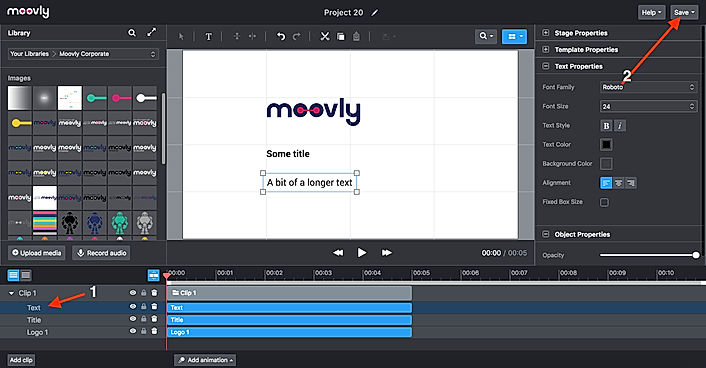
Moovly |
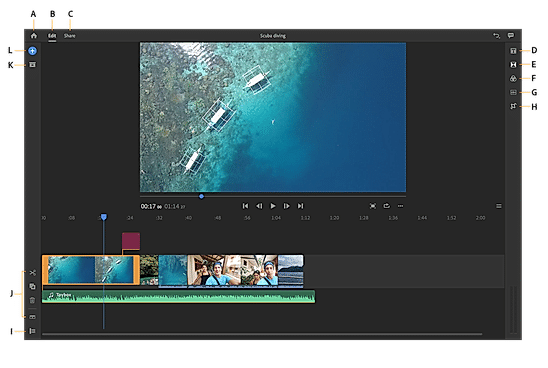
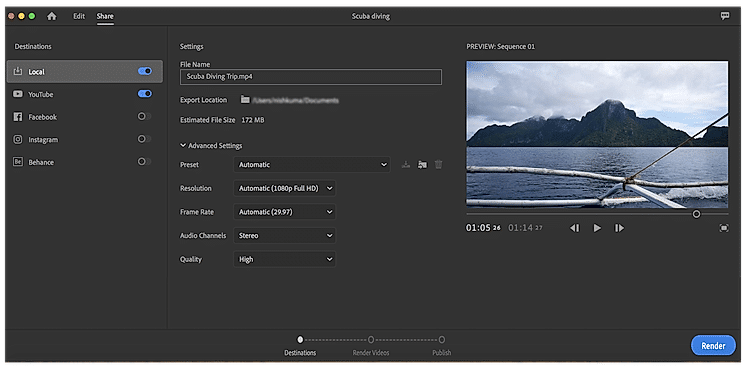
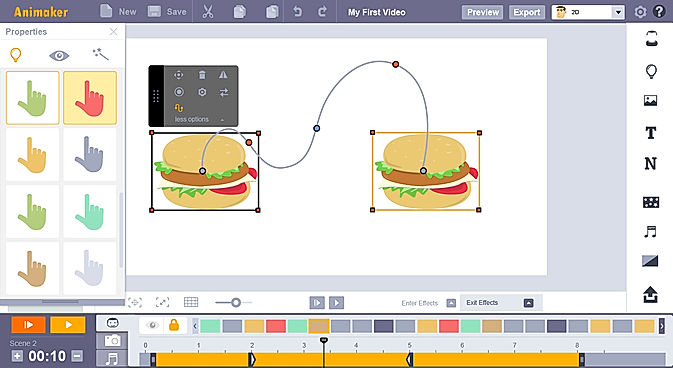
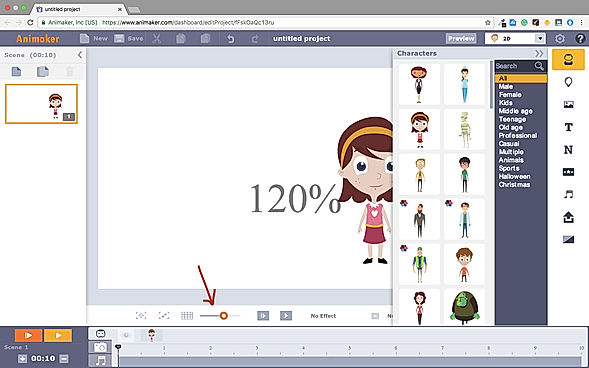
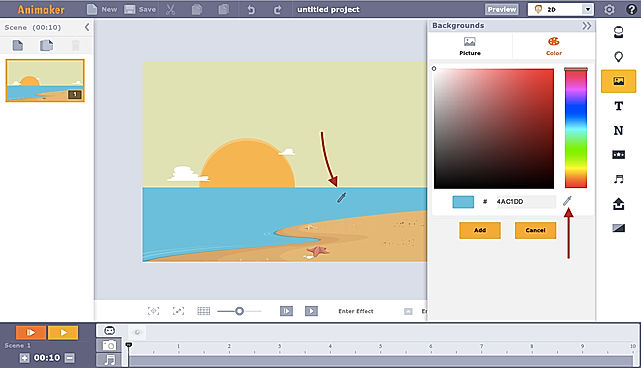
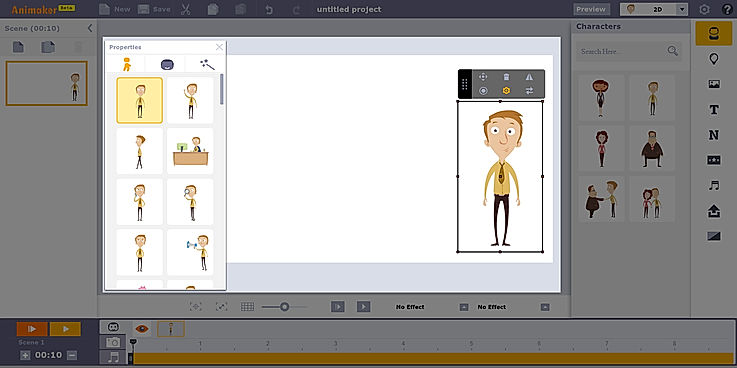
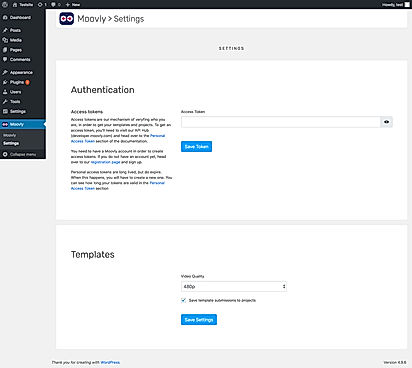
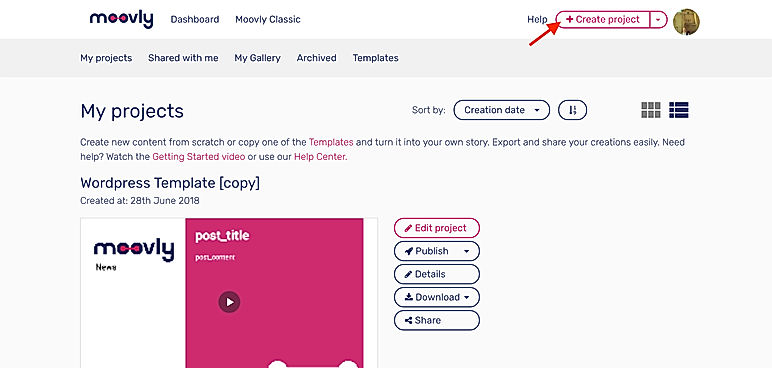
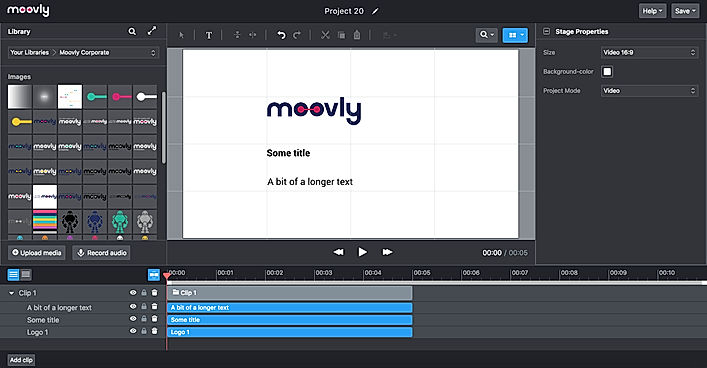
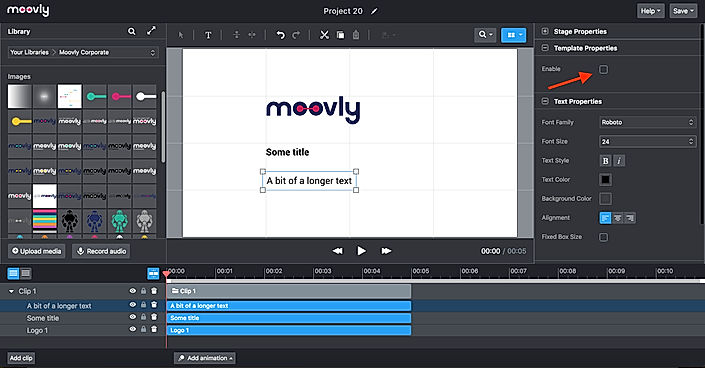
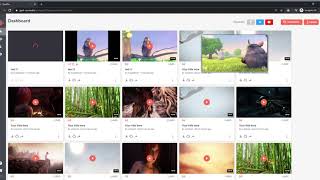
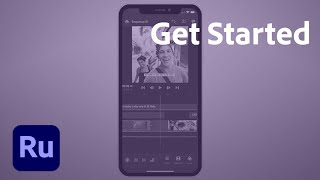
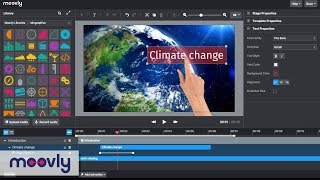
| Description | SpotOn is technically a very useful software that allows clients to clip, edit and share bits & parts from their live streams. These bits and clips that are captured from live streams can be directly shared to other online streaming platforms within minutes and with all required modifications incorporated. The interface is simply designed to benefit not just seasoned videographers and content developers but the newly budding developers too. Moreover, clients can directly start clipping and highlighting portions from their live stream while playing it in the background. This allows them to be ready for the next viable instance for highlighting. A visualised scene change detection facility backed by AI automatically identifies and marks moments in the live stream that might stand worthy of being clipped out or highlighted. These clips are all modifiable with a range of preloaded effects and changes. Frames can be trimmed, enabling clients to incorporate perfect beginning and ending sequences. Without expert video editing skills at hand, clients can easily include introductions, disclaimers and overlays. Read more | Adobe Premiere Rush is a creative video processing app that can be used to shoot, edit and share high-quality videos as per need. The application features a creative user interface to help users make their content stand out from the rest. Also furnished with simple and intuitive mobile-ready and desktop-friendly tools for motion graphics and audio outputs, the application makes a hassle-free task for users to generate interactive videos having a high connectivity rate. Adobe Premiere Rush’s inbuilt templates also help users to add and edit polished titles of their choice and make changes accordingly. Preset and manual colour correction technology present within the app, facilitates seamless colour outputs. Users are also allowed to change the pace of the generated videos and adjust audio setups alike. Adobe Premiere Rush’s exclusive product suite comes equipped with facilities like unlimited exports, 100GB cloud storage and region-based customer support. Read more | Animaker is a platform for beginners, professionals, and non-designers to create animated and live-action videos, best suited for entrepreneurs, classroom storytellers, content marketers or HR teams. It helps users create different types of content like 2D animation, whiteboard videos, infographic videos, vertical videos, GIFs, YouTube thumbnail maker, and much more. Users can create eye-popping animated videos effortlessly with just a few clicks. Users can access billions of unique characters that they can use in the videos, or they can use over 1000 stock videos and photos as a template to edit videos as per need in less than 5 minutes. Animaker allows users to upload and edit videos at 4K video quality and do instant resizing for all social platforms. This means users don't have to create different videos for different platforms. The platform is simple, convenient, and user-friendly with which the videos can be made in a few minutes. Read more | Moovly presentation software comes enriched with several presentation features like content library, offers better collaboration, enables doing animation, helps embedding audio and video into the website/blog, allows zooming and permits offline presenting.The tool comes with ready made templates to further ease the process of creating presentation.The software comes with course authoring features as well like course video management, content import/export and course publishing functionalities. The tool is very easy to master in as no expertise or experience is necessary to do video editing programs.With Moovly, you can use video backgrounds in your marketing videos. Read more |
| Pricing Options |
|
|
|
|
| SW Score & Breakdown |
80% SW Score The SW Score ranks the products within a particular category on a variety of parameters, to provide a definite ranking system. Read more
|
89% SW Score The SW Score ranks the products within a particular category on a variety of parameters, to provide a definite ranking system. Read more
|
94% SW Score The SW Score ranks the products within a particular category on a variety of parameters, to provide a definite ranking system. Read more
|
92% SW Score The SW Score ranks the products within a particular category on a variety of parameters, to provide a definite ranking system. Read more
|
| SaaSworthy Awards |
Not Available
|
# 17 Most Popular | # 2 Most Worthy # 1 Fastest Growing | # 7 Highly Rated # 19 Most Popular |
| Organization Types Supported |
|
|
|
|
| Platforms Supported |
|
|
|
|
| Modes of Support |
|
|
|
|
| API Support |
|
|
|
|
| User Rating |
Not Available
|
|
|
|
| Rating Distribution |
Not Available
|
|
|
|
| User Sentiments |
Not Available
|
Not Available
|
Ease of Use, Vast Selection of Animated Characters and Props, Helpful Customer Support, Accurate Text-to-Speech Feature Long Video Rendering Times, Software Glitches and Crashes, Limited Features in Free Version, Expensive Subscription Plans |
Easy to use interface, Extensive Media Library, High-Quality Video Output, Great Customer Support Limited Animation Options, Occasional Software Bugs, Limited Video Editing Capabilities, Pixelation during Rendering |
| Review Summary |
Not Available
|
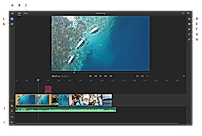
Adobe Premiere Rush is a popular video editing software praised for its user-friendliness and quick editing capabilities. Users appreciate its simplified interface, making it easy for beginners to create professional-looking videos. While it lacks the advanced features of Premiere Pro, its intuitive design and efficient workflow allow for quick edits and on-the-go video creation, particularly for social media content. Users highlight the ability to add text, transitions, and adjust audio quickly, making it a valuable tool for streamlining video production. However, some users find limitations in the feature set and note occasional crashes, while others wish for more customization options for graphics and effects. |
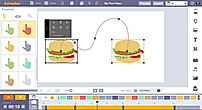
Users praise Animaker for its user-friendly interface, extensive template library, and vast collection of assets. They appreciate the drag-and-drop functionality, which makes creating animations effortless, even for beginners. However, some users complain about limited customization options, occasional glitches, and the need for a steeper learning curve to fully harness the software's potential. Overall, Animaker is a popular choice for creating engaging animations, with users highlighting its ease of use and rich features, while suggesting improvements in customization and stability. |
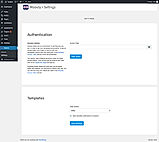
Overall, Moovly receives positive feedback from users, earning an average rating of 4.5 out of 5 stars across multiple review platforms. Reviewers praise its user-friendly interface, extensive template library, and the ability to create engaging videos with minimal effort. They find it particularly suitable for non-designers and small businesses. However, some users mention the occasional occurrence of glitches and limitations in customization options. Additionally, the mobile app version is reported to have room for improvement. |
| Read All User Reviews | Read All User Reviews | Read All User Reviews |
AI-Generated from the text of User Reviews
| Pricing Options |
|
|
|
|
|
Pricing Plans
Monthly Plans
Annual Plans
|
Starter Others Enterprise Custom |
Premiere Rush Starter Free Adobe Express $9.99 $9.99 per month |
Free Free Basic $15.00 $27.00 per month Starter $25.00 $45.00 per month Pro $43.00 $79.00 per month Enterprise Custom |
Free Free Pro $24.92 $49.00 per month Max $49.92 $99.00 per month Enterprise Custom Edu Free Free Edu Pro $8.25 $24.95 per month Edu Max $20.75 $49.95 per month |
|
View Detailed Pricing
|
View Detailed Pricing
|
View Detailed Pricing
|
View Detailed Pricing
|
Get personalized recommendations from our experts on call
Trusted by more than 5 Million users across the globe.
Thank you for the enquiry. One of our software analysts will contact you soon.
| Screenshots |

+ 2 More
|
+ 2 More
|
+ 3 More
|
+ 7 More
|
| Videos |
|
|

|
+ 2 More
|
| Company Details | Located in: Alkmaar, The Netherlands | Located in: San Jose, California | Located in: Palo Alto, California Founded in: 2015 | Located in: Ghent, Belgium Founded in: 2012 |
| Contact Details |
+31 72 5129516 |
Not available |
Not available |
+32 2 274 48 00 |
| Social Media Handles |
|
|
|
|

Looking for the right SaaS
We can help you choose the best SaaS for your specific requirements. Our in-house experts will assist you with their hand-picked recommendations.

Want more customers?
Our experts will research about your product and list it on SaaSworthy for FREE.