 MEET CLARA - THE AI BEHIND SMARTER SOFTWARE CHOICES


|
75% SW Score The SW Score ranks the products within a particular category on a variety of parameters, to provide a definite ranking system. Read more 
View Details
|
82% SW Score The SW Score ranks the products within a particular category on a variety of parameters, to provide a definite ranking system. Read more 
View Details
|
Featured
92% SW Score The SW Score ranks the products within a particular category on a variety of parameters, to provide a definite ranking system. Read more Premium
|
Featured
97% SW Score The SW Score ranks the products within a particular category on a variety of parameters, to provide a definite ranking system. Read more 
monday.com |
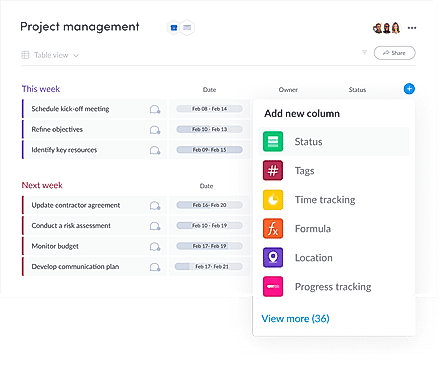
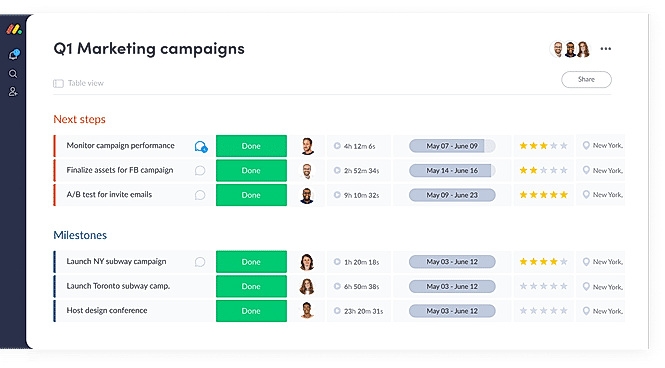
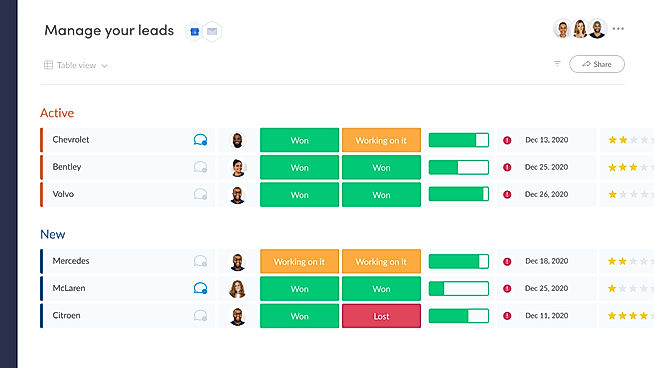
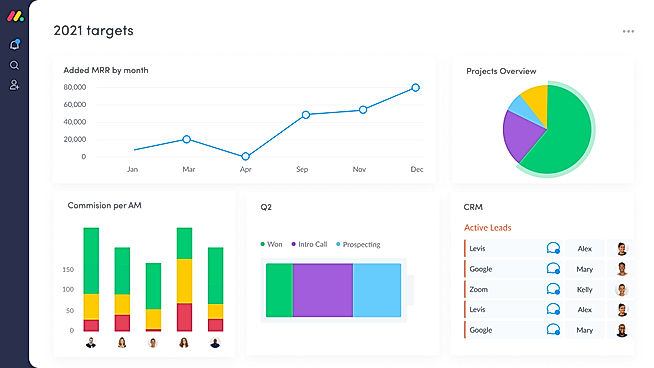
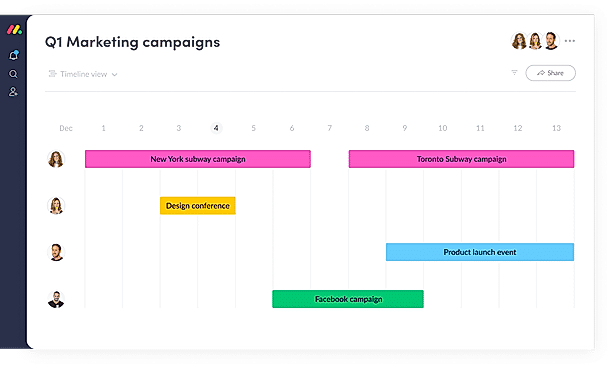
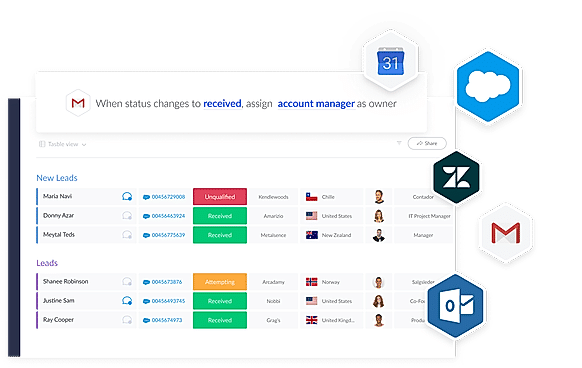
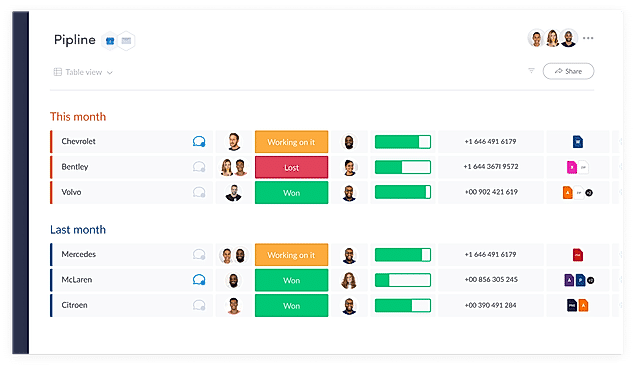
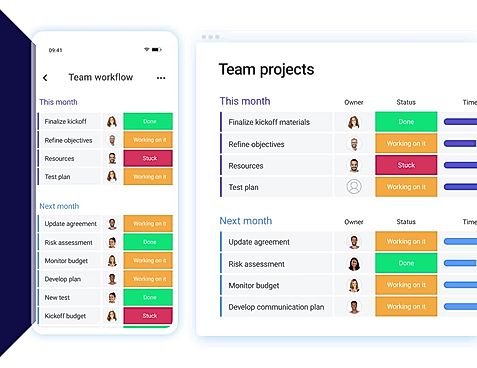
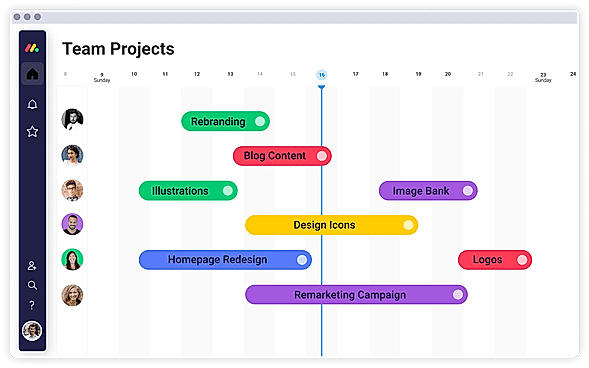
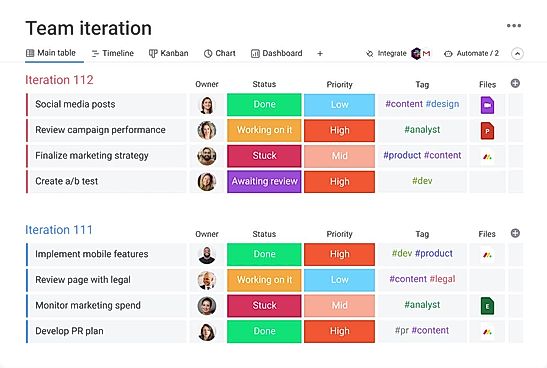
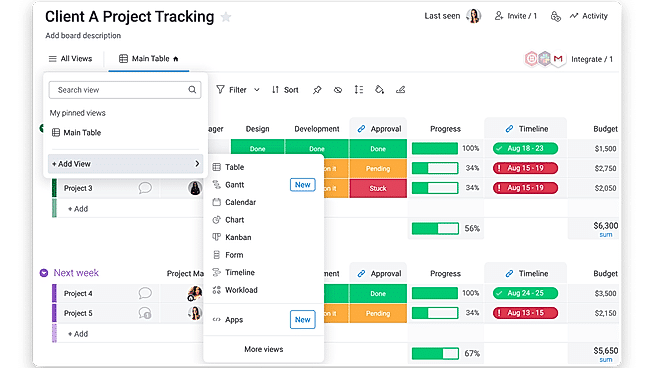
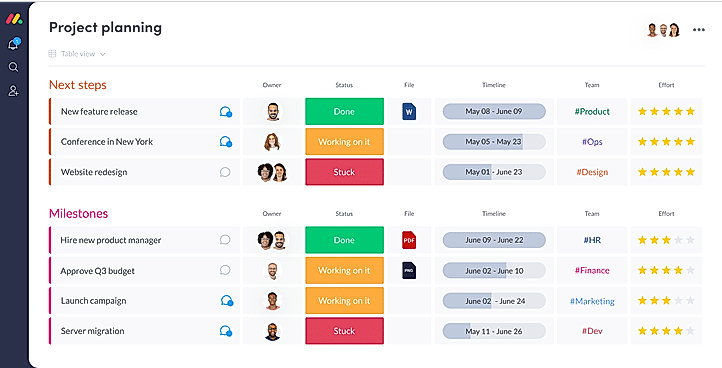
| Description | SprintCost is a project management tool that helps project managers to track time and optimize their project costs. Users can control cost and time at the same central location, visualize the estimated project times at all stages of the projects, and much more. By creating projects, users can go from ideation to project creation within minutes. They can then move on to create project sprints for the project that can be managed from a drop-down list or by defining project details. Agile users receive dedicated support as they can divide their work among unlimited user stories under sprints. Every sprint can be given a dedicated time slot to ensure that they are achieved within the time frame. Different user stories can also be allocated to varying worker profiles, while also managing the underlying distinct costs. And with sprint costs, users can automatically calculate the time and cost when the item is updated. Read more | Planless.io offers end to end project management and team collaboration solutions to enterprises, streamlining their delivery, irrespective of the nature and workflow of individual projects. The portal offers a 360-degree view of individual tasks, facilitating enhanced mapping. A Kanban dashboard within the particular helps managers define the current status of ongoing tasks. Planless.io offers an inbuilt prediction engine which is capable of mapping out milestones, timelines and skilled employees in an automated manner. Organizations can even set task-based descriptions, define events and required skills. The program allows importing of tasks from CSV files or other platforms. Teams can discuss important topics within chat, share necessary documents as attachments and post comments. Admins get access to a set of personalized rights, they can generate teams, set project based permissions, maintain holiday lists etc. Organizations can integrate this software with their Slack environment. Security is a primary concern within Planless.io, all business-relevant data gets stored within its database along with real-time change monitoring functionality. Read more | An all-in-one project management tool that helps to organize your complex work easily and flexibly. It is ideal for remotely located teams, mid-sized organizations and enterprise companies for managing teamwork and communicating with clients. With Wrike’s collaboration features and customization tools, you will be able to manage teamwork better and finish your work sooner. It helps the team leads and administrators collecting project requirements, creating and assigning tasks and visualizing schedules on the Gantt chart. Moreover, each team member will be aware of their work priorities with personal dashboards and real-time work updates so that you'll get an efficient and goal-oriented team Read more | With monday.com, managers can better keep their team aligned from one collaborative workspace. This flexible platform allows you to truly centralize your data, leveraging native integrations, third-party apps, and helpful widgets. With an overview of all ongoing processes, you can quickly gauge the status of essential tasks and follow up with the relevant team member efficiently. Essentially, on monday.com, executives have the flexibility to build the perfect tools for their team using intuitive drag-and-drop technology. Simply select one of over 200 templates, and customize it using the 20 editable columns to support any of your workflows. Then if your team grows, your workflows can easily scale with you, empowering your team to new heights with complete visibility. Read more |
| Pricing Options |
|
|
|
|
| SW Score & Breakdown |
75% SW Score The SW Score ranks the products within a particular category on a variety of parameters, to provide a definite ranking system. Read more
|
82% SW Score The SW Score ranks the products within a particular category on a variety of parameters, to provide a definite ranking system. Read more
|
92% SW Score The SW Score ranks the products within a particular category on a variety of parameters, to provide a definite ranking system. Read more
|
97% SW Score The SW Score ranks the products within a particular category on a variety of parameters, to provide a definite ranking system. Read more
|
| SaaSworthy Awards |
Not Available
|
Not Available
|
# 2 Highly Rated # 19 Most Popular | # 3 Most Worthy # 1 Most Popular |
| Total Features |
7 Features
|
11 Features
|
20 Features
|
20 Features
|
| Common Features for All |
AI Assistant
Budget Management
Compliance Management
Custom Workflows
IT Project Management
Kanban Board
Milestone Tracking
Percent-Complete Tracking
Project Planning
Project Templates
Recurring Task Management
Requirement Management
Resource Management
Status Tracking
Task Management
Time & Expense Tracking
Timeline View
|
AI Assistant
Budget Management
Compliance Management
Custom Workflows
IT Project Management
Kanban Board
Milestone Tracking
Percent-Complete Tracking
Project Planning
Project Templates
Recurring Task Management
Requirement Management
Resource Management
Status Tracking
Task Management
Time & Expense Tracking
Timeline View
|
AI Assistant
Budget Management
Compliance Management
Custom Workflows
IT Project Management
Kanban Board
Milestone Tracking
Percent-Complete Tracking
Project Planning
Project Templates
Recurring Task Management
Requirement Management
Resource Management
Status Tracking
Task Management
Time & Expense Tracking
Timeline View
|
AI Assistant
Budget Management
Compliance Management
Custom Workflows
IT Project Management
Kanban Board
Milestone Tracking
Percent-Complete Tracking
Project Planning
Project Templates
Recurring Task Management
Requirement Management
Resource Management
Status Tracking
Task Management
Time & Expense Tracking
Timeline View
|
| Unique Features |
Idea Management
Issue Management
Portfolio Management
|
Idea Management
Issue Management
Portfolio Management
|
Idea Management
Issue Management
Portfolio Management
|
Idea Management
Issue Management
Portfolio Management
|
| Organization Types Supported |
|
|
|
|
| Platforms Supported |
|
|
|
|
| Modes of Support |
|
|
|
|
| API Support |
|
|
|
|
| User Rating |
Not Available
|
|
|
|
| Rating Distribution |
Not Available
|
|
|
|
| User Sentiments |
Not Available
|
Not Available
|
Customizable Workflows, Ease of Use, Extensive Collaboration Features, Comprehensive Project Tracking Mobile App Functionality, Confusing Interface Navigation, Steep Learning Curve, Limited Reporting Capabilities |
User-friendly Interface, Extensive Customization, Effective Team Collaboration, Robust Automations Mobile App Functionality, Limited Sub-Item Functionality, Inconsistent Notifications, Slow Loading Times |
| Review Summary |
Not Available
|
Not Available
|
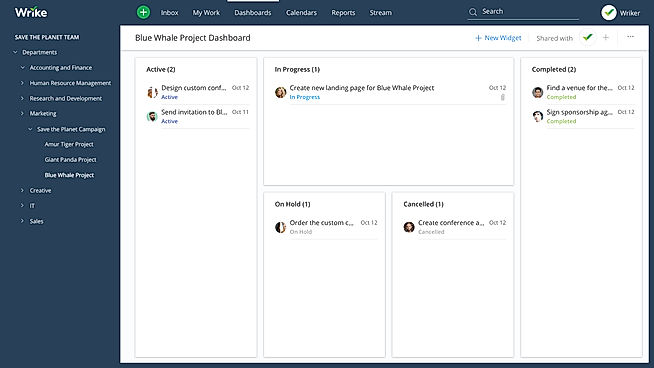
Wrike, a project management software, garners mostly positive reviews across various platforms. Users praise its user-friendly interface, customizable features, and ability to streamline team collaboration and project tracking. However, some reviewers express concerns regarding occasional glitches and the learning curve associated with its advanced features. Overall, Wrike is lauded for its effectiveness in enhancing project visibility, communication, and productivity, making it a popular choice among businesses seeking a comprehensive project management solution. |
Overall, users praise the user-friendly interface, customization options, and ability to manage projects and tasks efficiently. They also appreciate the integrations with other tools and the mobile app. However, some users mention occasional glitches and a learning curve for new users. While customer support is generally well-received, some users report slow response times. Nevertheless, the majority of users find the platform valuable for project management and collaboration, highlighting its flexibility, ease of use, and positive impact on their productivity. |
| Read All User Reviews | Read All User Reviews | Read All User Reviews |
AI-Generated from the text of User Reviews
| Pricing Options |
|
|
|
|
|
Pricing Plans
Monthly Plans
Annual Plans
|
Sprint Cost Free |
Basic $11.00 $13.20 per user / month Standard $17.00 $20.40 per user / month Premium $28.00 $33.60 per user / month |
Free Free Team $10.00 $10.00 per user / month Business $25.00 $25.00 per user / month Enterprise Custom Pinnacle Custom |
Free Free Basic $9.00 $12.00 per user / month Standard $12.00 $14.00 per user / month Pro $19.00 $24.00 per user / month Enterprise Custom |
|
View Detailed Pricing
|
View Detailed Pricing
|
View Detailed Pricing
|
View Detailed Pricing
|
Get personalized recommendations from our experts on call
Trusted by more than 5 Million users across the globe.
Thank you for the enquiry. One of our software analysts will contact you soon.
| Screenshots |

+ 2 More
|

+ 1 More
|

+ 5 More
|
+ 20 More
|
| Videos | Not Available |

|

+ 5 More
|
+ 4 More
|
| Company Details | Located in: San Francisco, CA | Located in: Lisboa, Portugal | Located in: San Jose, CA Founded in: 2007 | Located in: New York, NY 10003 Founded in: 2012 |
| Contact Details |
Not available |
Not available |
+1 877 779 7453 |
Not available |
| Social Media Handles |
|
|
|
|

Looking for the right SaaS
We can help you choose the best SaaS for your specific requirements. Our in-house experts will assist you with their hand-picked recommendations.

Want more customers?
Our experts will research about your product and list it on SaaSworthy for FREE.