MEET CLARA - THE AI BEHIND SMARTER SOFTWARE CHOICES

Airtable |
94% SW Score The SW Score ranks the products within a particular category on a variety of parameters, to provide a definite ranking system. Read more 
View Details
|
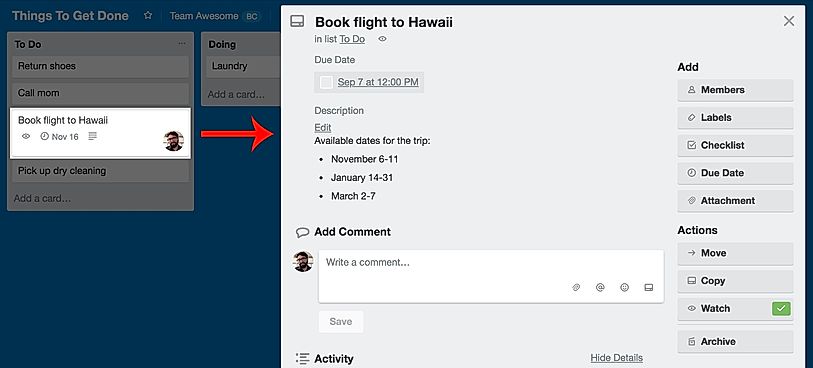
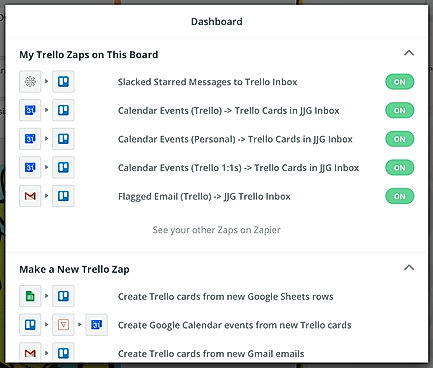
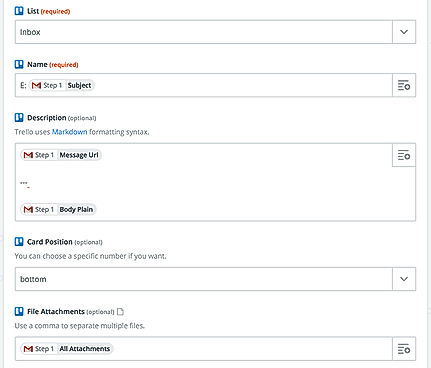
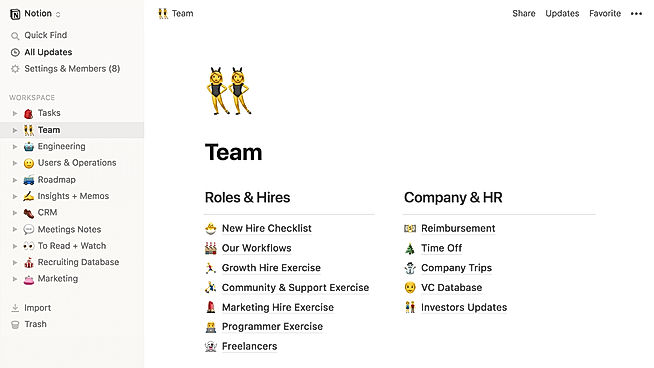
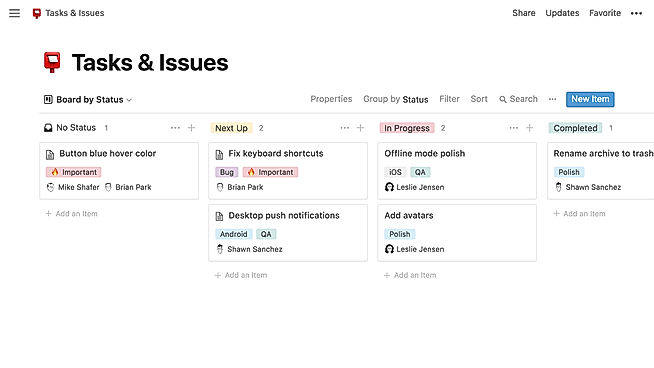
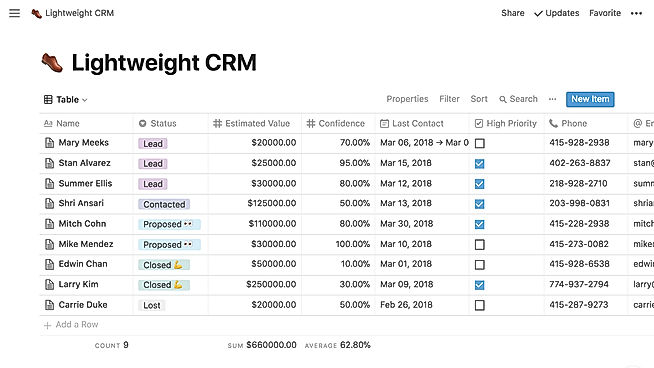
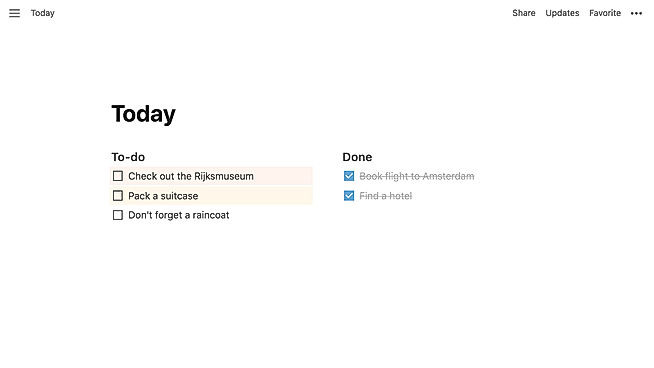
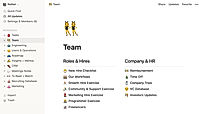
| Description | Organizes your projects and day-to-day tasks through creating notecards on dashboard. The software can also be used as a trip planner, a side project, a community bulletin, an event or an idea repository. Tasks and ideas can be noted on the Trello cards. Alongside, the work progress can also be tracked. The user can sort and organize these cards based upon their categories. A quick overview is displayed on the front of the cards, flipping which, the user can dive into more detailed information such as checklists, due dates, comments, attachments etc. There is a progress meter that adds a checklist to organize your to-do list. You can also attach documents and multimedia files to the cards. Test QA Read more | Notion is a comprehensive management tool that lets users write, plan, collaborate, and organize. It aims to eliminate the need for several tools by bringing multiple functionalities in one software. It offers features for notes and documents with lists made of checkable elements that also get struck out once checked. Notion even offers functionality to create and maintain a neat and categorized knowledge base for the team. Users can manage their tasks & projects using Kanban layout boards, a calendar, and list views. Tasks and issues can be created and maintained and their related info can be tracked. Statuses can be changed and team collaboration is possible. The tool also has the functionality to manage spreadsheets and databases. Users can also access several keyboard shortcuts using slash (/) commands. The UI is drag-and-drop friendly. Notion also embeds several other apps including Google Sheets, Docs, Drive, Maps, Figma, Invision, Framer, Twitter, and more. Read more |
| Pricing Options |
|
|
| SW Score & Breakdown |
94% SW Score The SW Score ranks the products within a particular category on a variety of parameters, to provide a definite ranking system. Read more
|
|
| SaaSworthy Awards | # 5 Highly Rated # 7 Most Popular |
Not Available
|
| Organization Types Supported |
|
|
| Platforms Supported |
|
|
| Modes of Support |
|
|
| API Support |
|
|
| User Rating |
Not Available
|
|
| Rating Distribution |
Not Available
|
|
| User Sentiments |
Ease of Use, Visually Appealing Interface, Kanban Board System, Extensive Integrations Limited Features in Free Version, Lack of Advanced Project Management Features , Occasional Performance Issues, Confusing Archiving Functionality |
Customizable Workspace, Versatile Features, AI Writing Assistant, Extensive Integrations Steep Learning Curve, Slow Loading Times, Limited Offline Functionality, Mobile App Experience |
| Review Summary |
Trello is a highly praised project management tool, lauded for its simple and intuitive interface, Kanban-style organization, and ease of collaboration. Users appreciate its visual clarity, the ability to track tasks and deadlines, and its integration with other applications. While some users find the free version limited, most agree that Trello is a valuable resource for both personal and professional tasks, making it a popular choice for teams of all sizes. |
Users praise Notion's versatility and customizability, highlighting its ability to serve as a comprehensive workspace for note-taking, project management, and collaboration. Commendations are also given for its user-friendly interface, clean design, and seamless integration with various third-party applications. However, some reviewers express concerns about the occasional occurrence of technical glitches, a learning curve for new users, and limitations in offline accessibility. Overall, Notion is generally well-received for its flexibility, ease of use, and integration capabilities, but it could benefit from improved stability and offline functionality. |
| Read All User Reviews |
AI-Generated from the text of User Reviews
| Pricing Options |
|
|
|
Pricing Plans
Monthly Plans
Annual Plans
|
Free Free Standard $5.00 $6.00 per user / month Enterprise $17.50 $17.50 per user / month Premium $10.00 $12.50 per user / month |
Personal Free Personal Pro $4.00 $5.00 per month Team $8.00 $10.00 per user / month Enterprise Custom |
|
View Detailed Pricing
|
View Detailed Pricing
|
Get personalized recommendations from our experts on call
Trusted by more than 5 Million users across the globe.
Thank you for the enquiry. One of our software analysts will contact you soon.
| Screenshots |

+ 27 More
|
+ 3 More
|
| Videos |
+ 6 More
|
Not Available |
| Company Details | Founded in: 2017 | Located in: San Francisco, CA Founded in: 2013 |
| Contact Details |
Not available |
Not available |
| Social Media Handles |
|
|

Looking for the right SaaS
We can help you choose the best SaaS for your specific requirements. Our in-house experts will assist you with their hand-picked recommendations.

Want more customers?
Our experts will research about your product and list it on SaaSworthy for FREE.