 MEET CLARA - THE AI BEHIND SMARTER SOFTWARE CHOICES


|
97% SW Score The SW Score ranks the products within a particular category on a variety of parameters, to provide a definite ranking system. Read more 
monday.com |
Featured
83% SW Score The SW Score ranks the products within a particular category on a variety of parameters, to provide a definite ranking system. Read more 
Worksuite |
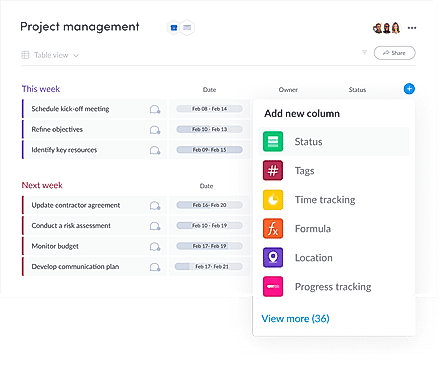
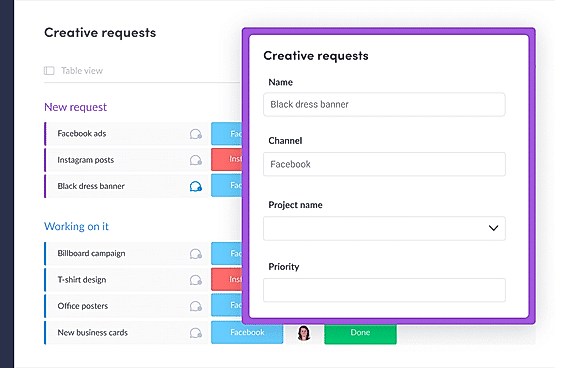
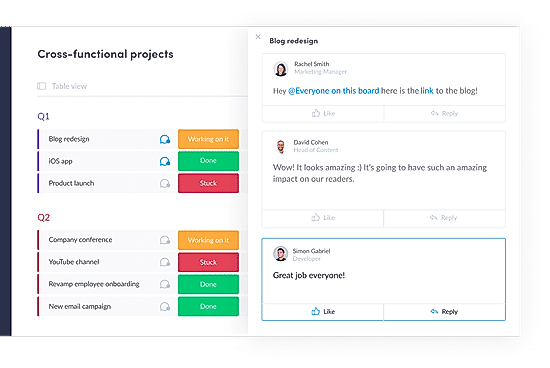
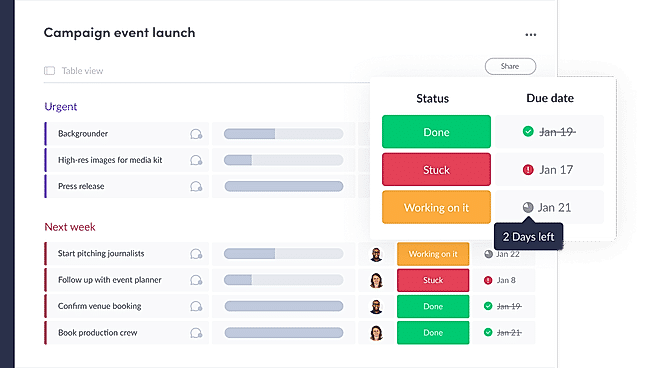
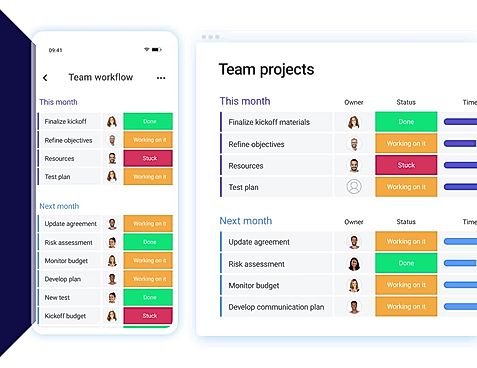
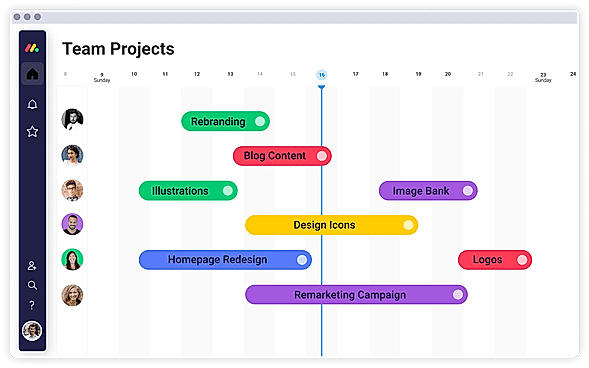
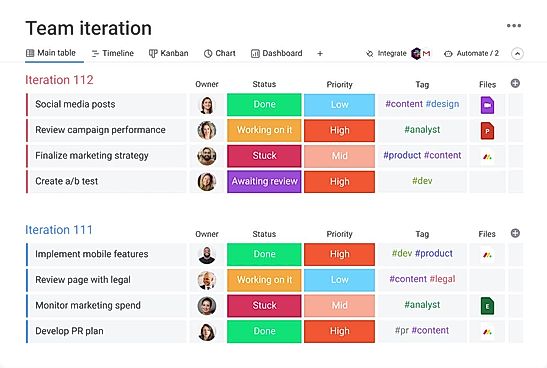
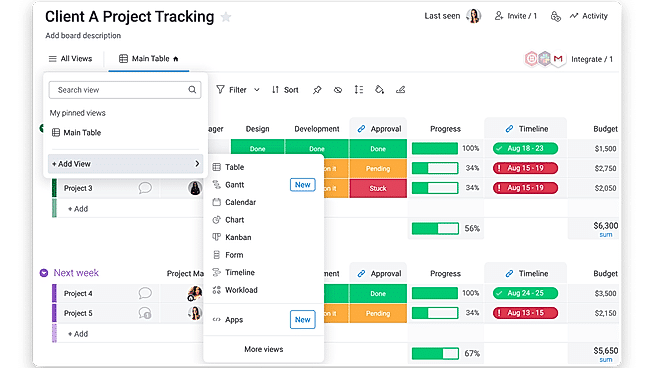
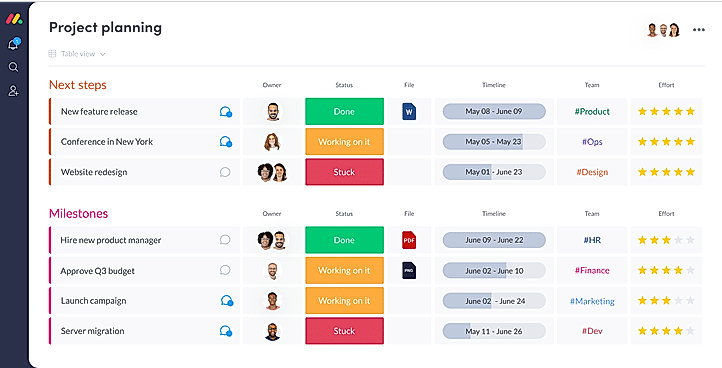
| Description | ClickUp is a simple, cloud-based collaboration and project management tool created for all user types. With ClickUp, you have all the features needed to help simplify and streamline your processes including sales, marketing, design and development. ClickUp features an agile board view that allows you to monitor every task on your team in one board and assign tasks to various members of the team. Tasks progress can be viewed in form of percentage and can be marked either “resolved” or “in progress” or users can alternatively customize their task progress statuses. A Gantt chart lets you view your tasks in timeline by list or person and automatically add updates in real time. ClickUp organizes task management in a hierarchal manner and allows you to sort tasks according to their priority. This property allows for improved productivity and lets you to structure your projects by assigning tasks to groups and arranging those groups under different categories. The software can be seamlessly integrated to Slack and similar apps through Zapier. The machine learning capability of the software assists project managers give realistic timeframes for completion of projects and lets teams accomplish their tasks before the deadline. Read more | With monday.com, managers can better keep their team aligned from one collaborative workspace. This flexible platform allows you to truly centralize your data, leveraging native integrations, third-party apps, and helpful widgets. With an overview of all ongoing processes, you can quickly gauge the status of essential tasks and follow up with the relevant team member efficiently. Essentially, on monday.com, executives have the flexibility to build the perfect tools for their team using intuitive drag-and-drop technology. Simply select one of over 200 templates, and customize it using the 20 editable columns to support any of your workflows. Then if your team grows, your workflows can easily scale with you, empowering your team to new heights with complete visibility. Read more | Worksuite generates a space for every department, major project or team to share information, knowledge and keep the tasks planned. Moreover, it comes with an attendance module that permits the workers to sign-in and sign-out directly from their dashboard, which not only saves a lot of time, but also enhances efficiency. With the help of this software, you can track all your projects in the most effortless way. It flaunts a reports section that allows you to scrutinise what's suitable and what’s not for your firm. Worksuite has the ability to automate the process of revenue recognition and billing to ensure smooth operations. You also get real-time message sections that support your team members to review projects instantly. It allows you to add members to the team according to your desire and keep them connected with the progress. You can get a free demo of Worksuite via a web conference. Read more | Resource Guru is a team scheduling software that runs on the cloud and is ideally suited to freelancers, and businesses of all sizes for gaining new insights and elevating profit rates. It offers a quick and easy way to schedule people, equipment, and other resources through the internet on a single platform with just a few clicks. With Resource Guru, you can get a clear picture of what projects and clients your team are working on with one creative calendar. Vacation, sick days, maternity leave, and any other sorts of time off for your resources can be easily managed using leave management with this software. It provides personal dashboards and up-to-date resources to eliminate the need of sending hundreds of emails that rapidly become obsolete. Resource Guru further provides powerful and detailed reports that let you get fresh insights, track utilization rates, and learn more about your organization. Resource Guru offers a 30-day free trial for trying and testing its premium features and the pricing strategy begins at $3.00 per month. Read more |
| Pricing Options |
|
|
|
|
| SW Score & Breakdown |
|
97% SW Score The SW Score ranks the products within a particular category on a variety of parameters, to provide a definite ranking system. Read more
|
83% SW Score The SW Score ranks the products within a particular category on a variety of parameters, to provide a definite ranking system. Read more
|
|
| SaaSworthy Awards | # 1 Most Worthy # 7 Highly Rated | # 3 Most Worthy # 1 Most Popular |
Not Available
|
Not Available
|
| Organization Types Supported |
|
|
|
|
| Platforms Supported |
|
|
|
|
| Modes of Support |
|
|
|
|
| API Support |
|
|
|
|
| User Rating |
Not Available
|
|
|
|
| Rating Distribution |
Not Available
|
|
|
|
| User Sentiments |
Customizable Workspaces, Extensive Integrations, User Friendly Interface, Comprehensive Task Management Mobile App Performance, Slow Loading Times, Steep Learning Curve, Limited Free Plan Functionality |
User-friendly Interface, Extensive Customization, Effective Team Collaboration, Robust Automations Mobile App Functionality, Limited Sub-Item Functionality, Inconsistent Notifications, Slow Loading Times |
Not Available
|
Easy to Use Interface, Clear Visual Representation of Schedules, Effective Filtering and Search Functionality, Seamless Calendar Integrations Limited Customization Options, Lack of Mobile Application, Limited Reporting Functionality, Occasional System Glitches |
| Review Summary |
Users appreciate ClickUp's user-friendly interface, customization options, and comprehensive features, making it suitable for teams of various sizes and industries. It excels in project management, task tracking, and collaboration. However, some users have experienced occasional technical glitches and limitations in reporting and integrations. Additionally, the pricing structure can be complex for some users. Overall, ClickUp is a popular choice for project management, offering a range of features and customization options, but users should be aware of potential technical issues and pricing complexities. |
Overall, users praise the user-friendly interface, customization options, and ability to manage projects and tasks efficiently. They also appreciate the integrations with other tools and the mobile app. However, some users mention occasional glitches and a learning curve for new users. While customer support is generally well-received, some users report slow response times. Nevertheless, the majority of users find the platform valuable for project management and collaboration, highlighting its flexibility, ease of use, and positive impact on their productivity. |
Not Available
|
Overall, Resource Guru is a user-friendly resource scheduling software praised for its intuitive interface, ease of use, and time-saving features. Reviewers highlight its drag-and-drop functionality, comprehensive reporting options, seamless integrations with other platforms, and excellent customer support. While some users mention occasional glitches and a learning curve for more advanced features, the majority find Resource Guru to be a valuable tool for managing and optimizing team resources, improving project visibility, and enhancing collaboration. |
| Pros & Cons |
|
|
Not Available
|
Not Available
|
| Read All User Reviews | Read All User Reviews | Read All User Reviews |
AI-Generated from the text of User Reviews
| Pricing Options |
|
|
|
|
|
Pricing Plans
Monthly Plans
Annual Plans
|
Free Free Unlimited $7.00 $10.00 per user / month Business $12.00 $19.00 per user / month Enterprise Custom test $10.00 $12.00 per user / month |
Free Free Basic $9.00 $12.00 per user / month Standard $12.00 $14.00 per user / month Pro $19.00 $24.00 per user / month Enterprise Custom |
Regular License $45.00 $45.00 One-Time Payment Extended License $275.00 $275.00 One-Time Payment |
Grasshopper Plan $2.50 $3.00 per user / month Blackbelt Plan $4.16 $5.00 per user / month Master Plan $6.65 $8.00 per user / month |
|
View Detailed Pricing
|
View Detailed Pricing
|
View Detailed Pricing
|
View Detailed Pricing
|
Get personalized recommendations from our experts on call
Trusted by more than 5 Million users across the globe.
Thank you for the enquiry. One of our software analysts will contact you soon.
| Screenshots |

+ 4 More
|
+ 20 More
|

+ 6 More
|
Not Available |
| Videos |

+ 4 More
|
+ 4 More
|
+ 3 More
|

+ 1 More
|
| Company Details | Located in: San Diego, CA Founded in: 2016 | Located in: New York, NY 10003 Founded in: 2012 | Founded in: 2016 | Located in: London, England Founded in: 2011 |
| Contact Details |
Not available |
Not available |
Not available |
Not available |
| Social Media Handles |
|
|
Not available |
|
What are the key differences between ClickUp and monday.com?
What are the alternatives to ClickUp?
Which SaaS products can ClickUp integrate with?
Which product is better for large-scale project management?
How do the reporting and analytics capabilities of these products differ?

Looking for the right SaaS
We can help you choose the best SaaS for your specific requirements. Our in-house experts will assist you with their hand-picked recommendations.

Want more customers?
Our experts will research about your product and list it on SaaSworthy for FREE.