MEET CLARA - THE AI BEHIND SMARTER SOFTWARE CHOICES
|
96% SW Score The SW Score ranks the products within a particular category on a variety of parameters, to provide a definite ranking system. Read more 
Visit Website
|
97% SW Score The SW Score ranks the products within a particular category on a variety of parameters, to provide a definite ranking system. Read more 
Visit Website
|
Featured
97% SW Score The SW Score ranks the products within a particular category on a variety of parameters, to provide a definite ranking system. Read more 
monday.com |
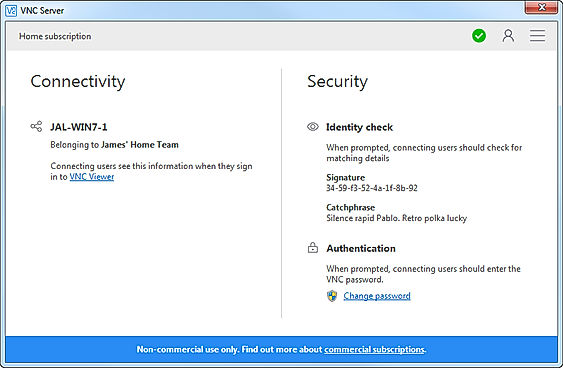
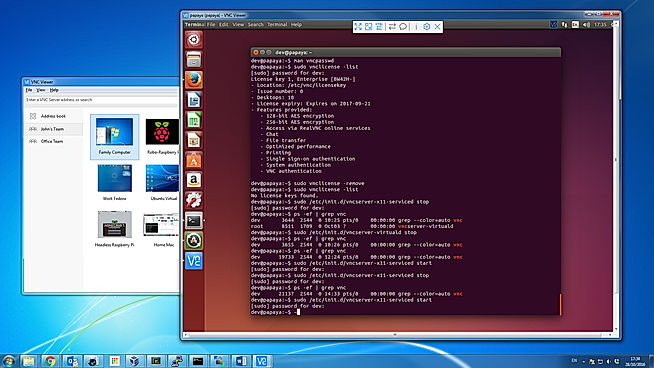
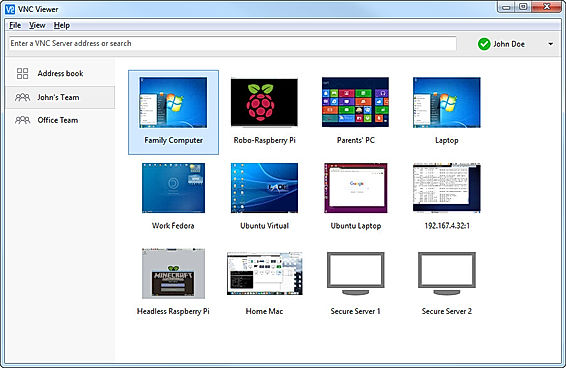
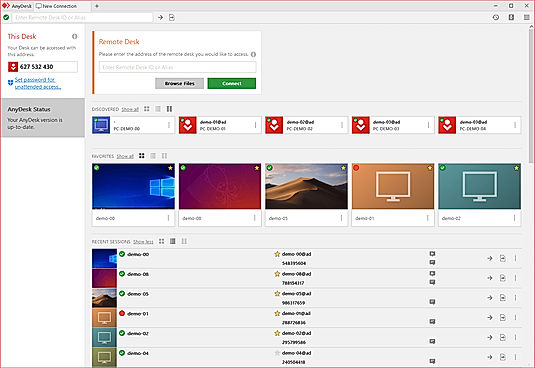
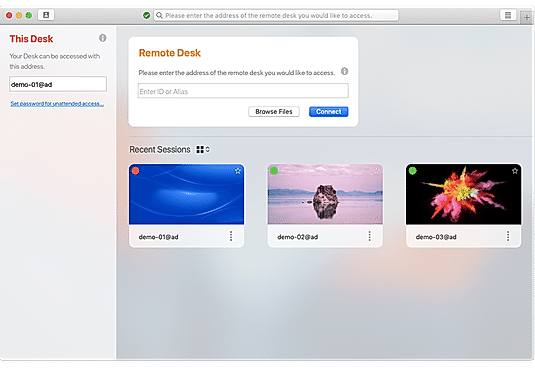
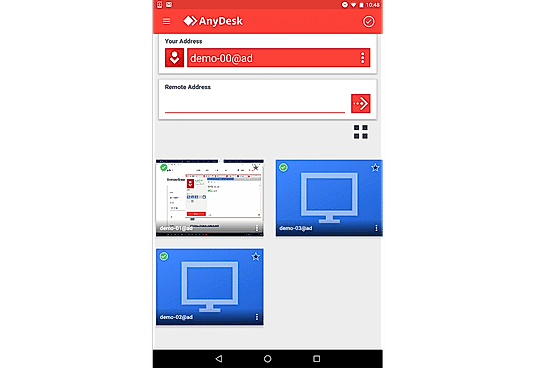
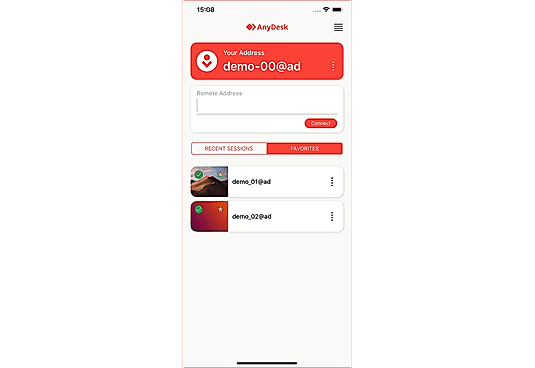
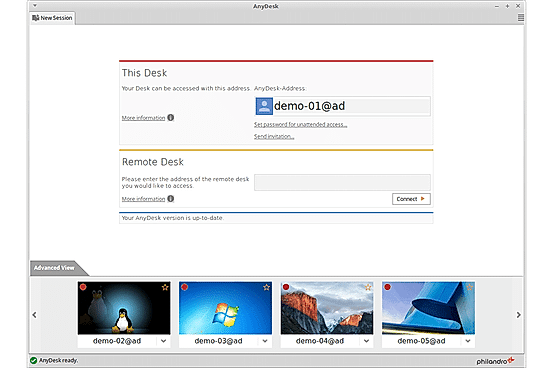
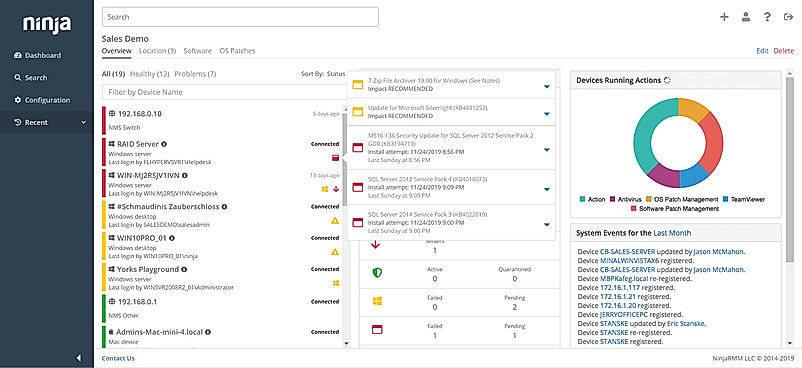
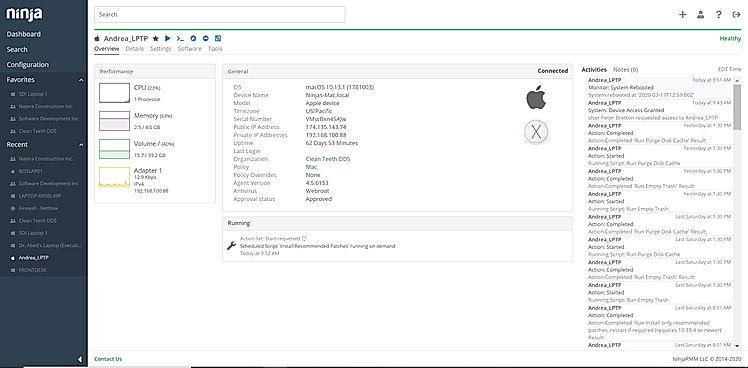
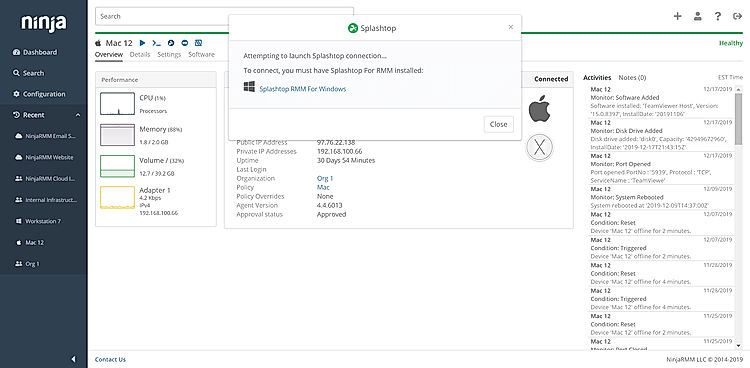
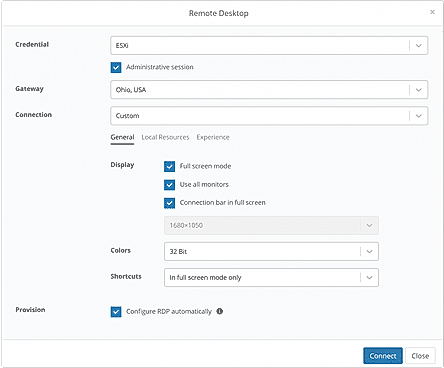
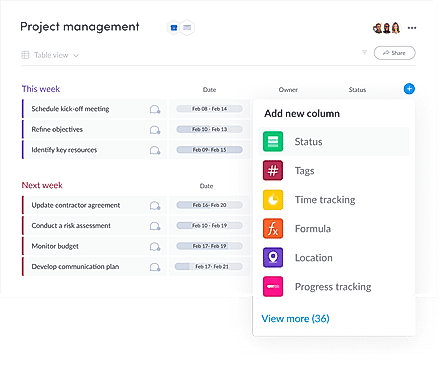
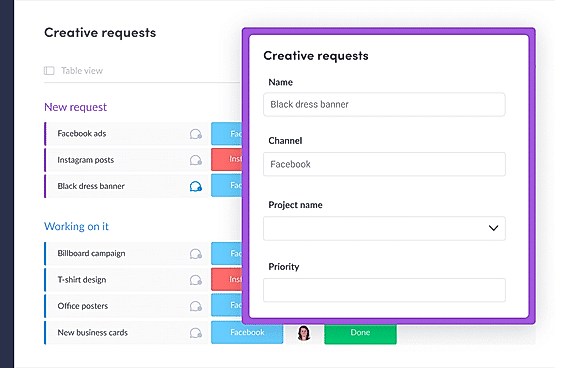
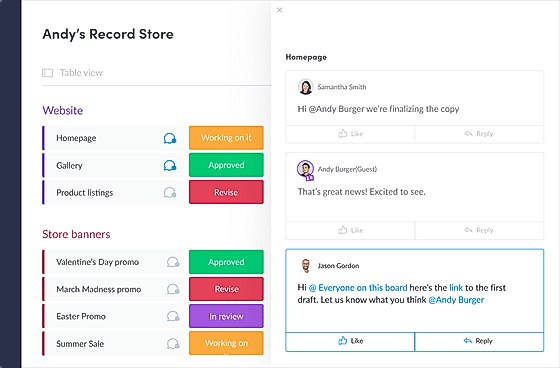
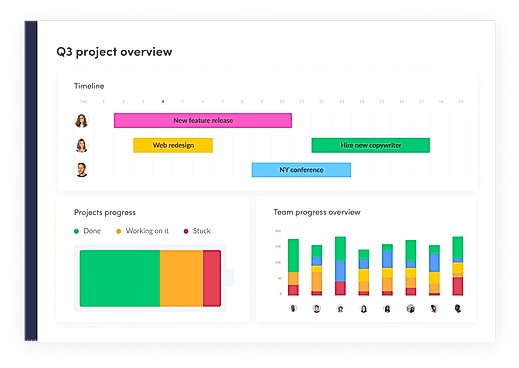
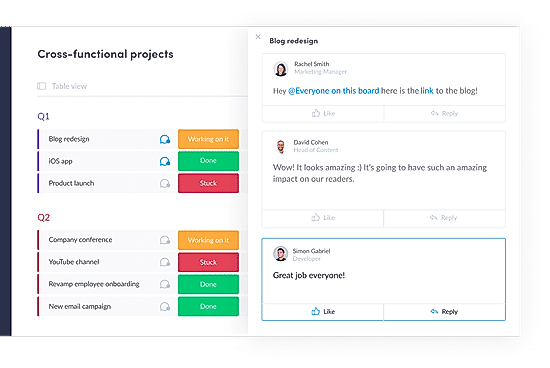
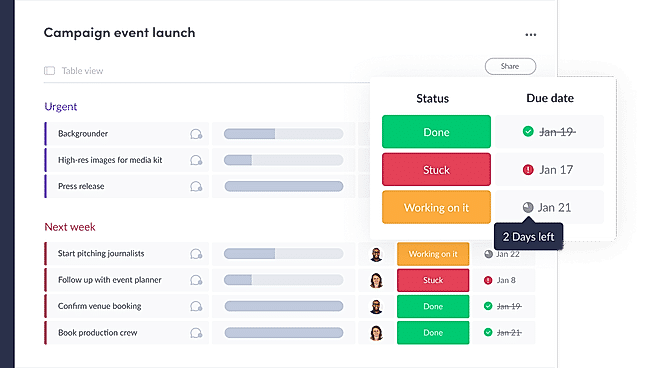
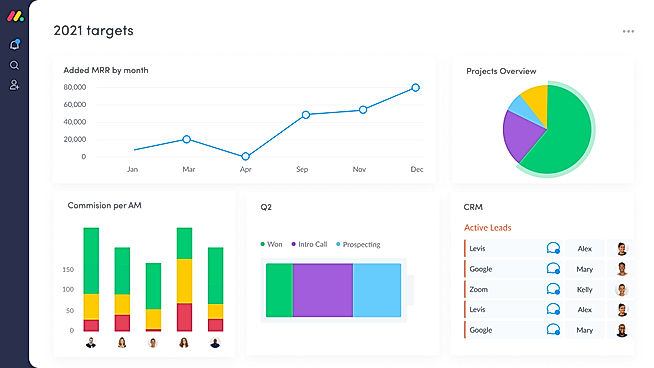
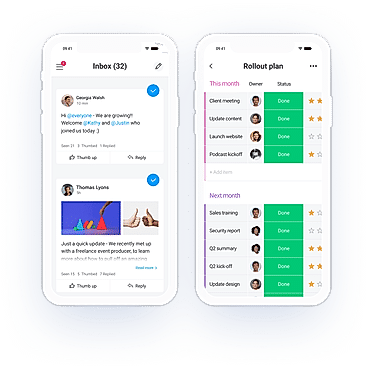
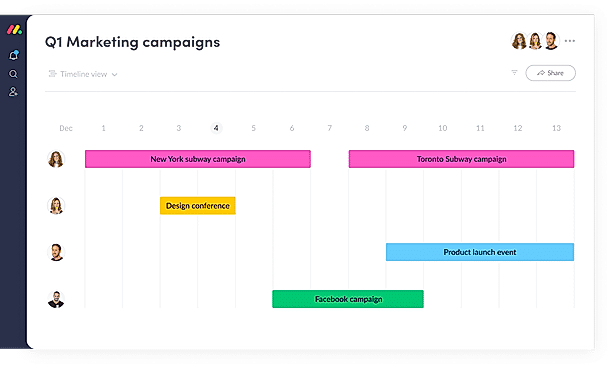
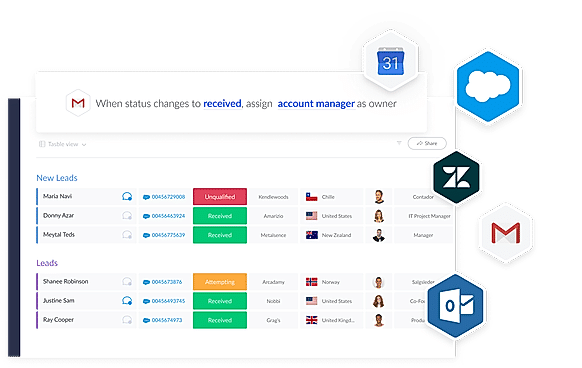
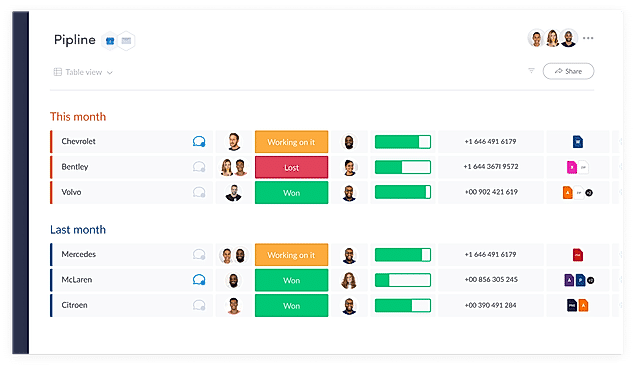
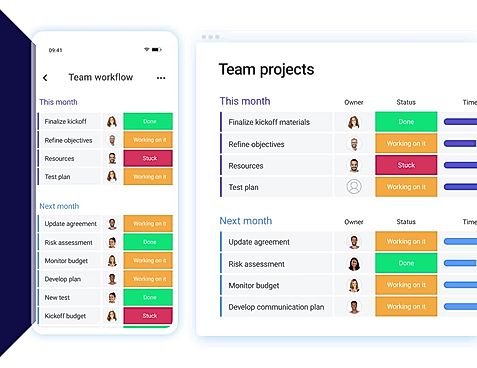
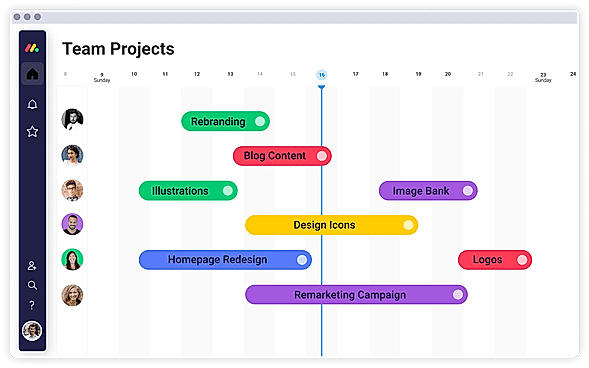
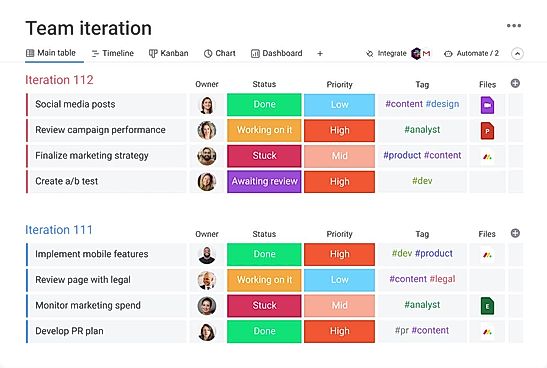
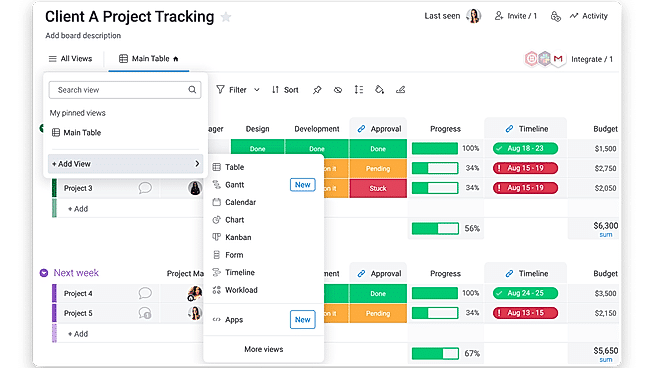
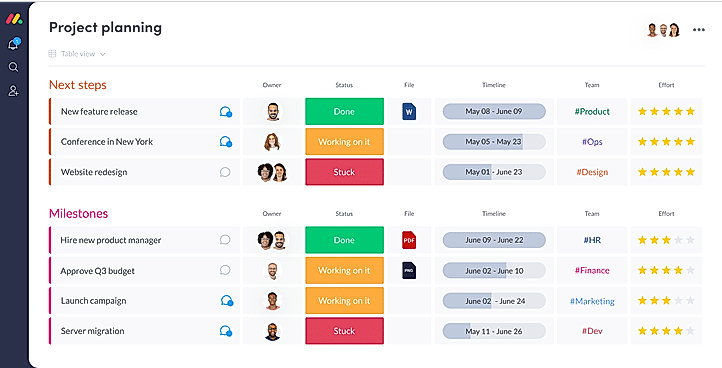
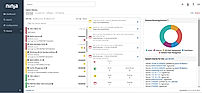
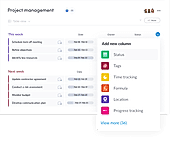
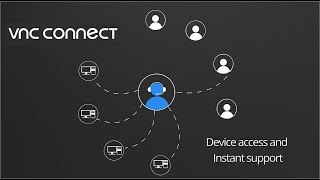
| Description | VNC Connect is screen sharing software that lets you connect to a remote computer anywhere in the world, watch its screen in real-time, and take control as though sitting in front of it. Remote access enables colleagues, suppliers and customers to communicate more effectively, breaking down barriers and driving growth. VNC Connect covers every remote access use case with a single subscription. You don't need to buy, deploy, manage and secure separate products or modules. Read more | Anydesk is a secure and intuitive software that helps connect a computer from anywhere and anytime. It ensures reliable remote desktop connections so that users can work seamlessly without wasting any time. It allows users to provide amazing customer service and fast solutions from any location. AnyDesk can be run on platforms like Windows, MacOs, Linux, FreeBSD, iOS or Android with no extra charges. Users can enjoy the best experience with 60 fps on local networks and most internet connections. It’s the perfect app for software vendors or app developers who can offer remote support and monitoring to solve customer issues from a central office. Users can easily connect from everywhere on any device using unattended access. About performance, DeskRT is a smart codec that forms the very foundation of the software. It compresses and transfers image data between computers smoothly. The Banking standard TLS 1.2 technology protects the computer from any unauthorized access. Read more | NinjaOne automates the hardest parts of IT, delivering visibility, security, and control over all endpoints for more than 20,000 customers. The NinjaOne platform increases productivity while reducing risk and IT costs. Organizations use NinjaOne, including its wide range of IT and security integrations, for use cases such as endpoint management, patch management, mobile device management, software deployment, remote access, endpoint backup, and more. Read more | With monday.com, managers can better keep their team aligned from one collaborative workspace. This flexible platform allows you to truly centralize your data, leveraging native integrations, third-party apps, and helpful widgets. With an overview of all ongoing processes, you can quickly gauge the status of essential tasks and follow up with the relevant team member efficiently. Essentially, on monday.com, executives have the flexibility to build the perfect tools for their team using intuitive drag-and-drop technology. Simply select one of over 200 templates, and customize it using the 20 editable columns to support any of your workflows. Then if your team grows, your workflows can easily scale with you, empowering your team to new heights with complete visibility. Read more |
| Pricing Options |
|
|
|
|
| SW Score & Breakdown |
96% SW Score The SW Score ranks the products within a particular category on a variety of parameters, to provide a definite ranking system. Read more
|
97% SW Score The SW Score ranks the products within a particular category on a variety of parameters, to provide a definite ranking system. Read more
|
|
97% SW Score The SW Score ranks the products within a particular category on a variety of parameters, to provide a definite ranking system. Read more
|
| SaaSworthy Awards | # 3 Most Worthy # 3 Most Popular |
Not Available
|
Not Available
|
# 3 Most Worthy # 1 Most Popular |
| Organization Types Supported |
|
|
|
|
| Platforms Supported |
|
|
|
|
| Modes of Support |
|
|
|
|
| API Support |
|
|
|
|
| User Rating |
|
|
|
|
| Rating Distribution |
|
|
|
|
| User Sentiments |
Ease of Use, Cross-Platform Compatibility, Stable Connection, Secure Remote Access Mobile App Limitations, File Transfer Issues, Occasional Connection Issues, Limited Free Tier Support |
Ease of Use, Fast and Reliable Connections, Cross-Platform Compatibility, Unattended Access Security Concerns, Mobile App Functionality, Customer Support Responsiveness, Occasional Connectivity Issues |
Ease of Use, Fast and Reliable Remote Access, Comprehensive Patch Management, Excellent Customer Support Limited Third-Party Software Patching Support, Limited MacOS Support, Inadequate Reporting Functionality, Occasional Software Bugs |
User-friendly Interface, Extensive Customization, Effective Team Collaboration, Robust Automations Mobile App Functionality, Limited Sub-Item Functionality, Inconsistent Notifications, Slow Loading Times |
| Review Summary |
Users find the software easy to use and reliable, with fast connection speeds and a stable connection. The remote desktop feature is particularly praised for its low latency and high-quality graphics. However, some users have reported issues with the software's user interface, finding it cluttered and unintuitive. Additionally, a few users have experienced occasional connection drops and technical glitches. Overall, users generally have a positive experience with the software, highlighting its ease of use, reliability, and strong remote desktop capabilities. |
Users widely praise AnyDesk for its exceptional remote desktop capabilities, highlighting its seamless performance, minimal latency, and user-friendly interface. They appreciate its cross-platform compatibility, allowing effortless connections between various devices. The software's security features, such as end-to-end encryption and two-factor authentication, instill confidence in users. Additionally, AnyDesk's customer support receives positive feedback for its responsiveness and helpfulness. However, some users mention occasional connection issues and suggest improvements in mobile app functionality. Overall, AnyDesk is highly regarded for its reliable remote access solutions, earning it a strong reputation among users. |
The general consensus among reviewers is that NinjaRMM is a comprehensive and powerful RMM tool that offers a wide range of features to help MSPs streamline their operations. It is praised for its user-friendly interface, customizable dashboards, and robust reporting capabilities. However, some users have expressed concerns about the occasional occurrence of bugs and glitches, as well as the need for improved documentation and customer support. Overall, NinjaRMM is a solid choice for MSPs seeking a feature-rich and reliable RMM solution, though there is room for improvement in terms of stability and support. |
Overall, users praise the user-friendly interface, customization options, and ability to manage projects and tasks efficiently. They also appreciate the integrations with other tools and the mobile app. However, some users mention occasional glitches and a learning curve for new users. While customer support is generally well-received, some users report slow response times. Nevertheless, the majority of users find the platform valuable for project management and collaboration, highlighting its flexibility, ease of use, and positive impact on their productivity. |
| Pros & Cons |
|
|
Not Available
|
Not Available
|
| Read All User Reviews | Read All User Reviews | Read All User Reviews | Read All User Reviews |
AI-Generated from the text of User Reviews
| Pricing Options |
|
|
|
|
|
Pricing Plans
Monthly Plans
Annual Plans
|
Free Free Professional Custom Enterprise Custom |
Solo $22.90 $22.90 per month Standard $35.90 $35.90 per month Advanced $79.90 $79.90 per month Ultimate Custom |
NinjaRMM Custom |
Free Free Basic $9.00 $12.00 per user / month Standard $12.00 $14.00 per user / month Pro $19.00 $24.00 per user / month Enterprise Custom |
|
View Detailed Pricing
|
View Detailed Pricing
|
View Detailed Pricing
|
View Detailed Pricing
|
Get personalized recommendations from our experts on call
Trusted by more than 5 Million users across the globe.
Thank you for the enquiry. One of our software analysts will contact you soon.
| Screenshots |
+ 3 More
|
+ 4 More
|
+ 3 More
|
+ 20 More
|
| Videos |
+ 3 More
|
+ 2 More
|
+ 4 More
|
+ 4 More
|
| Company Details | Located in: United Kingdom Founded in: 2002 | Located in: Stuttgart, Germany Founded in: 2014 | Located in: Austin, TX | Located in: New York, NY 10003 Founded in: 2012 |
| Contact Details |
0808 281 2668 |
+49 711 184270 00 |
Not available |
Not available |
| Social Media Handles |
|
|
|
|
What are the key differences between VNC Connect and AnyDesk?
What are the alternative products to VNC Connect?
What are the alternative products to AnyDesk?
Which product is better for remote support and monitoring?
How do the security features of VNC Connect and AnyDesk compare?

Looking for the right SaaS
We can help you choose the best SaaS for your specific requirements. Our in-house experts will assist you with their hand-picked recommendations.

Want more customers?
Our experts will research about your product and list it on SaaSworthy for FREE.